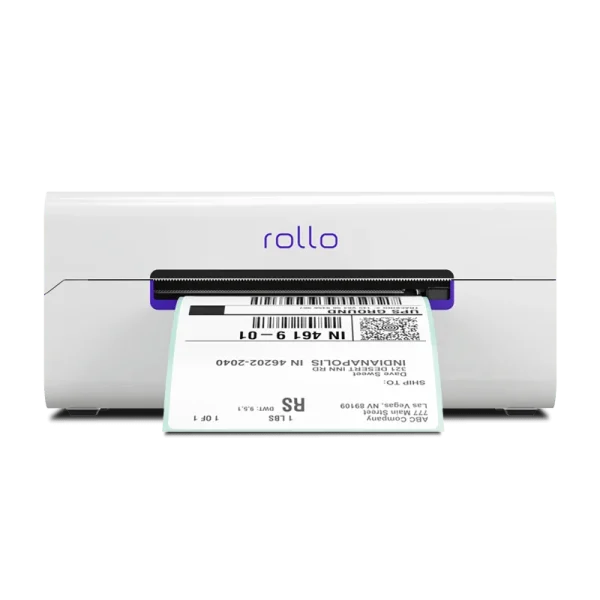


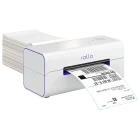


Description
No ink, ever.
Designed for Speed. Built for Simplicity.
Tiny features, big impact. Rollo handles the details so you don’t have to.
Adjustable Label Stabilizer
Keeps every label aligned for perfect prints.
Automatic Label Identification
No setup needed—just drop in and print
Label Status
Know when you’re good to go—at a glance
WiFi Status
Stay connected with a quick-glance icon.
Easy Tear
Rip and ship without any fuss or scissors
One Shipping Label Per Second
Blazing fast—print and go in under a sec
Supports any direct thermal label




What are Rollo customers saying?
Over half a million shippers switched to Rollo
A label printer that lasts
Sustainable technology: Zero ink. Time, money, and planet-saving.
4x the lifespan of other brands: Print over 650K in shipping labels.
203 DPI, carrier-approved resolution.
Fast, easy-to-use, high-end
High speed: 150 mm/s = one 4×6 label per second.
WiFi and AirPrint®-certified so you can print from any device.
Over-the-air updates.
No driver setup in minutes.
Auto label detection.
AirPrint® Certified (Apple Corporation)
Wi-Fi-Certified (Wi-Fi Alliance, WFA110800)
FCC ID: 2AWBKWFM1MW
IC: 26068-WFM1MW
U.S. Patent No. D946651
Label Freedom
Any label size: 4×6, 3×2, 3×1, 2.25×1.25, 2×1, 4 or 2 inches.
Any direct thermal label.
No manual cropping.
No label adjustment.
Easy tear.
Universal Connectivity
Print wirelessly. Any app, any device, any OS.
In case of WiFi issues, you can use a USB cable included in the box.
Print via USB from:
Universal Compatibility
Any marketplace or carrier
Amazon
Big Cartel
BigCommerce
eBay
Etsy
Ecwid
Depop
Magento (Adobe Commerce)
Mercari
PayPal
Poshmark
Shift4Shop (3dcart)
Shopify
TikTok Shop
Walmart
Wix
WooCommerce
UPS
USPS
FedEx
Versatile Use
Shipping labels
Address labels
Barcode labels
QR code labels
Inventory labels
Tag labels
Name labels
Product labels
Branded labels
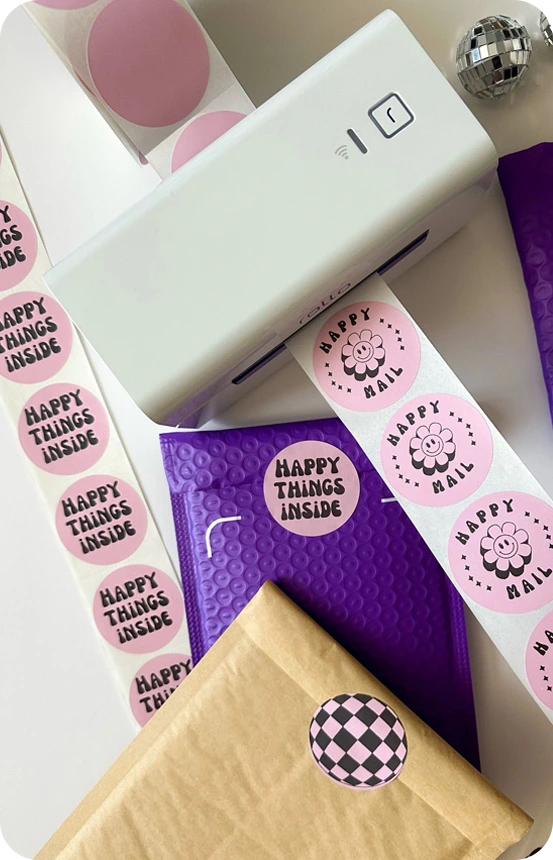
Festive labels
Invoices labeled for your shipment
Stickers for daycare/school class
Thank you notes
Fragile product labels
Compact Size
The magic of AirPrint®
Rollo features Apple’s AirPrint technology. Say goodbye to complicated installations and drivers—just select Rollo in the print dialog from any Apple or non-Apple device. Enjoy hassle-free printing like never before.
Multiple apps and platforms wherever you work
Rollo Ship
Ship faster with synced orders and real-time discounted rates.
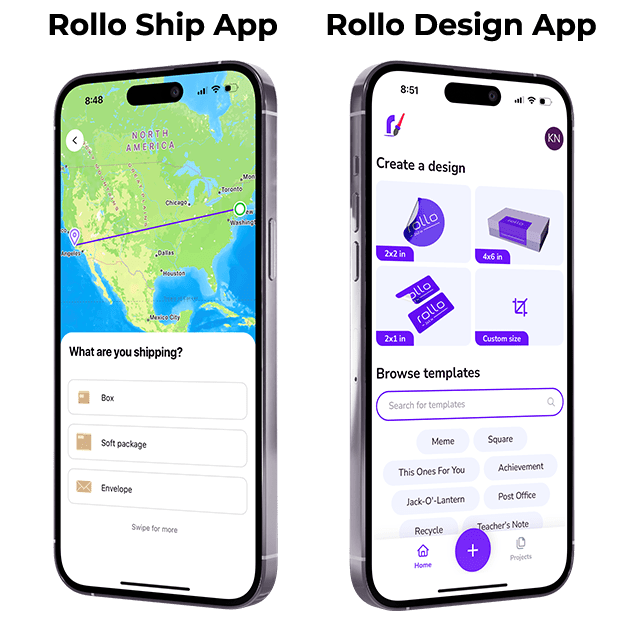
Rollo Design
Design stunning labels and custom templates in a few taps.
A Free Shipping Platform with an App
Big Savings, Zero Hassle
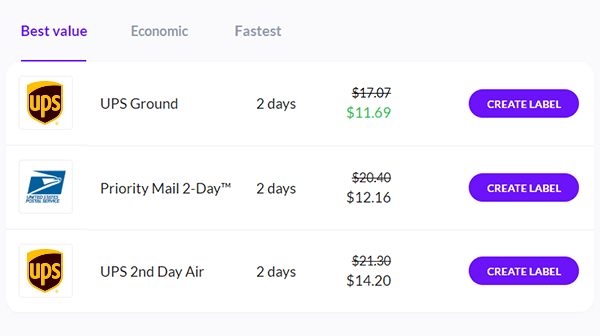
Up to 90% off shipping
$0 sign-up, $0 monthly
Generate 200 shipping labels for free
Only 5¢ after. Postage paid separately
One dashboard, Multiple marketplaces & carriers
Access on any device, anywhere
AI picks the best rate
Set up your Rollo in a minute
Learn how to connect your printer and start shipping like a pro. Watch the setup video to learn how.
Rollo’s patented design provides the fastest, most reliable, and affordable way to print your labels.
Perks of ordering via the Rollo website
Quality Assurance and Brand Value
When you purchase from the official website, you get a complimentary pack of 500 4×6 inch shipping labels and more.
1-year replacement warranty
30-day full money-back guarantee
Incl. a free, pre-paid return label in the continental US
Free Ground Shipping
In the continental United States
Fast Delivery
Averages 3-4 days
Your one tool for all marketplaces and carriers
including but not limited to





Got questions?
How do I connect Rollo wireless thermal label printer to my computer?
First, complete the initial setup by downloading the Rollo Ship app. Once the Rollo X1040 wireless label printer has joined your Wi-Fi network, simply visit your printer settings on your computer and click on App Printer.
See additional details here.
Does Rollo X1040 wireless thermal printer work with iPhone?
Yes, the Rollo X1040 wireless label printer works with all operating systems, including iPhone, iPad, Android, Mac, Windows, Chromebook, and Linux. It prints via Wi-Fi and doesn’t require any driver installations.
Can Rollo X1040 wireless label printer print small labels?
Absolutely! You can print labels that are 1.57” to 4.1” wide.
Does Rollo X1040 wireless printer connect with Bluetooth?
Only the initial setup is via Bluetooth. Rollo’s wireless thermal shipping label printer uses AirPrint® technology. You can connect and print to the Rollo X1040 wirelessly via your Wi-Fi using your phone, tablet, laptop, or desktop computer.
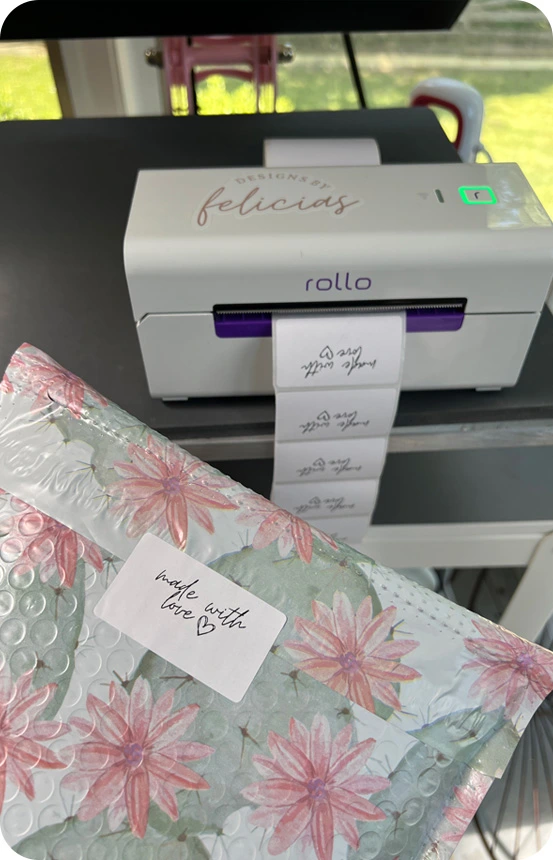
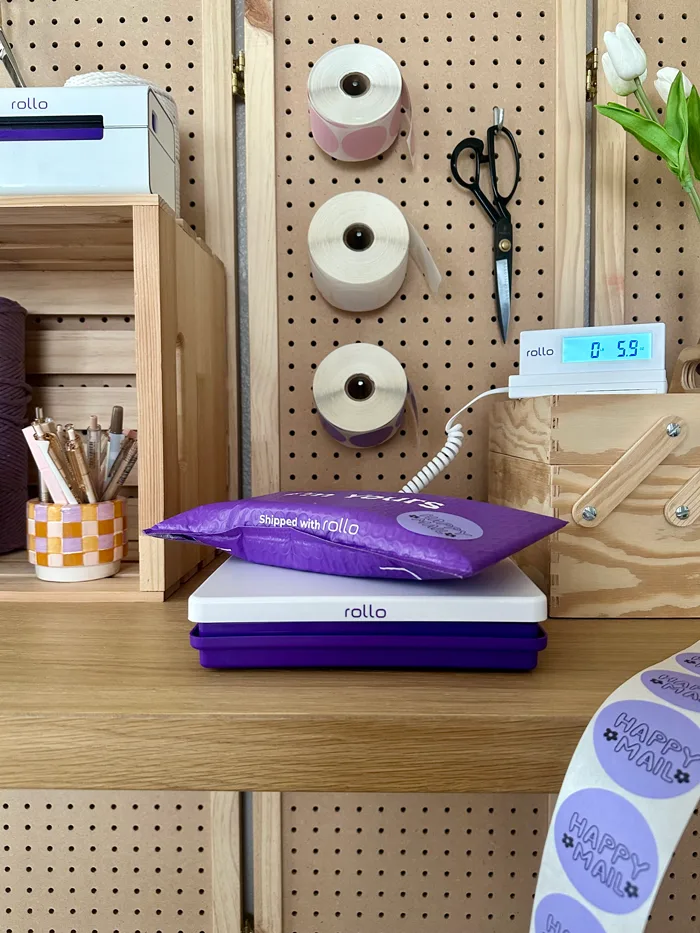
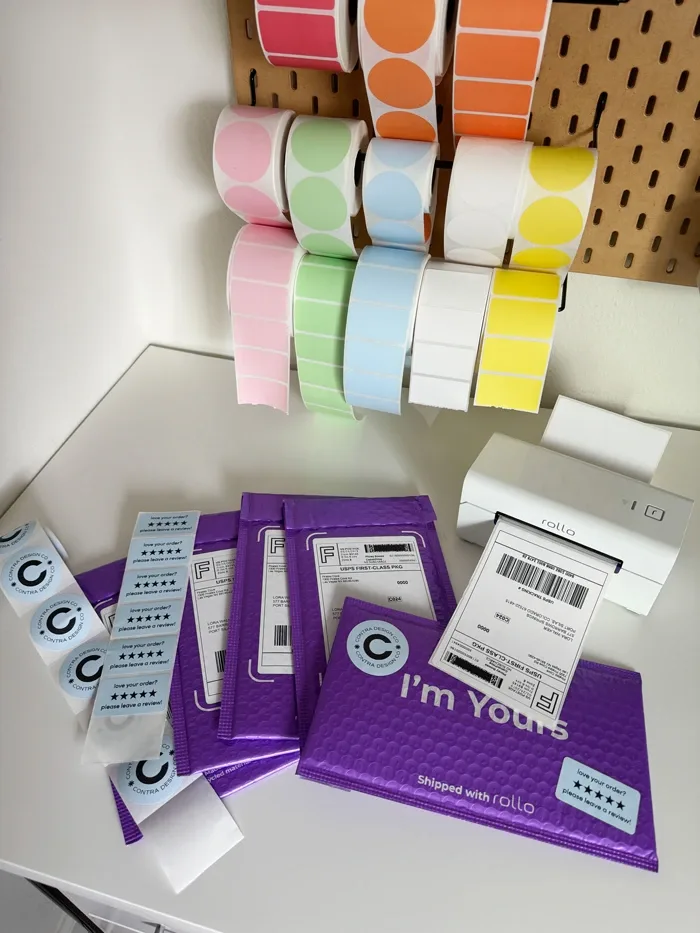
268 reviews for Rollo Wireless Label Printer
There are no reviews yet