Rollo

Tag: thermal label printer

  • How to Use a USPS Shipping Label for Faster Online Success

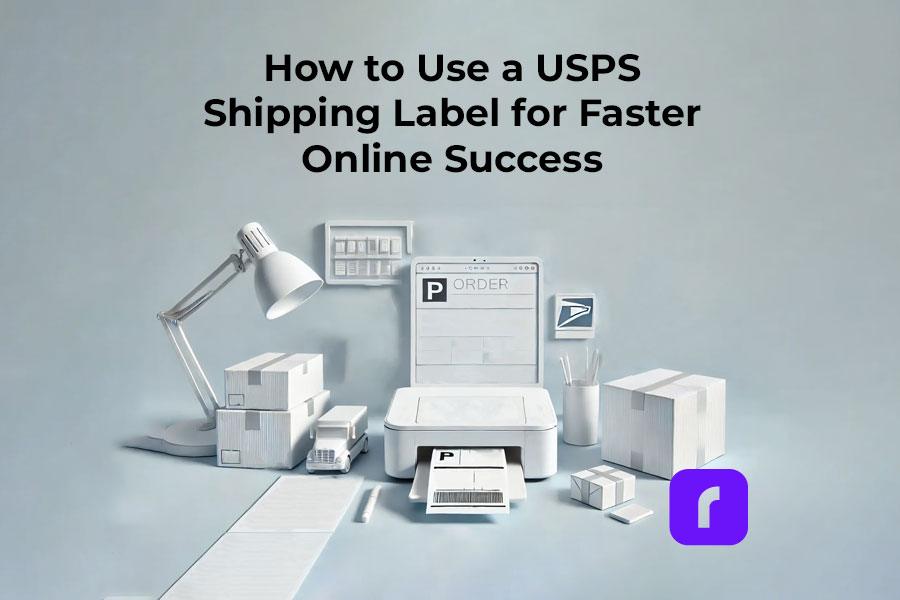
    How to Use a USPS Shipping Label for Faster Online Success

    In the fast-paced world of e-commerce, shipping efficiency is crucial. As a small business owner or individual seller, ensuring that your products reach customers promptly and securely is key.

    A USPS shipping label is a vital tool for achieving this. It offers reliability and ease of use. You can use USPS shipping labels with Rollo’s technology on your online store. This makes shipping easier, saves time, and makes customers happier. It also helps to elevate your brand image.

    Why Using USPS Shipping Labels for Your E-commerce Matters
    USPS shipping labels for e-commerce

    Integrating USPS shipping labels with major e-commerce platforms like Shopify, TikTok Shop, and WooCommerce is more than just a convenience. It’s a game-changer for operational efficiency. This is especially true when using services like Priority Mail or Click-N-Ship.

    This integration makes creating shipping labels easy, cutting down on mistakes. It ensures each package is correctly labeled and ready to ship. Plus, designing your own custom branded labels with Rollo can boost your brand’s look.

    How to Integrate USPS Shipping Labels with E-commerce

    Rollo makes your e-commerce shipping smoother on platforms like Shopify, TikTok Shop, and WooCommerce. Rollo Ship gives you big shipping discounts, centralizes management, and automates tasks. This saves time and cuts costs.

    Rollo Ship: Your Hub for Efficient Shipping

    Before diving into Rollo integration, know its main benefits:

    • 🆓 Join Rollo Ship for Free: Get 200 free labels and save up to 90% on USPS, UPS, and FedEx.
    • 📋 Centralized Management: Manage all online orders and shipping labels from one dashboard
    • ⚙️ Automated Convenience: Rollo Ship handles pickups and automates tracking notifications.
    • 🖨️ Efficient Label Printing: Rollo printers batch print accurate, scannable labels fast.
    • 💸 Exclusive Discounts: Save big on USPS Priority Mail and Priority Mail Express.

    Shopify Integration

    Shopify users will find Rollo a great partner. Shopify lets you create your own branded store. With Rollo’s shipping solutions, you can streamline your business. This offers fast, ink-free label printing and better customer service.

    Thinking of upgrading? It’s worth switching to thermal label printers for more efficiency.

    TikTok Shop Integration

    Rollo is perfect for TikTok Shop sellers, balancing efficiency and eco-friendliness. TikTok Shop is a great platform for creators and businesses to reach new buyers. Rollo’s smart label detection and seamless integration make printing shipping labels effortless.

    With TikTok Shop integration, managing orders is simple. You get access to major shipping discounts, helping you fulfill trending products quickly and affordably. For more tips, check out this TikTok Shop shipping guide.

    WooCommerce Integration

    WooCommerce merchants can make their order fulfillment better with Rollo. WooCommerce is a flexible, open-source WordPress plugin. It lets users change the design freely.

    WooCommerce needs extra extensions to work fully. But it has more design options than Shopify. Rollo makes shipping smooth, so you can grow your business without shipping worries.

    For more savings, check out how eBay manages shipping costs. See this guide on eBay shipping labels.

    Integrating Rollo Ship with Your E-commerce Platform

    Integrating Rollo Ship with Shopify, TikTok Shop, or WooCommerce is easy:

    1. Connect Your Store:
      • 🔗 Go to “Connections” > “Selling Channels” in the Rollo Ship app.
      • Select your platform, enter your store’s domain, and connect your account. Your orders will be ready for shipping quickly.
    2. Set Up USPS as a Carrier:
      • 📦 In your platform’s admin settings, go to “Shipping settings” and pick USPS. This gets you Rollo Ship’s discounted rates.
    3. Install the Rollo App (for Shopify Users):
      • 📱 Get the Rollo app from the Shopify App Store. It lets you print labels from Shopify, making sure they fit your Rollo printer.
    4. Print Shipping Labels:
      • 🖨️ After setting up, go to the “Orders” section of your platform. Pick an order and “Print label.” Rollo will make sure your labels are right and ready to ship.

    By following these steps, you can link Rollo Ship with your e-commerce platform. This makes your shipping process fast, accurate, and cost-effective.

    Now you know how Rollo Ship can improve your e-commerce. Let’s see how to set it up with each platform.

    Benefits of Using Rollo for Printing USPS Shipping Labels

    Using Rollo’s printer brings many benefits to e-commerce businesses:

    • 🏃 Speed and Efficiency: Rollo prints labels fast, making it easy to handle lots of orders.
    • 💰 Cost-Effectiveness: Rollo uses direct thermal printing, so you save on ink and toner costs.
    • 🏢 Portability: With Rollo Ship, you can schedule pickups. You won’t have to go to the post office.

    How do I print a shipping label without a printer? 

    If you don’t have a printer, Rollo is a great alternative. Just connect your Rollo printer to your device, and you can print labels anywhere.
    Printing USPS shipping labels from ROllo

    By linking Rollo with your Shopify, TikTok Shop, or WooCommerce store, you’re not just getting a shipping solution. You’re making your whole order fulfillment process better.

    Rollo makes tracking easy and offers special shipping discounts. This keeps your online store running smoothly. You can focus on growing your business.

    Troubleshooting Common Integration Issues
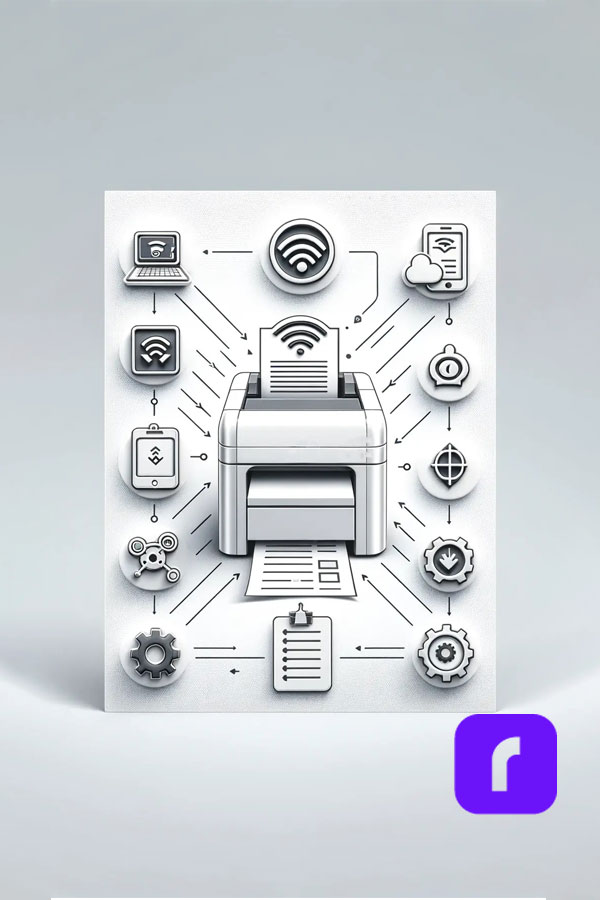
    troubleshoot printing of usps shipping labels

    Even with the best systems, you might face issues when integrating USPS shipping labels with e-commerce platforms. Here are some common problems and their solutions:

    • 📶 Connectivity Issues: Make sure your Rollo printer is connected to your Wi-Fi. If problems continue, try restarting the printer or your router.
    • 🖨️ Label Alignment Problems: Ensure your label size settings match your Rollo printer’s. Rollo supports standard 4×6 labels, ideal for USPS shipping labels.
    • 🔄 Order Syncing Issues: If orders aren’t syncing with USPS, check your e-commerce platform settings. Also, make sure your USPS account is linked correctly.

    What if I’m unable to print my USPS shipping label? 

    If you can’t print, check your printer settings and ensure the Rollo app is updated. Also, verify your device is connected to the internet. For ongoing problems, reach out to Rollo support. They offer quick help to keep your operations running smoothly.

    Enhancing Customer Experience with Efficient Shipping

    Using USPS shipping labels with Rollo improves your operations and customer experience. Quick and accurate shipping builds trust, leading to higher satisfaction and repeat purchases. With Rollo’s reliable printing, you can give timely updates and a tracking number, keeping customers informed.

    Final Words
    Printing USPS Shipping Labels from Rollo

    Integrating USPS shipping labels with your e-commerce platform and using Rollo’s printing solutions can change your shipping process. It simplifies label creation, saves time, reduces costs, and boosts customer satisfaction.

    Ready to improve your shipping? Check out Rollo’s products to enhance your e-commerce operations and streamline your shipping. For more tips, see professional label printing and how to optimize your shipping strategy.

    By following these guidelines, small business owners and individual sellers can ensure a smooth, efficient shipping process that delights customers and supports business growth.


    Follow Rollo on:


    Frequently Asked Questions About USPS Shipping Labels

    📌 Q: How do I create a USPS shipping label for my e-commerce store?

    💭 A: To create a USPS shipping label for your e-commerce store, first, integrate your platform (such as Shopify, TikTok Shop, or WooCommerce) with a shipping tool like Rollo Ship. Once integrated, navigate to your orders, select the ones you want to ship, and choose the option to create and print a USPS shipping label. The label will automatically include the recipient’s address, return address, and tracking information. After printing, attach the label to your package, and it’s ready to be shipped.


    📌 Q: What are the benefits of using USPS shipping labels with Rollo?

    💭 A: Using USPS shipping labels with Rollo offers several benefits, including significant cost savings with up to 90% off shipping rates through Rollo Ship. Additionally, Rollo’s thermal printers provide high-speed, ink-free label printing, reducing operational costs and increasing efficiency. The integration with your e-commerce platform ensures seamless label creation, minimizing errors and streamlining your order fulfillment process. These benefits contribute to faster shipping, improved customer satisfaction, and lower shipping costs.


    📌 Q: How can I track packages using a USPS shipping label?

    💭 A: Tracking packages using a USPS shipping label is straightforward. Once your label is created and attached to the package, the tracking number, which is automatically generated by USPS, is included on the label. You can share this tracking number with your customers or use it yourself to monitor the package’s journey through the USPS website or app. Rollo Ship also automates the process by sending tracking notifications directly to your customers, keeping them informed every step of the way.


    📌 Q: What size labels should I use for USPS shipping?

    💭 A: For USPS shipping, the standard label size is 4×6 inches, which is compatible with most thermal printers, including Rollo printers. This size ensures that all necessary information, such as the recipient’s address, tracking number, and postage, is clearly displayed and scannable by USPS systems. Using the correct label size is crucial for ensuring smooth processing and delivery of your packages.


    📌 Q: Can I schedule a USPS pickup after printing my labels with Rollo?
    💭 A: Yes, you can easily schedule a USPS pickup after printing your labels with Rollo. Through Rollo Ship, you can arrange for USPS to pick up your packages directly from your business location. This feature saves you time and the hassle of going to the post office. Simply log in to your Rollo Ship account, choose the pickup date, and USPS will collect your shipments at the specified time.
  • How Rollo’s Small Label Printer Generates Big Business

    How Rollo’s Small Label Printer Generates Big Business

    In the world of e-commerce and small business management, efficient labeling can make the difference between smooth operations and logistical nightmares. A small label printer that can print labels quickly and efficiently, may be the solution many businesses are seeking. For small business owners, e-commerce entrepreneurs, and office managers, managing the outflow of packages can often feel like an overwhelming task. However, there’s a tool that can transform this labeling challenge into a streamlined process.

    Rollo, a company that has been revolutionizing the label printer industry, has developed a reputation for simplifying operations for businesses of all sizes. Their small label printer stands out as a particularly effective solution. Before delving into the specifics of Rollo’s printer, it’s crucial to understand why creating labels efficiently is so vital in today’s business landscape.

    Every moment spent struggling with labels is a moment not spent on business growth. Whether it’s shipping products to customers, organizing inventory, or maintaining office order, a reliable labeling system can be the key to enhanced productivity. This is where Rollo’s solution comes into play.

    The Label Maker vs. Label Printer Showdown

    image of label maker next to small label printer

    Many might wonder if a simple label maker would suffice for their needs. To answer this, it’s important to understand the differences between label makers and label printers.

    Label makers are handheld devices often associated with small organizational tasks. While they’re suitable for labeling personal items or small office supplies, they fall short when it comes to business-scale operations.

    Label printers, on the other hand, are designed for high-volume printing. They can produce professional-looking labels at high speeds. Rollo’s small label printer, in particular, combines the compact size of a label maker with the power and efficiency of a professional-grade printer.

    LEARN MORE ABOUT ROLLO PRINTERS

    Alternatives to Traditional Label Makers

    For those considering moving beyond basic label makers, there are several options to consider:

    • 🖨️ Regular printers with label sheets: While feasible, this option can be cumbersome and potentially costly in the long run.
    • 💸 Outsourcing to print shops: This can quickly become expensive, especially for businesses with regular labeling needs.
    • 🏷️ Rollo’s small label printer: This option offers a balance of convenience, efficiency, and cost-effectiveness, allowing you to easily print mailing labels and other types of labels.

    Rollo’s printer essentially provides businesses with a compact, in-house print shop. Its speed, versatility, and ease of use make it an attractive option for businesses of all sizes.

    What Type of Printer is Best for Labels?

    small label printer best for printing labels

    When it comes to choosing a label printer, you’ve got options. But not all printers are created equal, especially when it comes to churning out labels.

    Let’s break it down:

    • Inkjet printers: Great for colorful, occasional labels, but expensive for high volumes.
    • 🚀 Laser printers: Fast and handle large volumes, but not ideal for labels and not portable.
    • 🔥 Thermal printers: Like Rollo’s small label printer – no ink needed, fast, and produces professional labels that won’t smudge or fade.

    Is Inkjet or Thermal Printer Better for Labels?

    It’s a common question – inkjet or thermal? For labels, it’s like choosing between a bicycle and a sports car for a cross-country trip. Sure, you could use an inkjet printer, but why would you when there’s a better option?

    Inkjet printers can give you colorful labels, but they come with drawbacks. They’re slower, the ink can smudge, and you’ll find yourself constantly replacing expensive ink cartridges. Not exactly what you want when you’re trying to impress customers or keep your inventory organized efficiently.

    This is where Rollo’s thermal printer shines. It’s like the sports car of the label printing world. Here’s why:

    • Speed: Thermal printers are significantly faster than inkjets. You can print a label in seconds, not minutes.
    • 💧 No ink required: Say goodbye to smudges and expensive ink cartridges. Thermal printers use heat to create images on special paper.
    • 💰 Cost-effective: While the initial investment might be higher, you’ll save money in the long run by not having to buy ink.
    • 🛡️ Durability: Thermal labels are resistant to smudging, fading, and water damage.

    SHOP ROLLO SMALL LABEL PRINTERS

    Rollo’s small label printer combines all these benefits into one compact package. It’s faster than inkjet, doesn’t need expensive ink, and produces labels that look sharp and professional. It’s like upgrading from a flip phone to a smartphone – once you try it, you’ll wonder how you ever managed without it.

    How to Print Small Sticky Labels with Rollo’s Printer

    small label printer for sticky labels

    Alright, so you’re sold on the idea of Rollo’s small label printer. But how do you actually use this thing? Don’t worry, it’s easier than assembling IKEA furniture (and way more satisfying).

    First things first, let’s get it set up:

    1. Unbox your Rollo printer (try not to get too excited).
    2. Download the Rollo App from www.rollo.com/app/.
    3. Connect your Rollo printer to your Wi-Fi network:
      • 💻 On Mac: Visit Settings > Printers > Click on “+” to add Printer > Choose Rollo X1040.
      • 🖥️ On PC: Visit Start Menu > Printers & Scanners > Click on “Add a printer or scanner” > Choose Rollo X1040.
    4. Adjust the printer settings in the Rollo Printer Portal as needed. You can change the darkness, speed, and other default settings.
    5. Load your labels:
      • 📦 Press the side release button to open the cover and remove any labels inside.
      • 📏 Adjust the purple guides to match the width of your new label, then close the cover.
      • 🖨️ Feed the new labels from the back of Rollo. The label that you peel off should be facing up (toward the ceiling).
      • 🤖 Rollo will now learn your labels.

    Now you’re ready to print! Whether you’re using Rollo’s free shipping app, their label design software, or your own preferred program, just hit print and watch the magic happen.

    Want to print Avery labels? No problem. Homemade stickers? Go for it. Shipping labels? That’s Rollo’s bread and butter. This little printer is more versatile than a chameleon at a disco.

    Rollo App Download

    Choose your device:
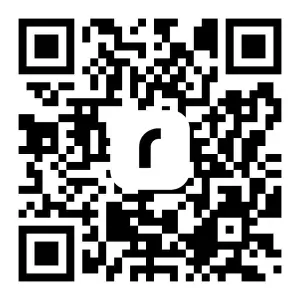
    Scan QR code to download App:

    Rollo wireless printer users: For detailed instructions and important product safety information, visit www.rollo.com/wireless/

    Can Any Printer Print Sticky Labels?

    Here’s a common question: “Can’t I just use my regular printer for labels?” Well, technically, yes. In the same way that you could technically use a spoon to eat a steak. It’ll do the job, but it’s not going to be pretty.

    Regular printers aren’t designed to handle the adhesive on label sheets. They can jam, the adhesive can gum up the works, and you’ll end up with labels that look about as professional as a kid’s lemonade stand sign.

    Rollo’s printer, on the other hand, is built for this stuff. It’s like the difference between hiring a handyman to fix your roof and hiring a professional roofer. Sure, the handyman might get the job done, but the roofer is going to do it faster, better, and with a lot less hassle.

    The Dollars and Sense of Rollo’s Small Label Printer

    Let’s discuss the financial aspect. Many business owners might initially think, “Another gadget to invest in? Is it really worth it?” However, it’s important to understand that Rollo’s small label printer isn’t just an expense – it’s an investment that can lead to significant cost savings over time. When considering the long-term benefits, businesses often find that this efficient labeling solution pays for itself and then some.

    Think about it this way: every time you print paper labels on a regular printer, you’re burning through expensive ink or toner. With Rollo’s thermal label printers, you’re just printing labels using heat. No ink, no toner, no tears when you see your office supply bill.

    Many Rollo users report seeing their businesses grow alongside the use of the printer. As customer William explains, “As I started to really get more orders and more people were getting stuff from me, I was like ‘yeah, I need something that doesn’t take a whole lot of ink that is really easy and efficient.’” William was initially skeptical about investing in a dedicated label printer, but he’s glad he did. “I am not looking back,” he says.

    William appreciates how the Rollo printer integrates seamlessly with his Shopify workflow, allowing him to quickly and easily print shipping labels. “If I don’t have to spend half my day figuring out how to ship things out and get everything together, it makes it a lot easier. That’s the only thing you have to worry about is do I have enough shipping labels for all the orders. And that is why I love my Rollo.”

    Is It Cheaper to Get a Label Printer?

    Short answer? Absolutely. Long answer? Well, let’s break it down.

    When you’re buying pre-printed labels or using a regular printer, you’re not just paying for the labels. You’re paying for ink or toner, dealing with waste from misprints, and probably popping some ibuprofen to deal with the headache of it all.

    With Rollo’s small label printer, you’re making a one-time investment in the printer itself, and then just paying for the labels. And because it’s so efficient, you’re wasting less, saving time, and probably saving your sanity too.

    Plus, let’s not forget about the professional look of thermal-printed labels. They’re crisp, they don’t smudge, and they make your business look like the pro operation it is. And in business, perception can be worth its weight in gold.

    Supercharging Your Business with Rollo’s Small Label Printer

    Okay, so we’ve talked about the nuts and bolts of Rollo’s printer. But let’s zoom out for a second and look at the bigger picture. How can this little machine actually transform your business operations?

    First off, let’s talk about eCommerce order fulfillment. If you’re in eCommerce, you know the drill. Orders come in, you pack them up, slap on a label, and ship them out. With Rollo, you can streamline this process like never before. Print a label in seconds, stick it on, and move on to the next order. It’s like having a mini assembly line right on your desk.

    Inventory management? Rollo’s got you covered there too. No more squinting at handwritten labels or wasting time with a label maker. Print clear, scannable barcodes and product labels that’ll make your warehouse (or garage, no judgment here) run like a well-oiled machine.

    Many Rollo users report similar experiences to William’s, finding that the printer can be a game-changer for their operations. For example, another customer shared:

    “One step at a time makes all the difference. It would have been impossible to get to this point if we hadn’t taken it slow,” says Maria, founder of a successful party hat company. “Trust the process. There’s gonna be a lot of ups, there’s gonna be a lot of downs, but in the end, if you have a product that people like and you have a story people like, the sales are gonna continue and people are going to support you.”

    Maria’s journey from making party hats for her daughter’s wedding to running a thriving business resonates with many Rollo users. Like Maria’s foam hats, Rollo’s small label printer is a game-changer that can help turn a simple idea into a booming enterprise.

    “Year after year we always say ‘Oh, this is the busiest we’ve been ever,’ and the next year comes and it’s like, ‘No, this is the busiest we’ve been ever,’” Maria adds. Many Rollo users report similar experiences – as their businesses grow, their trusty Rollo printer scales with them, handling ever-increasing volumes with ease.

    Final Words

    Rollo’s small label printer is more than just another office gadget – it’s a powerhouse that can revolutionize how businesses handle shipping, inventory, and labeling needs. Faster and more efficient than traditional solutions, it’s also cost-effective in the long run, saving money on wasteful ink and labels. The professional-quality output can elevate a company’s image, while the sheer convenience frees up valuable time for entrepreneurs to focus on growth and innovation.

    For businesses still grappling with inefficient labeling processes, the question becomes not whether they can afford to invest in Rollo’s printer, but whether they can afford not to. The potential benefits in terms of improved operations, cost savings, and business growth make it a compelling solution for organizations of all sizes. As one Rollo user attests, “I am not looking back” – a sentiment many small business owners are likely to share.


    Follow Rollo on:


    Frequently Asked Questions About Small Label Printers

    📌 Q: Why choose a small label printer over an inkjet printer?

    💭 A: Small label printers stand out with their ink-free thermal technology, wireless connectivity, and seamless integration with shipping and design apps. They’re built for efficiency and long-term cost savings.


    📌 Q: How do small label printers save money?

    💭 A: By eliminating the need for ink or toner, small label printers reduce ongoing supply costs. Additionally, their efficiency can save valuable time in the shipping process.


    📌 Q: Can small label printers be used for shipping labels?

    💭 A: Absolutely! Small label printers are designed with shipping labels in mind, compatible with all major carriers and e-commerce platforms.


    📌 Q: How do you design custom labels with a small label printer?

    💭 A: Small label printers often come with label design apps that offer intuitive interfaces with templates and customization options. You can create professional-looking labels in just a few clicks, no design experience needed.


    📌 Q: What support is available for small label printer users?

    💭 A: Most small label printer manufacturers offer comprehensive customer support, including troubleshooting guides, video tutorials, and responsive customer service to help you get the most out of your printer.
  • Why An Amazon Label Printer is Essential for Sellers

    Why An Amazon Label Printer is Essential for Sellers

    It’s no secret, that more and more people are selling products online, especially on Amazon. In fact, retail e-commerce sales are estimated to exceed 6.3 trillion U.S. dollars worldwide in 2024 and beyond. This alone proves the importance of an Amazon label printer.

    But let’s be real, running an Amazon business is not a walk in the park. It’s a constant juggling act between listing products, managing inventory, and getting those orders out the door like a well-oiled machine. And when it comes to shipping, having a reliable label printer can make all the difference. That’s where Rollo’s thermal label printer comes in – its’ tailor-made for Amazon sellers looking to scale their online business.

    [ez-toc]

    The Importance of a Reliable Amazon Label Printer

    As an Amazon seller, your days are likely a whirlwind of tasks – from sourcing products and updating listings to processing orders and dealing with customer inquiries. Amidst this chaos, having a high-quality label printer by your side can be a total game-changer. Here’s why:

    • ⏱️ Efficiency: Let’s face it, time is money. With Rollo’s Amazon label printer, you can kiss those painfully slow label printing sessions goodbye. This zippy little thing cranks out labels at lightning speed, ensuring you can pack and ship orders with minimal delays – even during those crazy peak sale periods.
    • 🎯 Accuracy: Mis-labeled packages are a surefire way to invite a world of headaches. From misrouted shipments to disgruntled customers, it’s a mess you don’t want any part of. Rollo’s printer virtually eliminates the risk of human error, ensuring your labels are printed with pinpoint accuracy every single time.
    • 📦 Professionalism: First impressions count, especially in the world of e-commerce. Crisp, well-designed labels give your packages a polished, professional look that screams “quality business” to your customers. It’s a small touch that can go a long way in building trust and brand loyalty.

    Why Choose Rollo’s Amazon Label Printer?

    When it comes to choosing the right label printer for your Amazon business, Rollo’s Amazon Label Printer stands out as a top contender. This printer combines efficiency, cost-effectiveness, and versatility in a compact and durable package. Whether you’re handling a high volume of orders or need a reliable device for everyday use, Rollo’s printer is designed to meet and exceed your expectations. Here are some compelling reasons to consider Rollo’s Amazon Label Printer for your labeling needs:

      • 🚀 High-Speed Printing: Prints labels at 150 mm/s, meaning one label per second, perfect for high-volume sales.
      • 💸 Thermal Printing Technology: Uses thermal printing, so no expensive ink or toner cartridges are needed.
      • 🏷️ Versatile Label Compatibility: Compatible with various label sizes and materials for all your labeling needs.
      • 🔧 User-Friendly Design: Easy to set up and use with intuitive controls, saving you time and hassle.
      • 🛠️ Compact and Durable: Small footprint but built to last, fitting seamlessly into any workspace.

    How Rollo’s Amazon Label Printer Enhances Your Business

    Investing in the right tools can significantly impact your business’s efficiency and productivity. Rollo’s Amazon Label Printer is designed to streamline your operations, reduce costs, and improve overall workflow. Here’s how:

    Streamlined Shipping Processes: In the fast-paced world of e-commerce, speed is king. With Rollo’s printer at your disposal, you can wave goodbye to those sluggish label printing sessions that used to bottleneck your shipping process. Now, you can breeze through orders, getting packages prepped and out the door with lightning-fast efficiency – because let’s be honest, nobody wants to deal with those dreaded “late shipment” complaints.

    Improved Inventory Management: Accurate labeling is the backbone of any well-run inventory system. With Rollo’s printer ensuring flawless barcode and product labels every single time, you can wave goodbye to those pesky misplaced or misidentified items that used to throw a wrench in your operations. Smooth inventory management? Check.

    Cost Savings: Let’s talk numbers for a minute. By eliminating the need for expensive ink or toner cartridges, Rollo’s thermal printer can save you a pretty penny over time. And with its durable construction designed to withstand the rigors of daily use, you won’t have to worry about constantly shelling out cash for replacements or repairs. It’s an investment that pays for itself in spades.

    Seamless Amazon Integration: Rollo’s Amazon Label Printer integrates seamlessly with Amazon’s shipping system, making it easy to print shipping labels directly from your Amazon seller account. This integration simplifies your workflow and enhances your operational efficiency. For more details on how Rollo integrates with Amazon, check out our Amazon Integration page.

    A Success Story with Rollo’s Amazon Label Printer

    When Sarah, a busy mom of two, decided to pursue her entrepreneurial dream of launching an embroidery business, she knew efficiency would be key. Juggling a new venture alongside family responsibilities was no easy feat, but Rollo’s thermal label printer became her secret weapon for streamlining operations.

    “That first year, I worked really hard,” Sarah recalls. “I opened the shop right after having my second baby, so basically, I had two babies – my business and her.” With little time to spare, she found herself stitching embroidery hoops late into the night, exhausted but determined to make her dream a reality.

    However, Sarah quickly realized that the laborious process of manually printing shipping labels was becoming a bottleneck, sapping her precious time and energy. “The saddest part of that whole year of working like this is that I didn’t make any money,” she admits.

    Determined to turn things around, Sarah decided to streamline her processes, and that’s when she discovered Rollo’s thermal label printer. “My second year, I was able to replace my old income and double it,” she beams. The high-speed printing and hassle-free operation of Rollo’s printer allowed her to focus on what mattered most – growing her business and spending quality time with her family.

    By her third year, Sarah’s hard work and smart investments paid off in a big way. “I reached six figures in my business, and I made it all happen here in this little corner of my living room,” she says with pride.

    Sarah’s success story is a testament to the power of perseverance and the right tools. “It’s not a sprint; it’s definitely a marathon, and there’s no overnight success,” she reflects. “You’ve got to roll up your sleeves and get to work. And if you remember your passion and have that determination, I think you can get to where you want to be.”

    With Rollo’s thermal label printer by her side, Sarah was able to turn her dream into a thriving reality, proving that the right tools can make all the difference for entrepreneurial moms and small business owners alike.

    Final Words

    In the fast-paced, competitive world of Amazon selling, having the right tools can make all the difference between just getting by and absolutely crushing it. Sarah’s journey shows us that with the right support, like Rollo’s Amazon label printer, success is within reach.

    Rollo’s thermal label printer is one of those secret weapons that can propel your business to new heights of efficiency, accuracy, and professionalism. With its lightning-fast printing speeds, cost-effective thermal technology, and versatile label compatibility, this little dynamo will streamline your shipping processes and help you stay on top of your inventory like a boss. And let’s not forget its user-friendly design and compact durability, making it a no-brainer addition to any Amazon seller’s workspace.

    So, if you’re ready to take your Amazon game to the next level, don’t sleep on Rollo’s label printer. It’s the cost-effective, high-performance solution that’ll have you wondering how you ever managed without it. Trust us, your future self (and your bottom line) will thank you.

    Follow Rollo on:

    Frequently Asked Questions About Amazon Label Printers

    📌 Q: What type of labels can Rollo’s Amazon Label Printer print?

    💭 A: Rollo’s printer is compatible with a wide range of label sizes and materials, including shipping labels, barcode labels, and inventory tags. It can print 4×6 labels, 2×1 labels, and 2×1 circle labels, offering you versatility for all your labeling needs.

    📌 Q: Do I need to buy ink or toner for Rollo’s Amazon label printer?

    💭 A:No, Rollo’s Amazon label printer uses thermal printing technology, which means you don’t need to purchase ink or toner. You only need heat-sensitive label rolls, making it a cost-effective and low-maintenance option.

    📌 Q: How durable is Rollo’s Amazon Label Printer?

    💭 A: Despite its compact size, Rollo’s printer is built to withstand the demands of a busy Amazon business. Its rugged construction ensures longevity and reliability, even in high-traffic workspaces. Impressively, it can print up to 650,000 labels before needing to be replaced, making it a long-term investment for your business.

    📌 Q: Does Rollo’s printer integrate with Amazon’s shipping system?

    💭 A: Yes, Rollo’s Amazon Label Printer integrates seamlessly with Amazon’s shipping system, making it easy to print shipping labels directly from your Amazon seller account. This integration simplifies your workflow and enhances your operational efficiency.

    📌 Q: How fast does Rollo’s Amazon Label Printer print?

    💭 A: Rollo’s printer can print at a speed of 150 mm/s, which translates to one label per second. This high-speed printing is perfect for handling high-volume sales periods efficiently.

  • Easily Print Your FedEx Shipping Label with Rollo

    Easily Print Your FedEx Shipping Label with Rollo

    Hey there, busy entrepreneurs! You’re busy shipping out your products and your carrier of choice is FedEx, but how do you print the FedEx shipping label? We’ve got an awesome trick that’ll make this process a total breeze. Say goodbye to those pesky old methods and hello to slick, streamlined efficiency with Rollo’s killer integration for FedEx shipping labels.

    [ez-toc]

    Yeah, you read that right – Rollo is the ultimate FedEx shipping label solution when it comes to getting those precious parcels out the door. This nifty app will save you loads of time and cash, taking a huge load off your mind. So quit sweating the small stuff and let’s dive into how Rollo can transform your FedEx shipping process into a well-oiled (yet totally simple) machine.

    Setting Up Your FedEx Account with Rollo

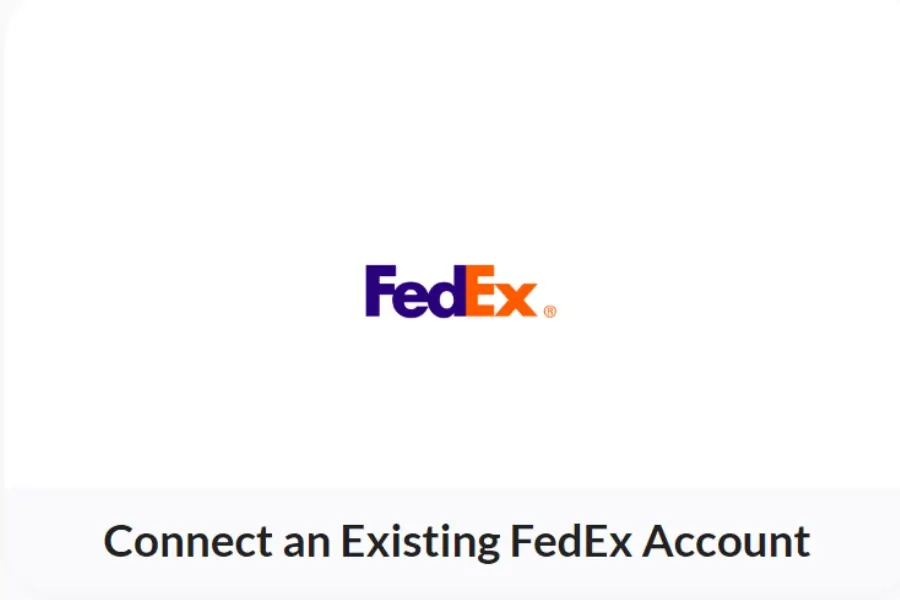
    Integrating your FedEx account with Rollo is a crucial step to streamline your shipping process. By linking your accounts, you unlock a range of features designed to save you time and money, such as instant label printing, discounted shipping rates, and seamless order management. This setup ensures that all your shipping details are automatically synced, eliminating the need for manual data entry and reducing the risk of errors. Plus, with Rollo’s user-friendly interface, you can complete this integration in just a few simple steps.

    For detailed step-by-step instructions on how to link your FedEx account with Rollo, check out this comprehensive guide: FedEx Label Printers: How to Set Up and Print Labels.

    Additional Tips and Insights

    Security Measures:

    Rollo uses advanced encryption and security protocols to ensure your data is protected during the integration process. This ensures that your FedEx account details and shipping information remain confidential and secure.

    Troubleshooting Tips:

    • Issue: Unable to link FedEx account.
      Solution: Double-check that your FedEx account details are correct and that your internet connection is stable. If the problem persists, contact Rollo’s support team for assistance.
    • Issue: Labels not printing correctly.
      Solution: Ensure that your printer settings are configured correctly and that your printer is compatible with thermal label printing. Refer to the printer’s manual or Rollo’s support for detailed instructions.

    Detailed Benefits:

    By integrating FedEx with Rollo, you can take advantage of exclusive discounted shipping rates, saving you significant costs on each shipment. Additionally, the seamless syncing of order details from multiple e-commerce platforms means less time spent on manual data entry and more accurate shipping information.

    Benefits of Using Rollo for FedEx Shipping Labels

    Now that you’re all set up, let’s talk about why Rollo is worth its weight in gold (actually, it’s really affordable but you get the metaphor).

    Think about all those times you’ve had to:

    • ✏️ Manually punch in all those fiddly shipping details
    • 💻 Keep updating annoying desktop software
    • 📄 Physically print out label after label

    What a colossal pain, right? With Rollo, you can kiss those hassles goodbye and embrace a whole new level of ruthless efficiency:

    • Lightning-fast label printing: Just a couple of clicks and taps and bam – pro-looking shipping label ready to slap on your package.
    • 💸 Cost-cutter supreme: Rollo negotiates exclusive rates with FedEx to bring you the lowest possible prices. More money in your pocket? Yes, please!
    • 🎨 Custom Label Design: Rollo’s label design app lets you create your own custom labels, adding a personal touch to your packages.

    Speaking of which, new users can sign up with Rollo Ship for free! There are zero monthly fees, and the first 200 labels are on us. So why not give Rollo a whirl and experience the difference for yourself?

    Advanced Features of Rollo’s FedEx Integration

    Okay, but what if your shipping needs are a bit more advanced? Well, good news – Rollo has integrated a bunch of boss features to cater to power users too:

    • 🚚 Schedule Pickups Effortlessly: Just a few taps in the app lets you set up a hassle-free pickup from FedEx, right at your doorstep. No more schlepping boxes to the store!
    • 📦 Ship with FedEx using Rollo: Directly ship through the Rollo App by linking your FedEx® account. Generate affordable FedEx shipping labels, paying just 5 cents per label after your initial 200 complimentary labels.
    • 🖨️ Flexibility in Printing: Generate labels via any printer, not just Rollo’s. Rollo Ship is accessible on iOS, Android, and Desktop, allowing you to manage orders from multiple platforms under one account.
    • ⚙️ Instant Set-Up: Seamlessly integrate with your online stores, including Amazon, eBay, BigCartel, Shopify, and many more. With our pre-built connectors, witness your orders sync with Rollo Ship in real time.
    • No Need for Rollo Products: You don’t need to purchase any Rollo products to use Rollo Ship. It caters to both personal and professional shipping needs, offering domestic and international delivery services.
    • Efficiency at its Peak: Print numerous labels simultaneously, and provide automatic recipient tracking updates for a seamless customer experience. There are no requirements for minimum shipping volume.
    • 🔄 Master Returns Like a Pro: Creating and managing return labels is an absolute breeze. Just specify the instructions when creating your shipping label, and it generates a returns label automagically.

    Integration with E-commerce Platforms

    If you’re running an online store, you’re going to love how Rollo gels with all the major e-commerce platforms out there. Here’s just a taste:

    • WooCommerce: Simple but powerful integration to synchronize all your WooCommerce orders with shipping details.
    • Shopify: With the official Shopify app, you can print shipping labels directly from your Shopify dashboard. Easy peasy!
    • Magento: The Rollo plugin brings all its FedEx wizardry to your Magento storefront.

    No matter which platform is powering your bustling online empire, you can count on Rollo to keep those orders flying out quickly and affordably.

    Additionally, Rollo is continuously developing new integrations with various e-commerce platforms, so keep an eye out for even more seamless e-commerce solutions!

    Tips and Best Practices for Using Rollo with FedEx

    To wrap things up, let’s run through a few pro tips to ensure you’re squeezing every last drop of awesomeness from the Rollo/FedEx combo:

    • 🖨️ Go inkless: The Rollo’s FedEx shipping label printer can print about 650,000 shipping labels before needing replacement. Say goodbye to ink and toner expenses!
    • 🚚 Consolidate shipments: If you’ve got a bunch of small orders going to the same area, you can easily bundle them into a single, more affordable shipment.
    • 📦 Bulk up on supplies: Rollo can auto-order FedEx packaging and have it delivered right to your door. Hello, ultimate convenience!
    • 💾 Saved settings: Once you’ve got all your preferences just right, save them as a template to breeze through future shipments.

    And hey, if you stumble on any other brilliant tips or workflow hacks of your own, we’d love for you to share them with the Rollo community on Facebook! They’re all about that continuous improvement.

    Final Words

    Well, there you have it – literally everything you need to know about making FedEx shipping a total breeze with Rollo. This integration truly is a game-changer for small businesses and solo entrepreneurs working hard to grow their operations.

    With Rollo handling the logistics like a well-oiled machine, you can finally shelve all those frustrating shipping tasks and get back to focusing on the really important stuff – developing killer products, providing amazing service, and hustling towards your big dreams.

    So what are you waiting for? Give Rollo a shot today with that exclusive discount, and experience a whole new level of seamless shipping success. Your precious time (and sanity) will thank you!

    Follow Rollo on:

    Frequently Asked Questions About FedEx Shipping Labels

    📌 Q: How do I create a FedEx shipping label with Rollo?

    💭 A: Creating a FedEx shipping label with Rollo is simple. First, sync your FedEx account through the Rollo integrations menu. Then, go to the shipment creation section and enter key details like the destination address, package weight, and dimensions. Once everything is filled in, click the button to generate your professional shipping label.

    📌 Q: Does FedEx provide free shipping labels?

    💭 A: Yes, FedEx provides free return shipping labels in certain situations, particularly for businesses with a returns policy. Including a prepaid label when shipping orders is a smart move. Rollo makes creating and managing these return labels easy and efficient.

    📌 Q: How can I ship with FedEx without a printer?

    💭 A: Shipping with FedEx without a printer is easy. Generate a QR code through the FedEx mobile app or Rollo’s integration. Then, visit any FedEx location, where a team member can scan and print the code onto a shipping label for you.

    📌 Q: How do you make a shipping label for FedEx?

    💭 A: Traditionally, you might use the FedEx website or mobile apps, but Rollo simplifies the process. With Rollo’s integration, you can print shipping labels with just a few taps, making the process quick and hassle-free.

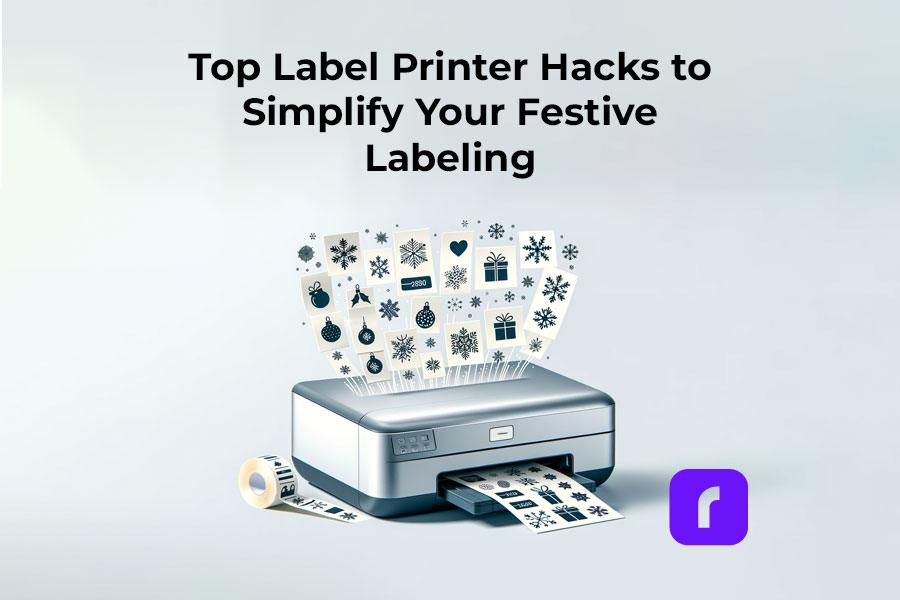
  • Top Label Printer Hacks to Simplify Your Festive Labeling

    Top Label Printer Hacks to Simplify Your Festive Labeling

    As the holiday season approaches, the demand for efficient and creative label printing solutions rises. Label printers, with their diverse capabilities, have become indispensable tools for both personal and business use. In this article, we’ll explore the various types of label printers, how to choose one that suits your needs, and creative ways to utilize them for festive labeling. Our guide will help you navigate the world of label printers, ensuring that your holiday preparations are both fun and efficient.

    Understanding Label Printers

    The Versatility of Label Printers in Festive Times

    Label printers, more than just tools, are versatile solutions for various labeling needs. Their flexibility and adaptability make them indispensable, especially during festive times when unique and high-quality labels are in demand.

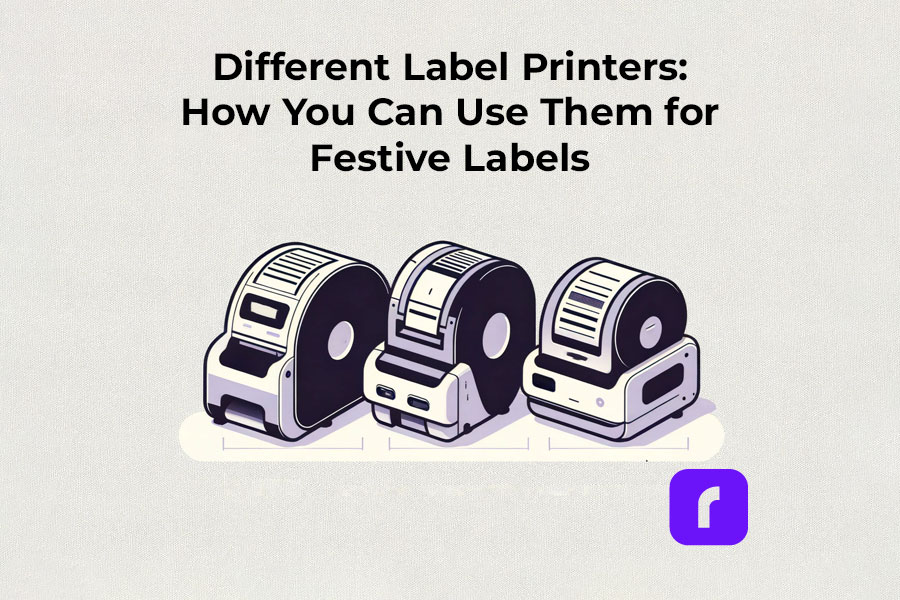
    Different Label Printers: How You Can Use Them for Festive Labels

    Thermal label printers

    Thermal label printers stand out for their efficiency. Using direct thermal printing technology, they eliminate the need for ink or toner, which is a significant advantage over traditional printing methods. This inkless approach not only saves time but also reduces operational costs. Thermal label printers are perfect for creating shipping labels, product labels, and even festive decorations, delivering consistent print quality.

    Did You Know? 
    Rollo's thermal label printers aren't just for basic label printing. These versatile machines, using direct thermal printing technology, make ink and toner a thing of the past. This not only streamlines your printing process but also slashes ongoing costs.
    Rollo printers excel in versatility, handling tasks like shipping labels (FedEx, UPS, USPS), marketplace labels (Amazon), barcodes, name tags, decorative labels, and more!

    Wireless label printers

    The advent of wireless label printers has revolutionized the way we handle label printing tasks. These printers offer the convenience of printing from anywhere within their connectivity range. Whether you’re using a smartphone, tablet, or laptop, the ability to print labels wirelessly adds a layer of flexibility that is particularly useful during busy holiday seasons. You can effortlessly print address labels, gift tags, and more, without being tethered to a physical location.

    Experience the freedom to print from anywhere – whether it's from your phone, tablet, or laptop. Perfect for the holiday rush, these printers make crafting address labels, unique gift tags, and more, incredibly easy and efficient. No cords, no limits. Dive into the world of hassle-free, wireless printing with Rollo.

    Barcode and Sticker Label Printers

    For businesses and individuals alike, barcode label printers are essential for product identification and inventory management. Sticker label printers, on the other hand, add a creative touch to personal and professional projects. They are ideal for custom labels on gifts, making each present unique and personal. The ability to design and print high-quality, custom stickers enhances the aesthetic of any holiday package.

    Did You Know? 
    Explore unlimited creativity with the Rollo Label Design Tool, a free platform for designing custom labels. Stand out with unique features like custom sizes, your own logos, intricate designs, barcodes, and QR codes. With a vast free image library and various shapes, sizes, and fonts, the possibilities are endless. Print your tailored labels in any size directly to your Rollo printer or any other printer without the need to cut them.

    Take a look at some of the creative ways Rollo users have utilized our sticker label printers:

    Empower Your Creativity with Rollo

    Join the Rollo Label Designer today,

    and bring your unique label designs to life.

    Whether for business branding

    or personal projects,

    your perfect label is

    just a few clicks away.

    Small and Portable Label Printers

    The compactness of small label printers makes them an excellent choice for limited spaces, while portable label printers offer the utmost convenience for on-the-go printing. They are particularly beneficial for event planners, craft enthusiasts, and small business owners who need to print labels at different locations.

    Did You Know? 
    Rollo's label printers are ultra-compact and portable, weighing just 3 lbs and sized like a hardcover novel (8 × 4 × 4 inches). Ideal for event planners, crafters, and small business owners, they offer the convenience of printing anywhere. Rollo transforms label printing with devices that fit in small spaces and travel bags, bringing high-quality printing to your fingertips.

    Commercial Label Printers:

    For higher-volume printing needs, commercial label printers are the go-to choice. With faster print speeds and the ability to handle a variety of label sizes, these printers are designed for efficiency and durability, essential for businesses during peak seasons like holidays.

    Did You Know? 
    When it comes to handling large volumes of label printing, Rollo label printers are highly capable and efficient. They can print one label per second, equating to 60 labels in a minute and 3,600 labels in an hour. This impressive speed makes Rollo printers particularly suitable for environments where efficiency is critical, such as e-commerce, logistics, or retail.

    Label Printers with Apps:

    Modern label printers often come with companion apps, making label design and printing more accessible and user-friendly. These apps allow users to create custom labels with ease, offering a range of templates and design options.

    Rollo is transforming the label printing landscape with its advanced apps, including the Rollo Label Designer and Rollo Ship App.

    The essence of a good label printer lies in its ability to produce a variety of labels, from simple address labels to intricate custom designs. The print resolution of these printers ensures that every detail, no matter how small, is crisp and clear. This is crucial when printing intricate designs or small text on product labels.

    Whether you’re a small business owner streamlining your shipping process or an individual adding a personal touch to your holiday gifts, there’s a label printer out there to meet your needs.

    Choosing the Right Label Printer

    Selecting the right label printer involves considering several factors like print resolution, print speed, and the variety of labels it can produce. If you’re looking for a printer that offers mobility, a portable label printer might be your best bet. For businesses, a commercial label printer that can handle a higher volume of labels at greater speeds is essential. It’s also important to look for printers that are compatible with different devices and software for seamless operation.

    Label Printer Buying Guide

    Step 1: Assess Your Label Printing Needs

    Before diving into the specifics of label printers, it’s crucial to understand your individual or business requirements. Ask yourself:

    • What type of labels will you primarily print? (e.g., shipping labels, product labels, barcode labels)
    • What volume of labels do you anticipate printing regularly?
    • Do you need a printer that’s easily portable or one that will remain in a fixed location?

    Step 2: Consider Key Features

    • Print Resolution: Measured in DPI (dots per inch), print resolution affects the clarity and detail of your labels. Higher DPI is essential for labels requiring fine detail, such as barcodes or product labels.
    • Print Speed: Speed is measured in labels per minute. Crucial for high-volume printing environments like warehouses or shipping centers.
    • Label Variety: Consider printers that support different label sizes and types for versatility.
    • Portability: If mobility is vital, look for lightweight, compact printers with battery options.

    Step 3: Check Compatibility and Connectivity

    • Device Compatibility: Ensure the printer is compatible with the operating systems of your computers or mobile devices. Check for compatibility with software or apps you plan to use for label designing.
    • Connectivity Options: Options include USB, Wi-Fi, Bluetooth, or Ethernet. Wireless connectivity is useful for printing from multiple devices or locations.

    Step 4: Balance Cost and Efficiency

    • Initial Cost vs Long-Term Savings: While some printers may be cheaper upfront, consider long-term costs like ink, toner, or special label paper. Thermal printers, which don’t require ink or toner, can offer significant savings over time.
    • Efficiency and Productivity: Printers offering high print speeds and easy label loading can boost productivity, especially in commercial settings.

    Step 5: Additional Considerations

    • Durability: For heavy-duty use, look for printers built to withstand high-volume printing and frequent handling.
    • After-Sales Support: Consider the warranty and customer support offered by the manufacturer.
    • Environmental Impact: Some printers are more eco-friendly, using less power or producing less waste.
    • Brand Reputation: Research brands for reliability and customer satisfaction.

    Step 6: Making the Final Decision

    Once you’ve evaluated these factors, compare a few models that meet your criteria. Read reviews and user feedback to understand real-world performance and reliability. Don’t hesitate to contact manufacturers or sellers for any specific queries or demonstrations.

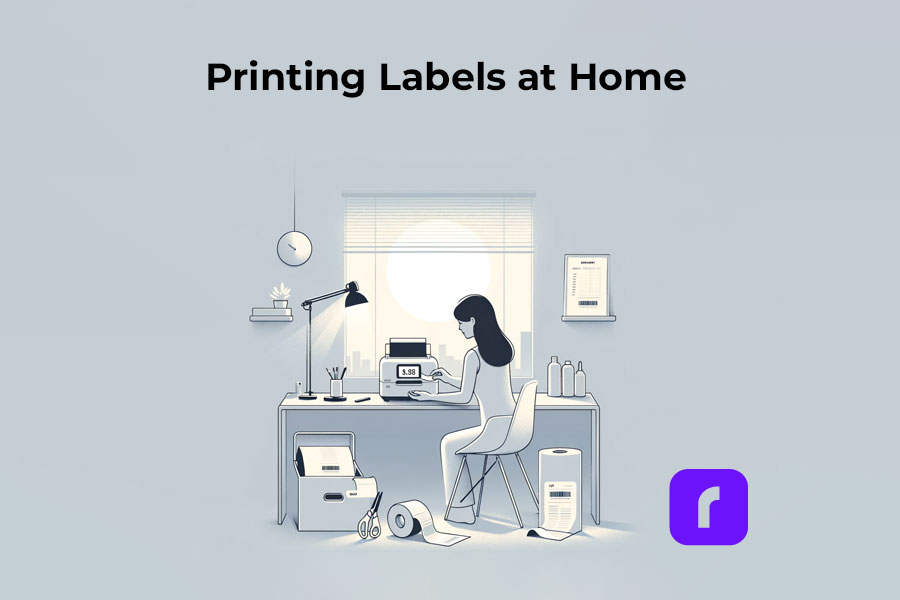
    How to Print Labels at Home

    How to Print Labels at Home

    Printing labels at home is straightforward with the right label printer. The process typically involves selecting the right type of label, designing your label using a software or app, and then printing it directly from your device. Many label printers come with user-friendly interfaces and applications that make this process a breeze, even for beginners. It’s an efficient way to manage home organization, holiday preparations, or even small business needs.

    Printing labels at home can be an efficient way to manage various tasks, from organizing your space to preparing for the holidays or supporting your small business. Here’s how to navigate the process with ease:

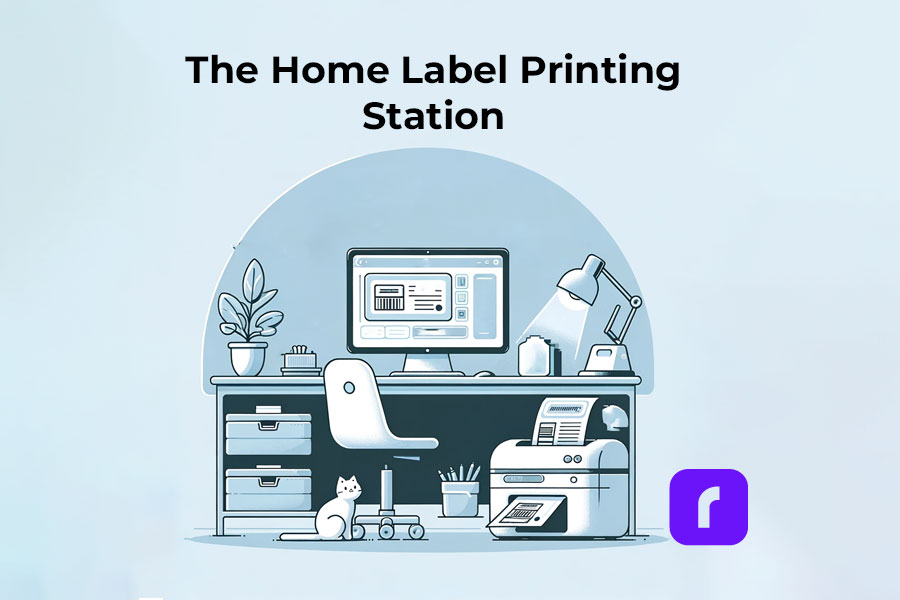
    The Home Label Printing Station

    🎬 Step 1: Choose the Right Label Printer

    Have in mind what we already mentioned about:

    🟣 Assessing Your Label Printing Needs: shipping, barcode, decorative, etc.
    If you are unaware of all the printers you would like to print, we advise you to choose an ultimate solution like Rollo – capable of printing various types of thermal labels.

    🟣 Printer Types: Consider a portable label printer for mobility or a commercial one for high volumes.
    The best choice would be a printer with the efficiency of commercial ones and the size of a portable printer. Like the Rollo wireless printer.

    🟣 Compatibility: Ensure the printer works with your devices and software.
    If you are switching devices regularly, look for a widely compatible option. Such as the Rollo wireless – compatible with iOS, Android, Windows, Mac, Linux, and Chromebook.


    ➡️ Step 2: Select Suitable Labels

    🟣 Label Types: Choose from a variety of labels (e.g., shipping, barcode, sticker). Know your label sizes: barcode labels are size 2×1 inches, shipping labels are 4×6 inches, etc.

    🟣 Size and Material: Match the label size and material to your printer’s capabilities – e.g. if you are using a regular inkjet printer, use regular paper, if you have a thermal label printer – print on thermal labels only.


    ➡️ Step 3: Design Your Labels

    🟣 Software/App Usage: Utilize the printer’s companion app or software for designing labels.

    🟣 Customization: Add text, images, logos, or barcodes as needed. Utilize the features of apps like the Rollo Label Designer App for advanced customizations.


    ➡️ Step 4: Set Up Your Printer

    🟣 Install Printer Drivers: Ensure your printer’s drivers are installed on your device.
    Did you know that the Rollo wireless label printer does not require any driver installation and it takes only 5 minutes to set up?

    🟣 Load Labels: Properly load the labels into the printer according to the manufacturer’s instructions.


    🔚 Step 5: Print the Labels

    🟣 Connectivity: Connect your printer to your device via USB, Wi-Fi, or Bluetooth, depending on its type of technology.

    🟣 Print Settings: Select the correct printer and label size in the print settings.

    🟣 Print Quality: Choose the desired print quality (DPI settings) based on your label’s purpose.
    Did you know that the Rollo label printers have an industry-standard printing quality of 203 dpi?

    📢 Post-Printing Steps

    • Label Application: Peel and stick your thermal labels.
    • Storage: Store any unused thermal labels in a cool, dry place to maintain their quality.

    ⚠️ Tips for Effective Label Printing

    • Test Prints: Do a few test prints to ensure alignment and quality.
    • Regular Maintenance: Clean your printer regularly to ensure consistent print quality.
    • Software Updates: Keep the printer’s software or app updated for new features and improved performance.

    Festive Labeling Ideas

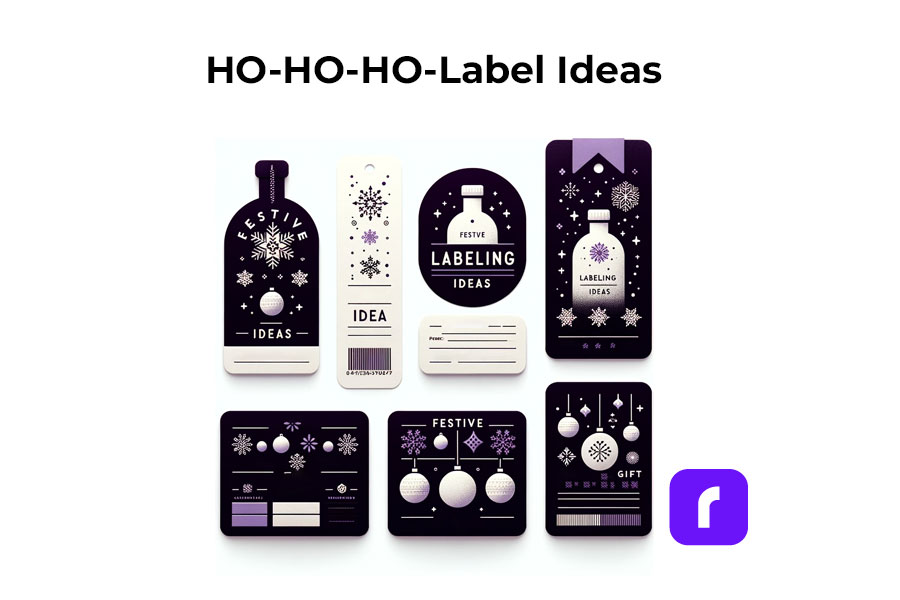
    Label printers shine the brightest during the holiday season. They offer endless possibilities for creative labeling. You can design custom labels for gift bottles or create unique stickers for candles. The use of label printers extends to crafting personalized address labels, adding a touch of warmth to your holiday mail. With these printers, you can bring a personal touch to every aspect of your festive preparations.

    Festive Label Ideas
    ;

    Personalized Gift Wrapping:

    • 🎁 Custom Gift Tags: Design and print custom tags for each gift, adding a personal message or the recipient’s name.
    • ❄️ Theme-Based Labels: Create labels that match your holiday theme, such as snowflakes for a winter wonderland or stars for a night-themed party.

    Home Decoration:

    • 🪟 Window Stickers: Print festive designs like snowflakes or reindeer to adorn your windows.
    • 🪑 Table Setting Labels: Create name tags for place settings or labels for homemade food items on your holiday table.

    Holiday Cards and Mail:

    • ✉️ Address Labels: Design address labels with festive graphics for sending out holiday cards.
    • 📦 Seal Stickers: Make custom stickers to seal envelopes, adding a festive touch.

    Party Favors and Decor:

    • 🍾 Bottle Labels: Customize labels for wine or beverage bottles served at parties.
    • 🎉 Party Favor Tags: Create unique tags for party favors, reflecting the holiday spirit.

    Organizing Holiday Supplies:

    • 🛅 Storage Bin Labels: Print labels for organizing holiday decorations, making next year’s setup easier.
    • 🎀 Gift Wrap Station Tags: Label compartments or containers at your gift-wrapping station for easy access to ribbons, tags, and paper.

    Children’s Activities:

    • 🎨 DIY Sticker Sheets: Print a sheet of holiday-themed stickers for children to decorate and play with.
    • 📅 Advent Calendar Labels: Create numbered labels for a homemade advent calendar filled with treats or activities.

    DIY Crafts and Gifts:

    • 🫙 Jar Labels for Homemade Goodies: Make labels for jars of homemade jams, cookies, or candies, perfect for gifting.
    • 📕 Book Labels: For book gifts, print personalized book labels with a holiday message.

    As you gear up for the festive season, remember that saving on shipping costs is just as important as efficiency. Our Money Saving eBay Shipping Label Guide provides eBay sellers with essential tips to keep shipping expenses low during the busiest time of the year.

    Final Words

    Label printers are more than just a tool; they are a gateway to creativity and efficiency, especially during the festive season. By understanding the different types available, how to choose the right one, and the multitude of ways they can be used, you can transform your labeling tasks into an enjoyable part of your holiday preparations. Remember to consider factors like cost, efficiency, and compatibility to make the most out of your label printer.

    Follow Rollo on:

  • The Future of the Wireless Thermal Label Printer Industry

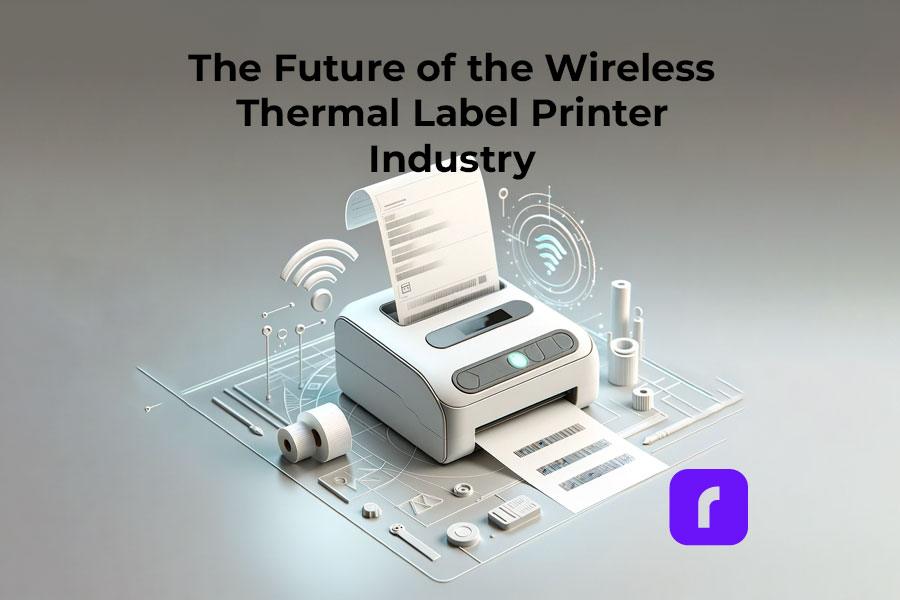
    The Future of the Wireless Thermal Label Printer Industry

    In a world where technology is always evolving, why would you opt for slow, broken-down, ink printers that take up space and leave your pages wet and smudgy? It’s time to upgrade to wireless thermal printing. Thermal printing removes the need for ink and replaces it with fast and easy printing that doesn’t rely on constant cartridge changes and constant upkeep. Instead, heat is applied directly to chemically treated paper that darkens when warmed. They are also much faster than your average printer, with the ability to print one label per second. 

    There are so many sectors of the workforce that rely on thermal printers every day. From hospitals and labels to warehouses and grocery stores – printing labels, receipts, and documents is part of the daily routine. 

    On a smaller scale, shipping label printers can be used by virtually anyone, but are especially helpful for those running their own businesses. With wireless thermal label printers, small business owners can print shipping labels from home (or anywhere with WiFi!) quickly and effectively. Specifically with Rollo, it is not only fast and easy but cheap too. Rollo offers shipping discounts, has intelligent label detection (no more wasting time on manually cropping your labels), and is easy to peel and stick labels for all packages. 
    Want to know more about wireless thermal label printers? Keep reading! 

    What is a Wireless Thermal Label Printer?

    Rather than using ink, toner, and printing ribbons, thermal printing creates a label by means of heat. The thermal print head applies heat to chemically treated label paper that darkens when warmed, creating your desired text or image. More on the depths of thermal printers in this article.

    📌 How does Rollo work without ink?

    Rollo label printers are direct thermal printers. Thus they utilize direct thermal printing technology – a technique in which the heated print head is applied directly to thermal paper, causing a chemical reaction that turns the label black. This method not only saves money on ink but is also a more eco-friendly approach to printing. 

    Benefits of Wireless Connectivity in Label Printers

    In this day and age we are all well aware of the benefits of wireless connectivity, but what you may not know is the extent to which this technology is beneficial for label printing. Wireless connectivity means no more connecting cables or being tied to your desktop computer and printer. As long as you are within the printer’s range, you can work and print from anywhere. This creates more flexibility and efficiency in the labeling process that previously did not exist. 

    Wireless thermal label printers (Rollo specifically) are portable, making them easy to pick up and bring to wherever you need them. They can be easily used in homes, offices, warehouses, factories, and pretty much anywhere you can think of that has WiFi. 

    The Impact of Wireless Thermal Label Printers on Business Efficiency

    Taping labels to packages is a thing of the past. By switching to wireless thermal label printers, users are able to easily peel the label off the sheet and stick it directly onto the package. This saves time and enhances both shipping and logistics operations. 

    The Impact of Wireless Thermal Label Printers on Business Efficiency

    Such printers are also more cost-effective, due to their lower supply and maintenance costs. Thermal printing does not require the purchase of ink ribbons, cartridges, or toner, so the main cost is just the labels themselves. Having fewer moving parts makes them more reliable and durable than traditional printers. Not to mention, they’re more reliable for businesses such as grocery stores and retailers that have a high number of receipts printed on a daily basis. 

    Wireless thermal label printers not only benefit the business but benefit the customer as well. Using these printers creates a more efficient point-of-sale experience, with faster printing labels and receipts. 

    Streamlining Warehouse Management and Inventory Tracking

    Wireless thermal label printers are not just for printing labels and receipts. They are also of great use when it comes to streamlining warehouse management and inventory tracking. These printers have the ability to print barcodes quickly, wirelessly, and without ink. Barcodes make it simple to track items so you have accurate inventory information and can avoid running out of products. Not to mention, it makes pricing and checkout a breeze. 


    Mobile Printing Solutions and Their Role in the Industry

    The Rise of Mobile Wireless Thermal Label Printers 

    When it comes to printers, Rollo is unmatched. This high-speed wireless thermal label printer is Airprint enabled and is compatible with Macs, Windows, iPhones, iPads, and Android devices. It is additionally compatible with all marketplaces including Amazon, Etsy, eBay, Shopify, and more. This compact printer requires no ink or toner, has intelligent label detection (no need to manually crop your labels), and can print about 650,000 shipping labels (327,360 ft)! 

    Mobile Printing in Various Industries

    Mobile printing benefits a wide range of industries and serves several purposes: 

    🏥 Hospitals and labs: print important documents and label patient samples 

    🏪 Grocery stores and retail: quickly print receipts and keep track of inventory with printed barcode labels 

    🏭 Warehouses and manufacturers: keep track of inventory with barcode labels and clearly identify samples when pulled for inspections 

    📦 Couriers and shipping industry: easily print delivery labels and receipts, pick up notices, documents, etc. 

    🛒 Small businesses: print shipping labels from home (or anywhere with WiFi!) 


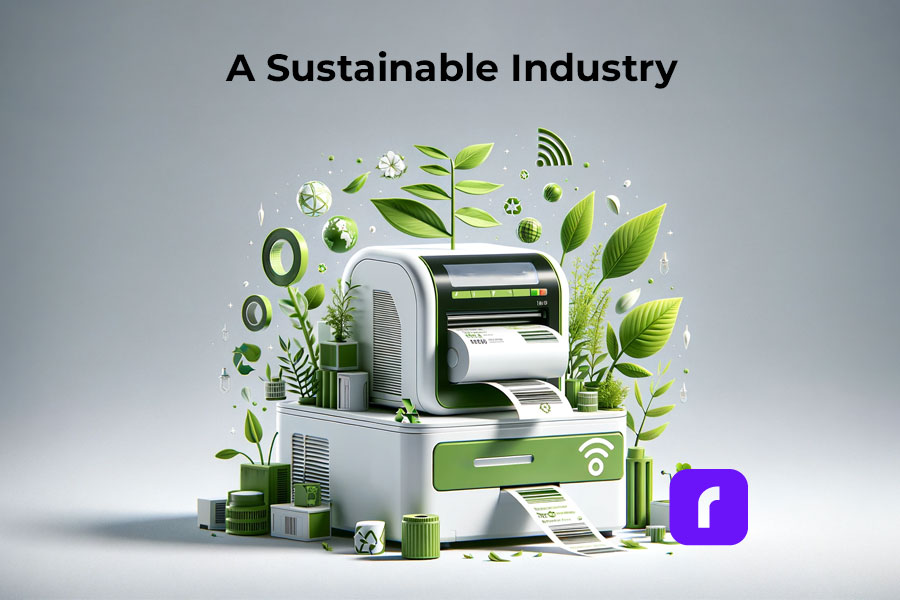
    Sustainability and the Wireless Thermal Label Printer Industry

    Addressing Environmental Concerns with Eco-Friendly Materials 

    Now more than ever it is vital to be making more eco-conscious decisions when it comes to what you buy (and how you print). Unlike laserjet printing, thermal printing saves on ink, paper, and electricity. Thermal printers do not use ink and toner so there is no need to constantly be purchasing and discarding cartridges that pollute the environment. 

    In addition, wireless thermal label printers are more eco-friendly because they use less electricity than traditional printers. While traditional printers must be plugged into a power source and printed via a desktop, wireless thermal label printers are not plugged in and can print from your phone, laptop, or tablet. Wireless thermal label printers print much faster than traditional printing which saves on power and electricity as well. 

    Sustainability and the Wireless Thermal Label Printer Industry

    Rollo labels are eco-friendly and FSC Certified, which is the gold standard designation for wood harvested from forests that are responsibly managed, socially beneficial, environmentally conscious, and economically viable. Using these labels and wireless thermal printing also saves on paper because the labels are precise and sized while laser printers typically use the entire 8.5×11 sheet whether or not it is actually necessary. 

    Along with the labels being FSC Certified, Rollo offers refurbished products that are backed by a six-month warranty. Rather than discarding returned products, the company ensures that the printers are up to standard and sells them at a lower price point – eliminating potential waste and giving the printers a second “life”.  

    Wireless Connectivity and Rollo: How Do They Work Together?

    With the evolution of wireless technology, the use of wireless thermal label printers like Rollo is becoming increasingly popular. Not only is Rollo fast, easy, and economical, but it also offers shipping discounts, intelligent label detection, and easy-to-peel-and-stick labels for all packages. These features are great, but one might wonder: 

    📌 How Does Rollo Connect to Wi-Fi?

    To connect your Rollo wireless printer to Wi-Fi, first turn on your Rollo wireless thermal label printer and feed labels in from the back. Then, turn the Bluetooth on your phone and download the Rollo app. Wait for your phone to discover the printer. After your phone recognizes your Rollo, select your WiFi network and you’re all set to print. As a reminder, this setup can be done from anywhere within your WiFi’s range.

    For convenience, you can refer to the setup guide or this article exploring a setup experience.

    Now, you might be asking:

    📌 Can you print wirelessly with Rollo? 

    Absolutely! The convenience of Rollo is that it allows you to print wirelessly, giving you more flexibility and efficiency in your label printing process. Whether you are a small business owner running your operations from home or a large business, wireless printing can make your work much smoother.

    However, it’s also essential to address this common question:

    📌 Does Rollo need wifi?

    To print wirelessly, yes, Rollo does need WiFi. Without a WiFi connection, you wouldn’t be able to print wirelessly. But don’t worry, if you don’t have WiFi, Rollo can also be connected directly to your computer through a USB.

    Bluetooth Capability in Wireless Thermal Label Printers

    When it comes to wireless printing, a question often asked is:

    📌 Do all wireless printers have Bluetooth?

    While many wireless printers do incorporate Bluetooth technology to facilitate easy printing from various devices, not all do. The technology used in wireless printers can vary depending on the model and the brand.

    Now, how about Rollo?

    📌 Does Rollo have Bluetooth?

    Rollo printers do not come with Bluetooth capability. However, Rollo wireless thermal label printers utilize Bluetooth during their setup process. Rollo shipping label printers also use Wi-Fi for their wireless printing, which allows a broad range of connectivity.

    Wireless thermal printing is indeed the future of printing, with Rollo being a prime example of the benefits of this technology. Whether you’re managing a large warehouse or running a small business from your home, wireless thermal printers like Rollo can significantly improve your efficiency, cost-effectiveness, and convenience in label printing. To ensure you get the most out of your Rollo wireless thermal label printer, remember to maintain a secure Wi-Fi connection and follow the proper setup process.

    Security and Privacy Concerns in Wireless Thermal Label Printing

    The Role of Software and Apps in Wireless Thermal Label Printing

    There are plenty of mobile apps for seamless printing, but not all apps are created equal. The Rollo app is the user-friendly printing app of your dreams. Setup and usage are quick and painless so you can focus more on selling and shipping. 

    Rollo Integrations 

    The Rollo Wireless Thermal Printer has incredible integration abilities. Not only does it work with Rollo Ship App, it works with platforms including (but not limited to): Shopify, Etsy, PayPal, eBay, Amazon, ShipStation, UPS, USPS, FedEx Ship Manager, Poshmark, and many more. 

    THE ROLLO WIRELESS THERMAL LABEL PRINTER IS AN INVESTMENT WORTH BUYING.

    Go Wireless.

    Print Labels Sustainably.

    The Future of the Wireless Thermal Label Printer Industry

    Wireless thermal label printers are created with relatively new technology, so where do they go from here? It is predicted that the wireless thermal label printer industry will continue to gain popularity in the coming years. People want efficiency and mobility, and these printers do just that. They are more compact, durable, and overall cheaper than the laser printers we’ve all been using for years.  

    The development and use of 5G have only helped the growth of the wireless industry. 5G is a network that connects everything and everyone virtually, making the need for cables “virtually” useless when it comes to thermal printing. 

    Thermal printers will be expanding applications in new industries and markets, far from just grocery and retail stores. They will continue to be great tools for managing inventory on larger and larger scales as well as being used in hospitals, dental offices, etc. for labels and documents. 

    Follow Rollo on:

    Frequently Asked Questions about Wireless Thermal Label Printers

    📌Q: Is a wireless thermal label printer better than a USB thermal label printer?

    Short Answer: ✅ Yes.

    A: A wireless thermal label printer does not require any cables, has both WiFi and USB connectivity capabilities, works with desktops, phones, laptops, iPads, etc., and has over-the-air updates. A USB thermal label printer only has USB connectivity capabilities, only works with desktop computers, and does not have over-the-air updates. 


    📌 Q: Is a label printer the same as a thermal printer?


    Short Answer: ❌ No.

    A: A traditional label printer requires the use of ink, toner, and printing ribbons making it more expensive, harder to maintain, and less eco-friendly than a thermal printer. A thermal printer does not require any of the above materials, thus making it easier to operate and maintain. For this reason, thermal printers are also more cost-effective and eco-friendly. 


    📌 Q: Can you connect the label printer to iPad?


    Short Answer: ✅ Yes.

    A: You can connect a label printer to an iPad, provided the printer is compatible with AirPrint or offers its own app for iOS devices. Note that the Rollo Wireless Label Printer is AirPrint certified. Keep in mind that compatibility can vary across different printer models, so you should confirm this with the specific printer’s documentation.


    📌 Q: Can you use a thermal printer with an iPad?

    Short Answer: ✅ Yes.

    A: Similarly, you can use a thermal printer with an iPad, as long as the thermal printer supports wireless printing through either AirPrint or a dedicated iOS application. It is absolutely possible with Rollo. Always check the printer’s specifications or user manual for details on device compatibility.
  • Forget The Regular Printer. Introducing the Thermal Printer for Shipping Labels

    Forget The Regular Printer. Introducing the Thermal Printer for Shipping Labels

    Print labels with ease with Rollo’s thermal printer for shipping labels. Learn how using regular inkjet and laser printers compares to a specialized label printer when it comes to shipping labels, brand labels, and barcodes. Unleash your e-commerce potential now!

    The E-Commerce Boom

    The “new normal” saw a surge of new e-commerce businesses as people realized their entrepreneurial dreams. Creating websites, building Shopify and Amazon pages, and establishing an online presence is exciting, but eventually, you hit a practical roadblock: how do you ship products to your customers? Can you print shipping labels using a regular printer? The short answer is yes, but there are pros and cons to each option. Understanding these differences can greatly impact your e-commerce success.

    Printing Shipping Labels on: Inkjet Printers, Laser Printers, and Thermal Printers


    Option 1: Inkjet Printers – The Basic Household Printer

    The oldest type of printer used is the inkjet printer. They are common in most households, using ink cartridges to print on regular paper. It’s possible to print shipping labels with an inkjet printer by simply sending a PDF of the label and taping it to your package. However, the lack of specialization means these labels are more fragile, prone to smudging, and expensive to maintain due to frequent ink cartridge replacements.

    Pros 🙂 Cons 😟
    ✔️ Low upfront cost if you already own one ❌ Fragile labels prone to tearing and smudging
    ✔️ Supplies are easy to find ❌ Expensive ink replacements
      ❌Time-consuming label application process
    Steps to Print Shipping Labels with Inkjet Printer
    Step 1: Do your initial inkjet printer setup as instructed by the manufacturer.
    Step 2: Send your label as a PDF to the inkjet printer. Note that in most cases the label will be printed in full paper size and it may appear huge.
    Step 3: Print your shipping label out on a regular sheet of paper. You may want to add a cover to your label as it may tear, being printed on regular paper. If the shipping label gets damaged, the package can get lost. 
    Step 4: Tape your shipping label to your package. However, using too much tape will also mess with the scanners.


    Note:
    Not only the paper, but also the ink for these printers is also very fragile.
    Getting the packages exposed to any harsh weather or treatment, the label could smudge the information on your shipping label, making the package undeliverable. This will lead to gaining a lot of unhappy customers for your small business

    Using adhesive labels with your inkjet printer is not an option. They are difficult to size for all packages, the paper is more expensive, and the ink is even more prone to smudging.

    Using inkjet printers run out of ink fast. While ink cartridges are easy to replace, doing so isn’t cheap. You could find your shipping costs going up very fast if your business takes off.

    Option 2: Laser Printers – The Office Printer Upgrade

    Laser printers are more common in office settings and provide higher-quality prints using toner instead of ink. Though they feature the word ‘laser,’ these devices cleverly manipulate static electricity to attach toner to printer paper and are most commonly used for printing photographs. Thanks to this, they print more finely-grained documents and use less ink.

    Pros 🙂 Cons 😟
    ✔️ Better quality labels than inkjet printers ❌ Higher upfront cost
    ✔️ Less frequent toner refills ❌ More expensive toner
    ✔️ More cost-effective for larger volumes ❌ Requires specific materials and compatible adhesive labels

    The higher quality, more durable labels, and less frequent toner replacements make this a better option than inkjet printers. However, laser printers have a higher upfront cost, require specific materials, and their toner can be more expensive than inkjet cartridges.


    Note: However, there are some downsides. Laser printers cost more upfront and are more specialized than inkjet printers. They require a  specific “laser-compatible print media”, meaning they don’t take any old printer paper from the store. The toner they use is also more expensive than standard inkjet cartridges. So, while you don’t have to replace them as often, they do cost more when you do.
    Steps to Print Shipping Labels with Laser Printer
    Step 1: Do your initial laser printer setup as instructed by the manufacturer.
    Step 2: Send your label as a PDF to the laser printer. Note that in most cases the label will be printed in full paper size and it may appear huge.
    Step 3: Print your shipping label out on a specific paper that is “laser-compatible”. You will be able to print more labels with less frequent toner refills. However, your toner will be more expensive.
    Step 4: Tape your shipping label to your package. 


    Option 3: Thermal Printers – The E-Commerce Game Changer

    But what are thermal label printers? Thermal label printers use heat to print on labels, eliminating the need for ink or toner. This means you’ll never have to spend money on cartridges or toner again. The labels are sturdy, smudge-proof, and long-lasting. The only downside is the higher upfront cost.

    Pros 🙂 Cons 😟
    ✔️ No ink or toner expenses ❌ Higher upfront cost for a specialized product
    ✔️ Durable and cost-effective labels  
    ✔️ Ideal for growing e-commerce businesses  
    Steps to Print Shipping Labels with Laser Printer
    Step 1: Do your initial thermal printer setup.
    For Rollo Wireless Label Printer follow this guide.
    For Rollo USB Label Printer follow this one.
    With Rollo thermal label printer you can print brand labels (circle and square), barcode labels, and shipping labels. 
    Step 2: If you want to print labels from your phone, download the Rollo app here. To print labels from your computer, download and Install the relevant Driver for your operating system: Windows or Mac.
    Step 3: Insert your labels in with the printable side up.
    Step 4: Run the automatic label identification.
    This is done only once so that the printer learns the settings of your label.
    Step 4 (Optional): Create your custom labels.
    You can design your own labels with Rollo Label Designer.
    Step 5 (Optional): Use Rollo Ship.
    To get discounted shipping rates, schedule package pick-ups, create shipping labels with ease, and register for free to Rollo Ship App.
    Step 6: Print and Stick your labels to your package. No manual cropping.
    Your labels will be printed in the correct shipping label size: 4 x 6. Both, the label paper and the print quality are durable to outside conditions, making your package deliverable at all costs. Thanks to intelligent label detection, you don’t need to crop all your labels manually. Just print, peel, stick. 


    How to Choose the Right Printer for Your E-Commerce Business

    Choosing a Thermal Printer for Shipping Labels

    While you can print shipping labels using a regular printer, the level of your e-commerce ambitions should guide your choice. Occasional hobbyists may find inkjet or laser printers sufficient, but those looking to scale their business and save time should invest in a quality thermal label printer.

    Transform Your E-Commerce Shipping with The Best Thermal Printer for Shipping Labels

    Shipping your products should be a fun and rewarding experience, and Rollo can help you achieve that. Over 100,000 small businesses and entrepreneurs use Rollo label printers to save money and ship efficiently.

    Rollo printers are ideal for shipping labels 4×6, and are compatible with multiple marketplaces such as Amazon, Etsy, eBay, and Shopify. Just like the inkjet and laser printers, Rollo’s thermal printer for shipping labels is compatible with all operating systems. Refurbished printers with a 6-month warranty are also available, minimizing your starting cost and doubling the eco-friendly impact of your business.

    Benefits of Using Rollo’s Thermal Printer for Shipping Labels Your Shipping Labels

    When it comes to shipping, efficiency is key. Rollo thermal printer for shipping labels not only provides high-quality, durable labels but also streamlines your shipping process. By using a thermal label printer, you’ll save time on printing, cutting, and taping, allowing you to focus on growing your e-commerce business.

    Benefits of Using Rollo’s Thermal Printer for Shipping Labels
    ✔️User-friendly setup and integration: Integrate with various operating systems, marketplaces, and shipping carriers.
    ✔️ Print fast and reliably. High-speed wireless or USB printing with AirPrint® enabled.
    ✔️ Save time on printing, cutting, and taping labels.
    ✔️ Inkless Printing – Save on Costs and Save the Environment
    ✔️ Print Shipping, Barcode, or Brand Labels.
    ✔️ Design your own labels.
    ✔️ Discount options on shipping rates when using the Rollo Ship App.
    ✔️ Reliable Customer Support.


    Why Choose Rollo’s Thermal Printer for Shipping Labels Over Regular Inkjet and Laser Printers

    If you’re serious about growing your e-commerce business, it’s time to upgrade to Rollo’s cheap thermal printer for shipping labels. You’ll experience improved efficiency, cost savings, and professional-quality labels that will impress your customers and enhance your brand.

    Don’t let outdated printing methods hold you back. Embrace the future of e-commerce shipping and join the thousands of entrepreneurs who have already discovered the benefits of our thermal printer for shipping labels and stickers. Get started today and watch your business soar.

    ✅ Boost Your Brand Image with Rollo Professional Labels

    In the competitive world of e-commerce, your brand image is crucial. High-quality, durable, and professional-looking shipping labels can make a significant difference in how your customers perceive your business. With our thermal printer for shipping labels, you’ll be able to create labels that make your packages stand out, elevating your brand and leaving a lasting impression.

    ✅ Our Thermal Printer for Shipping Labels Offers Customizable Label Options

    Our thermal printer for shipping labels bluetooth enabled or USB-connected, offers a variety of label sizes and materials to choose from, ensuring that your shipping labels always fit your packaging perfectly. With the flexibility to customize your labels, you can create a consistent and cohesive look for your brand.

    ✅ With Rollo You Have Improved Customer Experience

    A professional-looking package not only reflects well on your brand but also enhances the customer experience. When customers receive a well-packaged item with a high-quality label, they’re more likely to trust your business and become repeat customers. If you decide to create your own custom labels, you can do so with the Rollo Design Tool. While regular free online design tools like Canva are very user and beginner-friendly, they are not customized for label sizes such as circular brand labels, barcode labels, or shipping labels. 

    Rollo Helps You Succeed

    Look no further. Choose your Rollo Thermal Printer.

    In Conclusion: Rollo Is Your Partner in E-Commerce Success

    Embrace the future of e-commerce shipping and invest in a thermal printer for shipping labels today. With Rollo by your side, you’ll be well on your way to achieving e-commerce success and realizing your entrepreneurial dreams.

    Follow Rollo on:


    Frequently Asked Questions about The Thermal Printer for Shipping Labels

    Q: What is the difference between a thermal printer for shipping labels and a regular inkjet or laser printer?

    Short Answer:

    Printer Type Supplies Used Paper Type Cost Efficiency Overall Satisfaction
    Inkjet Printers Use Ink Regular Paper Cheap short-term, but unsuitable solution 🙁
    Label Printers Use Toner More Expensive Paper Cheap temporary, but unsuitable solution 😐
    Thermal Printers Inkless Eco-friendly durable labels Great for the long-term, saving money and time 😊

    Long Answer: The main difference between a thermal printer for shipping labels and a regular inkjet or laser printer is the printing technology. A thermal printer for shipping labels uses heat to print on specialized labels, eliminating the need for ink or toner, while inkjet and laser printers rely on ink or toner cartridges. Thermal printers offer more durable, smudge-free labels, cost savings over time, and improved efficiency.

    Q: What labels should I use for my thermal printer?

    Short answer: All labels are printed on heat-sensitive label paper, FSC-certified, and BPA-free.

    Label Sizes
    Shipping Labels 4×6 inches
    Barcode Labels 2×1 inches
    Circle Labels 2 inches diameter (1 inch Core Size, 4 inches Outer Diameter)

    Long Answer: For your thermal printer, use labels specifically designed for thermal printing. These labels have a heat-sensitive coating that reacts to the printer’s heat, producing clear and durable prints. Rollo’s thermal printer for shipping labels is compatible with a variety of label sizes and materials, including eco-friendly, FSC-certified labels, providing flexibility and customization for your shipping needs.