For small businesses and online sellers, shipping delays can mean frustrated customers and missed opportunities. Imagine being able to send critical packages every single day of the year—even on Sundays and holidays. That’s exactly what USPS Priority Mail Express offers: guaranteed fast delivery, 365 days a year. Whether it’s a last-minute holiday order, urgent business documents, or time-sensitive shipments, Priority Mail Express ensures your packages arrive when it matters most.
In this article, we’ll break down how Priority Mail Express works, why it’s a game-changer for businesses, and how Rollo can help you streamline the process while saving time and money.
Post Highlights
What is USPS Priority Mail Express?
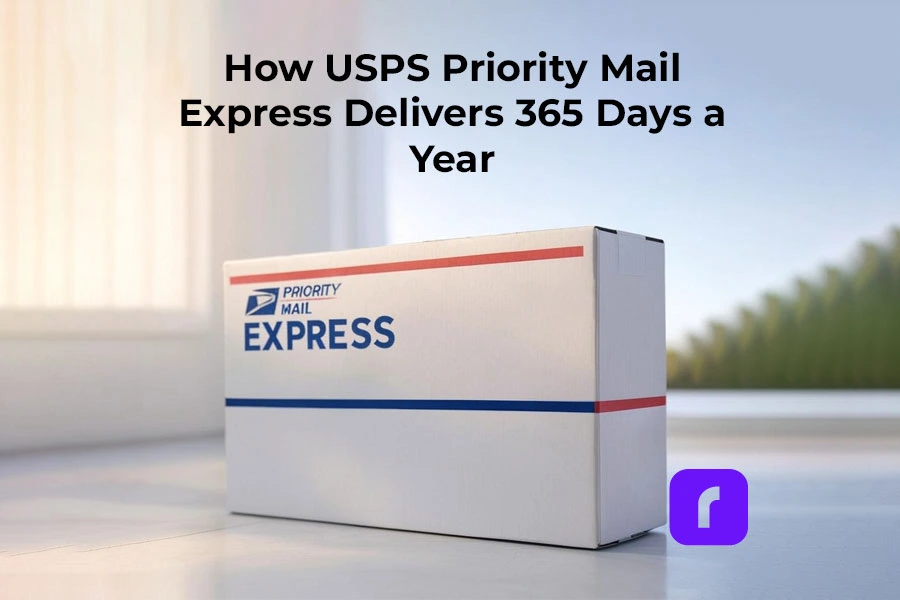
Priority Mail Expressby USPS is one of the fastest shipping services. It is offered by the United States Postal Service (USPS). It guarantees delivery within 1-2 business days. This includes weekends and holidays, in most locations across the United States.
Key Features of Priority Mail Express
📦 Guaranteed Overnight Delivery: Fast delivery by 6 PM, 365 days a year.
🔒 Money-Back Guarantee: If your package isn’t delivered on time, you can request a refund.
🛠️ Free Package Pickup: Schedule pickups from your home or office—no extra cost.
📆 Flat Rate Envelopes: Predictable pricing for packages under specific dimensions.
👥 Insurance Included: \$100 in coverage, with options for additional coverage.
🌟 365-Day Service: Deliveries every day, including Sundays and holidays.
This level of convenience and reliability makes Priority Mail Express a top choice for small businesses that need fast, worry-free shipping.
Why Choose USPS Priority Mail Express?
Fast, Reliable, 365-Day Shipping
Shipping delays can cost businesses time, money, and customer trust. This USPS option solves this by providing a guaranteed delivery service every day of the year, including weekends and holidays. This reliability ensures that packages, no matter how urgent, reach their destinations on time.
Imagine you run an e-commerce store that sells handmade gifts. A customer places an order on December 24th, expecting it to arrive by Christmas morning. With Priority Mail Express, you can ship the package overnight and meet their expectations—even during peak holiday periods.
Benefits for Small Businesses and Sellers
For small businesses and e-commerce sellers, this USPS Express service offers several advantages:
💳 Predictable Costs: Use flat rate envelopes for lightweight items to control shipping costs.
📅 No Downtime: Ship packages on weekends and holidays when most carriers are unavailable.
📦 Free Package Pickup: Save time by scheduling pickups from your local post office or business location.
With Priority Mail Express, small businesses can remain competitive by offering fast and reliable delivery services year-round.
How Priority Mail Express Works
Step-by-Step Process
Getting started with Priority Mail Express is straightforward. First, prepare your shipment by measuring the package dimensions to ensure they meet USPS requirements. Packages must weigh no more than 70 pounds, and the combined length and girth should not exceed 108 inches. Accurate measurements help prevent delays or extra fees.
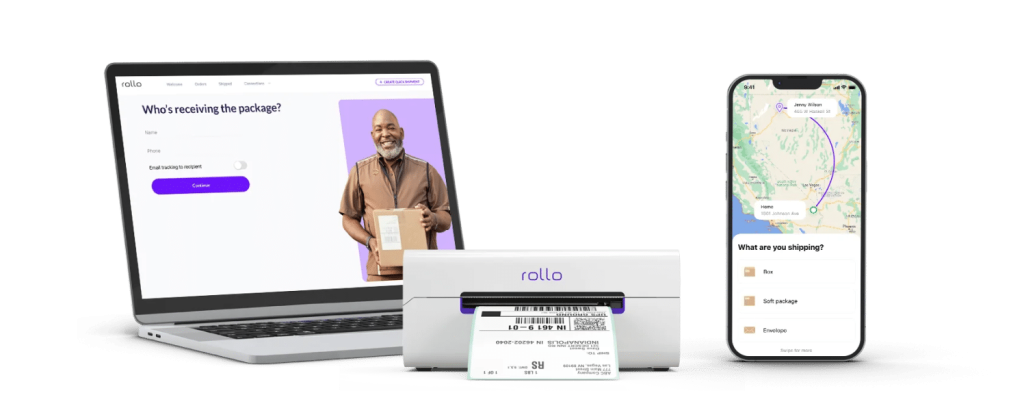
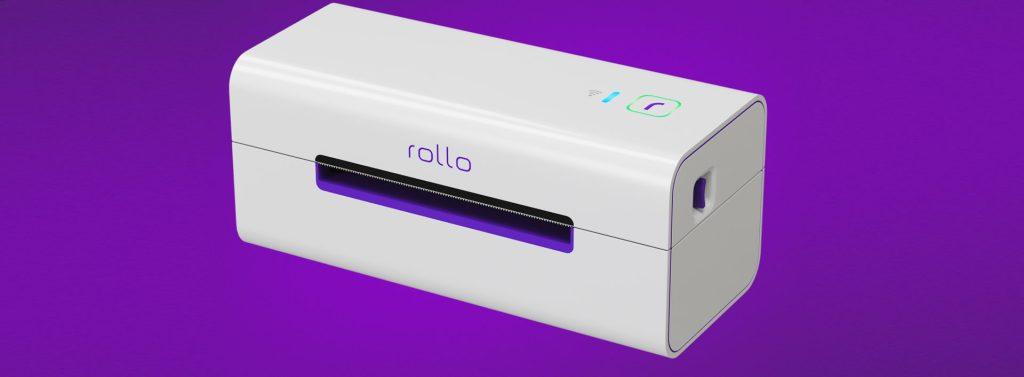
Once your shipment is ready, the next step is to print your shipping labels. This is where tools like Rollo’s wireless label printer comes in handy. You can quickly generate professional, easy-to-scan USPS labels. This saves time and ensures your packages are ready for pickup.
After printing your labels, you can arrange for a free package pickup service directly from your doorstep. USPS makes it convenient by allowing you to schedule pickups from your home or business location without any additional cost. This eliminates the need for extra trips to the post office.
Finally, track your shipment in real time using USPS tracking. From the moment your package is picked up to its final delivery, you can monitor its progress to ensure it arrives on schedule. Businesses using tools like Rollo Ship can simplify these steps further while also accessing discounted shipping rates, making the process seamless and cost-efficient.
USPS Priority Mail Express vs. Other Shipping Options
Comparison Table
Feature
USPS Priority Mail Express
FedEx Overnight
UPS Next Day Air
Delivery Speed
Overnight, 365 Days
Overnight
Overnight
Cost (via Rollo Ship)
Discounted Rates
Higher
Higher
Free Package Pickup
Yes
Additional Fee
Additional Fee
Money-Back Guarantee
Yes
Limited
Limited
Weekend/Holiday Delivery
Yes
Limited
Limited
Priority Mail Express stands out with its lower rates, guaranteed deliveries, and no additional fees. Even for weekend or holiday shipments. This makes it ideal for businesses of all sizes.
Size and Weight Restrictions to Keep in Mind
Before shipping with USPS’s fastest shipping option, it’s important to ensure that your packages meet the required guidelines. This helps avoid any unexpected delays or additional fees that can slow down your delivery process.
Each package must adhere to specific size and weight restrictions to qualify for Priority Mail Express:
📏 Maximum Weight: Packages can weigh up to 70 pounds, making this service suitable for a wide range of items, from lightweight business documents to heavier shipments.
📦 Size Limits: The combined length and girth of the package—calculated as the distance around the thickest part plus the length—must not exceed 108 inches.
💼 Flat Rate Envelopes: For smaller, lightweight shipments, USPS offers flat rate envelopes as an affordable and predictable shipping option for businesses aiming to control costs.
By following these clear size and weight guidelines, businesses can ensure their shipments are processed smoothly and avoid delays or additional charges. This reliability keeps your shipping workflow efficient and ensures timely delivery for your customers.
How to Save with USPS Using Rollo Ship
Rollo makes shipping with USPS even easier:
🔗 Sign Up for Rollo Ship: Access discounted USPS rates for Priority Mail Express.
🔧 Print Labels Instantly: Use Rollo’s wireless label printer for fast, professional labels.
🛍️ Streamline Pickups: Schedule free package pickups with a few clicks.
💳 Save on Costs: Reduce shipping expenses with lower commercial rates.
By using Rollo, businesses can save time, money, and effort while providing a top-notch delivery experience for customers.
USPS Priority Mail Express has redefined convenience for small businesses and online sellers by delivering reliability, speed, and cost-effectiveness all year round. With guaranteed 365-day delivery, including weekends and holidays, businesses can confidently meet customer demands for urgent and time-sensitive shipments.
Whether it’s sending out last-minute orders during the holidays or ensuring critical packages arrive overnight, Priority Mail Express makes fast shipping a reality.
By integrating with Rollo Ship, businesses can take this convenience a step further. Rollo helps streamline the shipping process, allowing users to print labels effortlessly, schedule free package pickups, and access discounted commercial rates—all from one platform. This means you save time, reduce shipping costs, and provide a seamless delivery experience for your customers.
Frequently Asked Questions About USPS Priority Mail Express
📌 Q: How much does USPS Priority Mail Express cost?
💭 A: USPS Priority Mail Express pricing starts at $28.75 for flat rate envelopes. The cost varies depending on the package size, weight, and delivery destination (local or long-distance). Businesses using tools like Rollo Ship can access discounted commercial rates to save on shipping costs.
📌 Q: Are there additional fees for weekend or holiday deliveries?
💭 A:No, USPS Priority Mail Express delivers 365 days a year, including weekends and holidays, without additional fees for Sunday or holiday deliveries. The service’s predictable pricing makes it ideal for time-sensitive shipments.
📌 Q: What happens if my USPS Priority Mail Express package is late?
💭 A: If USPS Priority Mail Express fails to deliver your package by the guaranteed time (usually by 6 PM), you can request a money-back guarantee refund. You can initiate the refund process online through USPS’s website or by visiting a local post office.
📌 Q: How do I track my USPS Priority Mail Express package?
💭 A: You can track your shipment in real time using the USPS Tracking tool available on the USPS website or mobile app. Enter your tracking number to monitor the package’s journey from pickup to final delivery.
Did you know the wrong UPS printer can cost your business time and money? For online sellers and small businesses, shipping efficiently is key. But the wrong printer can make it a hassle. Common problems like compatibility issues, slow speeds, and constant ink replacements can slow you down. These issues can hurt your productivity and profits.
But, you can avoid these mistakes. By knowing what to look for, you can find the perfect UPS printer for your business. This article will guide you through common errors and how to avoid them. We’ll cover everything from choosing the right thermal printer to ensuring it works seamlessly with your software.
This guide will save you time, money, and stress. Ready to make your shipping process smoother and label printing easier? Let’s get started.
Everything You Need to Know
Why Choosing the Right UPS® Printer Matters for Your Business
For small to medium-sized businesses, time is money, especially in shipping. The right UPS printer can save you hours by speeding up label printing. It also improves integration with your shipping software and reduces costs.
Whether you’re printing FedEx labels or UPS® labels, the right printer makes it faster and more efficient. Invest in a printer that matches your shipping volume and needs. Rollo’s thermal printers are designed for small business owners. They offer ease of use and cost-saving features.
Common Mistakes to Avoid When Buying a UPS Printer
Mistake #1: Ignoring Printer Compatibility with UPS® Shipping Tools
One big mistake is buying a UPS printer without checking compatibility with UPS® shipping tools. Rollo may not connect directly with UPS® WorldShip or UPS CampusShip®, but it links to UPS® through Rollo Ship. This lets users generate UPS shipping labels, get discounted rates, and manage shipments in Rollo.
To avoid problems, make sure your printer works with your shipping platforms. With Rollo, you can ship with UPS and enjoy discounted rates and a streamlined process. You can also get USPS discounts through Rollo’s platform to cut shipping costs further.
Mistake #2: Choosing the Wrong Type of Printer
Many think any printer will work, but the type you choose matters a lot. Thermal printers are great for shipping labels because they don’t need ink or toner. This means you save money and don’t have to stop to refill ink as often.
Let’s compare:
🔥 Thermal Printers: Cost-efficient, fast, and optimized for shipping labels. Rollo’s thermal printers, for example, eliminate the need for ink and print high-quality labels in seconds.
💸 Laser Printers: Typically more expensive and slower for label printing. Requires toner.
💧 Inkjet Printers: Slower, more costly over time due to ink, and not as durable for label printing.
For businesses shipping many packages, thermal printers save a lot of money on ink.
Mistake #3: Overlooking Printer Setup and Driver Installation
Setting up a printer can be tricky. Each printer needs specific drivers to work with your computer and shipping software. If you don’t install the right driver, you might face delays and problems.
Rollo’s UPS printers have an easy setup guide. This makes it simple for anyone to start using them without trouble. Always follow the manufacturer’s guide for driver installation to avoid issues.
Mistake #4: Not Considering Long-Term Costs
Many focus on the initial cost of a printer but forget about ongoing expenses. Inkjet and laser printers need ink or toner, which can get expensive, especially for high-volume shipping.
Thermal printers like Rollo’s don’t need ink or toner, making them great for frequent label printing. Choosing a printer that saves you money in the long run can help your business grow.
How to Ensure You Choose the Best UPS Printer for Your Business
Research Printer Models Based on Your Business Needs
Before buying, find out which printer model fits your business best. A small e-commerce business might not need the most expensive model. But a big business shipping lots of packages might benefit from a fast thermal printer.
Look for a printer that balances speed, reliability, and works well with your shipping tools. Rollo’s wireless thermal printer connects easily with UPS, prints labels, and offers discounted shipping. They also have custom label printing for special needs.
Reading reviews and testimonials can help you make a good choice. Feedback from other businesses can tell you about a printer’s performance and ease of use.
Rollo has great reviews for its easy setup, smooth integration with UPS, and cost savings. Many small businesses say switching to Rollo improved their shipping and saved money.
Troubleshooting Printers for UPS® – Issues and Maintenance Tips
Even the best printers can run into problems. But, knowing how to fix common issues can save you a lot of time and stress. Here are some tips to help you solve typical UPS printer problems:
🧻 Paper Jams: Make sure the label paper is loaded right and there’s no blockage in the printer.
🔧 Driver Issues: Check if you have the latest drivers installed. Often, updating or reinstalling drivers fixes connection problems.
🔄 Label Alignment: If labels aren’t printing right, check your settings in the UPS software. Adjust margins if needed.
For those managing multiple e-commerce sites like Shopify or TikTok Shop, Rollo Ship can make shipping easier.
Final Words: Make the Smart Choice for Your Business
Choosing the right UPS printer is key to a better shipping process for your business. Avoiding common mistakes can save you time and reduce stress. Thermal printers, like those from Rollo, are cost-effective and reliable. They don’t need ink and work well with UPS shipping platforms.
Now you know what to avoid, it’s time to make better choices for your business. Whether you ship a few packages a day or lots, Rollo’s thermal printers can make your work easier. They help you focus on growing your business.
Ready to move forward? Check out Rollo’s range of thermal printers. See how they can make your shipping process smoother. Visit Rollo today and discover the future of shipping efficiency.
Frequently Asked Questions About Buying UPS Printers
📌 Q: What is the best UPS printer for a small business?
💭 A: When designing custom labels, it’s important to consider elements like color, typography, and imagery. Use colors that align with your brand identity, choose easy-to-read fonts, and ensure any logos or images are high quality. Tools like Rollo’s Custom Label Design App allow you to upload your logo and create professional labels quickly without needing advanced design skills.
📌 Q: What size labels are compatible with UPS printers?
💭 A: UPS recommends using 4×6-inch labels for shipping purposes, which is the standard size for thermal printers like Rollo. This label size is compatible with most UPS services and ensures that your labels meet the required specifications for efficient scanning and delivery.
📌 Q: Can I use my UPS printer for other carriers like FedEx or USPS?
💭 A: Yes, UPS-compatible printers like Rollo can also be used to print shipping labels for FedEx, USPS, and other carriers. Rollo printers offer flexibility for businesses that use multiple shipping services, making it a versatile solution for various shipping needs.
📌 Q: How do I know if my UPS printer is compatible with Rollo Ship?
💭 A: Rollo thermal printers are designed to be compatible with UPS and other shipping carriers. When using Rollo Ship, you can print UPS labels, compare rates, and track shipments. You can also add your existing UPS account or create a new one directly within Rollo Ship to start shipping immediately.
📌 Q: What are the benefits of using a thermal printer over a laser or inkjet printer for UPS labels?
💭 A: Thermal printers like Rollo are specifically optimized for printing shipping labels. Unlike laser or inkjet printers, thermal printers do not require ink or toner, significantly reducing long-term costs. They are faster, more reliable, and produce durable labels that are ideal for high-volume shipping needs.
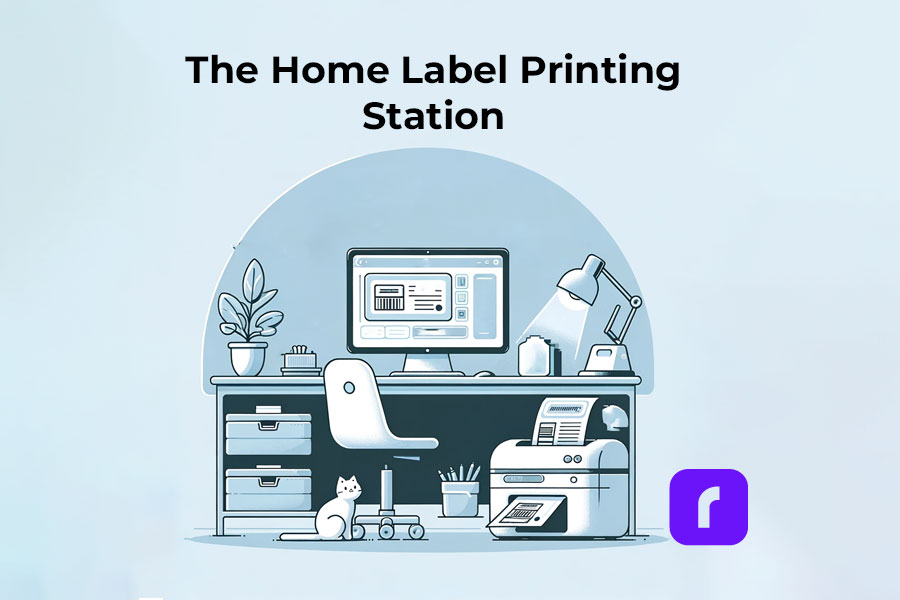
Once upon a time, running a business from home was considered little more than a quaint hobby. Thanks to printers like a shipping label maker, those days are gone for good. Home-based entrepreneurs are now a rising force, leveraging technology and agile operations to compete with even the biggest players. But success in this new landscape doesn’t come easy – it requires mastering the nuts and bolts of logistics.
[ez-toc]
That’s where the oft-overlooked shipping label maker enters the spotlight. This humble printer has evolved into a pivotal tool, streamlining shipments with each printed sticker. And for the modern home business warrior, few label makers pack as much of a punch as the Rollo Wireless Thermal Printer.
In this guide, we’ll unpack the indispensable role label makers play and how choosing the right one, like the highly-rated Rollo, can give your operations the edge they need to thrive. So sharpen your logistics skills and get ready to transform shipping from headache to competitive advantage.
Understanding Shipping Label Makers
What Is a Shipping Label Maker?
At their core, shipping label makers bring order to the chaos of label printing. These specialized printers are purpose-built to produce the sticky shipping labels required by major carriers like USPS, FedEx, and UPS. While standard printers can technically handle label printing, they’re about as helpful as using a hammer to open a bottle – effective but clumsy.
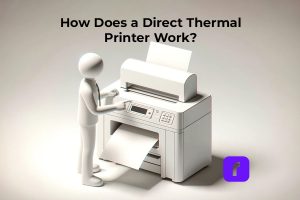
Shipping label makers primarily utilize direct thermal printing technology, which does not require ink, toner, or ribbons. Instead, these printers produce labels by applying heat directly to thermally sensitive paper.
This method allows the printers to rapidly produce crisp, clear barcodes and text without the need for additional supplies like ink. This technology is particularly efficient for producing the durable, high-quality labels required by carriers.
How Does a Shipping Label Maker Work?
So how exactly do these thermal marvels conjure shipping labels with their heated ballet? Unlike traditional printers that require ink or cartridges, Rollo’s wireless shipping label maker uses direct thermal technology.
This process involves passing specially coated label stock through a thermal printhead, which applies heat directly to the label based on the digital label information. This heat-sensitive coating darkens to form the printed image, effectively eliminating the need for any ink or ribbon.
While the technology behind it is fascinating, let’s be honest – most businesses care more about output quality and efficiency than the nitty-gritty mechanics. And shipping label makers deliver on both fronts, producing the compliant labels you need at speeds that keep shipments flowing smoothly.
With the pivotal role of shipping label makers firmly established, the next consideration is ensuring you select the ideal printer for your home-based operation’s needs. Because the reality is, these devices aren’t a one-size-fits-all solution.
Of course, in today’s increasingly mobile home business environment, printers need to adapt alongside shifting operational norms. That’s where wireless connectivity comes into play, transforming once-tethered printers into agile workhorses capable of enhancing flexibility and efficiency.
Strategic Positioning
By severing the cord, wireless shipping label makers like Rollo can be strategically positioned wherever makes the most sense for your workspace – no longer chained to a single location. Plus, wireless models can easily roam between different workstations or function as centralized printing hubs for multiple users, enabling seamless collaboration between household members or remote assistants.
Seamless Device Integration
The benefits extend beyond just physical maneuverability. Most wireless shipping label makers can interface directly with smartphones, tablets, and laptops, granting you full access to label generation tools from virtually anywhere.
With Rollo Ship, you can also manage orders from multiple e-commerce platforms and access discounted shipping rates, making your logistics even more efficient. So whether you’re printing from the garage workshop, home office, or even the couch, your logistics capabilities follow seamlessly.
Simple Wireless Setup
Setting up wireless connectivity is generally a simple plug-and-play affair. Many modern printers automatically broadcast their own WiFi signals, which your preferred devices can then detect and connect to much like any other wireless network. Advanced models might provide complementary apps or cloud-based setup utilities to further streamline the connection process.
Optimizing Wireless Performance
Just take care to position wireless printers away from signal-disrupting obstacles and within range of your WiFi router to ensure stable, buffer-free performance. A few thoughtful adjustments can make all the difference in maintaining steady shipping operations.
NO MONTHLY SUBSCRIPTIONS.
When you print shipping labels with Rollo, the first 200 are on us.
Every next label is just 5 cents.
Schedule pickups, consolidate orders, and print bulk labels.
While simply plugging in a shipping label maker is enough to provide basic fulfillment capabilities, achieving true logistics mastery involves tapping into these printers’ deeper integrations and refinements. Let’s explore how to unlock their full potential:
E-commerce Integration Made Easy
Savvy home business owners are increasingly merging their brick-and-mortar and ecommerce channels into unified sales fronts. This seamless presence provides incredible reach, but can also create fulfillment complexities as orders pour in across different platforms.
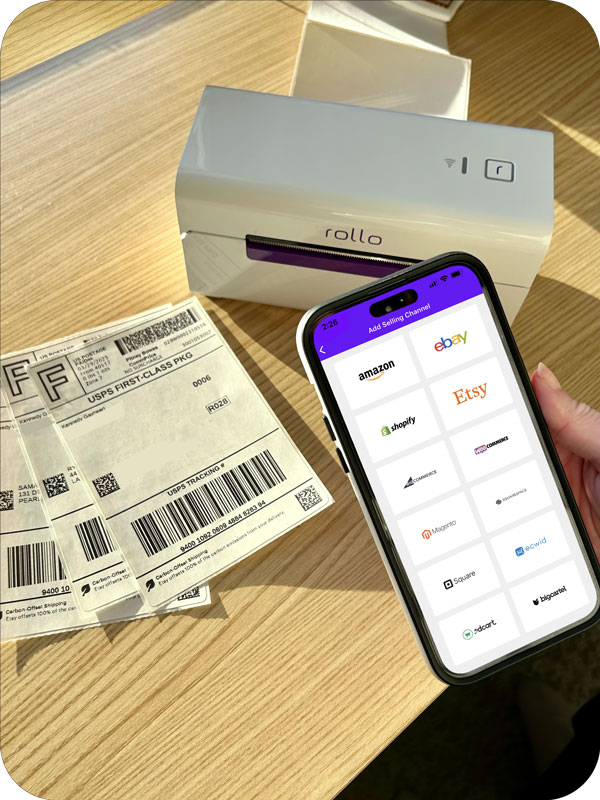
Thankfully, the Rollo printer’s software integrates with top ecommerce services like eBay, Amazon, Shopify, and now TikTok Shop. By connecting your storefronts, you can access order details easily.
You can also generate batches of shipping labels from one place. No more juggling disparate purchases or wasting time on manual data entry – a seamless print experience tailored for modern multi-channel sellers.
Troubleshooting Made Simple
Even the most automated systems can hit snags occasionally. Whether dealing with frozen label files, incorrect formatting, or printer quirks, reliable troubleshooting resources are invaluable. Many top shipping label makers provide comprehensive guides for quickly resolving common issues and error codes.
For example, Rollo’s support page includes solutions for various problems related to print quality and technical issues. A few minutes of troubleshooting can save hours of downtime and headaches.
Using Adhesive Labels
One frequently asked question is whether thermal shipping label printers can handle adhesive labels. The answer is yes. Thermal shipping labels, including those used by Rollo’s wireless label maker, typically have an adhesive backing. Once printed, you peel off the label to stick it onto the package.
Rollo’s wireless shipping label maker uses 4×6 labels with a strong adhesive that sticks well to packages and envelopes. These labels are designed to meet various needs, such as permanent, extra aggressive, removable, ultra removable, and freezer-grade adhesives.
Rollo offers a variety of label sizes, including 4×6, 2×1, and circle labels. All these labels are FSC certified, ensuring they are responsibly sourced. The FSC certification is considered the “Gold Standard” designation for wood harvested from forests that are responsibly managed, socially beneficial, environmentally conscious, and economically viable. Rollo’s FSC® License is FSC-N003774.
For consistent, hassle-free results, it’s best to use proper label stock designed for thermal printers. This ensures smooth operation and prevents jamming or print quality issues.
Whether you’re a crafty online jewelry maker, prolific eBay re-seller, or budding Shopify merchant, streamlining shipping is vital to meeting customer expectations and maintaining profitability. And injecting a dedicated label printer into that equation can radically enhance productivity.
Just picture it – no more tediously addressing each package and legibly scrawling courier barcodes. With a few taps, you can effortlessly generate compliant, scan-ready shipping labels en masse. Every outbound delivery is accounted for seamlessly, allowing you to focus on perfecting products and cultivating an amazing brand experience.
Planning for Success
Granted, shipping label printers aren’t magical solutions that absolve all logistical headaches. Careful planning around placement, connectivity, software integrations, and troubleshooting procedures is required to fully capitalize on their efficiency gains. But mastering those aspects can yield exponential returns in time and cost savings.
Final Words
So if you’re ready to level up your home business’s shipping operations, investing in a shipping label maker could be a game-changing move. By accelerating fulfillment and simplifying complex logistics workflows, the right printer empowers you to meet growing demand without sacrificing quality or attention to detail.
For the versatility, cost-effectiveness, and intuitive experience modern home businesses need, few solutions match the capabilities of the Rollo Wireless Thermal Printer. This compact dynamo combines rapid print speeds, wireless flexibility, automated label software, and effortless scalability that evolves seamlessly alongside your growing empire.
Follow Rollo on:
Frequently Asked Questions About Shipping Label Makers
📌 Q: What is a shipping label maker?
💭 A: A shipping label maker is a specialized printer designed to produce adhesive shipping labels required by major carriers like USPS, FedEx, and UPS. These printers use thermal printing technology to create high-quality labels quickly and efficiently.
📌 Q: How does a thermal shipping label maker work?
💭 A: Thermal shipping label makers, such as the Rollo Wireless Thermal Printer, use direct thermal technology. This process involves passing thermally sensitive paper through a printhead that applies heat to create the printed image, eliminating the need for ink or toner.
📌 Q: Why should I choose a thermal printer over a standard printer?
💭 A: Thermal printers are more cost-effective over time because they don’t require ink or toner. They also produce labels faster and with higher precision, which is essential for maintaining efficient shipping operations.
📌 Q: What types of labels can the Rollo Wireless Thermal Printer use?
💭 A: The Rollo Wireless Thermal Printer supports various label sizes, including 4×6, 2×1, and circle labels. All Rollo labels are FSC certified, ensuring they are responsibly sourced.
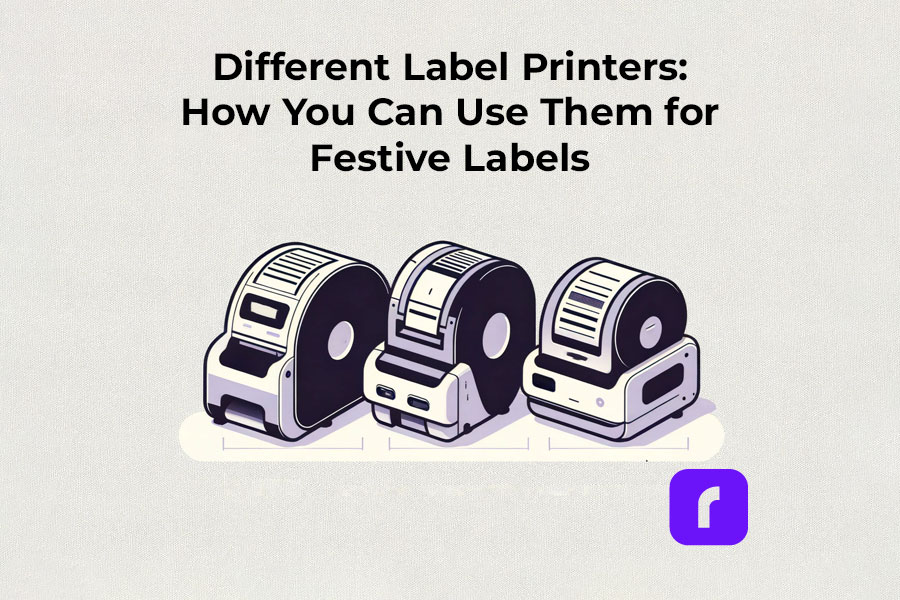
As the holiday season approaches, the demand for efficient and creative label printing solutions rises. Label printers, with their diverse capabilities, have become indispensable tools for both personal and business use. In this article, we’ll explore the various types of label printers, how to choose one that suits your needs, and creative ways to utilize them for festive labeling. Our guide will help you navigate the world of label printers, ensuring that your holiday preparations are both fun and efficient.
Understanding Label Printers
The Versatility of Label Printers in Festive Times
Label printers, more than just tools, are versatile solutions for various labeling needs. Their flexibility and adaptability make them indispensable, especially during festive times when unique and high-quality labels are in demand.
Thermal label printers
Thermal label printers stand out for their efficiency. Using direct thermal printing technology, they eliminate the need for ink or toner, which is a significant advantage over traditional printing methods. This inkless approach not only saves time but also reduces operational costs. Thermal label printers are perfect for creating shipping labels, product labels, and even festive decorations, delivering consistent print quality.
Did You Know?
Rollo's thermal label printers aren't just for basic label printing. These versatile machines, using direct thermal printing technology, make ink and toner a thing of the past. This not only streamlines your printing process but also slashes ongoing costs.
Rollo printers excel in versatility, handling tasks like shipping labels (FedEx, UPS, USPS), marketplace labels (Amazon), barcodes, name tags, decorative labels, and more!
The advent of wireless label printers has revolutionized the way we handle label printing tasks. These printers offer the convenience of printing from anywhere within their connectivity range. Whether you’re using a smartphone, tablet, or laptop, the ability to print labels wirelessly adds a layer of flexibility that is particularly useful during busy holiday seasons. You can effortlessly print address labels, gift tags, and more, without being tethered to a physical location.
Experience the freedom to print from anywhere – whether it's from your phone, tablet, or laptop. Perfect for the holiday rush, these printers make crafting address labels, unique gift tags, and more, incredibly easy and efficient. No cords, no limits. Dive into the world of hassle-free, wireless printing with Rollo.
For businesses and individuals alike, barcode label printers are essential for product identification and inventory management. Sticker label printers, on the other hand, add a creative touch to personal and professional projects. They are ideal for custom labels on gifts, making each present unique and personal. The ability to design and print high-quality, custom stickers enhances the aesthetic of any holiday package.
Did You Know?
Explore unlimited creativity with the Rollo Label Design Tool, a free platform for designing custom labels. Stand out with unique features like custom sizes, your own logos, intricate designs, barcodes, and QR codes. With a vast free image library and various shapes, sizes, and fonts, the possibilities are endless. Print your tailored labels in any size directly to your Rollo printer or any other printer without the need to cut them.
Take a look at some of the creative ways Rollo users have utilized our sticker label printers:
The compactness of small label printers makes them an excellent choice for limited spaces, while portable label printers offer the utmost convenience for on-the-go printing. They are particularly beneficial for event planners, craft enthusiasts, and small business owners who need to print labels at different locations.
Did You Know?
Rollo's label printers are ultra-compact and portable, weighing just 3 lbs and sized like a hardcover novel (8 × 4 × 4 inches). Ideal for event planners, crafters, and small business owners, they offer the convenience of printing anywhere. Rollo transforms label printing with devices that fit in small spaces and travel bags, bringing high-quality printing to your fingertips.
Commercial Label Printers:
For higher-volume printing needs, commercial label printers are the go-to choice. With faster print speeds and the ability to handle a variety of label sizes, these printers are designed for efficiency and durability, essential for businesses during peak seasons like holidays.
Did You Know?
When it comes to handling large volumes of label printing, Rollo label printers are highly capable and efficient. They can print one label per second, equating to 60 labels in a minute and 3,600 labels in an hour. This impressive speed makes Rollo printers particularly suitable for environments where efficiency is critical, such as e-commerce, logistics, or retail.
Label Printers with Apps:
Modern label printers often come with companion apps, making label design and printing more accessible and user-friendly. These apps allow users to create custom labels with ease, offering a range of templates and design options.
Rollo is transforming the label printing landscape with its advanced apps, including the Rollo Label Designer and Rollo Ship App.
Rollo Label Printers and the Rollo Label Designer App
The Rollo Label Designer is a gateway to limitless creativity in label creation, offered for free with an array of customizable templates and sizes, unlike any other platform. It empowers users to create unique labels by uploading logos, images, barcodes, and QR codes or generating them within the tool. With a vast library of shapes, sizes, and fonts, your label designs are only limited by your imagination, and you can print them in the exact size you need directly to your Rollo printer.
Rollo Label Printers and the Rollo Ship App
The Rollo Ship App elevates this experience by offering comprehensive shipping solutions. It’s a free, versatile tool available for iOS, Android, and Desktop, which allows you to consolidate orders from various marketplaces, regardless of the device you’re using. This app stands out for its inclusivity; you don’t need to own a Rollo printer or any Rollo product to benefit from its features like discounted shipping rates, label designing, or scheduling pickups. It seamlessly integrates with major carriers like USPS, UPS, and FedEx and various e-commerce platforms, providing up to 90% discounts on shipping.
Furthermore, Rollo Ship utilizes AI to streamline your shipping process, automatically importing new orders, grouping them, and even notifying recipients of their tracking info. This app is ideal for businesses of all kinds, even service-oriented ones like law or medical practices, who can leverage these shipping discounts without the need to prove their business status.
With no monthly subscription and a cost of just 5 cents per label (waived for the first 200 labels), the Rollo Ship App is not just a tool but a strategic partner in your business. It’s constantly updated with new features like Exact Payment, support for international shipments, and Army, Fleet, and Diplomatic Post Office Address Support.
The essence of a good label printer lies in its ability to produce a variety of labels, from simple address labels to intricate custom designs. The print resolution of these printers ensures that every detail, no matter how small, is crisp and clear. This is crucial when printing intricate designs or small text on product labels.
Whether you’re a small business owner streamlining your shipping process or an individual adding a personal touch to your holiday gifts, there’s a label printer out there to meet your needs.
Choosing the Right Label Printer
Selecting the right label printer involves considering several factors like print resolution, print speed, and the variety of labels it can produce. If you’re looking for a printer that offers mobility, a portable label printer might be your best bet. For businesses, a commercial label printer that can handle a higher volume of labels at greater speeds is essential. It’s also important to look for printers that are compatible with different devices and software for seamless operation.
Label Printer Buying Guide
Step 1: Assess Your Label Printing Needs
Before diving into the specifics of label printers, it’s crucial to understand your individual or business requirements. Ask yourself:
What type of labels will you primarily print? (e.g., shipping labels, product labels, barcode labels)
What volume of labels do you anticipate printing regularly?
Do you need a printer that’s easily portable or one that will remain in a fixed location?
Step 2: Consider Key Features
Print Resolution: Measured in DPI (dots per inch), print resolution affects the clarity and detail of your labels. Higher DPI is essential for labels requiring fine detail, such as barcodes or product labels.
Print Speed: Speed is measured in labels per minute. Crucial for high-volume printing environments like warehouses or shipping centers.
Label Variety: Consider printers that support different label sizes and types for versatility.
Portability: If mobility is vital, look for lightweight, compact printers with battery options.
Step 3: Check Compatibility and Connectivity
Device Compatibility: Ensure the printer is compatible with the operating systems of your computers or mobile devices. Check for compatibility with software or apps you plan to use for label designing.
Connectivity Options: Options include USB, Wi-Fi, Bluetooth, or Ethernet. Wireless connectivity is useful for printing from multiple devices or locations.
Step 4: Balance Cost and Efficiency
Initial Cost vs Long-Term Savings: While some printers may be cheaper upfront, consider long-term costs like ink, toner, or special label paper. Thermal printers, which don’t require ink or toner, can offer significant savings over time.
Efficiency and Productivity: Printers offering high print speeds and easy label loading can boost productivity, especially in commercial settings.
Step 5: Additional Considerations
Durability: For heavy-duty use, look for printers built to withstand high-volume printing and frequent handling.
After-Sales Support: Consider the warranty and customer support offered by the manufacturer.
Environmental Impact: Some printers are more eco-friendly, using less power or producing less waste.
Brand Reputation: Research brands for reliability and customer satisfaction.
Step 6: Making the Final Decision
Once you’ve evaluated these factors, compare a few models that meet your criteria. Read reviews and user feedback to understand real-world performance and reliability. Don’t hesitate to contact manufacturers or sellers for any specific queries or demonstrations.
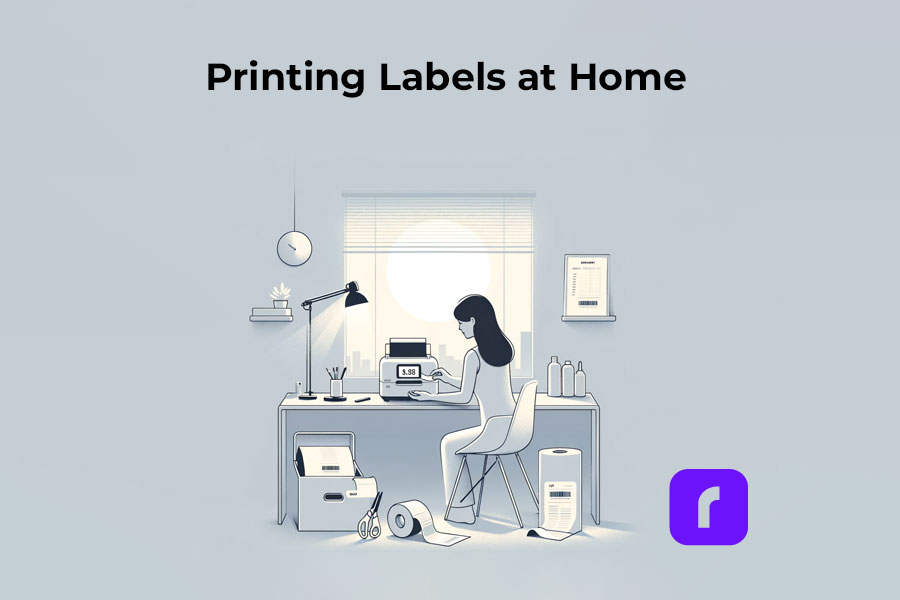
How to Print Labels at Home
Printing labels at home is straightforward with the right label printer. The process typically involves selecting the right type of label, designing your label using a software or app, and then printing it directly from your device. Many label printers come with user-friendly interfaces and applications that make this process a breeze, even for beginners. It’s an efficient way to manage home organization, holiday preparations, or even small business needs.
Printing labels at home can be an efficient way to manage various tasks, from organizing your space to preparing for the holidays or supporting your small business. Here’s how to navigate the process with ease:
🎬 Step 1: Choose the Right Label Printer
Have in mind what we already mentioned about:
🟣 Assessing Your Label Printing Needs: shipping, barcode, decorative, etc. If you are unaware of all the printers you would like to print, we advise you to choose an ultimate solution like Rollo – capable of printing various types of thermal labels.
🟣 Printer Types: Consider a portable label printer for mobility or a commercial one for high volumes. The best choice would be a printer with the efficiency of commercial ones and the size of a portable printer. Like the Rollo wireless printer.
🟣 Compatibility: Ensure the printer works with your devices and software. If you are switching devices regularly, look for a widely compatible option. Such as the Rollo wireless – compatible with iOS, Android, Windows, Mac, Linux, and Chromebook.
➡️ Step 2: Select Suitable Labels
🟣 Label Types: Choose from a variety of labels (e.g., shipping, barcode, sticker). Know your label sizes: barcode labels are size 2×1 inches, shipping labels are 4×6 inches, etc.
🟣 Size and Material: Match the label size and material to your printer’s capabilities – e.g. if you are using a regular inkjet printer, use regular paper, if you have a thermal label printer – print on thermal labels only.
➡️ Step 3: Design Your Labels
🟣 Software/App Usage: Utilize the printer’s companion app or software for designing labels.
🟣 Customization: Add text, images, logos, or barcodes as needed. Utilize the features of apps like the Rollo Label Designer App for advanced customizations.
➡️ Step 4: Set Up Your Printer
🟣 Install Printer Drivers: Ensure your printer’s drivers are installed on your device. Did you know that the Rollo wireless label printer does not require any driver installation and it takes only 5 minutes to set up?
🟣 Load Labels: Properly load the labels into the printer according to the manufacturer’s instructions.
🔚 Step 5: Print the Labels
🟣 Connectivity: Connect your printer to your device via USB, Wi-Fi, or Bluetooth, depending on its type of technology.
🟣 Print Settings: Select the correct printer and label size in the print settings.
🟣 Print Quality: Choose the desired print quality (DPI settings) based on your label’s purpose. Did you know that the Rollo label printers have an industry-standard printing quality of 203 dpi?
📢 Post-Printing Steps
Label Application: Peel and stick your thermal labels.
Storage: Store any unused thermal labels in a cool, dry place to maintain their quality.
⚠️ Tips for Effective Label Printing
Test Prints: Do a few test prints to ensure alignment and quality.
Regular Maintenance: Clean your printer regularly to ensure consistent print quality.
Software Updates: Keep the printer’s software or app updated for new features and improved performance.
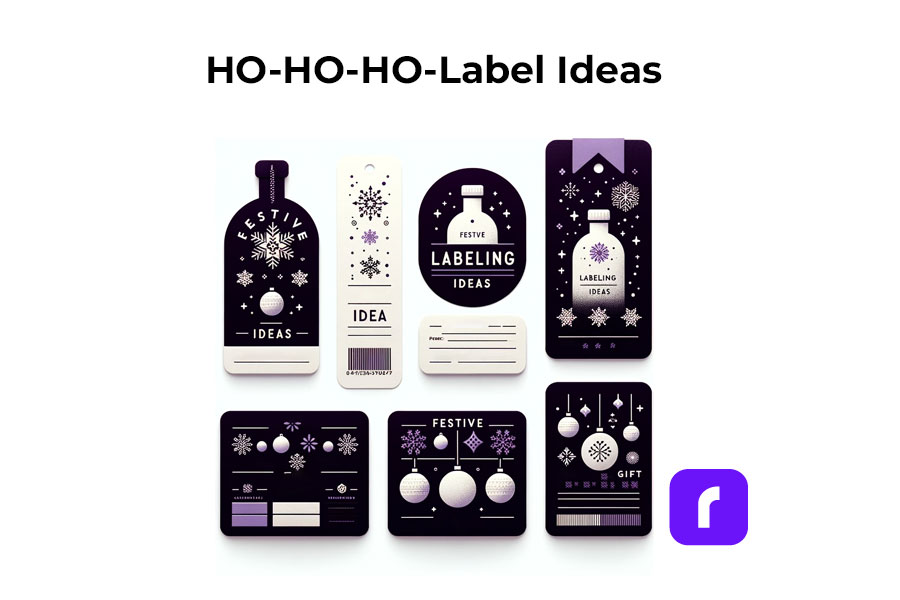
Festive Labeling Ideas
Label printers shine the brightest during the holiday season. They offer endless possibilities for creative labeling. You can design custom labels for gift bottles or create unique stickers for candles. The use of label printers extends to crafting personalized address labels, adding a touch of warmth to your holiday mail. With these printers, you can bring a personal touch to every aspect of your festive preparations.
;
Personalized Gift Wrapping:
🎁 Custom Gift Tags: Design and print custom tags for each gift, adding a personal message or the recipient’s name.
❄️ Theme-Based Labels: Create labels that match your holiday theme, such as snowflakes for a winter wonderland or stars for a night-themed party.
Home Decoration:
🪟 Window Stickers: Print festive designs like snowflakes or reindeer to adorn your windows.
🪑 Table Setting Labels: Create name tags for place settings or labels for homemade food items on your holiday table.
Holiday Cards and Mail:
✉️ Address Labels: Design address labels with festive graphics for sending out holiday cards.
📦 Seal Stickers: Make custom stickers to seal envelopes, adding a festive touch.
Party Favors and Decor:
🍾 Bottle Labels: Customize labels for wine or beverage bottles served at parties.
🎉 Party Favor Tags: Create unique tags for party favors, reflecting the holiday spirit.
Organizing Holiday Supplies:
🛅 Storage Bin Labels: Print labels for organizing holiday decorations, making next year’s setup easier.
🎀 Gift Wrap Station Tags: Label compartments or containers at your gift-wrapping station for easy access to ribbons, tags, and paper.
Children’s Activities:
🎨 DIY Sticker Sheets: Print a sheet of holiday-themed stickers for children to decorate and play with.
📅 Advent Calendar Labels: Create numbered labels for a homemade advent calendar filled with treats or activities.
DIY Crafts and Gifts:
🫙 Jar Labels for Homemade Goodies: Make labels for jars of homemade jams, cookies, or candies, perfect for gifting.
📕 Book Labels: For book gifts, print personalized book labels with a holiday message.
As you gear up for the festive season, remember that saving on shipping costs is just as important as efficiency. Our Money Saving eBay Shipping Label Guide provides eBay sellers with essential tips to keep shipping expenses low during the busiest time of the year.
Final Words
Label printers are more than just a tool; they are a gateway to creativity and efficiency, especially during the festive season. By understanding the different types available, how to choose the right one, and the multitude of ways they can be used, you can transform your labeling tasks into an enjoyable part of your holiday preparations. Remember to consider factors like cost, efficiency, and compatibility to make the most out of your label printer.
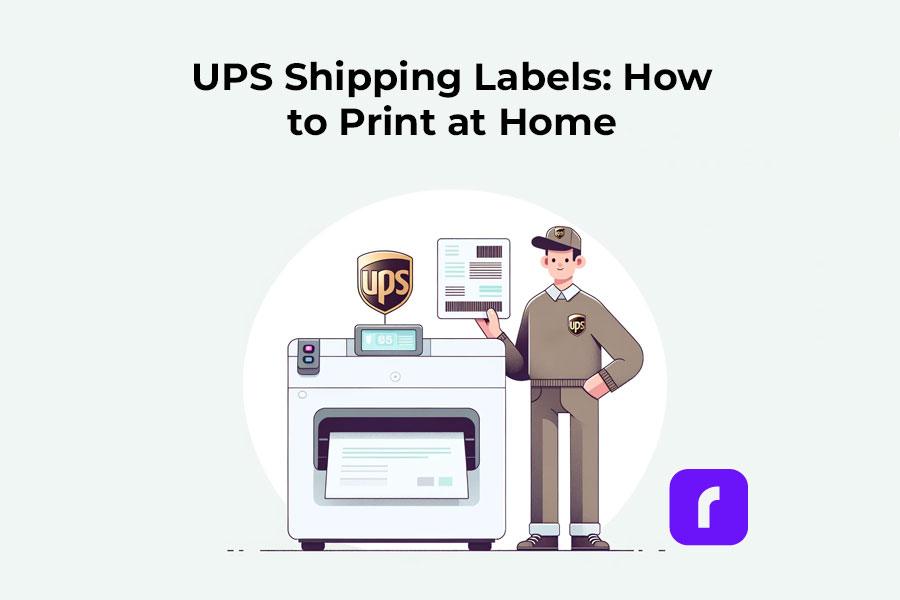
In today’s fast-paced world, where timely deliveries are more crucial than ever, UPS shipping labels have become indispensable tools in the shipping and delivery process. For small business owners who are constantly managing a flurry of orders, and for individuals eager to send packages to their loved ones, the ability to create and print UPS shipping labels from home is a game-changer.
It simplifies what used to be a complex process, making it manageable right from your living room. This guide will walk you through the steps to handle UPS shipping labels efficiently, ensuring your packages are ready for their journey quickly and correctly.
Comprehensive Walkthrough
Understanding UPS® Shipping Labels
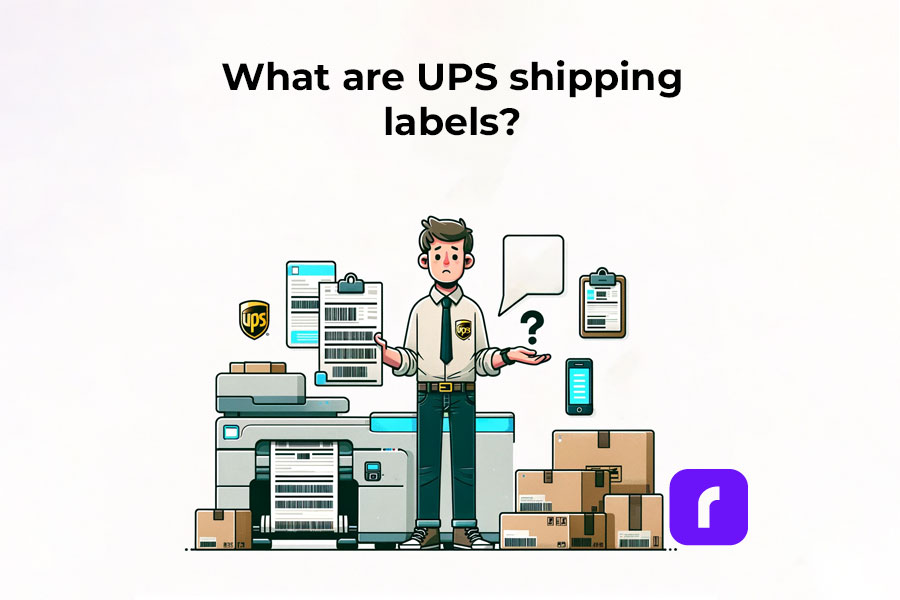
What are UPS Shipping Labels?
Think of UPS shipping labels as the lifeline for your packages. They’re not just ordinary pieces of paper; they carry the essential DNA of your shipment.
Each label holds crucial information:
where your package is from (origin) = sender’s information: name, address, phone;
where it’s headed (destination) = recipient’s information: name, address, phone;
the specifics of the shipment = weight, type of UPS service chosen, and more;
a unique tracking code
This code is particularly important as it allows you to follow the package’s journey, ensuring it reaches its destination safely. These UPS labels serve as a critical bridge between you, the shipping service (UPS), and the recipient, making sure everyone is on the same page about where your package is and when it’s expected to arrive.
By incorporating these steps and understanding the importance of a well-prepared UPS shipping label, you’re not just sending a package; you’re ensuring its safe and timely arrival. Whether you’re shipping a product to a customer or a gift to a family member, the accuracy and clarity of your UPS shipping labels can make all the difference.
So, let’s delve into the process of creating and printing these labels at home, ensuring your shipments are handled with the utmost care and professionalism.
The Significance of Shipping Labels in Logistics
Shipping labels are the backbone of logistics, serving roles far beyond simple identifiers:
pivotal in tracking, allowing both senders and recipients to monitor shipments in real time;
streamline inventory management and inspection processes;
provide essential information on package contents, origins, and destinations.
Major carriers like UPS understand the importance of efficient shipping labels and invest significantly in their development. This investment enhances the accuracy and organization of shipping processes, ensuring each package is tracked and managed meticulously.
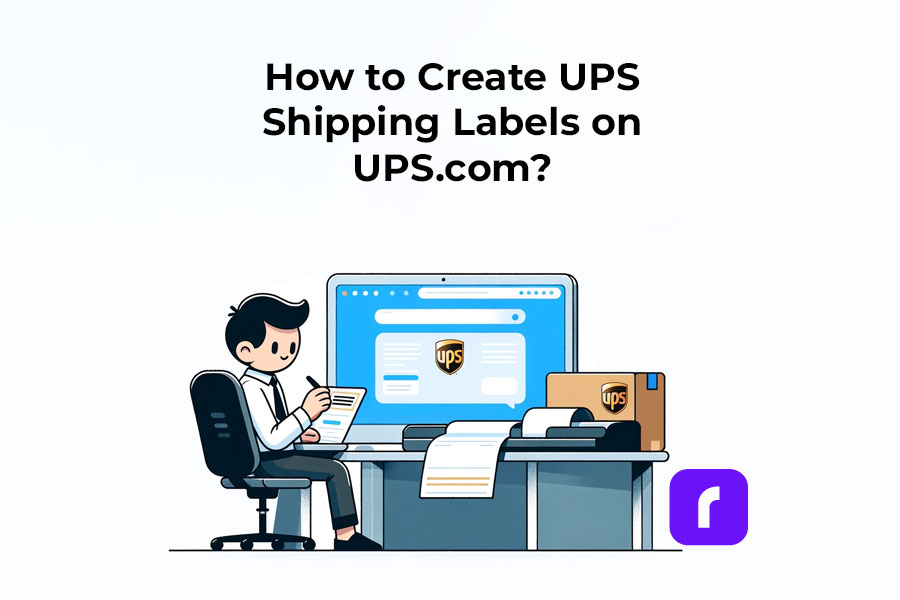
Creating Your UPS Shipping Labels on UPS.com
❔ How to Create and Print a UPS Shipping Label on the UPS website
Crafting a UPS shipping label is a breeze.
➡️ Step 1: Visit the UPS website, Log In, and Create a Shipment.
To start, you’ll need a UPS account.
If you don’t have one, don’t worry—it’s quick and simple to set up.
Alternatively, you can ship as a guest.
Go to the UPS website.
Log into your UPS account. OR Click on “Shipping” > “Create a Shipment”
This is where you’ll fill in important delivery details, including the names and addresses of both the sender and the recipient. It’s the first step to ensuring your package embarks on its journey correctly.
➡️ Step 2: Enter Package Details and Select a UPS Service
Input specific information about your package, like its weight and contents.
After that, it’s time to pick a delivery option.
UPS offers a variety of services, such as UPS® Ground or UPS Next Day Air®, so choose one that matches your shipping needs.
➡️ Step 3: Pay. Download your UPS shipping label.
Finally, select your payment method.
Once payment is confirmed, your UPS shipping label is ready to download.
➡️ Step 4: Print your UPS shipping labels.
In the ‘Manage Shipments’ section on UPS.com, find and download your label. Print it using your home printer or your shipping label printer.
UPS also offers free software called UPS WorldShip ® for its customers, designed specifically for efficient and high-speed printing of 4 x 6 labels. However, using the UPS.com website for label printing can be more restrictive.
If UPS WorldShip ® isn’t your preference, consider using the Rollo Ship or other commercial solutions. These solutions integrate with UPS.com, enabling label printing in a 4 x 6 format at your negotiated rates. They are web-based, easy to use, and can be set up quickly.
Ready to print your UPS shipping label at home? Make sure you have a standard printer and either regular printing paper or specialized label sheets. It’s vital to check that your printer has sufficient ink and is functioning properly to avoid any printing issues.
While you’re exploring ways to print UPS shipping labels at home, don’t miss our comprehensive Money Saving eBay Shipping Label Guide. It’s packed with tips and tricks to help eBay sellers reduce their shipping costs effectively.
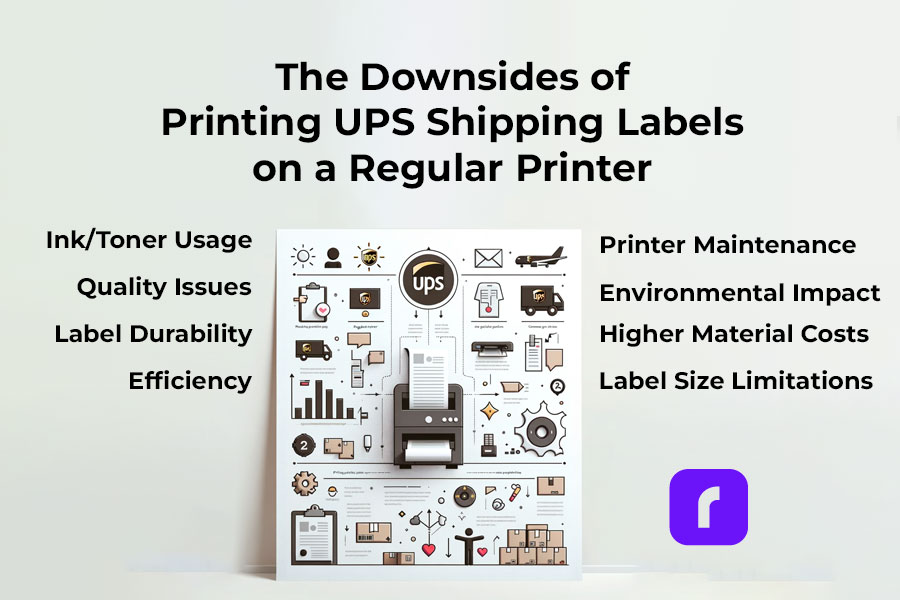
⚠️ Warning! Downsides of Printing UPS Shipping Labels from a Regular Printer
✒️🖨️ Ink/Toner Usage: Regular printers use ink or toner, which can be costly over time, especially for high-volume shipping.
🔎📝 Quality Issues: Inkjet and laser printers may not offer the same clarity and durability in labels as thermal printers, leading to smudging or fading.
🏷️💧 Label Durability: Labels printed from regular printers are often less resistant to water and handling, which can result in damage during transit.
🦥⏳ Efficiency: Printing labels on standard printers is generally slower, making it less efficient for those with frequent or bulk shipping needs.
🏷️📐 Label Size Limitations: Regular printers may have restrictions on the size of labels they can print, potentially complicating the process for specific UPS label sizes.
⬆️💰 Increased Material Costs: Using regular printers requires additional label sheets or sticker paper, which adds to the overall cost.
🔧🖨️ Printer Maintenance: Regular printers used frequently for label printing may require more maintenance and are more prone to jams and other mechanical issues.
🚫 🟢 Environmental Impact: Regular ink printers contribute more to waste and environmental impact compared to thermal printers, which don’t use ink cartridges.
⚠️ Keep in mind that you may need to visit a UPS store to print your UPS shipping labels if you don't have a printer or face technical difficulties.
Printing UPS Shipping Labels on a Rollo Shipping Label Printer
Install Rollo as a UPS Label Printer. Note that UPS.com’s thermal printer setting only supports 4 x 8 label sizes, not 4 x 6, so ensure you have the correct label size. This size constraint doesn’t apply when using UPS WorldShip ® or other commercial solutions like Rollo Ship!
For Printing from UPS WorldShip ® and Rollo USB shipping label printer, refer to these steps:
For printing UPS shipping labels with Rollo wireless, all you need to do is just send your labels to the printer.
PRO TIP:
For a smoother printing experience, consider using a dedicated shipping label printer compatible with UPS labels. Shipping label printers like the Rollo Wireless Label Printer offer quick, easy, and high-quality printing, ensuring your labels are clear and professional. With the right printer, you can streamline your shipping process, making it more efficient and reliable.
Ready to elevate your shipping game? Opt for a specialized shipping label printer today and experience hassle-free label printing for your UPS shipments!
Printing UPS Shipping Labels at Home with a Shipping Label Printer
⬇️ Sign Up for Rollo Ship for Free – App or Desktop
No monthly subscriptions, no download fee, no registration fee. You can choose either the mobile app for iOS and Android or the desktop version.
➡️ Log Into Rollo Ship
➡️ Select or Create a Shipment
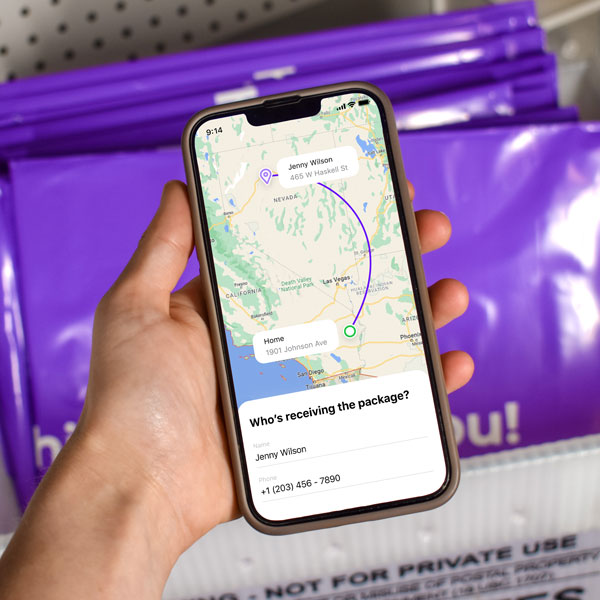
If you have connected stores (like Shopify, Amazon, etc.), simply select an order to print a shipping label. The details for your shipments will be automatically imported. If you don’t have connected marketplaces, click on ‘Create Shipment’ on your home screen and input the sender and recipient’s shipping details.
➡️ Verify Order and Input Package Details
Double-check the recipient’s address and shipping requirements. Enter the package dimensions and type.
➡️ Choose the UPS Service you need at a cheaper shipping rate.
Click “Calculate Shipping Rates” to view different delivery options. Select the UPS service that suits your needs. With Rollo Ship, you benefit from negotiated UPS shipping discounts.
➡️ Buy the Shipping Label or Leverage the 200 Free Labels from Rollo.
The first 200 shipping labels are free, but shipping fees still apply.
🔚 Print Label
Ensure your device is linked to the Rollo shipping label thermal printer. The label will be formatted perfectly for printing.
Incorporating the Rollo Ship App and the Rollo Wireless Printer into your shipping process not only simplifies the creation and printing of UPS shipping labels but also ensures accuracy and efficiency. Whether you’re a small business or an individual shipper, these tools provide a seamless, hassle-free shipping experience, giving you more time to focus on what matters most. Start using these innovative solutions today and transform the way you handle your shipping needs.
Did you know?
You can easily integrate your existing UPS account with Rollo Ship at no cost, or even set up a new one directly in the Rollo app?

Rollo offers valuable shipping discounts with UPS®, designed to help both regular shippers and businesses reduce their shipping costs. Additionally, Rollo Ship users can conveniently schedule pickups and receive automated tracking updates for their shipments.
UPS Shipping Label Costs and Validity
Are UPS Shipping Labels Free?
While creating a UPS shipping label is generally free, additional costs may apply for features like tracking and insurance. It’s important to factor in these costs when calculating your overall shipping expenses.
UPS Shipping Label Validity and Expiration
UPS shipping labels are typically valid for a specific period, often 90 days from the date of creation. It’s crucial to use the label within this validity period to ensure smooth processing of your shipment.
Handling and Placing UPS Shipping Labels
Correct Sizes and Placement of UPS Shipping Labels
Standard UPS labels are typically 4×6 inches. Placement is key; the label should be affixed to the top surface of the package, avoiding any seams or edges where it might get torn or obscured.
Attaching UPS Shipping Labels on Different Package Types
Whether you’re using a box or an envelope, make sure the label is securely attached and fully visible. For special package types, consult UPS guidelines to ensure proper labeling.
Advanced UPS Shipping Label Options
How to Order, Edit, and Cancel UPS Shipping Labels
Managing your labels is easy with UPS. You can order, modify, or even cancel your labels through the UPS website or app. This flexibility is particularly useful for businesses managing multiple shipments.
Special Considerations for International Shipments
For international shipments, additional details like customs information may be required. Ensure these are accurately filled out to avoid delays.
Tips for Efficient Use of UPS Shipping Labels
Best Practices for Preparing a UPS Box for Shipping
Preparing your package for shipping with UPS is crucial for its safe and timely delivery. Here’s how Rollo’s shipping and packaging supplies can enhance this process:
Select the Right Label:
Rollo offers eco-friendly, FSC-certified, BPA-free thermal labels in various sizes and colors. For standard shipments, their 4×6 shipping labels in white, available in fanfold or roll, are perfect. They also provide colorful 2-inch circle labels and 2×1 barcode labels on a roll for specialized needs.
For items needing extra protection, their bubble mailers and poly mailers come in various sizes. These mailers are extremely lightweight, durable, and water-resistant, and feature a strong peel-and-seal closure, ensuring your package stays secure and protected.
Weigh Your Package Accurately: Rollo’s heavy-duty shipping scale with a separate reading panel makes it easy to get accurate weight measurements. It features smart functions like Tare (net weight), Hold (weight memory), and Auto Shut Off to save battery life. It’s accurate up to 0.07 ounces and can handle packages up to 110 lbs.
Utilizing UPS Shipping Labels for Business Efficiency
Integrating label creation and printing into your shipping workflow can significantly enhance business efficiency. Rollo products are designed to streamline this process:
Use the Rollo Ship App: This app simplifies creating UPS shipping labels, allowing you to consolidate orders from various platforms and generate labels effortlessly. It’s user-friendly and ideal for businesses managing multiple shipments.
Print with the Rollo Wireless Label Printer: Combine the Rollo Ship App with the Rollo Wireless Label Printer for a complete labeling solution. This printer is compatible with various label sizes, including 4×6 inches, and uses direct thermal printing technology, which is fast and ink-free. It’s perfect for high-volume shipping needs.
Optimize Your Shipping Supplies: With Rollo’s range of packaging supplies, you can ensure that every package you send out is well-prepared. Their hybrid label holder is suitable for both fanfold and roll labels, making it versatile for different packaging needs.
Final Words
Printing UPS shipping labels at home makes managing your packages easy and effective. Whether you’re sending something across town or to the other side of the world, the right label is key. It’s a small step, but it makes a big difference in making sure your package gets where it’s going. So, each time you stick that label on, know that you’re on the right track to a successful delivery.
💭 A: Accurate sender and recipient information, package details, and a tracking number.
📌 Q: How long are UPS shipping labels good for?
💭 A: Typically, they are valid for 90 days from the date of creation.
📌 Q: Can I Handwrite a Shipping Label?
💭 A: While handwritten labels are possible, printed labels are preferred for accuracy and readability. Handwritten labels must be clear and include all necessary information.
📌 Q: Do I Need to Print My Own Shipping Label for UPS?
💭 A: No, you don’t necessarily have to print your own UPS shipping label. If you’re unable to print at home, you can have it printed at a UPS store. For a more convenient solution, consider using the Rollo Ship App and Rollo Wireless Label Printer to create and print your labels easily at home.
📌 Q: Where to Print a Shipping Label for Free?
💭 A: While free label printing isn’t typically available, you can get labels printed at UPS stores for a fee. Alternatively, using the Rollo Wireless Label Printer at home can be a more cost-effective solution in the long run, allowing you to print labels anytime you need.
In the fast-paced world of e-commerce, efficiency is key. A shipping label thermal printer is essential for small businesses to enhance customer satisfaction and operational efficiency. It’s not just a tool but an investment to streamline your shipping process, vital for online stores and brick-and-mortar businesses alike. This guide covers everything from thermal printing basics to selecting and setting up the ideal printer for various platforms.
Understanding Shipping Label Thermal Printers
What is Thermal Printing?
Thermal printing is a method where images are created on paper using heat. This process involves a thermal print head applying heat to thermal paper, which changes color to form the image or text.
Use in Label Printing
Thermal label printers are tailored for printing shipping labels. They’re fast and efficient, making them ideal for businesses that need to print labels quickly and frequently.
Comparing Thermal Shipping Label Printers with Standard Printers
Advantages Over Inkjet or Laser Printers:
For small businesses, thermal shipping label printers stand out because they’re built specifically for label printing.
This focus means they’re quicker and more reliable, especially for printing large volumes of clear, long-lasting labels.
Why Choose Thermal Printers?
They’re faster and more efficient for printing shipping labels – a crucial feature for businesses with high shipping demands.
Benefits of Thermal Shipping Label Printers
Efficiency:
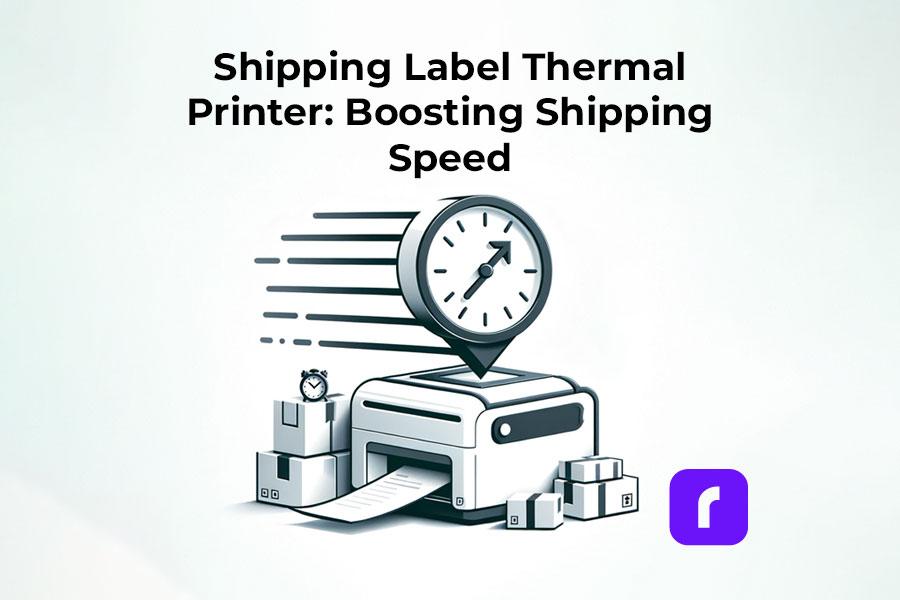
A key benefit is speed. Some shipping label thermal printers can output a label per second, a vital feature for time-sensitive shipping tasks.
Rollo Wireless can generate 1 4×6 label per secondand a resolution of 203 dpi!
Cost-Effectiveness:
Shipping label thermal printers are more economical over time. They don’t need ink, toner, or ribbons – just thermal paper. This reduces ongoing costs significantly.
Rollo Wireless has a life span of 650,000 labels! This is 4x more than other brands.
Reliability and Low Maintenance:
Known for reliability, these printers have fewer moving parts than other types, reducing the risk of breakdowns. This means consistent label printing without disruptions, essential for a smooth shipping operation.
Choosing the Right Shipping Label Thermal Printer for Your Business
Understanding Different Types of Thermal Printers
What Type Do You Need? The choice of a shipping label thermal printer depends on your specific shipping label needs. Essentially, there are two main types: Direct Thermal Printers, ideal for short-term label needs, and Thermal Transfer Printers, suited for labels requiring longer durability.
Key Factors to Consider
Size and Space Consider the physical size of the printer. Smaller printers are great for limited spaces but may have limitations in label size and roll capacity.
Printing Speed Speed is crucial. Look for printers that can keep up with your business’s volume of shipping. Faster printers can significantly streamline your shipping process.
Connectivity Options Check for connectivity options like USB cable compatibility. Some modern printers also offer wireless connections, which can be more convenient.
Compatibility with Platforms Ensure the printer is compatible with your selling platform (e.g., Shopify, Etsy). This compatibility is crucial for seamless integration and operation.
Exploring the Product Range
Variety of Thermal Printers There are various models to cater to different business needs. Some are designed for high-volume shipping, while others are more suited for smaller-scale operations.
Thermal Printing Variations Look for printers that support a range of label sizes and types, offering flexibility for different shipping needs. Options like “shipping label thermal printing” devices are tailored for e-commerce and can handle different label formats efficiently.
Setting Up Your Shipping Label Thermal Printer: The Rollo Wireless and USB Experience
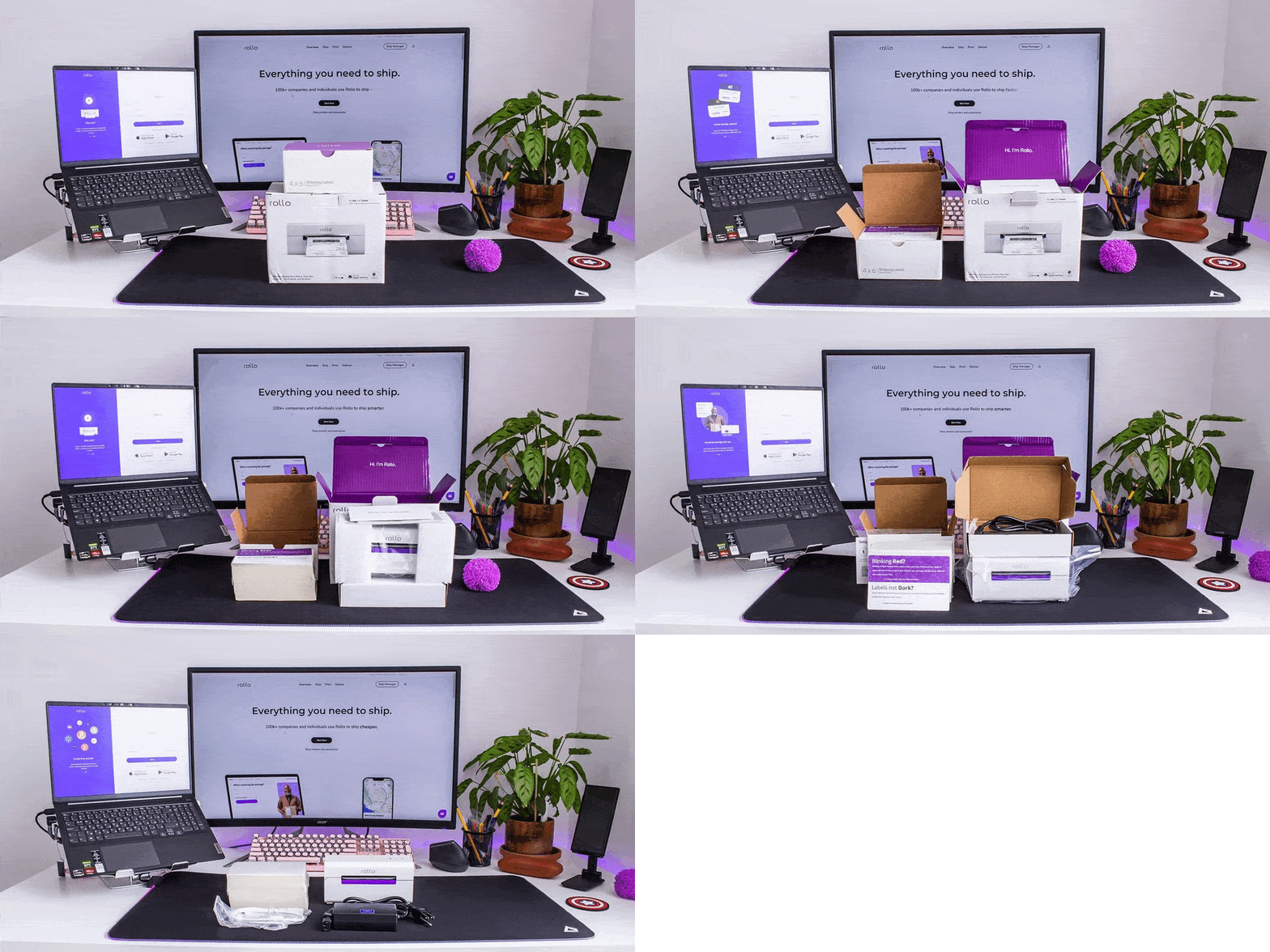
Unboxing the Rollo Wireless Shipping Label Thermal Printer: What’s Inside?
Printer and Accessories: Inside the box, you’ll find the sleek Rollo wireless shipping label thermal printer, an AC adapter, and a USB B to USB A cable for optional USB printing.
Guides and Labels: A color guide for LED signals, a setup guide with a QR code for the Rollo app, and a sample label for a quick start are included.
Support and Extras: A support contact card, 500 complimentary 4×6 shipping labels, and an alcohol pad for maintenance ensure you’re fully equipped.
Package Details: The entire package weighs 5.8 lbs and comes with free ground shipping. Returns are hassle-free within 30 days.
Setting Up Your Rollo Wireless Shipping Label Printer
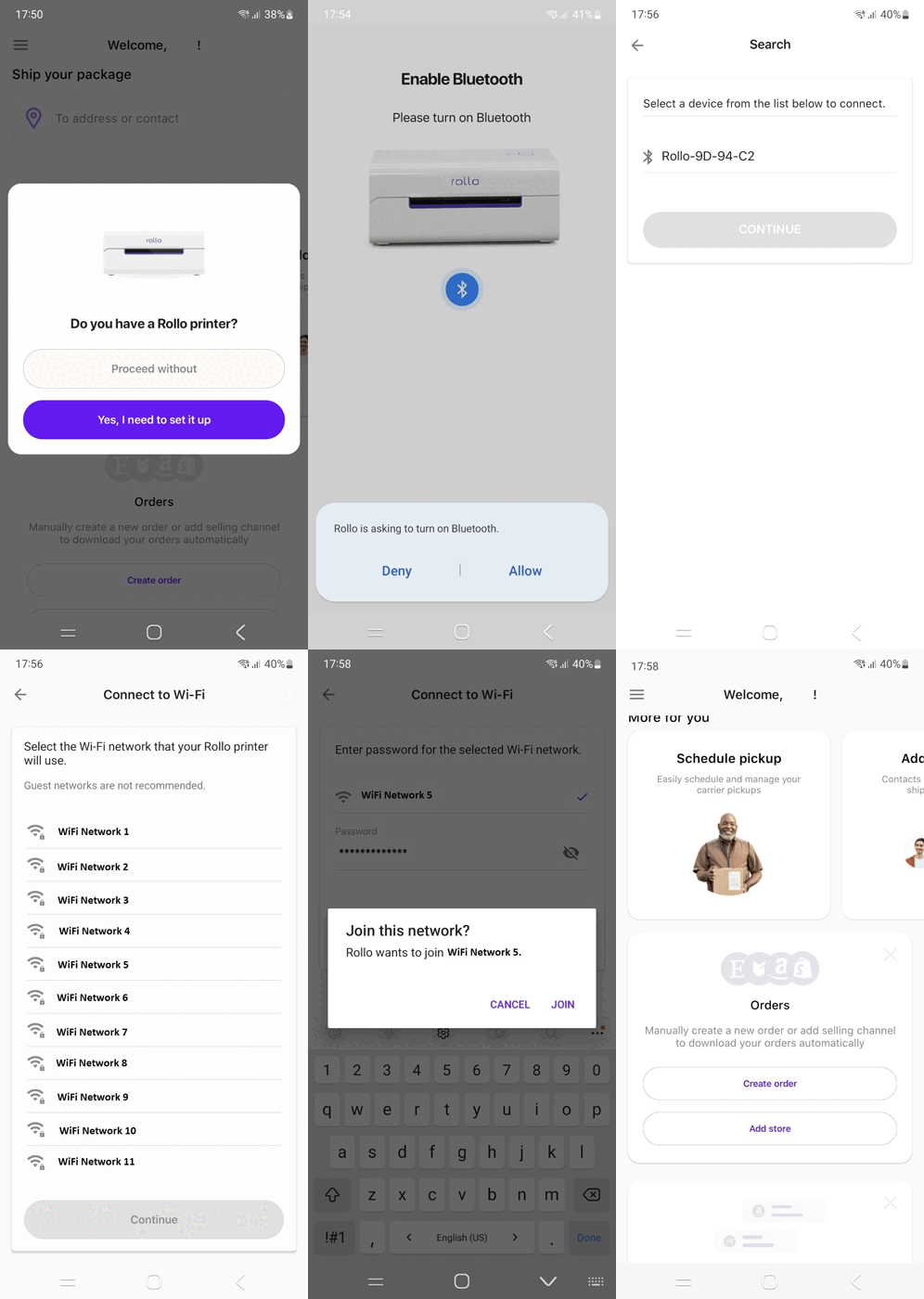
Time and Ease of Setup: The setup is a breeze, taking about 5 to 10 minutes. Begin by downloading and registering on the free Rollo App.
Bluetooth and WiFi Connectivity: Initially, use Bluetooth for setup, then switch to WiFi for regular operation.
No Driver Installation Needed: The wireless model doesn’t require driver installation, unlike the USB model.
Key Features: The Rollo Wireless Printer boasts a 203 dpi resolution, a max printing speed of 150 mm/s, and supports various paper sizes and types.
Rollo Wireless Label Printer at a Glance
Versatile and Compact: As compact as a 9-inch phone, it’s ideal for small spaces.
Print Lifespan and Supported Paper: Capable of printing approximately 650,000 labels, it supports a range of direct thermal labels and paper.
Intelligent Label Detection: Automatically detects label sizes, eliminating the need for manual cropping.
First-Time Setup: Connecting to the shipping label thermal printer via the app is straightforward. Select your WiFi network, load the labels, and you’re set to print.
First Print: Witness the printer spring into action with its first test label, marking your entry into efficient, inkless label printing.
Setting Up the Rollo USB Printer: Software and Driver Installation
Getting Started with the Rollo USB Printer The Rollo USB shipping label thermal printer, designed for straightforward and efficient label printing, requires a simple setup process to integrate seamlessly with your computer system.
Software and Driver Installation Steps
Driver Download
Finding the Right Driver: Visit Rollo’s official website to access the latest drivers. Ensure you select the driver compatible with your operating system, whether it’s Windows or MacOS.
Easy Access: Navigate to the support or download section on Rollo’s website, where you will find a dedicated area for Rollo USB shipping label thermal printer drivers.
Installation Process
Running the Installer: Once the driver is downloaded, locate the file, usually in your computer’s “Downloads” folder. Double-click on the file to initiate the installation.
Step-by-Step Guidance: The installation wizard will guide you through the process. Follow the on-screen instructions which may include accepting a license agreement, choosing an installation location, and confirming the installation.
Finalizing Installation: After the installation is complete, you may need to restart your computer. This ensures that your system fully integrates the new driver.
Ensuring Recognition
Connecting the Shipping Label Thermal Printer: With the driver installed, connect your Rollo USB printer to your computer using the supplied USB cable.
Confirmation of Installation: Once connected, your computer should automatically recognize the Rollo printer. You can verify this by going to your system’s printer settings or control panel where the Rollo printer should be listed as an available device.
Ready to Print
Test Print: It’s a good practice to perform a test print to ensure everything is working correctly. You can do this from the printer properties or a simple document print command.
Troubleshooting: If you encounter any issues during installation or the printer isn’t recognized, revisit the Rollo support page for troubleshooting tips or contact their customer support for assistance.
Tips for Installation and Troubleshooting for Your Rollo Shipping Label Thermal Printer
Connectivity Issues: Ensure all cables are securely connected. For wireless models, check Wi-Fi settings and signal strength.
Driver Issues: If the shipping label thermal printer isn’t recognized, reinstall the drivers or check for updates on Rollo’s website.
Label Feeding Problems: Make sure labels are loaded correctly. If issues persist, recalibrate the printer using the automatic label identification feature.
Print Quality Concerns: Regularly clean the printer head with an alcohol swab to maintain print quality. Avoid using harsh chemicals or water.
Maintenance and Safety
Regular Cleaning: Turn off the printer, let it cool down, and gently clean the shipping label thermal printer head with an alcohol swab. Avoid touching the printer head directly.
Software Updates: Keep your Rollo printer software up to date for optimal performance and new features.
Safe Handling: Do not touch the printer head immediately after printing, as it can be hot. Always turn off and unplug the printer before any maintenance.
Printing Shipping Labels Efficiently
Efficient Label Printing Across Various Platforms In the realm of e-commerce, printing shipping labels swiftly and accurately is crucial. Whether you’re using the Rollo X1038 USB shipping label thermal printer or leveraging the Rollo Ship, understanding how to navigate different platforms for label printing is key. Here, we provide a comprehensive guide on efficiently printing shipping labels from various e-commerce platforms.
Marketplace and E-Commerce Guides for Rollo Shipping Label Thermal Printers
PrintingShopify Labels
Connecting to Rollo Ship:
Easily integrate your Shopify store with Rollo Ship for automated 4×6 label printing.
Download the Rollo Ship app for free on your mobile (available for iOS and Android) or register and sign in on Desktop at https://ship.rollo.com/.
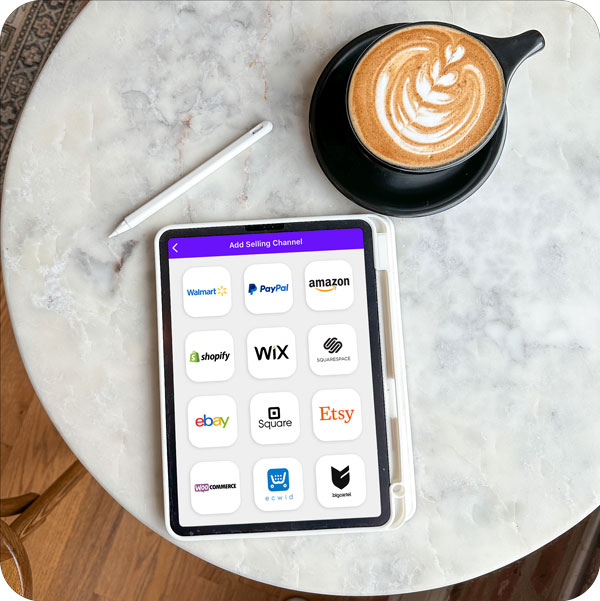
Go to “Connections” > “Selling Channels” > “Add New” > Click on the Shopify logo. Enter your Shopify store domain name and click “Connect”.
Write your Shopify account credentials and continue.
Your current and future Shopify orders will be available instantly. You can print Shopify shipping labels at an instant.
Direct Printing of Shopify Shipping Labels to Your Rollo:
In your Shopify dashboard, after you have purchased a Shopify shipping label > select ‘Change Format’ for shipping labels (it’s on the right-hand side) and opt for the 4×6 size to suit your Rollo shipping label thermal printer.
To print a Shopify shipping label from Rollo Ship:
Simply select the order you would like to print a shipping label for.
Click “Create a Label”
Double-check the order information – recipient’s address and the requested shipping.
Input the package dimensions and type.
Choose Delievery’s requirements and click “Calculate Shipping Rates”.
The label will be generated to be printed to your Rollo shipping label thermal printer, should your device (a mobile phone, a tablet, or a computer) be linked to the Rollo shipping label thermal printer.
IMPORTANT: The process is analogical for all connected marketplaces to Rollo Ship.
Link your eBay store to Rollo Ship for straightforward label printing.
Download the Rollo Ship app for free on your mobile (available for iOS and Android) or register and sign in on Desktop at https://ship.rollo.com/.
Go to “Connections” > “Selling Channels” > “Add New” > Click on the eBay logo.
Enter your eBay account credentials and continue.
Your current and future eBay orders will be available instantly. You can print eBay shipping labels at an instant.
Manual Setupon eBay shipping labels for Rollo printer:
On the new eBay Interface: During the label purchase, choose Print Format “4×6” PDF” instead of “PDF 8”x11” simply by clicking “Change” instead of “Preview”.
On the classic eBay Interface:
During the eBay label creation process on eBay, click on “Printer and label receipt preferences”. Then on the pop-up that appears, pick any 4×6 label-sized printers. It’s okay to choose a format like ‘Zebra TLP3842 4×6’, to ensure compatibility with your Rollo shipping label thermal printer. Both printers are set for shipping labels size 4×6 inches.
Click “Save” and go on to purchase the eBay shipping label.
Important Note to Safari Users: The Safari browser adds a white margin around the eBay-generated label which can’t be removed. A trick to help here is to use the Chrome browser instead.
Keep this in mind! In Etsy, only USPS shipping labels can be formatted for 4x6 label printers.
Sign in to your Etsy account and go to Your Account> Shop Manager > Settings > Shipping Settings.
Navigate to ‘Shipping Label Options’ and select ‘Format my labels for 4×6 Label printers’.
Warning! Keep in mind that changing your label size to 4 x 6 will only affect new labels. To fix this, delete old labels and make new ones in the correct size.
Printing Amazon Labels
Rollo Ship for Amazon Shipping Labels:
Connect your Amazon seller account to Rollo Ship for efficient label creation and printing.
Add Etsy to Rollo Ship for direct 4×6 shipping label printing.
Download the Rollo Ship app for free on your mobile device (available for iOS and Android) or register and sign in on your desktop at https://ship.rollo.com/.
Go to “Connections” > “Selling Channels” > “Add New” > Click on the Amazon logo.
Choose Amazon order sources in the form.
Select how Rollo should identify your Amazon products (pick SKU if you’re not sure), and proceed with “Connect”.
Enter your Amazon account credentials.
Your current and future Amazon Merchant Fulfilled orders will be available there. You can print Amazon shipping labels.
Direct Printing Options:
Amazon supports 4×6 label formats compatible with Rollo shipping label thermal printers, which are available in the shipping settings.
DID YOU KNOW?
Amazon has several label types for its sellers, each serving a different purpose:
Amazon ASIN Product Labels (These labels are used on products before they are sent to Amazon)
Amazon FBA Labels (External Box Labels that are sent to an Amazon warehouse)
The Good News!
The Rollo shipping label thermal printers can print them all! Here is how:
For Amazon Customer Orders: Leave the layout to “default”. This produces a 4×6 label suitable for Rollo and other thermal printers. For higher quality, select the PDF format (4 in x 6 in PDF with Packing Slip).
For Amazon ASIN Product Labels: To print them, use the ‘Print all SKU labels’ option in Step 1 of the ‘Send to Amazon’ section, selecting thermal as your printing format and entering your label dimensions.
For Amazon FBA Labels: For labels that go on the outside of boxes being sent to Amazon’s warehouse, Amazon supports thermal printing. Simply select ‘Thermal Printing: 4 x 6 inches’’ in the options and print your labels.
How to Print Shipping Labels from Magento, BigCartel, Ecwid, and Others?
Connecting via Rollo Ship: Add platforms like WooCommerce, Walmart, Wix, Magento, BigCartel, BigCommerce, PayPal, Shift4Shop, and Ecwid to your Rollo Ship account for streamlined label printing.
Direct Printing Approach: For direct printing, ensure your platform’s label settings are configured for 4×6 labels, a standard size for Rollo printers.
For marketplaces like Depop, Mercari, and Poshmark, you can directly print from the shipping label file that has been sent to your email or generated on the platform.
Rollo wireless shipping label thermal printers can print from any file, any app, or any device. Completely inkless and wirelessly.
Optimizing Your Shipping Process with Thermal Printers
Enhancing Workflow with Shipping Label Thermal Printer
Bulk Printing: Utilize the batch printing feature of your thermal printer for large order volumes. This can significantly reduce the time spent per order.
Label Organization: Organize your labels in a manner that corresponds with the packaging sequence. This can streamline your packing process.
Regular Maintenance: Keep your printer clean and well-maintained. Regularly cleaning the print head and using high-quality label paper ensures consistent print quality and reduces downtime.
Software Integration: Use shipping and e-commerce platform integrations to automatically pull order details and print labels, minimizing manual data entry and errors.
Integration with Shipping Carriers
UPS, USPS, and FedEx Labels: Ensure your shipping label thermal printer is set up to print shipping labels from major carriers like UPS, USPS, and FedEx. This typically involves selecting the correct label format and size in your carrier’s shipping software.
Carrier-Specific Settings: Familiarize yourself with each carrier’s specific requirements for label printing. For instance, USPS might have different label formats compared to FedEx.
Software Solutions for Carriers: Consider using shipping software that integrates with multiple carriers. This can centralize your label printing process and provide options to compare rates and choose the best shipping method for each package.
Automating Carrier Selection: Utilize software that automatically selects the most cost-effective or fastest shipping carrier based on your preferences and the specifics of the order.
Efficiency in the Shipping Area
Layout Optimization: Organize your shipping area for efficiency. Place your thermal printer in a location that is easily accessible and close to your packing materials and products.
Training Staff: Ensure that all staff members are trained in using the shipping label thermal printer and the associated software. This helps in minimizing errors and downtime.
Continuous Improvement: Regularly assess your shipping process and make adjustments to keep up with increasing order volumes or changes in your product range.
In Conclusion: The move to a thermal shipping label printer is a step towards streamlining your shipping process, reducing costs, and enhancing the overall efficiency of your e-commerce operations. With easy setup, user-friendly interfaces, and robust integration capabilities, these printers are not just tools but vital partners in your business’s growth and success.
Add Etsy to Rollo Ship for direct 4×6 shipping label printing.
Download the Rollo Ship app for free on your mobile (available for iOS and Android) or register and sign in on Desktop at https://ship.rollo.com/.
Go to “Connections” > “Selling Channels” > “Add New” > Click on the eBay logo.
Enter your Etsy account credentials and click “Allow access”.
Your current and future Etsy orders will be available instantly. You can print Etsy shipping labels.
Etsy Label Settings:
Keep this in mind! In Etsy, only USPS shipping labels can be formatted for 4x6 label printers.
Sign in to your Etsy account and go to Your Account> Shop Manager > Settings > Shipping Settings.
Navigate to ‘Shipping Label Options’ and select ‘Format my labels for 4×6 Label printers’.
Warning! Keep in mind that changing your label size to 4 x 6 will only affect new labels. To fix this, delete old labels and make new ones in the correct size.
Printing Amazon Labels
Rollo Ship for Amazon Shipping Labels:
Connect your Amazon seller account to Rollo Ship for efficient label creation and printing.
Add Etsy to Rollo Ship for direct 4×6 shipping label printing.
Download the Rollo Ship app for free on your mobile device (available for iOS and Android) or register and sign in on your desktop at https://ship.rollo.com/.
Go to “Connections” > “Selling Channels” > “Add New” > Click on the Amazon logo.
Choose Amazon order sources in the form.
Select how Rollo should identify your Amazon products (pick SKU if you’re not sure), and proceed with “Connect”.
Enter your Amazon account credentials.
Your current and future Amazon Merchant Fulfilled orders will be available there. You can print Amazon shipping labels.
Direct Printing Options:
Amazon supports 4×6 label formats compatible with Rollo shipping label thermal printers, which are available in the shipping settings.
DID YOU KNOW?
Amazon has several label types for its sellers, each serving a different purpose:
Amazon ASIN Product Labels (These labels are used on products before they are sent to Amazon)
Amazon FBA Labels (External Box Labels that are sent to an Amazon warehouse)
The Good News!
The Rollo shipping label thermal printers can print them all! Here is how:
For Amazon Customer Orders: Leave the layout to “default”. This produces a 4×6 label suitable for Rollo and other thermal printers. For higher quality, select the PDF format (4 in x 6 in PDF with Packing Slip).
For Amazon ASIN Product Labels: To print them, use the ‘Print all SKU labels’ option in Step 1 of the ‘Send to Amazon’ section, selecting thermal as your printing format and entering your label dimensions.
For Amazon FBA Labels: For labels that go on the outside of boxes being sent to Amazon’s warehouse, Amazon supports thermal printing. Simply select ‘Thermal Printing: 4 x 6 inches’’ in the options and print your labels.
How to Print Shipping Labels from Magento, BigCartel, Ecwid, and Others?
Connecting via Rollo Ship: Add platforms like WooCommerce, Walmart, Wix, Magento, BigCartel, BigCommerce, PayPal, Shift4Shop, and Ecwid to your Rollo Ship account for streamlined label printing.
Direct Printing Approach: For direct printing, ensure your platform’s label settings are configured for 4×6 labels, a standard size for Rollo printers.
For marketplaces like Depop, Mercari, and Poshmark, you can directly print from the shipping label file that has been sent to your email or generated on the platform.
Rollo wireless shipping label thermal printers can print from any file, any app, or any device. Completely inkless and wirelessly.
Optimizing Your Shipping Process with Thermal Printers
Enhancing Workflow with Shipping Label Thermal Printer
Bulk Printing: Utilize the batch printing feature of your thermal printer for large order volumes. This can significantly reduce the time spent per order.
Label Organization: Organize your labels in a manner that corresponds with the packaging sequence. This can streamline your packing process.
Regular Maintenance: Keep your printer clean and well-maintained. Regularly cleaning the print head and using high-quality label paper ensures consistent print quality and reduces downtime.
Software Integration: Use shipping and e-commerce platform integrations to automatically pull order details and print labels, minimizing manual data entry and errors.
Integration with Shipping Carriers
UPS, USPS, and FedEx Labels: Ensure your shipping label thermal printer is set up to print shipping labels from major carriers like UPS, USPS, and FedEx. This typically involves selecting the correct label format and size in your carrier’s shipping software.
Carrier-Specific Settings: Familiarize yourself with each carrier’s specific requirements for label printing. For instance, USPS might have different label formats compared to FedEx.
Software Solutions for Carriers: Consider using shipping software that integrates with multiple carriers. This can centralize your label printing process and provide options to compare rates and choose the best shipping method for each package.
Automating Carrier Selection: Utilize software that automatically selects the most cost-effective or fastest shipping carrier based on your preferences and the specifics of the order.
Efficiency in the Shipping Area
Layout Optimization: Organize your shipping area for efficiency. Place your thermal printer in a location that is easily accessible and close to your packing materials and products.
Training Staff: Ensure that all staff members are trained in using the shipping label thermal printer and the associated software. This helps in minimizing errors and downtime.
Continuous Improvement: Regularly assess your shipping process and make adjustments to keep up with increasing order volumes or changes in your product range.
In Conclusion: The move to a thermal shipping label printer is a step towards streamlining your shipping process, reducing costs, and enhancing the overall efficiency of your e-commerce operations. With easy setup, user-friendly interfaces, and robust integration capabilities, these printers are not just tools but vital partners in your business’s growth and success.
Navigating the world of e-commerce can be a complex journey, especially when it comes to managing logistics. For Shopify store owners, understanding the intricacies of shipping labels is a vital step toward ensuring efficient, cost-effective delivery services. In this Shopify shipping labels guide, we delve into everything you need to know about creating, customizing, and optimizing shipping labels on Shopify. From the basics to advanced tips, this handbook is your go-to resource for mastering Shopify shipping labels.
Features of Shopify Shipping Labels
What are Shopify Shipping Labels?
Shopify shipping labels are digital postage labels that can be easily created and printed directly from your Shopify dashboard. They play a crucial role in streamlining your shipping process, offering seamless integration with various carriers and providing a professional look to your packages. Here’s what makes them stand out:
🥇 Easy Creation and Printing: Shopify allows you to generate and print shipping labels directly from the dashboard, in case you wish to opt out of third-party shipping apps.
🧩 Integration with Multiple Carriers: Shopify shipping labels are integrated with major carriers like USPS, UPS, and DHL, offering a range of options for delivery speeds and prices. If you wish to take advantage of shipping discounts, or shipping via FedEx, you can utilize Rollo Ship App.
🪄 Custom Branding Options: Shopify allows customization of shipping labels with your brand’s logo and other details, enhancing brand visibility.
👔 Professional Appearance: These labels provide a professional look to your shipments, featuring essential information like the sender’s address, recipient’s address, and a tracking barcode. Shipping labels from Shopify can also be generated in the Rollo Ship App by linking your Shopify store to the platform. The perks are you will get notified of every new order and can consolidate orders, provide tracking information, print shipping labels, and more. Read on to learn!
🎯 Automation and Efficiency: The process of creating shipping labels in Shopify is streamlined, which can automatically pull in customer addresses and order details, saving time and reducing errors.
Shopify Shipping Label Size
The standard size for Shopify shipping labels is 4 x 6 inches, compatible with most thermal and regular printers. This size is optimized for readability by both humans and postal scanning systems.
4 x 6 Inches Standard:
This size is a universal standard, fitting a wide range of packages from envelopes to boxes.
Printer Compatibility:
This size is compatible with most thermal label printers and regular printers, making it accessible for businesses of varying scales. Both Rollo USB shipping label printer, and the Rollo wireless shipping label printer.
Optimized Readability:
The 4 x 6-inch size of the Shopify shipping labels provides ample space for all necessary information, ensuring clarity and legibility, which is vital for smooth processing by shipping carriers.
Shopify Shipping Label Settings
Customizing your Shopify shipping label settings is straightforward. In your Shopify admin, you can adjust preferences like default package types, weights, and printing formats, ensuring a personalized and efficient shipping process.
Shopify shipping labels’ settings offer a high degree of customization to match the specific needs of your business:
📦 Default Package Types: You can set default package types to speed up the label creation process. This is especially useful if you frequently ship products of similar size and weight.
📏 Adjustable Weights and Sizes: The ability to adjust package weight and size settings for each shipment allows for precise postage calculations, which is crucial for cost management.
📝 Printing Format Customization: Shopify offers flexibility in printing formats. Whether you’re using a standard office printer or a specialized label printer, you can choose the format that works best for you.
🦾 Integration with Shipping Apps: Shopify’s settings can integrate with various shipping apps for additional functionalities like bulk printing and advanced customization options.
The design and functionality of Shopify shipping labels are geared towards making the e-commerce shipping process as efficient and straightforward as possible, while also offering the flexibility needed to accommodate the diverse needs of online businesses. This balance of ease of use and customization is what makes Shopify’s shipping label solution a valuable tool for online retailers.
Pro Tip: When optimizing your Shopify shipping label settings for efficiency and cost-effectiveness, consider integrating with the Rollo App. This app complements Shopify’s customizable label settings by offering advanced features that cater to the diverse needs of e-commerce businesses.
Here’s why Rollo Ship stands out as a valuable addition:
Enhanced Precision in Weights and Sizes:
Rollo Ship’s interface offers an intuitive and user-friendly way to adjust package weights and sizes for each shipment. This precision not only ensures accurate postage calculations but also aids significantly in cost management, a crucial aspect for growing e-commerce operations. In combination with the Rollo digital shipping scale, precision is a success.
Advanced Printing Format Options:
While Shopify provides flexibility in printing formats, Rollo Ship takes this a step further. With Rollo Ship, you can print Shopify shipping labels to any printer of your choosing, including the highly efficient Rollo printers that offer features like intelligent label detection and high-speed printing.
Comprehensive Integration with Shipping Apps:
The Rollo Ship app integrates seamlessly with Shopify and other shipping apps, enabling functionalities like bulk printing and advanced customization. This integration means you can manage all your shipping needs from one platform, simplifying your logistics and saving valuable time.
With Rollo Label Designer:
A free online tool for creating custom labels, you can design additional labels for your Shopify orders.
How to Create?
How to Create Shopify Shipping Labels?
Creating a Shopify shipping label is a simple process:
Go to the ‘Orders’ section in your Shopify admin.
Select the order you’re shipping.
Choose the ‘Create shipping label’ option.
Enter the package details and select a shipping carrier and service.
Review and buy the label.
How to Print Shopify Shipping Labels
Once you’ve purchased a Shopify shipping label, printing it is just a click away:
Click on the ‘Print label’ button.
Ensure your printer is correctly set up.
Select “Print”, and your label is ready to be attached to your package.
How Does It Work?
📌 How Do Shopify Shipping Labels Work?
Shopify’s shipping label feature integrates directly with your order management system. When an order is placed, Shopify uses the buyer’s address and your package details to generate a label with the correct postage.
📌 How to Change Shipping Label Format on Shopify?
Changing the shipping label format in Shopify is easy. In your shipping settings, you can select from various formats (like 4 x 6, 8.5 x 11) based on your printer type and preferences.
Customizing Shopify Shipping Labels
Options for Customization
Shopify allows you to customize your shipping labels with your brand logo, return address, and other essential details. This customization not only enhances your brand visibility but also provides a professional touch to your shipments.
Benefits of Customizing
Customized shipping labels can significantly improve customer experience and reinforce brand recognition. They make your packages stand out and can lead to increased customer loyalty and brand recall.
Cost & Payment
Shopify Shipping Labels Cost
The cost of Shopify shipping labels depends on factors like package weight, dimensions, and the selected carrier service. Shopify offers competitive rates, often lower than standard carrier costs.
📌 Do You Have to Pay for Shipping Labels on Shopify?Yes, you do pay for shipping labels on Shopify, but the platform often provides discounts on standard carrier rates, making it a cost-effective option.
📌 How Do You Pay for Shopify Shipping Labels?
Payment for Shopify shipping labels is straightforward. Once you create a label, the cost is calculated and charged to your account. You can view and manage these expenses directly in your Shopify admin.
Tips for Cost-Saving and Maximizing Efficiency
Compare carrier rates within Shopify to find the best deal.
Utilize Shopify’s discounts on bulk label purchases.
Optimize packaging to reduce weight and dimensions, lowering shipping costs.
Shopify Shipping Label Printer
Rollo Wireless Shipping Label Printer
When it comes to choosing the best label printer for Shopify, the Rollo wireless shipping label printer stands out as an exceptional choice. Renowned for its efficiency and versatility, this printer is a must-have for any Shopify store owner looking to streamline their shipping process.
Features of the Rollo Printer:
High Volume Printing: With the capacity to print up to 325,000 ft of labels without any need for ink, the Rollo printer is ideal for businesses of all sizes.
Intelligent Label Detection: Say goodbye to the hassle of manually cropping your labels. The Rollo Wireless model automates this process, saving you time and effort.
Device Compatibility: The Rollo printer comes in two models:
Compact and Fast: Both models are compact enough to carry in your bag and offer fast printing capabilities, printing one label per second.
Models
There are two models:
Wireless: Compatible with a wide range of devices including Mac, iPhone, iPad, Android, Windows, Chromebook, and Linux. This AirPrint and WiFi-certified printer allows you to print from any app, on any file, from any device.
USB model: Offers Mac and Windows compatibility with USB connectivity.
Why Choose Rollo for Shopify?
Rollo printers are not just printers; they are a holistic solution for your Shopify shipping needs. Whether you are dealing with a handful of orders or managing a large volume, the Rollo printer’s versatility and speed make it an indispensable tool.
Why Rollo is the Best Label Printer for Shopify Shipping Labels
The Rollo printer’s compact size, versatility, and high-speed printing make it an ideal choice for Shopify store owners. Whether you’re handling large volumes or need a portable solution, Rollo fits the bill perfectly.
Shopify Setup for Rollo Printer
Setting up your Rollo Printer with Shopify is a breeze. Here’s how you can seamlessly integrate it into your Shopify shipping workflow:
Change Format for Optimal Printing: After purchasing a shipping label on Shopify, click on “Change Format” on the right-hand side of your screen.
Select the 4 x 6 Format: This is the ideal size for Rollo printers, ensuring your labels are perfectly formatted for printing.
This simple setup process ensures that your Rollo printer works in harmony with Shopify, providing you with high-quality shipping labels every time.
The Rollo Ship App is a comprehensive solution for Shopify store owners looking to optimize their shipping process. This multi-functional app offers a variety of features that cater to the diverse needs of e-commerce businesses.
Features of the Rollo Ship App
✅ Order Consolidation: Easily consolidate orders from Shopify and other platforms.
✅ Multi-Carrier Shipping: Ship with major carriers like UPS, USPS, and FedEx.
✅ Bulk Printing: Print shipping labels in bulk for increased efficiency.
✅ AI-Driven Fulfillment: Utilize AI for order fulfillment and tracking.
✅ Branding: Customize your shipments for brand consistency.
✅ E-commerce Integration: Connect with multiple marketplaces and e-commerce platforms.
take your Shopify shipping to the next level with streamlined operations, multi-carrier options, and advanced features.
Shopify Setup for Rollo Ship App
Integrating Shopify with your Rollo Ship account brings numerous benefits to your shipping operations:
On the Rollo Ship iOS or Android App:
🐾 Launch and Login: Open the Rollo App and log in.
🐾 Navigate to Connections: Click the Menu Icon and select “Connections”.
🐾 Add Shopify as a Selling Channel: Press “Add New” and select Shopify.
🐾 Connect Your Store: Enter your Shopify store’s domain name (e.g., mystore.myshopify.com) and connect using your Shopify credentials.
On Rollo Ship Web:
🐾 Login to Rollo Ship: Access your account on the Rollo Ship website.
🐾 Connect Shopify: Click on “Connection” → “Selling Channels”, then select the Shopify logo.
🐾 Complete the Setup: Enter your Shopify store’s domain and connect with your credentials.
This integration allows for a streamlined process where Shopify orders are automatically available in Rollo Ship for easy label printing on your Rollo printer.
Navigating the realm of Shopify shipping labels might seem daunting at first, but with the right tools and knowledge, it transforms into a streamlined, efficient process. Throughout this article, we’ve covered the essentials—from the features and benefits of using Shopify’s shipping label system to the integration and optimization with the Rollo wireless shipping label printer and Rollo Ship App.
Remember, the key to success in e-commerce shipping lies in understanding the nuances of the tools at your disposal. Shopify’s customizable settings, combined with the advanced capabilities of Rollo’s solutions, present a powerful duo for any Shopify store owner. Whether you’re printing your first label, customizing your shipping settings, or seeking the most efficient way to manage multiple orders, the journey toward efficient shipping is now within your grasp.
Embrace the change, optimize your shipping, and propel your Shopify store towards greater heights of success.
In the ever-evolving realm of e-commerce, efficiency isn’t just a luxury—it’s a necessity. For small businesses battling big competition, every edge counts. And this is where the game-changing shipping printer strides in. From precision and speed to unparalleled professionalism, these printers redefine how small businesses handle their shipping needs. For those navigating the bustling marketplaces of Shopify, Etsy, or eBay, this tool can elevate your operational game. Join us as we unravel the transformative power of shipping printers, spotlighting the trailblazing contributions of Rollo.
In this deep dive, you’ll discover:
The undeniable edge a dedicated shipping label printer offers.
The battle of the giants: USB vs. Wireless printers and which suits your business best.
How printing speed can dramatically revamp your shipping processes.
The economic brilliance and innovation behind thermal printers.
Stay with us as we guide you through these insights, ensuring your small business is geared up for e-commerce success.
The Critical Role of Shipping Label Printers in Small Businesses
Navigating the labyrinth of shipping and logistics is no small feat, especially for small businesses striving to leave a mark. Amidst this complexity, a shipping label printer emerges as more than just a tool—it’s an ally.
Here’s why every ambitious small business should invest in one:
🧐 Minimize Mistakes
The margin for error in manual labeling is unsettlingly high. A single typo or smudge can misroute a package, frustrating customers and racking up extra costs.
Enter thermal shipping printers: they’re built for precision. By ensuring each label is accurate and legible, they foster an atmosphere of trust and reliability with your clientele.
⏱️ Accelerate Operations
Time is a precious commodity, particularly in the demanding realm of e-commerce.
Traditional printers, with their slower outputs and frequent maintenance needs, just don’t cut it.
Modern label printers, on the other hand, are designed for speed. They churn out labels at a rate that can keep pace with your business’s demands, transforming tedious tasks into swift actions.
👔 Project Professionalism
First impressions matter, and for products, it begins with packaging.
A smeared or faint label can instantly diminish the perceived value of your product.
Shipping label thermal printers, however, consistently produce crisp, clear labels that communicate professionalism and care, setting a positive tone even before the package is opened.
🤝 Harmonious Integrations
The diverse world of e-commerce platforms requires tools that can adapt. Shipping label printers rise to the occasion with their ability to seamlessly mesh with numerous platforms.
Whether your business operates on Shopify, Etsy, eBay, or any other marketplace, these printers ensure that your operations remain streamlined and hassle-free.
Ready to propel your business into a new echelon of efficiency and professionalism?
Discover how Rollo’s compact thermal printers can be the game-changer you’ve been searching for, offering perfect integrations with top marketplaces.
USB vs. Wireless Shipping Printers: Finding Your Perfect Match
The choice between USB and wireless shipping printers boils down to your business’s specific needs and the environment in which you operate. Both have distinctive advantages, but understanding the nuances can guide you to the right pick:
Features
USB Shipping Printer
Thermal Wireless Shipping Printer
🖇️ Connectivity
USB Connection
Wi-Fi
📱 Mobility
Limited
High (Can print from various devices)
⚙️ Integration with Devices
Primarily PC & Mac
PC, Mac, iPhone, Android, Chromebook
🎀 Best For
Stationary Workspaces
Flexible work environments
THE GOOD NEWS?
Rollo printers have it all.
USB and Wireless. Compatible with Windows, Linux, Mac, iOS, Android, and Chromebook.
For enterprises that value versatility and on-the-go printing capabilities, the thermal wireless shipping printer is a standout choice. It allows seamless printing from a plethora of devices, be it a Mac, iPhone, Android, or even a Chromebook.
On the flip side, if you prefer a stable, direct connection and your operations are centered around a fixed workstation, a USB shipping printer might be your go-to. Remember, it’s all about aligning with your business’s rhythm and flow.
Maximizing Efficiency with High-Speed Printers
Time is money, especially for small businesses. A printer’s speed, often measured in labels per minute, directly affects a business’s shipping operations.
📨 Swift Deliveries:
With high printing speed, businesses can ensure timely dispatch, elevating customer satisfaction.
✅ Fewer Errors:
Faster printers like Rollo reduce the waiting time, diminishing the chances of mixed-up labels and orders.
For small businesses looking to upscale, investing in a printer that values your time, like the Rollo, which prints a label every second, can be transformative.
Thermal Printers: The Cost-Effective Choice for Businesses
In an era where small businesses strive to optimize every cent spent, thermal printers emerge as a beacon of cost-efficiency in the world of shipping. But what makes them such a compelling choice?
Why thermal shipping printers are cost-efficient
At the heart of the matter is the printing mechanism itself.
Unlike traditional printers, which require regular refills of pricey inks or toners, thermal printers utilize heat-sensitive paper.
When subjected to the printer’s precise thermal elements, this paper darkens, creating clear, high-definition prints.
No need for ink
Beyond the initial investment, the operational costs of thermal printers remain remarkably low. The absence of ink or toner cartridges translates to significant savings over time, especially when considering the potential mess, maintenance, and replacements associated with conventional printers.
For small businesses, where budgetary constraints can be tight, these savings can be redirected toward growth and other essential areas.
Integration with Major Carriers: USPS, UPS, and More
Shipping isn’t just about labels; it’s about ensuring your products land in the right hands. Integration with reliable carriers like USPS, UPS, and FedEx becomes crucial.
📯 USPS shipping printer advantages:
USPS is renowned for its extensive reach, catering to both domestic and international destinations. With a dedicated USPS shipping printer, businesses can efficiently produce labels that adhere to USPS’s stringent guidelines, ensuring packages are processed and delivered promptly.
UPS is synonymous with reliability. By integrating with a UPS-specific shipping printer, businesses benefit from smooth label generation that’s optimized for the carrier’s global logistics network, streamlining the shipping process.
Did you know?
Users can connect their existing UPS accounts to the Rollo Ship app, or create a new one within the Rollo platform for free! Learn more about the perks of UPS and Rollo.
📦 FedEx label printer:
FedEx, a giant in global courier delivery services, has specific label requirements to expedite its shipping processes.
By investing in a FedEx-compatible label printer, businesses can tap into the carrier’s vast and efficient delivery network, ensuring packages are handled with care and delivered in record time.
In today’s digital age, the significance of robust shipping software for small businesses cannot be overstated. It acts as the backbone of e-commerce operations, streamlining the complex web of logistics, shipping rates, and customer interactions.
📢 The significance of shipping software for small businesses:
A comprehensive shipping software solution can dramatically reduce manual tasks.
It:
automates rate comparisons
tracks packages in real-time
generates reports to assess operational efficiency
These insights empower businesses to make informed decisions, bolstering their competitive edge.
Did you know?
Rollo Ship App is a free to use and download software for Desktop, iOS, and Android. No obligations for a purchase of any of the Rollo products, no monthly subscriptions, and what is more the first 200 shipping labels generated are on us! Link accounts from shipping carriers and marketplaces with ease and no hidden terms.
🎀 How it complements shipping label printers: While shipping software manages the digital aspects of logistics, shipping label printers bring the virtual to reality, materializing the digital data into tangible labels. In synergy, they ensure that the right package, with the correct label, reaches its intended destination at the best possible rate. This seamless integration of software and hardware transforms the shipping experience, propelling small businesses into a new realm of efficiency and customer satisfaction.
Free registration, no monthly subscriptions, and 200 shipping labels on Rollo
Shipping Printer Compatibility: From Mac to Android Phones
In our diverse digital landscape, businesses operate across various devices. The true test of a superior shipping printer lies in its compatibility with these numerous platforms.
📱 💻 🖥️ Using a shipping printer for Mac, iPhone, Android, or Chromebook:
Whether you’re a die-hard Apple enthusiast or swear by your Android, a versatile shipping printer bridges the gap. Rollo, for instance, offers models that integrate smoothly with Macs, iPhones, Android devices, and even Chromebooks.
This broad compatibility ensures that businesses aren’t confined to a particular device or operating system.
🔌🤖 Ensuring seamless operations regardless of the device:
The beauty of a compatible shipping printer is its adaptability. Entrepreneurs can swiftly transition from processing orders on their Mac at the office to printing labels via their Android phone while on the go.
This flexibility enhances efficiency, ensuring businesses stay ahead in the fast-paced world of e-commerce.
Choosing the Right Shipping Printer Paper Size
Labels are more than mere stickers; they represent your brand and ensure your product reaches its destination. Hence, selecting the correct label size is paramount.
📐 🏷️ Importance of mailing labels and their sizes:
From small barcode labels to more extensive shipping instructions, the size of the label can influence its readability and aesthetics. A well-sized label can carry essential information without appearing cluttered or compromising your brand’s visual identity.
🎁 👔 How it impacts your business branding:
Consistency in label size and design resonates with brand identity. Imagine receiving two packages from the same brand but with distinct label sizes—it might raise questions about the brand’s professionalism. Ensuring consistent and appropriate label sizes can enhance brand trust and recognition.
Shipping and Printing: A Comprehensive Guide for Businesses
The harmony between shipping and printing is the cornerstone of efficient e-commerce operations.
How to use shipping printer apps:
Modern shipping printers, like those from Rollo, often come equipped with intuitive apps. These apps simplify the printing process, enabling businesses to print shipping labels, track packages, and even notify customers—all from a unified platform.
Why Your Business Should Consider Shipping Printer for Windows
In the vast ecosystem of operating systems, Windows holds a dominant position. Leveraging a shipping printer designed for Windows can provide businesses with a competitive edge.
Special features of pro shipping printer:
Beyond basic printing capabilities, a pro version is optimized for enhanced performance. Features might include faster printing speeds, higher resolution prints, and more extensive integration capabilities with various shipping platforms.
Seamless integration with Windows systems:
A Windows-specific shipping printer will effortlessly integrate with the OS, minimizing setup times and ensuring consistent performance. For businesses operating primarily on Windows, this seamless integration can boost operational efficiency and reduce potential tech hiccups.
Final Words
In an age dominated by e-commerce, where speedy and efficient shipping can make or break a business, investing in a reliable shipping printer is not a luxury but a necessity. For small businesses, in particular, the ability to swiftly and accurately print shipping labels, integrate with diverse platforms, and maintain a professional appearance can significantly impact customer trust and overall brand perception.
Remember, as you sail through the vast seas of e-commerce, your shipping process is akin to the wind in your sails. The right shipping printer, tailored to your needs, can ensure you navigate these waters with precision and speed.
If you’re a small business owner looking to elevate your shipping process, consider the best shipping printer tailored to your specific needs. In a world of endless choices, make the one that will propel your business to greater heights.
💭 A: Absolutely! Many modern shipping printers, like Rollo, are compatible with popular POS systems like Square. This integration allows businesses to manage sales and shipping from a unified platform.
📌 Q: Which shipping printers are compatible with Mac systems?
💭 A: Several shipping printers on the market offer compatibility with Mac systems. Rollo’s compact thermal printers, for instance, seamlessly integrate with Macs, ensuring a smooth printing experience without the need for tedious setups or third-party apps.
📌 Q: How do I decide on the shipping printer paper size?
💭 A: Your choice of paper size largely depends on the type of shipments you send out and your branding strategy. Standard shipping labels typically use 4×6-inch labels. However, for businesses that also need barcodes or smaller labels for internal purposes, additional sizes may be required. Always consider the information you need to convey, the appearance of the label on your packaging, and any brand aesthetics when deciding on the appropriate label size. If in doubt, consult with professionals or check out Rollo’s range of label sizes to find the perfect fit for your business.
In today’s fast-paced digital era, the realms of e-commerce have expanded beyond imagination. The global shift towards online shopping has burgeoned, and with it comes a multitude of logistical challenges. Chief among them? Efficiently shipping products to eager customers. This surge in online trading has driven a parallel increase in demand for practical shipping solutions—enter the shipping label printer. As the bridge between sellers and consumers, the right, yet cheap shipping label printer can make all the difference. Amidst this backdrop, Rollo emerges—not just as a cheap shipping label printer but as a beacon of quality and affordability. The Rollo brand is all about ensuring that businesses, irrespective of their size, can offer a seamless shipping experience.
Why is a Cheap Shipping Label Printer Essential?
E-commerce, as an industry, thrives on efficiency. The transition from cart to customer needs to be smooth, swift, and error-free. And while the product itself is at the heart of this transaction, the shipping process can make or break a customer’s experience.
1. Cost-Effective
Consider this: a business ships out a hundred packages a day. If they were to outsource label printing or use traditional methods, the costs would skyrocket. Printing in bulk at external facilities or buying labels piecemeal can bleed finances dry. Investing in a cheap shipping label printer, such as Rollo which is also a high-quality one, means businesses can print labels on-demand, eliminating wastage and reducing per-label costs.
2. Convenience
Imagine the cumbersomeness of manually writing addresses or running to the store every time a label is required. Having a cheap shipping label printer at hand transforms this process. The power to print whenever and however many is a game-changer. No more waiting, no more dependencies—just pure, unadulterated convenience.
3. Customization
The world of e-commerce is fierce and competitive. Standing out requires a touch of personalization. With cheap shipping label printers for shipping, businesses have the flexibility to customize labels, add branding elements, or tweak the design to fit promotional needs. Rollo, with its advanced printing capabilities, ensures that custom designs are sharp, professional, and reflective of a brand’s ethos.
4. Efficiency
Efficiency is the lifeline of any business. Every minute saved in processing an order can be channeled into other growth-centric activities. A streamlined and affordable label printing process means faster order processing. Rather than fumbling with makeshift label solutions, a dedicated and cheap shipping label printer ensures a steady flow of ready-to-ship packages. When businesses scale, this efficiency can mean the difference between chaos and a well-oiled shipping machine.
Rollo’s Unbeatable Quality and Price
When discussing cheap shipping label printers, the conversation naturally shifts to the balance between quality and price. In this competitive landscape, Rollo has carved a niche for itself, not by being just another affordable shipping label printer, but by providing unmatched quality at an unbeatable price point.
1. Noteworthy Features: Rollo’s printer isn’t called the best cheap shipping label printer without reason.
The device boasts high-resolution printing, ensuring every label is sharp, clear, and professional-looking.
Its compatibility with various shipping platforms means businesses aren’t confined to a specific service. From large enterprises to individual sellers on platforms like eBay, Rollo seamlessly integrates, promising hassle-free printing. Rollo’s cheap shipping label printers integrate with a plethora of shipping platforms ensuring an unhindered experience.
2. Transparent Pricing with Free Ground Shipping:
Price-sensitive businesses understand that hidden costs can quickly add up.
Rollo stands out by offering free ground shipping for orders over $25 within the continental United States. Not only does this ensure the printer reaches you without additional costs, but with an average delivery time of 3-4 days, it also means businesses can set up and start printing in no time.
3. Rollo’s Warranty and Guarantee:
A product’s confidence is often mirrored in the warranty it accompanies. One of the hallmarks of a confident brand is the warranties and guarantees they offer.
Every new Rollo printer comes with a 1-year replacement warranty. This is not just a testament to the printer’s durability but also the company’s faith in its product.
Additionally, Rollo’s 30-day money-back guarantee, valid for purchases made directly from our website, reflects our commitment to customer satisfaction. Should the product not meet your expectations, Rollo guarantees a risk-free investment.
4. Complimentary Thermal Labels:
Value addition is at the core of Rollo’s offerings. Every Rollo printer purchase is complemented by a pack of 500 fanfold shipping thermal labels. For businesses just kick-starting their operations or those looking to cut down initial operational costs, this inclusion is a boon. Not only do these labels capitalize on Rollo’s high-quality thermal printing, but they also ensure businesses have everything they need to start shipping out orders.
Reduced price on both Rollo models
when you order from our website!
✅ 1-year replacement warranty
✅ 30-day full money-back guarantee
✅ free ground shipping throughout the continental U.S.
To sum it up, Rollo transcends the label of merely a cheap shipping label printer. It’s a comprehensive solution for e-commerce ventures.
Rollo’s Refurbished Deals: Quality at an Even Lower Price
In our ever-evolving, eco-aware landscape, striking a balance between sustainability and affordability is pivotal. Recognizing this, Rollo presents its line of certified refurbished cheap shipping label printers—a blend of eco-friendliness with budget-consciousness.
1. The Refurbished Promise
Rollo’s refurbished cheap shipping label printers undergo rigorous testing and certification, ensuring they meet Rollo’s high standards. While they might not be brand new, their performance parallels that of a fresh-off-the-shelf unit.
2. Cost and Benefits
Opting for a refurbished Rollo printer equates to acquiring a top-tier cheap shipping label printer at an unbeatably discounted rate. Just like their brand-new siblings, these devices also qualify for free ground shipping for orders exceeding $25 within the continental USA.
3. Warranty and Guarantee
Rollo’s commitment to quality doesn’t waver with refurbished units. Every cheap shipping label printer under this category boasts a solid 6-month replacement warranty. This fortifies the notion that purchasing refurbished doesn’t mean compromising on reliability. The 30-day money-back guarantee further amplifies Rollo’s dedication to customer contentment.
4. Environment and Economy
Choosing a refurbished cheap shipping label printer is more than a cost-saving measure—it’s a statement. It reflects a commitment to sustainability, reducing electronic waste, and promoting a circular economy. For businesses eager to showcase eco-responsibility, this choice speaks volumes.
In essence, Rollo’s refurbished line is not just another cheap shipping label printer option. It is a manifestation of their brand commitment: unparalleled quality, cost-effectiveness, and environmental responsibility all wrapped in one.
In e-commerce, tasks like printing shipping labels can reduce productivity. But with Rollo, it becomes easy and efficient. Here’s a guide to using your Rollo printer:
1. Setting Up Your Rollo Printer
🚨 Optimal Placement: Initiate by positioning your Rollo printer on a level surface, ideally near your packaging area. This proximity facilitates a fluid transition from printing to labeling your packages.
🔌 Power On: Plug your Rollo into a power source with the supplied cable and switch it on. When you spot a white light, it signals Rollo’s readiness to be set up.
2. Loading the Thermal Labelson your cheap shipping label printer
🖨️ Accessing the Loading Area: To access the loading area, utilize the side switch and open the printer’s lid—to ensure the printer is powered on. Introduce the labels from the rear, following the directional instructions on the label that show you which side should be facing down.
🔖 Automatic Label Identification: this process is run only once while setting up your Rollo USB label printer for first use. All you need to do is press and hold the top button on your Rollo USB until you hear one beep, then let go. ❣️ Note that you needn’t do this with Rollo wireless.
🔩 Proper Label Placement: Take a stack or roll of your thermal labels. Ensure you place them in alignment.
🚦 Secure and Ready: Once your labels are correctly positioned, close the printer’s panel. It’s now ready to print.
🔑 Versatility is Key: Rollo’s strength lies in its compatibility. Whether you’re using eBay, Shopify, Etsy, or any other platform, Rollo can integrate seamlessly. All you need to do is connect your marketplace or eCommerce platform to Rollo Ship. Alternatively, if you would like to print directly from any of the platforms, look for solutions and step-by-step instructions here.
⚙️ Setting the Default: In case you choose not to print shipping labels via Rollo Ship, you will find an option to choose your default printer within your preferred shipping platform’s settings. Ensure you select Rollo. This ensures every label you print from the platform will be directed to your Rollo printer.
Connect your marketplaces and eCommerce platforms.
📣 Order Selection: Navigate to your chosen platform and open the orders awaiting shipment. Select the ones you wish to process.
📢 Note: With Rollo Ship, you are able to see all your orders from all your marketplaces and eCommerce platforms in one place. You can group them and print bulk labels.
Without Rollo Ship:
📑 Printing Process: Once your orders are selected, look for the “Print Shipping Label” button or a similar option. A window will often pop up, asking you to confirm or adjust print settings.
✔️ Ensuring Precision: Before hitting print, always double-check the label size setting. Misconfigurations can result in incomplete or oversized prints.
🔚 The Final Step: Once everything looks good, click “Print.” In mere seconds, your Rollo printer will produce crisp, clear shipping labels.
5. Tips, Tricks, and Maintenance
Stay Abreast of Technological Progress
Technology is akin to a river – it never stops flowing. To ensure that your Rollo printer functions at its zenith, make it a habit to routinely scout for software and driver updates. The digital age is marked by rapid advancements, and your printer’s software needs to stay in sync. This ensures not only optimal performance but also compatibility with evolving systems.
Connectivity is Key
For those using Rollo’s wireless version, the importance of a robust Wi-Fi connection can’t be overstressed. In the world of label printing, disruptions can be a major hindrance, leading to errors or pauses in your workflow. Just as you’d want a steady internet connection for a video call, a consistent Wi-Fi connection ensures your label printing is smooth and uninterrupted.
Preserving Label Quality
Thermal printers like Rollo are a marvel. They don’t rely on ink but use heat to create sharp, clear labels. This unique mechanism also implies specific care needs. It’s crucial to store your thermal labels in a location that’s both cool and devoid of moisture. This prevents the labels from prematurely reacting to unintentional heat sources and ensures that each print remains crisp and clear.
💯 Pro Tips for Smooth Operation
🏷️ Quick Label Feed: Ever needed just one label? Press the “r” button on your Rollo. It’s designed to feed a single label through.
🏆 Quality Matters: Not all labels are created equal. Steer clear of subpar labels. They might not only result in poor prints but can also harm the printer itself.
🧼 Regular Cleaning: Like any machinery, Rollo appreciates some TLC. Regularly cleaning the printer head can extend its life and ensure consistent quality.
😒 Dealing with Jams: In the rare event of a paper jam, don’t panic. Switch off the printer and allow the printer head to cool. Once cooled, open the cover, inspect the rubber for any debris or dirt, and clean with an alcohol swab if necessary. Always ensure the area is dry before powering on.
🛠️ Maintenance 101 – Printer Head Cleaning Steps
🦺 Safety First: Begin by turning off the printer. Disconnect the power cord and then open the cover.
🆒 Cooling Phase: The printer head can get very hot, especially after a printing session. Allow it some time to cool.
🧹 Gentle Cleaning: Use an alcohol swab (avoid water or other solvents) to meticulously clean the printer head. A gentle hand ensures no unintentional damage.
☀️ Drying Time: Let the alcohol vaporize completely. This ensures no liquid remnants that might interfere with the printing.
🆕 Test Run: After reconnecting the power cord, run a test print. This helps verify if the cleaning process was successful.
⚠️ Note: When maintaining your Rollo, always ensure it’s powered off. The printer head, roller, and sensors are sensitive components, so avoid direct contact or use of force. And remember, organic solvents like gas and acetone are no-go zones for cleaning your printer.
Cost Analysis: The True Value of a Cheap Shipping Label Printer
Diving into the intricacies of shipping label printing costs reveals key factors: efficiency, convenience, and ultimately, the overarching cost. How does a cheap shipping label printer stack up against in-store and online alternatives?
🏠 At Home Using Rollo: Printing with a cheap shipping label printer at home offers undeniable autonomy. For one, you’re in full control of the process, from selecting the right label to printing it. Rollo, a renowned cheap shipping label printer, eliminates recurring ink expenses with its ink-free thermal printing technology. Jacqueline A., a satisfied Rollo customer, cites savings of $20 – $40 on ink and an added $25 on sticker sheets every few months post investing in Rollo.
🏬 In-store: In-store label printing usually carries service charges. You’re not just paying for the label, but also the convenience. Yet, it’s worth noting that visiting a store requires time, potentially long wait times, and transportation costs.
💻 Online Platforms like eBay: Many e-commerce platforms provide integrated shipping label services. They offer convenience, but often at a premium, adding service fees to the base cost.
So, is it cheaper to print shipping labels at home? Undoubtedly, especially with Rollo’s cheap shipping label printers. While there’s an initial investment in the printer, the savings in ink and service fees quickly recoup the cost. Plus, there’s the added advantage of convenience and time-saving.
💲 Is it cheaper to print on eBay or other platforms? Their integrated label services are handy, but when tallying long-term costs, using a cheap shipping label printer like Rollo emerges as the more budget-friendly choice.
Testimonials and Reviews
Feedback from real-life Rollo users not only adds credibility but also paints a vivid picture of the printer’s efficacy:
Jacqueline A. emphasizes how her routine has drastically shortened from 30 minutes to under 5 for shipping labels, praising the ease of setup and use with her iPhone.
Brian D. appreciates the elimination of ink or toner and highlights the exemplary support from Rollo during his setup on Windows 11.
Timothy H. underscores the ease of setup, especially with Apple products, while Janet Berry-Johnson wishes she had made the switch to Rollo sooner, cherishing the elimination of the tedious process of printing, cutting, and taping labels.
Jane F. shares how even a non-techie like her found setting up the Rollo wireless printer a breeze. For her snake reselling business, the printer has been a boon, saving money on ink and paper.
Success Stories: Small businesses have reaped the benefits of Rollo’s cost-effective solutions:
Colorado Glass Work’s journey with Rollo
The Success Tale of Happy Rugs
How Loungefit streamlined their shipping process
Conclusion
Rollo isn’t just a cheap shipping label printer; it’s a commitment to quality, efficiency, and affordability. Every testimonial underscores a singular truth – Rollo is an investment that pays dividends in saved time, reduced costs, and elevated efficiency. So, if you’re in the realm of e-commerce or any business that requires regular shipping, it’s time to make a judicious decision. Choose Rollo, because every label printed is a step toward a smarter, more efficient, and cost-effective business operation.
Frequently Asked Questions about Cheap Shipping Label Printers:
📌 Q: Do label printers save money?
💭 A: Yes, label printers offer cost-efficiency by eliminating ink expenses and providing the flexibility to print labels on-demand, cutting down on wastage.
📌 Q: Does printing your own shipping label save money?
💭 A: Printing your own shipping labels often results in substantial savings by avoiding service fees and allowing bulk label purchasing at discounted rates.
📌 Q: Is it cheaper to use a shipping label printer?
💭 A: Absolutely, using a shipping label printer can significantly reduce costs in the long run, especially when considering the savings on ink and bulk label purchases.
In today’s digital-first landscape, e-commerce businesses thrive on seamless operations and time efficiency. As rapid shipping becomes a cornerstone for customer satisfaction, the move from cumbersome wired printers to innovative wireless shipping label printers is becoming standard. This transition isn’t just about eliminating wires; it’s about redefining how businesses handle shipping and enhancing customer experience.
Reasons to Choose a Wireless Shipping Label Printer
Scalability and Flexibility for Growing Businesses:
As e-commerce businesses expand, their workspace dynamics change.
Traditional wired printers can become bottlenecks in such evolving scenarios.
Wireless printers, on the other hand, can be seamlessly incorporated into growing operations, ensuring that businesses don’t need frequent hardware changes or upgrades.
Convenience of Going Cordless:
The shift to wireless isn’t just about aesthetics. It’s about improving workflow. Without cords, there’s a significant reduction in clutter, which minimizes errors and mishaps.
Printers can be placed in optimal positions, unhindered by the need to be near a power outlet or connected to a specific workstation. This convenience translates to faster processing times and increased order fulfillment.
Integration with Mobile Devices:
E-commerce is dynamic. Deals are struck, and orders are processed beyond traditional workstations. With the evolution of mobile commerce, wireless printers that can integrate with smartphones and tablets are no longer optional—they’re essential. Whether you’re in the office, at a trade show, or working from home, processing orders remains uninterrupted.
Reduced Downtime:
In wired setups, a faulty cable can bring operations to a standstill. Wireless printers eliminate such vulnerabilities, ensuring consistent uptime and reliability. This translates to happier customers due to faster order processing and shipment times.
Benefits of Bluetooth Connectivity and Wi-Fi Printing:
Beyond the initial setup benefits that Bluetooth offers, it provides a secure connection, minimizing potential interference. Wi-Fi connectivity, meanwhile, extends the printer’s accessibility range, enabling businesses to print labels from anywhere within the network. This dual functionality ensures that businesses have options, catering to both immediate proximity printing and remote printing needs.
Energy Efficiency and Sustainability:
Wireless printers, especially thermal models like Rollo, often consume less power compared to their traditional counterparts. This not only translates to cost savings but also aligns businesses with sustainable practices, making them more environmentally responsible.
Adaptability to Multiple Platforms:
Modern wireless printers aren’t just hardware; they’re part of an ecosystem. Their compatibility with platforms like Mac, iPhone, Android, and Chromebook ensures they remain relevant in diverse operational setups. This adaptability reduces the need for multiple printers, further streamlining e-commerce operations.
The Rising Demand for Wireless Thermal Shipping Label Printers
The Thermal Advantage:
The transition from conventional ink-based printing to thermal printing is a testament to the ongoing evolution in the e-commerce industry. A wireless shipping label printer with thermal capabilities, like the Rollo wireless model, offers numerous benefits over its inkjet counterparts. The clarity of labels produced by these printers is unparalleled, ensuring that every barcode or address is legible and scannable.
Moreover, the speed at which a wireless shipping label printer operates is notably faster, meeting the high-paced demands of bustling e-commerce environments. But perhaps the most significant advantage is the cost-effectiveness. Imagine running an operation where a wireless shipping label printer, such as Rollo, can churn out up to 325,000 ft of labels without ever needing an ink refill. It’s not only an impressive feat but also a testament to the efficiency and sustainability of these machines.
Size Variations:
In shipping, the label size is important for products to reach their destinations smoothly. The 4×6 label has become a favorite among e-commerce businesses, primarily due to its ideal dimensions. A small wireless printer makes sure businesses have a label that is easy to see but also small in size.
These labels have all the important info, like addresses and QR codes, and are great for shipping. When the perfect size is combined with a wireless thermal shipping label printer, the results are amazing. The need for wireless printers for shipping labels, specifically for 4×6 labels, is increasing rapidly.
The Rollo wireless shipping label printer is more than just a device—it’s a revolution in the e-commerce labeling world.
🎯 Ingenious intelligent label detection:
No more time wasted on manual adjustments; with Rollo, you simply send your label data, and the wireless thermal shipping label printer seamlessly takes care of the rest.
🎯 Unparalleled compatibility: Whether you’re a Mac enthusiast, a Windows professional, a Linux guru, or someone who loves the convenience of mobile devices like iPhones and Androids, the Rollo wireless shipping label printer integrates flawlessly. This vast compatibility spectrum positions the Rollo wireless label printer as a go-to for various e-commerce platforms, encompassing giants like Poshmark and Mercari, and catering to emerging marketplaces.
Performance Metrics:
🎯 Rollo is synonymous with efficiency.
🎯 Remarkable Print Speed and Sharp Quality: This wireless shipping label printer for iPhone, Mac, and a multitude of other devices boasts a remarkable print speed, churning out a label every second. But Rollo doesn’t trade quality for speed. Each print from this wireless thermal shipping label printer 4×6 model exemplifies clarity, ensuring every barcode, QR code, and text remains scannable and legible.
🎯 Easy Setup – Initial Use of Bluetooth and only WiFi afterward: The Rollo wireless shipping label printer AirPrint wi-fi model is a beacon in the labeling world, showcasing its strengths in compatibility, print quality, and rapid output. Rollo Wireless uses Bluetooth for its initial setup but is entirely WiFi-dependent afterward. The Rollo wireless label printer is easy to set up. It can also be used as a Bluetooth printer, requiring your phone’s Bluetooth for initial setup. It ensures smooth and efficient printing, making e-commerce shipments easy.
Best Wireless Shipping Label Printers for Different Users
The wireless shipping label printer for iPhone, Mac, Android, Windows, and Linux!
📱 For iPhone Users:
In today’s fast-paced business world, iPhones have evolved from mere communication devices to indispensable business tools.
Using the wireless label printer for iPhone, like the Rollo model, is now simpler than ever.
Their AirPrint capabilities simplify the process, allowing users to command a wireless thermal label printer directly from various iPhone apps. It’s not just about convenience; it’s about amplifying efficiency in every shipment.
💻 For Mac Users:
Mac enthusiasts in the e-commerce realm have reasons to rejoice. Not only do the best wireless shipping label printers resonate with Mac’s sleek efficiency, but they also ensure flawless compatibility.
Take the Rollo wireless model or the best wireless thermal label printer for Mac—both exemplify seamless integration with Mac’s intuitive printing interfaces. Whether you sell on Shopify or Etsy, these wireless label printers are reliable tools for shipping.
🗨️ ❓ What do Rollo customers say:
📌 “Awesome wifi printer! Easy setup & works great with Apple products”
~ Timothy H. (Verified Buyer)
📌 “The perfect label printer for my home office. I am always moving with my computer and being able to print labels wireless was a must, and the Rollo Wireless Printer fits that role perfectly.”
~ Cory (Verified Buyer)
📌 “I finally invested in the Rollo Wireless Printer and wish I had done it sooner! It’s saving me time and I love how easy it is to use!! Best purchase ever for my business!”
~ Kathi (Verified Buyer)
💻 For Chromebook Users:
As Chromebooks carve their niche in the business arena, the demand for compatible printers escalates. Among the contenders, the Rollo wireless shipping label printer particularly shines. Beyond mere compatibility, this Wi-Fi thermal label printer 4×6 model boasts an intuitive setup process that turns label printing via Chromebook into a breeze.
📱 For Android Devices:
Catering to the expansive Android market is non-negotiable. Direct label printing from Android devices isn’t a mere luxury; it’s an e-commerce imperative. Wireless label printers, like the Rollo, with Wi-Fi and Bluetooth, are made for this specific purpose. The hassle-free, straightforward approach of such printers makes them the best wireless shipping label printer choice for Android enthusiasts.
🗨️ ❓ What do Rollo customers say:
📌 “Works great from a phone or computer, I love that there is no ink or toner. The setup was super easy. The computer was a little bit of extra setup but Rollo support did an awesome job walking me through how to setup printing from Windows 11.”
~ Brian D. (Verified Buyer)
📌 “I love my Rollo printer! It was so easy to set up and use. No more printing, cutting, and taping labels. I wish I’d bought it sooner!”
~ Janet Berry-Johnson (Verified Buyer)
📌 “I’m not a real techie and was concerned I wouldn’t understand how to set it up-I watched your video and it was super easy! I love my Rollo wireless printer, it has simplified my shipping from my snake reselling business and I know I’m Saving money by not buying ink and paper for my printer. Wireless is the way to go!!!!”
~ Jane F. (Verified Buyer)
Comparison with Traditional Label Printers:
Transitioning to the best wireless shipping label printers is more than just getting rid of wires. It’s about moving towards better mobility, working with different devices, and increased efficiency. Although traditional label printers were once popular, the growing e-commerce world now favors 4×6 wireless thermal label printers. These printers stand out for their flexibility, wide compatibility, and advanced features, making them the top choice in the labeling world.
🗨️ ❓ What do Rollo customers say:
📌 “What a great product. I can’t recommend this printer enough if you print out labels for a living. The printer is easy to set up, easy to load, and easy to print. The Rollo support team is even better.”
~ Paul S. (Verified Buyer)
📌 “Wish I had bought this years ago!”
~ Jerre Fisher (Verified Buyer)
📌 “Been struggling with an ink printer for labels for far too long and finally made the change!”
Making Custom Labels: An E-commerce Branding Strategy
🎨 Custom Label Designing with Wireless Printers:
A label isn’t just a piece of information; it’s a branding opportunity. The Rollo Label Design Tool is a testament to this. With its vast template library, custom sizes, and direct printing to label printers, creating a unique brand identity becomes effortless.
👩🎨 The Importance of Label Aesthetics in Branding:
First impressions count. A custom label, well-designed and printed in high quality, speaks volumes about a brand’s professionalism and attention to detail. It’s an opportunity to make an indelible mark in a customer’s mind.
🖼️ Tips for Effective Custom Label Creation:
Branding is as much science as it is art. Understand your brand colors, incorporate legible fonts, and use high-quality graphics. Consider incorporating barcodes or QR codes generated directly via tools like Rollo’s. Balance aesthetics with practicality, ensuring that while the label looks great, it remains functional.
Must-have Features in a Wireless Shipping Label Printer for E-commerce
Print Quality and Resolution
Ease of Integration with E-commerce Platforms
Printing Speed, or the Labels Generated per Minute
Rolls and Continuous Printing
Durability and Longevity
🖨️ Print Quality and Resolution:
At the end of the day, a label printer’s main job is to print, and that too with clarity. In the bustling world of e-commerce, blurry labels can mean missed shipments, frustrated customers, and potential lost sales. Especially when creating custom labels, a high resolution is paramount. Wireless printers, particularly thermal ones, have enhanced print quality. They ensure that all labels, whether for shipping or branding, meet industry standards.
2. ⚙️ 🏪 Ease of Integration with E-commerce Platforms:
For an e-commerce business, seamless synchronization between your selling platform and your printer can save hours. This is where the Rollo Ship App shines.
Integration with top platforms like Shopify, Etsy, and WooCommerce ensures that order processing and label printing are as streamlined as possible.
3. 🚀 🏷️ Speed = Labels Per Minute:
When orders pile up – a happy problem for any e-commerce business – the speed of your printer becomes crucial. A lagging printer can bottleneck the entire shipping process. Rollo’s compact thermal label printers promise a label per second, ensuring that high order volumes don’t translate into shipping delays.
4. 🎞️ Rolls and Continuous Printing:
There’s a reason why labels on a roll are preferred: they facilitate continuous printing. This, combined with wireless printers’ ability to detect label size intelligently, means bulk shipments are easier than ever. With options for both fanfold and roll labels, Rollo ensures businesses of all sizes can find what they need.
5. 🪴 Durability and Longevity:
In the dynamic environment of an e-commerce warehouse or even a small home office, equipment durability is paramount. The promise of up to 325,000 ft of label printing without ink replacement makes Rollo printers a long-term investment, ideal for businesses eyeing growth.
Factors Influencing the Cost of Wireless Shipping Label Printers
Brand Reputation: Is Rollo Wireless Worth the Price?
Price is often seen as a reflection of quality. Rollo, with its impressive features and reliable performance, has carved out a niche for itself. While it might not be the cheapest option on the market, its robust build, and consistent results make it worth every penny for serious e-commerce businesses.
⚠️ Rollo stands out with its product warranty! When you buy a wireless shipping label printer from Rollo, you will get: ✔️ a complimentary pack of 500 thermal labels to boost your small business
✔️ 1-year replacement warranty for purchases made through the Rollo website
✔️ 30-day money-back guarantee
✔️ Free Ground Shipping in the continental United States. Delivery averages 3-4 days
✔️ The ability to print wirelessly via a Wi-Fi and AirPrint-certified product
✔️ The ability to print various types of labels: barcode labels, shipping labels, round labels, labels on a roll, and stacked labels in high printing quality.
✔️ Be on the move and print from a compact label printer, ink-free. Print from any device, any file, any program.
Features vs. Price – Striking a Balance:
When investing in a printer, it’s crucial to balance cost with the features you need. While it’s tempting to opt for the model with the most bells and whistles, understanding your business’s unique requirements can ensure you get the best value for your money. A solo entrepreneur might not need the same features as a large-scale operation, so choose wisely.
The landscape of e-commerce is evolving rapidly, and with it, the tools businesses rely on. Among these, wireless shipping label printers have emerged as game changers, revolutionizing the way e-commerce operations process orders and manage shipments. But beyond their wireless prowess, the printers’ ability to seamlessly integrate with e-commerce platforms, offer impeccable print quality, and cater to varying scale needs puts them head and shoulders above traditional printers.
Whether you’re a newbie entering the e-commerce arena or an established player looking to optimize operations, it’s clear: investing in a top-notch wireless shipping label printer, like the Rollo, isn’t just a luxury, it’s an operational necessity. While the initial outlay might seem daunting, the long-term benefits in terms of efficiency, professionalism, and scalability are undeniable.
Frequently Asked Questions about Wireless Shipping Label Printers:
📌 Q: What’s the difference between Wi-Fi and Bluetooth connectivity in label printers?
💭 A: Wi-Fi allows printers to connect to local networks and facilitates remote printing from any device on the same network. Bluetooth, on the other hand, is a close-range communication method, often used for initial setups like in Rollo’s wireless model.
📌 Q: How do wireless printers fare in terms of print quality compared to wired ones?
💭 A: Modern wireless printers, especially thermal models, rival, if not surpass, their wired counterparts in print quality. Technological advancements have ensured wireless doesn’t mean compromised clarity.
📌 Q: Are there any downsides to using wireless thermal label printers?
💭 A: While they offer numerous benefits, wireless printers rely heavily on network stability. A weak or disrupted network might lead to printing issues. Moreover, initial costs might be higher compared to traditional models.
📌 Q: Which brands are the most reliable for wireless label printing?
💭 A: Rollo stands out with its innovative features, durability, and print quality. However, it’s always good practice to research and compare based on specific business needs.
📌 Q: How do I ensure my wireless printer integrates well with my e-commerce platform?
💭 A: Look for printers or accompanying apps that support integrations with top platforms. For instance, the Rollo Ship App integrates seamlessly with platforms like Shopify, WooCommerce, and Etsy, to name a few.
Are you a Depop seller who finds Depop shipping a complicated maze? Are you struggling to get your Depop shipping labels printed and orders dispatched on time? You’re not alone. In today’s fast-paced online retail environment, getting Depop shipping right is more critical than ever. That’s why we’ve created this in-depth guide to walk you through the complexities of Depop shipping and, more importantly, how to print Depop shipping labels directly from your phone using Rollo. By streamlining your Depop shipping process and effortlessly printing your Depop shipping labels, you’ll save time, reduce errors, and improve your customer reviews.
This guide will answer all your questions about Depop shipping labels, shipping costs, and even international shipping options, helping you become a Depop shipping pro. If you’ve ever found yourself lost in the intricacies of Depop shipping labels or felt overwhelmed by the numerous shipping options Depop offers, then stick around. This guide is for you!
Why Shipping on Depop Matters for Sellers
As a Depop seller, you’re more than just a storefront; you’re a brand. A significant part of your brand image comes from how efficiently you can get your sold items into the hands of your buyers. Shipping isn’t just a logistical necessity—it’s a reputation builder. Offering free shipping can be a tempting strategy to attract more buyers, but it comes with its own set of challenges. Later in this article, we’ll discuss the pros and cons of free shipping, and how you can leverage Depop’s own shipping offers to your benefit.
Understanding Depop Shipping Costs
📌 Who Pays for Shipping?
Contrary to popular belief, Depop itself does not cover the cost of shipping. It’s either you, the seller, or the buyer who takes on that responsibility. When you list an item, you have the option to offer free shipping, which can be an attractive incentive for buyers. However, offering free shipping means you’ll need to factor the shipping costs into the price of the item. Alternatively, you can charge the buyer a separate shipping fee, which will vary based on the shipping options you choose.
Factors Affecting Shipping Cost
Size and Weight
Depop shipping costs depend on several factors, starting with the size and weight of the package. Extra-large items require special shipping considerations and will likely cost more to ship.
International Shipping
If you’re planning on expanding your Depop shop to international customers, be prepared for higher shipping fees. International shipping involves not just higher costs, but also customs duties and taxes that can vary by country. You’ll also need to understand what items are restricted or prohibited in different countries.
Flat Rate vs. Variable Rate
Flat rate shipping means you charge the same shipping fee for all buyers, regardless of their location. This can be simple and straightforward but could either overcharge or undercharge buyers based on the actual shipping costs. Variable rates are tailored to the buyer’s location and the package dimensions, giving a more accurate shipping price but requiring more effort on your part.
📌 What If You Offer Free Shipping?
Offering free shipping could increase your items’ appeal to potential buyers, but it’s a cost you’ll need to absorb. If you choose this route, you must consider the average shipping costs and incorporate that into your item’s price. But remember, free shipping can sometimes lead buyers to perceive your items as more valuable, possibly boosting sales and offsetting the extra cost.
Depop’s Own Offers
Depop often runs shipping promotions, which can be an excellent way for you to introduce free or discounted shipping to entice buyers. Keep an eye out for these offers, and consider participating to potentially increase your sales and followers.
Talking Point: So, does Depop make the seller pay for shipping? The short answer is no; the responsibility falls on either the seller or the buyer. The choice is yours, but each comes with its own set of implications, strategies, and costs.
Rollo Printers: Your Hassle-Free Solution for Printing Depop Shipping Labels
Are you tired of wrestling with your old inkjet printer every time you need to generate a Depop shipping label? Rollo Thermal Label Printers are here to revolutionize your Depop shipping label experience. These label printers are not just reliable but incredibly user-friendly, making the once tedious task of printing shipping labels a breeze. You can now manage all your Depop shipping right from your smartphone, thanks to Rollo’s seamless mobile integration and the fact that Rollo wireless printers are AirPrint and WiFi certified.
Simplifying the Depop Shipping Label Process with Rollo Printers
Gone are the days of complicated shipping label processes. Depop label printers by Rollo work seamlessly with the Rollo Ship app, making it easier than ever to print Depop shipping labels directly from your phone, tablet, or Desktop PC. Registration to the platform is completely free and there are no monthly subscriptions. Moreover, the first 200 shipping labels are on Rollo and users can enjoy up to 90% off FedEx, UPS, and USPS shipping. The Rollo printers support various label sizes, ensuring that you can handle everything from small packages to extra-large items without fuss.
PRINT DEPOP SHIPPING LABELS EFFORTLESSLY.
Make the switch to Rollo Label Printers for Depop.
When it comes to selling on Depop, security is paramount. Using Rollo Printers doesn’t mean you have to sacrifice safety for convenience. The Rollo Ship app complies with top-level security protocols, ensuring that your sensitive data remains confidential. Furthermore, Rollo Printers seamlessly integrates with Depop’s platform, meaning you still benefit from Depop’s seller protection policies.
How Does Depop Shipping Work?
Depop has rapidly ascended as a go-to platform for buying and selling unique, often handcrafted or vintage items. Shipping is the underpinning that makes this digital marketplace work smoothly. Wondering how to ship with Depop, both buyers and sellers are keen on a seamless and reliable shipping process. Which ultimately contributes to a fulfilling Depop experience.
Depop’s Shipping Landscape
How to ship on Depop? The platform provides two principal ways to handle shipping:
📦 Ship with Depop: This is Depop’s in-house shipping option, where the platform calculates the shipping cost based on the item’s size and weight, as well as the distance between the buyer and seller. This method provides shipping labels and tracking information automatically.
📦 Arrange Your Own Shipping: For sellers who want more control, Depop allows you to take charge of the entire shipping process, from choosing your courier to setting your shipping rates.
Regardless of which route you choose, the linchpin connecting the whole operation is the shipping label. But how to generate a shipping label with Rollo? This is not merely a sticker, but rather a barcode-laden document that tells the shipping and delivery services exactly where the package is headed. It also often includes tracking information that allows both the buyer and the seller to keep an eye on the package as it makes its way to its destination.
The Importance of Reliable Shipping Labels
An improperly printed or illegible label can be disastrous, leading to delays, lost packages, or even returned items. Furthermore, poor-quality labels can reflect badly on the seller, impacting ratings and future sales. It’s not just about getting the package from Point A to Point B; it’s about delivering a professional service that enhances your reputation and ensures customer satisfaction.
⭐ The Rollo Wireless Printer Advantage
That’s where the Rollo Wireless Printer comes into the picture. Unlike regular home printers, the Rollo Wireless Printer is designed specifically for high-quality label printing. Its thermal printing technology eliminates the need for ink or toner, providing crisp, clear labels that can withstand the rigors of shipping. It offers a high printing speed, meaning you can get multiple labels done in a fraction of the time it would take with other printers.
Furthermore, its wireless capabilities make it remarkably convenient. Imagine being able to print a shipping label from your smartphone as soon as you finalize a sale on the Depop app. This eliminates any need for cumbersome data transfers or the necessity to operate a full-sized computer for a simple task.
The Ins and Outs of Depop Shipping Labels
Think a shipping label is just a sticker? Think again. It’s an essential part of the shipping process, containing vital information like the buyer’s address, shipping costs, and tracking details. A well-printed label can make or break your shipping experience, which is why a Rollo Wireless Printer is your best ally.
📌 Do You Have to Use a Depop Shipping Label?
Depop provides the flexibility to arrange your own shipping, but their labels come with the bonus of seller protection. With Rollo Wireless Printers, not only do you get crisp, clear labels, but you also make the entire process incredibly streamlined.
📌 Does Depop Pay for Shipping Labels?
No, the cost of a shipping label is usually borne by either the buyer or the seller. If you offer free shipping, the cost will need to be included in the item’s price. Thankfully, Rollo Wireless Printers make bulk printing efficient, helping you save in the long run.
The Guide to Printing Depop Shipping Labels with Rollo Wireless Printers
The age of e-commerce is upon us, and platforms like Depop are making it easier than ever for anyone to become an online entrepreneur. But as any veteran seller will tell you, the real work starts once the sale is made. That’s where shipping comes into play. This guide takes you through the effortless and efficient process of printing Depop shipping labels using a Rollo Wireless Printer.
How to Get a Depop Shipping Label
Before you can print, you’ll need to generate a shipping label. But how do I get a shipping label from Depop?
This can be easily done within the Depop app or website after a sale has been completed. Typically, you’ll fill in details like the package dimensions, weight, and destination. Once the label is ready, it’s usually sent to you in a printable format such as a PDF.
Using Rollo Wireless Printer:
Download the PDF to the device connected to your Rollo Wireless Printer. You can print from any device.
Command the print.
🖨️ How to Print a Depop Shipping Label from Your Phone
The modern lifestyle demands mobility, and Rollo delivers on that front. Imagine you’re away from your desk when you make a sale on Depop. There’s no need to rush back to a computer to print your shipping label.
The Stepsto print a Depop shipping label from your mobile:
Sync your smartphone with your Rollo Wireless Printer via Wi-Fi.
Open the PDF of the shipping label on your phone.
Select the option to print, and choose the Rollo Wireless Printer.
Confirm the print job.
Just like that, your shipping label is ready to be affixed to your package.
How to Use a Depop Shipping Label with Rollo Wireless Printers
Printing your shipping label is just the first part of the journey. The next step involves ensuring the label is securely attached to your package, ensuring a smooth delivery process. The Rollo Wireless Printer uses thermal printing technology to produce water-resistant, smudge-proof labels.
What you’ll need:
🏷️ Your printed Depop label
📦 The package to be shipped
🖇️ Clear packing tape (for added security)
The Process:
Peel the backing off the printed label.
Carefully position the label on a flat, visible area of the package.
Press down firmly to ensure the label sticks.
For extra security, you may overlay the label with clear packing tape.
How to View and Edit a Depop Shipping Label with Rollo Wireless Printers
While most customization will occur within the Depop dashboard before you download your label.
👁️ Viewing Your Depop Shipping Label: You can preview your label within the Rollo Printer interface before the actual print, making it easier to spot any mistakes or inconsistencies.
✏️ Editing Your Depop Shipping Label: While it’s advisable to make all your primary edits within the Depop interface, Rollo does offer some level of editing before you print. Whether you want to change the label’s orientation or resize it to fit a specific packaging, you can do that within the Rollo interface.
Additional Considerations in Depop Shipping
The logistics of Depop shipping involve much more than just printing labels and sending packages on their way. From cost considerations to the choice of shipping methods, there’s a lot that goes into this seemingly straightforward process. The Rollo Wireless Printer emerges as a reliable partner in managing these variables efficiently. Below, we delve deeper into why Rollo is an indispensable asset for anyone serious about their Depop business.
💲 Shipping Costs and Fees: The Efficiency of Rollo Wireless Printers
It’s often said that “time is money,” and when it comes to shipping, both these resources are precious. The Rollo Wireless Printer is the epitome of efficiency. It is capable of churning out high-quality labels at record speed. But that’s just the tip of the iceberg.
By using thermal printing technology, the Rollo Wireless Printer eliminates the need for ink or toner. This is not only an eco-friendly choice but also a cost-saving one. You no longer have to frequently purchase expensive ink cartridges, meaning more money stays in your pocket. Moreover, the high-speed nature of the printer reduces electricity costs and frees you to focus on other aspects of your business.
🛫 Shipping Options and Methods: The Versatility of Rollo Wireless Printers
Depop sellers have various options when it comes to shipping—offering free shipping as a sales incentive, setting flat rates, or even branching into international markets. The Rollo Wireless Printer is versatile enough to accommodate all these approaches.
The printer supports multiple label sizes, making it perfect for a diverse range of packages, from small trinkets to larger goods. Its intuitive interface makes it easy to switch between different settings, adapting seamlessly to whatever shipping strategy you’ve adopted.
📯 The Post Office Alternative: Convenience with Rollo Wireless Printers
The traditional way of handling shipping involves lugging your sold items to the post office, standing in long lines, and manually filling out shipping details. This not only consumes time but also introduces room for human error.
Enter the Rollo Wireless Printer—a veritable post office at your fingertips. With this device in your workspace, you can manage all aspects of Depop shipping labels without stepping foot outside your door. The printer’s wireless functionality means you can print from anywhere in your home, while its robust construction ensures reliability even under heavy use.
Conclusion
Shipping might be the less glamorous side of online selling, but it’s arguably one of the most critical aspects of customer satisfaction and business growth. The Rollo Wireless Printer offers an unparalleled blend of efficiency, versatility, and convenience, making it an invaluable addition to any Depop seller’s toolkit to print Depop shipping labels. Forget about the hassles and hidden costs associated with traditional shipping methods; with Rollo, you’re investing in a streamlined, cost-effective future for your Depop business.
Transform your Depop shipping label process
from a chore into a breeze with Rollo Wireless Printers.
Experience the future of hassle-free, efficient shipping today!
📌 Q: Do You Need a Printer for Depop shipping labels?
💭 A: The short answer? You will need a Rollo label printer. Our thermal printers make it easier than ever to print your Depop shipping label from any app, and any device.
In today’s rapidly evolving eCommerce world, the efficiency of your shipping operations can make or break your business. One cornerstone of that efficiency is having a reliable FedEx label printer. Whether you’re an established online retailer, a growing small business, or an individual looking to simplify your shipping process, choosing the right FedEx label printer is crucial.
So, how do you go about selecting the best label printer for FedEx shipping labels? In this in-depth guide, we aim to provide comprehensive insights. We’ll delve into the impressive features of Rollo printers and the Rollo Ship app, which, when used in tandem, can significantly streamline your FedEx label printing processes.
Why Choose a Thermal Printer for Printing Shipping Labels from FedEx
When considering various FedEx label printers, you’ll find numerous options, including inkjet and laser printers. However, when it comes to printing FedEx shipping labels, thermal printers often hold the edge. Why is that?
Key Advantages of Thermal Printers as FedEx Label Printers
No Ink or Toner: One of the biggest advantages is that thermal FedEx label printers don’t require ink or toner. This alone can save you a lot of time and money in the long run.
Speed is of the Essence: With FedEx’s strict timelines, a slow printer can be a bottleneck. Thermal printers are renowned for their speed, often printing a label in less than a second.
Quality and Reliability: The last thing you need is a smudged or unreadable label. Thermal printers offer high-quality prints that are easy to scan, making them ideal FedEx label printers.
Rollo Printers: The Best Label Printer for FedEx
When it comes to choosing the best FedEx label printer, it’s hard to overlook what Rollo printers bring to the table to create labels:
Unmatched Efficiency: These printers have an astonishing capability of printing up to 325,000 feet of thermal labels without requiring any ink or toner. That’s efficiency redefined.
Smart Label Detection: Say goodbye to the tedious task of manually adjusting your labels. Rollo printers automatically detect label sizes, with the intelligent feature being particularly enhanced in the wireless model.
Wide-ranging Compatibility: Rollo printers can be easily integrated into virtually any tech ecosystem. Whether you’re operating on a Mac, Windows, iPhone, iPad, Android, or even Chromebook, these printers have you covered. Their compatibility is further extended as they are AirPrint and WiFi certified, which makes printing from any device a breeze.
What Sets Rollo Apart: The Rollo Ship App
The Rollo Ship App is another compelling reason why the purchase of a Rollo printer is an excellent choice for a FedEx label printer. This app, available on multiple platforms including iOS, Android, and Desktop, not only consolidates your shipping needs but also offers a myriad of features that make it stand out.
Empowerment Through Unified Carrier Connections
Beyond just selling channels, the Rollo Ship App steps up the game by offering an integrated platform to manage all your shipping carrier accounts. Instead of juggling multiple carrier portals and interfaces, Rollo offers a singular dashboard. This not only means less hassle but also quicker decisions as you can compare and choose the best shipping options at a glance.
Here’s how simple it is: With just a few taps, you can link your Rollo FedEx label printer and your shipping carriers. Dive into the Rollo Ship App, navigate to “Connections”, move to “Shipping Carriers”, and there you are – just a click on the FedEx logo, a swift entry of your FedEx details, and you’re all set. Shipping with FedEx, or any other carrier for that matter, becomes as easy as hitting the “print” button.
How to print FedEx shipping labels by connecting Rollo to your FedEx account
Step 1: Log into your Rollo Ship App on your Desktop via ship.rollo.com or on your mobile app.
Step 2: Click on Connections > Shipping Carriers. Click on the FedEx logo:
Step 3: Input your information and your FedEx Account number:
Features That Make the Rollo Ship App Indispensable for FedEx Shipping Labels
Unified Dashboard: One account lets you integrate orders from various marketplaces. This includes popular platforms like Amazon, Etsy, Shopify, and eBay among others, simplifying your FedEx label printer experience.
AI-Driven: With advanced AI algorithms, the Rollo Ship App will automatically import your new orders from connected stores, group them, and even notify you. This is especially useful when using FedEx shipping labels for bulk shipments.
Automated Notifications: Once your FedEx shipping labels are printed and your packages are shipped, the app can automatically notify your customers with tracking information.
Zero Obligations: The best part? You are not obliged to connect your store to use this app, nor do you have to own a Rollo printer to print FedEx labels.
A Closer Look: The Cost-Effectiveness of Rollo Ship App
In terms of cost, this app is a game-changer. There is no monthly subscription fee, and the cost to create a shipping label is a nominal 5 cents, which is waived for your first 200 labels. Additionally, Rollo has negotiated shipping discounts with major carriers, including FedEx, that can result in up to 90% off on your shipping costs.
Step-By-Step Guide: Setting Up Your Rollo FedEx Label Printer
The Rollo FedEx label printer streamlines the shipping process, offering you a seamless way to print various types of shipping labels, including FedEx labels. With user-friendly features and compatibility with a range of platforms, this printer is a reliable choice for all your shipping needs. Here’s your definitive guide to getting it all set up:
Initial Setup 🐾 Step 1: 🔌 Connect Your Rollo Printer
The first step is to ensure your Rollo printer is connected to both a power source and your computing device. Whether you’re using a traditional USB connection or taking advantage of Rollo’s wireless capabilities, make sure the connections are secure. For a full tutorial on the Rollo printer setup, please, visit this page.
One of the advantages of the Rollo wireless printer is that it doesn’t require any brand-specific drivers. However, if you are using the FedEx Ship Manager software, you’ll need to download the Zebra LP 2844 thermal printer drivers, which are compatible with your Rollo printer. Additionally, for the older model of Rollo, you will need a driver. Please, refer to this tutorial.
Initial Setup 🐾 Step 3: 🔎 Identify Printer Port
Connect the USB cable from your Rollo printer or link your wireless Rollo to your computer/device and turn on the printer. Press the feed button on the printer cover to ensure it is properly configured.
Fine-Tuning Your Printer for FedEx Labels 🐾 Step 1: 💻 Configure Port Settings
If your computer uses a COM port, you’ll need to adjust the port’s flow control settings. For older versions of Windows, set the flow control to “Hardware.” If you’re running Windows Vista or later, set it to “Xon/Xoff.”
Fine-Tuning Your Printer for FedEx Labels 🐾 Step 2: 💾 Install Printer Driver
A New Hardware Wizard will pop up, guiding you through the process of installing the printer driver files. Once the necessary files are copied over, click “Finish” to complete the driver installation.
Fine-Tuning Your Printer for FedEx Labels 🐾 Step 3: 🔗Printer Preferences
The last step in this phase is to exit the Preferences screen. Make sure to click the “Save/Update” button to finalize your settings.
Fine-Tuning Your Printer for FedEx Labels 🐾 Step 4: 📎 Testing Your Setup
Before you start your shipping operations, it’s crucial to test your new setup to ensure it works flawlessly.
Fine-Tuning Your Printer for FedEx Labels 🐾 Step 5: 🕹️ Navigate to FedEx Ship Manager
Log into your FedEx account and go to the FedEx Ship Manager. This is where you’ll control all your shipping activities, including label printing.
Fine-Tuning Your Printer for FedEx Labels 🐾 Step 6: ✅ Select Your Rollo Printer
From the list of available label printers, choose your Rollo printer to ensure that it’s configured properly with FedEx Ship Manager.
Fine-Tuning Your Printer for FedEx Labels 🐾 Step 7: 📄 Run a Test Print
Initiate a test print from the FedEx Ship Manager to print a sample FedEx label. If the label prints out as expected, congratulations! You’ve successfully set up your Rollo FedEx label printer.
⚠️ Extra Tips
👓 It’s worth mentioning that setting up your Rollo printer on FedEx Ship Manager might require an activation code, which FedEx will email to you after verifying your account information.
🖨️ Rollo can be installed as a ZPL printer, especially beneficial if you plan to use FedEx Ship Manager for your shipping needs.
📢 If you want an alternative to FedEx Ship Manager, consider commercial platforms like Rollo Ship App. Such platforms are FedEx-approved partners and offer a simpler setup process.
By successfully setting up your Rollo FedEx label printer, you’ve significantly improved your shipping capabilities, particularly for printing FedEx shipping labels.
The Ultimate FedEx Label Printer Solution
When it comes to finding the best label printer for FedEx, the Rollo thermal printer, accompanied by the feature-rich Rollo Ship App, offers a holistic and cost-effective solution. The Rollo printer’s easy setup, rapid printing, and exceptional reliability make it a superb choice for any FedEx shipping needs, whether you’re a small business owner or running a large-scale operation.
This comprehensive guide aimed to shed light on why Rollo stands out as the best FedEx label printer and how you can set it up to print FedEx shipping labels effortlessly. With the Rollo Ship App’s wide array of functionalities, you can streamline your FedEx label printing, enhance your logistics, and substantially reduce your shipping costs.
So if you’re still pondering the question, “What is the best FedEx label printer for me?” The answer is clear: Look no further than a Rollo thermal printer.
Rollo Ship App: A Closer Look
If you’re already familiar with Rollo’s FedEx label printer, you might be intrigued by another tool in the Rollo suite: the Rollo Ship App. This application serves as a centralized hub, connecting the dots between multiple platforms and your shipping process. Designed to streamline the entire shipping workflow, from order management to label printing, let’s dive deeper into the remarkable features that make the Rollo Ship App a must-have tool for e-commerce vendors.
🤖 AI-Driven Automation: Smart Shipping for the Modern World
One of the standout features of the Rollo Ship App is its artificial intelligence-based automation. Instead of manually keeping track of incoming orders from various platforms, the app uses AI algorithms to automatically import new orders from marketplaces like Amazon, Etsy, Shopify, and eBay. This goes beyond simple tracking: the AI can categorize orders based on different parameters, such as delivery timelines, destinations, or product type, and alert you when it’s time to process and ship the orders. This automated intelligence allows you to focus more on the core aspects of your business, leaving the grunt work to the app.
🧲 Multi-Platform Support: Manage Your Shipping Anywhere, Anytime
With the Rollo Ship App, you’re not tied down to a specific operating system or device. Whether you prefer to manage operations via iOS, Android, or a desktop computer, the app has got you covered. This cross-platform availability ensures you can handle your shipping tasks from the office, home, or even on the go. It’s an ideal feature for those who operate in a dynamic environment or have a diversified team.
🧮 Affordable and Flexible: No Strings Attached
The Rollo Ship App operates on a ‘pay-as-you-go’ model, making it incredibly cost-effective for businesses of all sizes. Unlike other shipping software that might require hefty monthly subscriptions, the Rollo Ship App only charges you 5 cents per printed label. As an added bonus, the fee for the first 200 labels is completely waived, giving you ample opportunity to get acquainted with the system before incurring any costs. This affordability, combined with the lack of contractual obligations, makes it an excellent choice for both small-scale sellers and larger enterprises.
⚙️ Broad Integration: One App to Rule Them All
The efficiency of any shipping tool relies heavily on how well it integrates with other platforms you’re already using. In this regard, the Rollo Ship App excels spectacularly. Capable of integrating with leading marketplaces and e-commerce platforms like Amazon, Etsy, Shopify, and eBay, the app serves as a centralized control panel for all your shipping activities. This not only saves you time from having to toggle between different platforms but also provides a uniform experience for managing orders and shipments.
💰 FedEx and Other Major Carriers: Savings That Add Up
One often-overlooked perk of the Rollo Ship App is its partnerships with major shipping carriers, including FedEx. The app offers exclusive shipping discounts, enabling you to save a significant amount on shipping costs. This is particularly beneficial if you have high shipping volumes or operate on a global scale. With reduced shipping costs, you can either improve your profit margins or pass on the savings to your customers, making your products more competitive in the market.
In summary, the Rollo Ship App isn’t just an add-on to your Rollo FedEx label printer; it’s a comprehensive shipping solution. With its AI-driven automation, multi-platform support, cost-effectiveness, broad integration capabilities, and partnership with major carriers like FedEx, the Rollo Ship App is a powerhouse that can significantly uplift your shipping game
Final Thoughts: Why Rollo is the Go-To FedEx Label Printer
If you’re looking for the best label printer for FedEx, you cannot go wrong with a Rollo printer, especially when coupled with their advanced Ship App. Easy to set up, convenient to use, and cost-effective in operation, it’s the all-in-one FedEx shipping label solution you’ve been searching for.
Whether you’re just starting out with your shipping journey or looking to optimize your established operations, Rollo provides a highly effective and efficient way to handle your FedEx shipping labels. So when it comes to selecting a FedEx label printer, make Rollo your first choice.
📌 Q1: What Label Printers Work with FedEx Ship Manager?
💭 A1: Not all label printers are compatible with FedEx Ship Manager. However, Rollo printers, given their compatibility with the Zebra LP 2844 drivers, can easily be used with the FedEx Ship Manager.
📌 Q2: Does FedEx Provide Label Printers?
💭 A2: FedEx itself does not provide label printers. However, they have a list of recommended printers, and it’s worth noting that the Rollo thermal printer is an excellent choice for printing FedEx labels.
📌 Q3: Can I Print Out My Own FedEx Label?
💭 A3: Absolutely! With a reliable FedEx label printer like Rollo, you can print your own shipping labels right from the FedEx website or through the FedEx Ship Manager. All you need is to ensure that your printer is set up correctly, as outlined in the guide above.
📌 Q4: Can FedEx Print a Label from Your Phone?
💭 A4: Yes, you can! The Rollo Ship App allows you to manage your shipping needs from your smartphone, and it will also automatically notify the recipient of their tracking info. You can then simply head to your local FedEx location, present your QR code, and have them print it for you if you wish.
📌 Q5: Is It Cheaper to Print FedEx Labels at Home?
💭 A5: Most certainly! When you print FedEx labels at home using your own FedEx label printer, like a Rollo printer, you can save money. Plus, the Rollo Ship App offers shipping discounts of up to 90% off with major carriers, including FedEx.
📌 Q6: Can You Print FedEx Labels on a Thermal Printer?
💭 A6: Absolutely, thermal printers are ideal for printing FedEx shipping labels. They’re fast, efficient, and don’t require any ink. Rollo’s compact direct thermal label printers are perfect for this job.
📌 Q7: Can I Print My Own FedEx Label?
💭 A7: Yes, you can! With the right FedEx label printer like a Rollo thermal printer, you can easily print your FedEx labels from the comfort of your home or office.
📌 Q8: Which Label Printers Work with FedEx?
💭 A8: Various label printers are compatible with FedEx, but as this guide illustrates, a Rollo thermal printer stands out as one of the best FedEx label printer options due to its efficiency, cost-effectiveness, and wide-ranging compatibility.
In the vast, interconnected world of commerce, shipping stands as a silent giant. It’s the unsung bridge between sellers and buyers, artists and admirers, and loved ones separated by distance. Almost invisibly, it binds the global tapestry of trade and connection.
But with this essential service comes a price. Whether you’re an entrepreneur with a thriving online store or someone simply sending a heartfelt gift across states, you universally feel the financial burden of shipping. For business magnates, shipping costs might be just another line in a ledger, but for the majority, these expenses can take a toll on one’s wallet.
Now imagine a world where you have a secret weapon—a hack, if you will—that significantly slashes these costs. That’s right; we’re talking about the coveted shipping discount. It's like the golden ticket for anyone who frequently mails packages, providing a much-desired respite from mounting postal charges.
In this digital era, everything, including commerce, has seen a shift online. Marketplaces are now at our fingertips, and global reach is just a click away. But the real game-changer? Digital platforms and integrations that offer insights, tools, and avenues to secure a shipping discount.
Being in the know, understanding the nuances, and leveraging these digital tools can drastically change the dynamics of your shipping expenses, whether they impact your personal finances or the bottom line of your burgeoning business.
Join us as we delve deep, unpacking the secrets behind shipping discounts, understanding their importance, and exploring how they can be your financial game-changer in the world of commerce.
Why Everyone Should Care About Shipping Discounts
The importance of the shipping discount transcends demographics. From everyday individuals to large-scale business owners, the ripple effect of these savings can be monumental. It’s not merely about reducing expenses—it’s about creating opportunities, amplifying gestures, and ensuring sustainable growth. Let’s dive into why every segment of shippers should be on the hunt for those elusive discounted rates:
👪 Shipping to Families and Friends
The allure of distant lands has always been enticing, but with it comes the ever-present challenge of staying connected. Remember the euphoria of selecting the perfect birthday gift for a college buddy or the joy of sharing a festive surprise with a relative on another coast? These emotions, while priceless, have traditionally come with a price tag in the form of shipping costs.
But what if every heartfelt gesture, every personal touch, could become more affordable? By tapping into discounted shipping rates, you can savor these moments of connection without the lingering worry of cost. Just picture this: Christmas gifts are sent to multiple family members across states, with savings that allow you to add one more surprise in each package.
Not many tools offer a shipping discount for personal needs. The majority require you to be a business. Here is where Rollo Ship shines. The app is free to register and provides shipping discounts regardless of whether you are a business or an average shipper for personal needs.
👔 Business Owners of All Sizes and Spheres
In the intricate ballet of business operations, every cost element dances in tandem. For those who’ve embraced the digital age by setting up shop on platforms that Rollo Ship seamlessly integrates with—like Shopify, WooCommerce, or Etsy—the shipping cost becomes a critical partner in this dance. By understanding and leveraging shipping discounts, business owners aren’t just reducing outflows; they’re enhancing their brand reputation. Imagine offering customers competitive or even free shipping rates due to your savings, thereby boosting customer loyalty and order volume.
Rollo Ship is suitable for all business sizes, from startups to big e-commerce stores, or even service-based businesses looking to ship important documents. An advantage over other shipping platforms, limiting their discounts to online stores only.
🧑🎓A Rookie in the Shipping Journey
The entrepreneurial journey is one paved with challenges, excitement, and tight budgets. When a self-starter embarks on the path of launching an online store, each financial decision plays a pivotal role in the story of their venture. Initial capital is often limited. Here’s where discounted shipping shines like a beacon.
Suppose you’re that budding entrepreneur shipping your first batch of handcrafted goods. With reduced shipping costs, you might be able to offer promotions, reinvest savings into inventory, or even enhance product packaging. It’s not just about saving—it’s about amplifying every business opportunity that comes your way.
🎨 Shipping Is Art and Art Needs Shipping
Art—each stroke of the brush, every twist of the sculpture, the very essence of an artist’s soul captured on canvas. When it’s time to share this piece of oneself with the world, or perhaps with a buyer or gallery, shipping costs can be a dampener.
For an artist, the journey of their creation doesn’t end in the studio—it extends to the hands of the beholder, no matter how distant. Imagine an artist from Seattle shipping their artwork to an appreciator in Paris. International shipping discounts can make this voyage less financially taxing, ensuring that art remains accessible and the artist’s passion remains undeterred.
🛒 Resellers – Buy, Sell, Ship. All over again.
In the dynamic world of reselling, margins are king. Every purchase decision, every sale, and yes, every shipping choice directly impacts profit. Think of a savvy reseller procuring vintage goods and listing them across various online platforms. Each sale comes with the question: “How much will it cost to ship?”
By incorporating a shipping discount, the answer becomes a lot more favorable. For a reseller, a few dollars saved on each shipment can culminate in substantial annual savings, possibly translating into thousands of extra dollars in profit.
The crux of it all is simple: shipping, an omnipresent facet of our interconnected world, holds the potential for savings at every turn. It’s an opportunity waiting to be seized, and with the right knowledge and tools, it can transform the way we send and receive, sell and buy, share and connect.
Demystifying Cheap Shipping
Shipping doesn’t always have to be expensive. Here are ways you can slash your costs:
1. Domestic Shipping: The Quest for Affordable Rates
“How do I ship stuff across the country without burning a hole in my pocket?” This is a question many have asked. The solution is often simpler than imagined:
💹 Volume Discounts
Major shipping carriers, especially the likes of USPS, often provide USPS discounts for individuals or businesses that ship items in bulk.
So, if you're a small business owner regularly dispatching products, you stand a good chance to avail yourself of these shipping discounts.
📦 Shipping Solutions
In our digital age, numerous shipping solutions allow you to compare rates and shipping discounts from various carriers. These platforms consolidate rates, sometimes even offering USPS postage at reduced prices, ensuring you always get the most economical option available.
2. Parcel Shipping: Dimensions Matter
Shipping a package cheaply isn’t just about finding a carrier with low rates. The size and weight of your parcel play a pivotal role:
📐 Weight & Dimensions
Imagine you've crafted a beautiful handmade lamp that you need to ship. Instead of using a large box with lots of filler material, selecting a box that snugly fits the lamp, with just enough protective cushioning, can significantly reduce your shipping costs. A lighter, more compact package often translates to cheap shipping rates.
3. International Shipping: Bridging Borders Affordably
With international shipping, costs can escalate quickly. But with strategic choices, those costs can be mitigated:
✉️ Specialized Carriers
Many carriers specialize in international services, making them adept at navigating the nuances of cross-border shipping. Utilizing services like USPS Priority Mail Express International or other major shipping carrier accounts can offer competitive international shipping rates. Moreover, they ensure your package's timely and safe arrival, no matter the destination.
The Secret Behind Flat Rate Shipping: When to Use and When to Refrain
The allure of flat-rate shipping is undeniable. A fixed price, regardless of the weight? It sounds enticing. But understanding when it’s truly beneficial is crucial.
📢 The Ideal Scenario for Flat Rate
Let's say you're shipping a collection of heavy books from New York to California. With regular weight-based rates, this could be expensive. However, with flat-rate shipping, especially if the items fit within the designated box, you could save substantially. This is the scenario where the question, "Is flat rate shipping cheaper?" gets a resounding 'yes'.
➕ ➖ The Weight vs. Flat Rate Dilemma
Now, imagine sending a lightweight scarf to a neighboring state. Is it cheaper to ship flat rate or by weight? In cases like these, weight-based rates often win out.
It's vital to have a clear understanding of your package's weight and dimensions and to compare rates before making a choice. Tools that print shipping labels often provide rate comparisons, making the decision-making process seamless.
Comparing Major Carriers
1. UPS discount on shipping: Beyond Just Deliveries
UPS isn’t just a delivery service; it’s a potential goldmine for those seeking cheap shipping rates. With UPS discount shipping:
Business Account Benefits:
By setting up a business account with UPS, companies can tap into a wide range of savings. This isn’t limited to just major corporations. Even small businesses stand to benefit from these shipping solutions tailored to their needs.
Loyalty Discounts:
Imagine being rewarded simply for being a consistent customer. UPS offers discounts to loyal customers who frequently utilize their services, making it an attractive option for recurring business shipping needs.
2. USPS: The Reliable Old-Timer
USPS might be one of the oldest carriers, but their offerings are anything but dated:
Small Package, Big Savings:
USPS shines, especially when it comes to smaller packages. Their USPS cheap shipping options like USPS Priority make them a go-to choice for many businesses and individuals alike.
USPS Postage Discounts:
Sending a postcard or a letter? Don’t pay the standard rates. Dive into USPS postage discounts. You’ll be surprised at how much you can save on shipping. Visit your local post office or their online portal for more details.
3. FedEx Shipping Discounts: Tailored for Business
When it comes to bulk shipping, FedEx reigns supreme:
FedEx Business Program: This isn’t just about FedEx shipping discounts. The program also equips businesses with tools and resources to streamline their shipping processes. Especially for small business owners, this can make a world of difference in terms of cost and efficiency.
Unlocking Shipping Discounts on Popular E-commerce Platforms
With the boom in online shopping, e-commerce platforms have recognized the need for affordable shipping:
eBay, Poshmark, and Shopify
Each of these platforms has carved a niche in the online selling space, and their tie-ups with carriers present a golden opportunity:
Integrated Discounts
Ever pondered how to discount shipping on eBay? Or maybe Poshmark or Shopify? These platforms seamlessly integrate with carriers to offer you discounted shipping rates.
It’s as simple as accessing their shipping settings, selecting your preferred service, and voilà! Discounts unlocked.
Strategies for Businesses: How To Get Shipping Discounts
Shipping costs can be daunting, especially for SMEs. But with the right strategies, those costs can be more manageable:
Business Rate Bonanza: The Volume Value
Often, businesses think discounts are a luxury only big corporations can afford. However, the reality is quite different. Most carriers provide tiered pricing structures, where shipping discounts are determined by shipment volume. This means as your shipments grow in quantity, you get closer to unlocking more significant shipping discounts.
Real-life scenario: A small business owner selling handmade crafts initially shipped 20-30 packages a month, paying standard rates. But as her business expanded to shipping 200+ packages monthly, she began enjoying volume discounts, turning her higher output into savings.
Negotiate, Negotiate, Negotiate!
Never underestimate the power of negotiation. If you’re a regular shipper with decent volume, you have some bargaining power. Approach your carriers and discuss the possibility of a shipping discount. Highlight your loyalty, volume, and potential for future business growth.
Real-life scenario: A tech startup, after launching a new product, anticipated a surge in its shipping volume. Instead of accepting the listed rates, they approached their carrier, negotiated, and managed to get a temporary shipping discount for six months, greatly aiding their product launch phase.
USPS Cheap Shipping: The Underrated Gem
The United States Postal Service (USPS) is often overlooked in favor of private carriers. However, USPS has steadily carved a niche for itself by providing competitive rates, especially for small to medium-sized parcels.
USPS Business Solutions: If you haven’t explored USPS’s business programs, you’re likely leaving money on the table. They offer services like USPS Priority Mail, which not only ensures faster delivery but also at discounted rates tailored for businesses.
Flat Rate Options: With USPS, the mantra often is – “If it fits, it ships.” Their flat rate boxes can be a goldmine for businesses. Regardless of the weight (up to a specified limit), if your product fits into one of their flat-rate boxes, you pay a fixed price. This is especially beneficial for heavier items that might cost more with other carriers.
Real-life scenario: An online bookstore, after doing a cost analysis, realized they were overspending with their current carrier. They switched to USPS’s flat rate boxes, allowing them to predict their shipping costs accurately and save significantly on heavier book bundles.
In summary, whether you’re a solo entrepreneur or a growing enterprise, there’s a shipping discount out there tailored to your needs. It’s all about research, leveraging the right platforms, and making informed decisions to ensure every package sent doesn’t weigh down your budget.
Finding the Best Shipping Discounts: The Power of Platforms Like Rollo
In the vast and often confusing realm of shipping, platforms like Rollo emerge as lifesavers. They are not just about facilitating your shipping needs; they offer a holistic approach to ensure every parcel you send is economical and efficient.
With the constant buzz about cheap shipping and discounted rates, it’s easy to get lost. How do you determine what’s genuinely affordable?
When platforms like Rollo come into play, the integration with multiple carriers ensures that you’re presented with the cheapest shipping rates possible. By automatically comparing rates, they eliminate the guesswork, ensuring you save time and money simultaneously.
How to Get Discounted Shipping Rates For Your Business: Rollo to the Rescue
Business shipping is more than just sending products from point A to point B; it’s a dance of reliability, efficiency, and affordability choreographed to the rhythm of customer expectations. From Etsy artist working from their cozy home studio to e-commerce behemoths operating on platforms like WooCommerce, the challenges of shipping are myriad. Yet, the goal remains singular: delivering products safely, quickly, and affordably.
Solutions Tailored for Every Business Size
Rollo isn’t just another shipping platform. Its strengths lie in its adaptability. Here’s why Rollo is the shipping solution par excellence:
Unbeatable Shipping Discounts
To illustrate, let’s revisit the example of our anonymous Rollo user, the jewelry artist on Shopify. The shipping discount she enjoys with Rollo isn’t a one-off; it’s consistent savings. Whether you’re shipping ten products or a thousand, Rollo ensures every penny is spent judiciously.
Seamless Integrations
Navigate the digital labyrinth of platforms like Shopify, Magento, and WooCommerce with ease. Rollo’s integration capability ensures you don’t waste time on manual data inputs. An anonymous Rollo Ship and Rollo Printer user recounted his experience, highlighting how he printed over 100 labels for his WooCommerce store in under 10 minutes—a testament to Rollo’s unmatched efficiency.
Bulk Benefits
Need to dispatch a large order? Rollo’s features like consolidating orders and bulk shipping are a lifesaver. Instead of processing each order individually, Rollo enables you to manage and ship bulk orders simultaneously, ensuring your operations remain streamlined even during peak business periods.
Labeling Leverage
With Rollo, printing bulk shipping labels isn’t just easy; it’s economical. To kick-start your Rollo experience, the first 200 shipping labels are absolutely free. And guess what?
Every subsequent label is just 5 cents. This means that even as you scale up, your costs remain stable.
Scheduling and Automation
One of Rollo’s underrated heroes is the option to schedule pickups. Whether you’re an independent seller who can’t make frequent post office trips or a major business with large shipments, this feature is a boon. No more missed pickups or delays. Everything happens at your pace and at your preferred time.
In the end, the essence of shipping discounts revolves around two things: affordability and efficiency. Rollo embodies both. No longer do you need to be torn between different carriers or bogged down by manual comparisons.
Every package, whether it’s a precious gift to a loved one or a bulk business shipment, holds value. And with the right platform, you ensure that value is never compromised by excessive shipping costs.
💭 A: Many platforms and services offer reduced rates with USPS, and among them, Rollo Ship stands out. Using Rollo Ship, businesses can access deeply discounted USPS rates, making shipping both efficient and cost-effective.
📌 Q: Do businesses get discounted shipping rates?
💭 A: Yes, businesses often receive discounted shipping rates, especially when they ship in volume. Many carriers, including USPS, FedEx, and UPS, offer business programs or tiered pricing structures that provide reduced rates to businesses based on their shipping frequency and volume. Utilizing platforms like Rollo Ship further enhances these discounts, streamlining the shipping process and ensuring businesses get the most cost-effective rates available.
In today’s unified, digitally driven landscape, the dynamics of shipping have undergone a radical transformation. No longer is it a mere logistical task relegated to the back end of business operations. Instead, in this age of instant indulgence, quick, and efficient shipping stands as a powerful brand statement.
This pivotal shift has made tools like the USPS label printer crucial. As businesses strive for functional efficiency, having a dependable USPS label printer has converted into a strong indicator of a business’s commitment to customer satisfaction.
For small businesses, especially those teetering on the brink of expansion, the stakes are sky-high. Every second saved in the shipping process can be funneled back into product development, customer engagement, or strategic thinking. This is thanks to a reliable shipping label printer USPS recommends. It’s a race against time when delays don’t merely inconvenience but also bear financial implications.
Regardless of whether you’re a dominant force in the e-commerce sector, a fervent hobby seller leveraging passion, or a service provider ensuring timely delivery, there’s a pressing challenge: How do you perfect the process of creating and printing USPS labels? With a myriad of options available, the importance of selecting the right USPS label printer paper can’t be overstated.
This challenge transcends just speed—it encloses precision, reliability, and consistency. Rollo presents itself not just as a product but as a crafted solution for these hurdles. With its expertise in USPS shipping label printer technology, Rollo redefines the standards of label printing. It grants businesses of all sizes a competitive edge in a robust marketplace.
USPS Shipping Labels – All The Questions Answered
In today’s dynamic and fast-paced environment, where almost everything has gone digital, businesses and individuals often find themselves asking pivotal questions related to shipping. One of the main questions revolves centers on the USPS label printer and the convenience it provides.
📌Can USPS print my label?
Certainly, if you step into a USPS office, they’re equipped to assist you in printing your labels. This avenue is particularly handy for those shipping occasionally or facing technological hiccups at home. But for those needing frequent label printing, a personal USPS label printer like Rollo is more cost-effective in the long run.
📌 Does USPS print labels for free?
While USPS does generously offer free labels for specific premium services, such as Priority Mail, standard services may carry a fee. Especially if you’re leaning on their in-office printing resources. However having a reliable shipping label printer USPS compatible, like Rollo, allows for more consistent and economical printing.
📌Where can I print USPS shipping labels?
The evolution of e-commerce has opened up myriad avenues for printing USPS shipping labels. While traditionalists might lean towards the USPS office, the digital age brings a slew of online platforms. Such platforms facilitate businesses and individuals to craft, procure, and print labels right from the comfort of their workstations or even mobile gadgets.
📌Can I print USPS labels from home?
Definitely! The e-commerce boom has introduced numerous tools that make at-home label printing a breeze. With just a dependable USPS label printer and access to USPS’s online services, you can bypass the post office queue. This not only conserves time but also bestows the flexibility to manage shipments at your own pace.
📌Can I print a USPS label from my phone?
The digital era brings its own advantages. Mobile applications, like the Rollo Ship App, have made it increasingly feasible to design, purchase, and even print labels straight from your mobile phone. This feature is a game-changer for entrepreneurs on the move, ensuring the shipping process remains sustained.
📌Do you need a special printer to print USPS labels?
While conventional printers might do the job, specialized label printers, such as the thermal Rollo USPS label printer, offer a superior and more professional outcome. These printers, tailored specifically for label printing, promise clarity, speed, and a hassle-free procedure.
📌Does the USPS have a label printer?
USPS offices are equipped with advanced tools for their internal operations. However, they don’t market a standalone label printer for the masses. Here’s where brands like Rollo fill the gap, delivering bespoke USPS label printer solutions for both businesses and individual shippers.
📌 How do I print my own USPS label?
Printing your own USPS label might seem daunting initially. But with the myriad of digital tools available today, it’s rather straightforward. Begin by inputting the necessary shipment information, either on the USPS website or a third-party platform. Once the required postage is settled, you’re free to download and print. Leveraging a dedicated USPS label printer like Rollo ensures that this process is not only swift but also of the highest quality, offering crisp, clear labels each time.
📌Can I print USPS labels on regular paper?
Indeed, after procuring or crafting a label online, printing on standard-sized paper with a regular inkjet or laser printer is feasible. Post-printing, merely trim the label and adhere it to your package with transparent packing tape. Nonetheless, for a more professional appearance and improved durability, utilizing specialized USPS label printer paper or a thermal printer such as Rollo is recommended.
📌What size should I use for USPS shipping labels?
Usually, USPS shipping labels are 4 x 6 inches in size. This standardized size is appropriate for most parcels and is compatible with a majority of label printers. However, when selecting a printer or ordering label paper, it’s crucial to cross-check the specifications and ensure they align with your requirements. Rollo’s intelligent label detection, in particular, removes the guesswork, providing a seamless label printing experience every time.
Navigating the nuances of label printing can seem daunting. But with the right tools and knowledge, it becomes a seamless extension of your business operations. Rollo, with its cutting-edge technology and user-centric design, emerges as a beacon for those seeking efficiency and reliability in their shipping endeavors.
Here’s the game-changer: “How do I print my own USPS label without diving deep into logistical intricacies or investing heavily in specialized equipment?” Enter Rollo. Not just a product, but a holistic solution carefully designed for these very challenges. Through its cutting-edge technology and user-centric design, Rollo allows you to effortlessly print your own USPS labels.
And to address a common misconception—no, you don’t need a special printer solely for USPS labels. Rollo has been tailored to ensure that every print is precise, reliable, and consistent, setting new standards and offering businesses—both big and small—a competitive edge in a fiercely contested marketplace.
Rollo Shipping Label Printer: The Gold Standard in USPS Label Printing
When deliberating on the most adept USPS label printer, Rollo has consistently carved out a niche for itself. But what makes it the preferred choice?
Unparalleled Printing Capacity
Rollo isn’t just a label printer; it’s a powerhouse. Imagine the capability to produce a staggering 325,000 ft of labels using zero ink. That’s the efficiency of a top-tier USPS label printer in action. Such a feature not only saves costs but also valuable time, ensuring businesses are constantly ahead in their shipping endeavors.
Tech-Forward Label Detection
Manually adjusting and cropping labels is cumbersome and time-consuming. Rollo’s intelligent label detection streamlines this. Whether you’re using a standard label or a unique size, just send your requirement to Rollo. Especially with the wireless model, you’re assured of precision printing every time.
Wide-Ranging Connectivity
In our diverse tech-driven world, Rollo’s label printer USPS-compatible models are a beacon of adaptability. Whether you are inclined towards Apple or Windows, Rollo’s got you covered. The wireless model, particularly, resonates with versatility, establishing seamless connections with devices ranging from iPhone, iPad, and Android, to Windows and Chromebook. Meanwhile, the USB variant ensures unwavering connectivity for both Mac and Windows savvies.
Compact Yet Mighty
Rollo isn’t just about efficient printing; it’s also about fostering convenience. These compact USPS label printers are designed for portability. Whether transitioning between workspaces or traveling, they’re your perfect companions.
Their efficiency? It’s unparalleled, dishing out labels at an impressive one label per second.
WirelessUSPS Label Printer
USB and AffordableUSPS Label Printer
The Rollo Ship App: The Ultimate USPS Label Printer Companion
Beyond its standout USPS label printers, Rollo offers an innovative shipping solution with the Rollo Ship App. Here’s a closer look at how it revolutionizes the shipping label experience:
Integration Like Never Before
Regardless of whether your store finds its home on Shopify, WooCommerce, or other platforms, Rollo Ship’s expansive integrations ensure no toggling between multiple platforms. This app acts as a bridge, merging orders from diverse marketplaces into a unified dashboard, embodying shipping label printer USPS efficiency.
Harnessing AI for Shipping
Automation is the future, and Rollo Ship is ahead of the curve. Instead of manual tracking, this app employs AI to keep businesses abreast of updates. Think of it as your dedicated USPS label printer assistant, overseeing automatic order imports, notifications, and more.
Versatile Printing Solutions
While Rollo’s printers are state-of-the-art, the Rollo Ship App offers flexibility by being compatible with any printer. This inclusivity ensures that even if you’re not a Rollo printer owner (yet!), you can still benefit from the app’s features.
Bulk Printing Capabilities
USPS label printer tasks for bulk needs? Rollo Ship’s bulk printing facility is the answer. Catering to both modest and substantial label needs, this app guarantees swift and proficient label printing.
Cost Transparency and Efficiency
With Rollo Ship, you’re not bogged down by hidden fees or monthly subscriptions. The transparent pricing model means you pay a nominal 5 cents to create a shipping label. And if you’re new? Your first 200 labels are complimentary.
The cherry on top? Enjoy substantial shipping discounts from leading carriers, sometimes up to a whopping 90%.
With Rollo’s suite of products, you’re not confined to printing USPS shipping labels at a designated place. Whether it’s the cozy corner of your home, your bustling office, or even on the go, Rollo ensures you have the tools to print with ease.
Mobile Printing Capabilities:
Our smartphones have become essential, and Rollo recognizes this. Its compatibility range ensures that whether you’re an Android user or have an iPhone, printing USPS labels directly from your phone is a seamless experience.
USPS and Rollo – Complementary Services:
While USPS offers label printing services, Rollo Ship and Rollo shipping label printers empower you with the autonomy and flexibility to manage your shipping needs on your terms. No more waiting in queues or adhering to post office hours. Print when you want, how you want.
Special Printer for USPS Labels?
It’s a question many ponder. The truth is, while any printer can churn out a USPS label, using a dedicated label printer like Rollo optimizes the process. With its thermal printing technology, not only are you assured of crisp labels, but you also benefit from cost savings and speed.
In Conclusion
Shipping, for many businesses, is the bridge that connects them to their customers. And in ensuring that this bridge is robust, efficient, and reliable, Rollo has positioned itself as an indispensable ally. With its innovative printers and the Rollo Ship App, shipping labels aren’t just a mundane task—they’re a streamlined, tech-forward experience. In the realm of USPS label printers and shipping solutions, Rollo is not just a product—it’s a paradigm shift.
As businesses continue to adapt to the ever-evolving digital landscape, the shipping process has undeniably become a cornerstone of operational efficiency. Within this realm, the label printer USPS compatible, especially those designed by Rollo, are not mere gadgets. They’re instrumental in ensuring a business’s promise of punctuality and professionalism to its clients.
It’s not just about fast shipping anymore. It’s about how you present it. And in this case, that presentation begins with a clear, professional, and reliable label, setting your parcel apart from the rest.
Rollo’s USPS label printer models, both wireless and USB variants, encapsulate the brand’s commitment to elevating the shipping experience. Their compatibility with multiple devices, from Mac to Android, ensures that no matter the platform, you’re never more than a click away from a premium shipping label. When paired with the Rollo Ship App, it offers an unparalleled combination of convenience, efficiency, and cost-effectiveness.
To sum up, while shipping dynamics and customer expectations continue to evolve, having a dependable partner like Rollo’s USPS shipping label printer ensures that businesses remain not just relevant, but a step ahead in the game.
💭 A: Yes, USPS charges for the postage when you print shipping labels, but the cost varies based on the weight, size, and destination of the package. However, if you’re using certain premium services, USPS provides labels for free, though you still pay for the postage.
When it comes to the realm of e-commerce or any business where shipping plays a significant role, a label printer for shipping stands out as an indispensable asset. This critical tool is more than just an aid; it’s a game-changer, meticulously designed to accelerate your business operations and elevate your efficiency, forming the backbone of an effective shipping strategy.
Whether you’re a small business shipping handcrafted items, a bustling e-commerce store dispatching hundreds of products a day, or a burgeoning artist shipping your work, a label printer is a tool that promises to make your journey smoother and more efficient. Its importance transcends the simplicity of its function, printing labels.
Understanding the role of a label printer in your shipping process is akin to appreciating the effect of a well-oiled machine in a factory. It’s a catalyst, a facilitator that empowers you to focus on the core of your business without getting entangled in the complexities of logistics and shipping.
Label printers for shipping are not just about printing clear, professional labels that withstand the rigors of shipping; they are an investment in simplifying your workflow, saving you time, and enhancing the overall professional image of your business. The role of a label printer for shipping extends beyond the simple mechanics of its operation; it’s about the ripple effect that this potent tool can have on your business’s functionality and success.
Join us as we delve deeper into the world of label printers, unpacking the compelling reasons why this tool is a strategic investment rather than a simple operational accessory. Explore with us the transformative power a label printer for shipping can have in boosting your business’s operational efficiency and propelling you toward your goals. Let’s unravel the multitude of ways investing in a label printer can transform your shipping process into a smooth, streamlined, and efficient powerhouse.
The Indispensable Role of The Label Printer for Shipping
In the vast, intricate world of shipping, the significance of clear and precise labels is beyond measure. They are not merely a nice-to-have accessory; they are an absolute necessity, acting as the fundamental bridge of communication between your business and the shipping carriers. A label printer for shipping doesn’t just streamline this crucial aspect of logistics but brings a plethora of other benefits to the table.
Reason 1: Quality
Label printers are meticulously designed to generate sharp, legible labels that adhere firmly to your packages, a trait that can’t be overstated in importance. The shipping process can be harsh and demanding, with packages being moved through various environments and conditions. Labels need to endure this journey, ensuring the vital information they hold remains intact and readable. The prints from these specialized printers are resilient and capable of withstanding the tests of transit, offering a degree of durability traditional printers may struggle to match.
Reason 2: Efficiency
Beyond the sheer quality of the labels produced, label printers for shipping excel in their ease of use and operational efficiency. They negate the need for manual labeling, a process fraught with the potential for human error, and one that is significantly time-consuming. By incorporating a label printer into your business operations, you expedite the process of preparing packages for dispatch, allowing your team to focus on other essential tasks. This directly translates to increased productivity and smoother workflow, key components to any successful business.
Reason 3: Aesthetics
Furthermore, label printers produce professional-looking labels, enhancing the aesthetic quality of your packages. This may seem trivial, but in an increasingly competitive e-commerce environment, even the smallest details can make a substantial difference. A crisp, professional label contributes to a positive unboxing experience for your customers, reinforcing your brand’s commitment to quality and attention to detail.
Reason 4: Savings
Lastly, investing in a label printer for shipping offers substantial cost savings over time. While there is an upfront cost involved, the long-term savings achieved by reducing the reliance on ink, minimizing labeling errors, and improving operational efficiency make it a financially sound choice.
Thus, label printers for shipping are not simply about producing labels; they are an essential asset that optimizes your shipping process, improves your business’s professional image, and serves as a powerful tool for long-term success and growth.
How to Print Shipping Labels for a Small Business
For a small business owner, figuring out an efficient system for printing shipping labels can feel like navigating a complex maze. It starts with a trip to the post office or local carrier, standing in long queues, and paying to have each label printed individually. This not only eats into their valuable time but also their profits. Over time, these challenges lead small business owners to explore other options, such as printing shipping labels from the comfort of their own workspace.
The traditional printing methods can indeed be a hassle. They’re often time-consuming, prone to errors, and inconvenient, especially when dealing with large volumes. However, a solution exists in the form of a label printer for shipping, a tool designed to simplify this crucial task, offering ease and efficiency in equal measures.
For instance, Rollo’s range of high-quality label printers has proven to be a game-changer for many small businesses. They seamlessly integrate with multiple platforms, allowing business owners to generate and print their shipping labels at their own pace, at any time, directly from their workspace.
The process is quite straightforward. You start by inputting your shipping information into the system. Next, you select the appropriate label size based on the package. Then, with a simple click of a button, you have a crisp, professional-looking label ready to adhere to your package.
But the benefits of using a Rollo label printer don’t stop at just printing thermal labels. Rollo provides a unique offering for small business owners through the Rollo Ship App. This software provides a centralized platform to manage all your shipping needs. It’s compatible with many marketplaces and shipping carriers, making it easy to manage multiple shipping profiles and addresses.
What’s more, the Rollo Ship App comes with a cost-saving bonus. The first 200 labels you print are entirely free. After that, each label costs a mere five cents. This is a huge boon for small businesses trying to manage their costs. Plus, there’s no need to worry about monthly subscriptions or hidden charges. You pay for what you use and nothing more.
As small business owners become more familiar with the system, they discover other time-saving features, such as the ability to schedule pickups directly via the Rollo Ship App. This means no more trips to the post office or carrier, saving even more time for the business owner to focus on what they do best – growing their business.
In essence, when it comes to the question of how to print shipping labels for a small business efficiently, Rollo provides an answer that is not only straightforward but also cost-effective, efficient, and empowering for business owners.
📌 Do You Need a Special Printer for Shipping Labels?
The question many ask is, “Do you need a special printer for shipping labels?” The answer is a resounding “yes.” A dedicated label printer, like the thermal label printer for shipping, ensures efficiency, speed, and precision. Moreover, these printers are more cost-effective as they use heat to print labels, eliminating the need for ink or toner.
📌 Is a Label Printer for Shipping Worth It?
As a business owner, you’ll often find yourself questioning whether certain investments are worthwhile. One such investment might be a shipping label printer. You might find yourself wondering, “Is a shipping label printer really worth it?” Well, let’s dive deeper into this topic and analyze the value proposition it offers.
While the answer can depend on factors such as your shipping volume and specific business needs, it’s generally observed that the advantages of a dedicated label printer significantly surpass its cost. Here’s a closer look at why:
1. 🗂️Streamlined Shipping Process
A label printer for shipping is specifically designed to produce high-quality shipping labels quickly and efficiently. It eliminates the hassle of manually creating labels or dealing with standard printers, making your shipping process smoother and more organized.
2. 📈Increased Productivity
Label printers are fast, with some models capable of printing dozens of labels per minute. This means less time spent on label production and more time to focus on other critical aspects of your business.
3. ✅Reduced Errors
Manual labeling can be prone to errors, which can lead to misdeliveries or returns. A label printer for shipping significantly reduces these risks, as you can review and correct the shipping information before printing.
4. 🎀Enhanced Professional Image
Shipping labels are often the first thing your customers see when they receive their package. A clean, clear, and professionally printed label can enhance your brand image and show your customers that you prioritize quality in every aspect of your business.
To further illustrate the cost-effectiveness of a shipping label printer, let’s consider a simple comparison:
Traditional Printing Methods
Shipping Label Printer
Speed
Slow, manual process
Fast, automated process
Quality
Inconsistent
Consistently high
Error Potential
High
Significantly lower
Professional Image
Average
Excellent
Long-term Costs
High (ink, paper, time)
Lower (labels, time)
As observed in the table, the advantages of using a dedicated shipping label printer are manifold. Although there’s an initial upfront cost involved, the long-term savings in time, ink, paper, and the avoidance of potential errors make it a worthwhile investment.
Moreover, you might even find that using a label printer can lead to cost savings in other areas of your business. For example, the time saved by using a label printer can be redirected toward tasks that generate more revenue for your business.
So, is a shipping label printer worth it? Given the manifold benefits and potential for cost savings, it seems clear that for most businesses with regular shipping needs, the answer is a resounding yes. Investing in a dedicated label printer can provide immense value, offering a significant return on investment in terms of time, money, efficiency, and professionalism.
The Benefits of a Wireless Label Printer for Shipping
As the digital age progresses, technological advancements continue to revolutionize how we operate our businesses. One such advancement that’s making a big splash in the shipping world is the introduction of wireless shipping label printers. Among these, the Rollo Wireless Label Printer X1040 stands out with its robust features and ease of use. These innovative tools are reshaping our understanding of convenience and efficiency in shipping processes.
The primary advantage of wireless label printers like the X1040 is the freedom they offer. Being wireless, they are not tethered to a single device or location. Instead, you have the flexibility to print high-quality shipping labels from any device connected to your Wi-Fi network. Whether you’re using a computer, laptop, phone, or tablet device, you can send your print jobs directly to the printer. This freedom to print from anywhere within your Wi-Fi range brings an unprecedented level of convenience and agility to your shipping process.
Furthermore, the Rollo Wireless Shipping Label Printer X1040 is AirPrint® enabled. This feature allows seamless printing from your Apple devices without the need for additional drivers or software. With a few simple taps on your iPhone, iPad, or Mac, your labels can be printed immediately, making it an incredibly user-friendly option.
Compatibility is another crucial aspect where the X1040 shines. This wireless printer for shipping labels isn’t restricted to just a single marketplace or device type. It is compatible with all major marketplaces, including Amazon, Etsy, eBay, Shopify, and more. Whether you’re operating on a Mac, Windows, iPhone, iPad, Android, or Chromebook, you can easily integrate your device with the X1040. Such wide-ranging compatibility ensures that no matter where your business operations are centered, the X1040 can fit seamlessly into your existing systems.
The Rollo X1040 label printer for shipping labels also comes equipped with intelligent label detection. With this feature, the printer automatically recognizes the size and type of the label you’re using. This means no more manually adjusting the label settings or struggling with misaligned prints. The printer takes care of these details, leaving you with perfectly printed labels every time.
Finally, in addition to all these benefits, the Rollo wireless label printer for shipping comes with a complimentary pack of 500 4×6 shipping labels to get you started.
In conclusion, the Rollo Wireless Label Printer X1040 is more than just a printer. It’s a complete, user-friendly solution designed to elevate your shipping process. By combining the flexibility of wireless printing with extensive compatibility and smart features, the Rollo wireless label printer for shipping positions itself as an invaluable asset for any business, offering a transformative approach to label printing for shipping.
Table 1: Rollo Wireless Label Printer for Shipping X1040 Specifications
Feature
Detail
Included Labels
500 4×6 shipping labels
Connectivity
High-speed wireless, AirPrint® enabled
Ideal Label Size
4″x6″
Marketplace Compatibility
All (including Amazon, Etsy, eBay, Shopify)
Device Compatibility
Mac, Windows, iPhone, iPad, Android
Dimensions
8 × 4 × 4 in
Special Feature
Intelligent label detection
The X1040 is a particularly good label printer for Etsy shipping due to its compatibility with the Rollo Ship Manager, making the integration of your Etsy store a breeze.
Every business, big or small, has to deal with the delicate balance of managing costs while ensuring operational efficiency. Startups and small businesses, in particular, often face the challenge of optimizing their shipping process without breaking the bank. If you’re in this situation, you might find yourself wondering if it’s possible to enjoy the benefits of a high-quality label printer for shipping without a hefty price tag. The answer is a resounding yes, thanks to affordable options like the Rollo USB label printer for shipping.
Despite its lower price point, the Rollo USB label printer doesn’t skimp on quality or performance. It offers the same high-quality printing you’d expect from premium models, meaning you don’t have to sacrifice quality for affordability. It’s a testament to the fact that efficiency in your shipping process doesn’t always have to come with a high cost.
One of the key advantages of the Rollo USB label printer for shipping is its compatibility with a wide range of operating systems. Whether your workstation runs on Mac or Windows, you can seamlessly integrate this printer into your operations. This broad compatibility ensures that regardless of your tech setup, the Rollo USB printer can smoothly fit into your business ecosystem.
Connectivity is another critical aspect of the printer’s design that enhances its usability. With USB connectivity, setting up and using the printer is as easy as plugging in a cable. This simple setup eliminates complicated installation processes or the need for specialized technical knowledge, making it an accessible choice for businesses of all sizes.
Moreover, the Rollo USB printer’s compact design ensures it won’t take up much space in your workspace. This makes it an excellent option for businesses operating in small offices or even from home. Despite its small size, it’s capable of handling a wide variety of label sizes, giving you the flexibility to meet your specific shipping needs.
In addition to its practical benefits, investing in an affordable label printer for shipping like the Rollo USB model can also have a positive impact on your bottom line. By reducing your reliance on external printing services, you’re likely to see significant cost savings over time. Plus, having your own printer offers the convenience of printing labels exactly when you need them, reducing the risk of delays in your shipping process.
To summarize, the value of an affordable label printer like the Rollo USB printer extends beyond its price tag. It’s a robust, high-performing, and easy-to-use tool that can enhance your shipping process without straining your budget. It’s an investment that offers significant returns, making it a smart choice for startups and small businesses looking to optimize their operations and improve their efficiency.
Choosing the Right Label Printer for Shipping Packages
Now that we’ve highlighted the benefits of investing in a label printer for shipping, the question remains, “How do you choose the right one for your business?” Consider factors like your shipping volume, the types of labels you need, your budget, and your technological capabilities.
Conclusion
In today’s competitive e-commerce landscape, investing in a high-quality label printer for shipping is not just wise; it’s a necessity. Whether you’re a small business owner looking for an affordable USB-connected option, an Etsy seller needing seamless integration, or a large enterprise requiring the flexibility of wireless printing, the right label printer for shipping can significantly enhance your shipping process, ultimately improving your bottom line.
Remember, the right investment in your business today sets the stage for success tomorrow.
Running a business in the digital age means juggling a multitude of tasks each day. Efficiency isn’t just a bonus, it’s a necessity for survival and growth. Among the various tools that can streamline your business operations, one stands out for its significant impact on the mailing process: the address label printer.
Address label printers harness the power of thermal technology to produce high-quality labels in a snap. They provide a faster, more efficient alternative to regular printers, saving you precious time and reducing the potential for errors in the mailing process. This efficiency boost can translate into lower operational costs and a more streamlined workflow, a clear win for any business.

But it's not just about speed and efficiency. With the growing emphasis on environmental responsibility, businesses are seeking ways to minimize their carbon footprint. This is where an address label printer truly shines. By eliminating the need for ink or toner, thermal label printers like those provided by Rollo offer an eco-friendly solution for your business's labeling needs.
After all, in the world of business, every second, every dollar, and every decision counts. Make your choices matter. Now let’s dive deep and experience the difference a top address label printer can make!
Understanding Address Label Printers
📌 What is an Address Label Printer?
An address label printer is a specialized piece of equipment that does one job exceptionally well: print address labels. Unlike a traditional printer, which may juggle several tasks, an address label printer focuses on delivering high-quality, professional-looking labels, making it a crucial tool for businesses of all sizes.
Whether you’re a home-based entrepreneur sending out handcrafted goods or a multinational corporation shipping products globally, the need for clear, reliable address labels is universal. An address label printer meets this need head-on, providing crisp, smudge-free labels every time.
One of the key features that sets an address label printer apart from its regular counterparts is its thermal printing technology. By using heat to print on specially treated labels, thermal printers like Rollo’s address label printer eliminate the need for ink or toner. Not only does this mean you’ll never unexpectedly run out of ink in the middle of printing a batch of labels, but it also reduces maintenance costs and potential printing issues, leading to smoother operations.
In addition, thermal printing technology ensures that every label is sharp, clear, and professional. This can make a big difference when shipping packages. Clear labels reduce the risk of packages getting lost or delayed due to illegible addresses, ensuring your products reach your customers on time.
Address label printers are also designed to handle high volumes of printing, making them an ideal choice for businesses that send out large quantities of packages. With an address label printer, you can quickly print out a large batch of labels, saving valuable time and boosting efficiency.
In short, an address label printer is a powerful tool that offers unparalleled convenience and reliability for any business. Providing crisp, clear labels every time, helps streamline your mailing process, enhance your professional image, and ultimately, elevate your business operations.
📌 Do You Need a Special Printer for Address Labels?
Here’s a question we often hear: “Do I need a special printer for address labels?” The answer, quite simply, is yes. An address label printer like Rollo’s is engineered to make your mailing process a breeze, designed with the specific needs of label printing in mind. This makes them more reliable and efficient than using a regular printer to print address labels.
The Thermal Difference: How it Works
Thermal printers use heat to transfer the image onto the label, eliminating the need for ink or toner. The result? You get crisp and durable labels that can withstand various environmental conditions. Plus, by saying goodbye to expensive ink or toner, your wallet will thank you!
With growing concerns about the environment, thermal printing is leading the way in the sustainable printing revolution. Thermal printers like Rollo’s are a shining example of how technology can be both efficient and eco-friendly. No ink means no empty cartridges ending up in landfills, contributing to a greener planet.
Meet Rollo: Innovating the Address Label Printer Market
In the world of address label printing, one brand has risen to the top through its unwavering commitment to innovation, efficiency, and environmental sustainability – Rollo. A brand synonymous with top-quality thermal label printers, Rollo has been at the forefront of revolutionizing the mailing process for businesses of all sizes.
Rollo’s thermal printers, characterized by their advanced technology and high performance, have made a significant impact on how businesses approach their mailing needs. By delivering printers that combine speed, reliability, and ease of use, Rollo has helped businesses streamline their operations, saving them time and resources.
Why Rollo Stands Out
What sets Rollo apart from the competition isn’t just the outstanding quality of its address label printers. It’s also their unwavering commitment to environmental sustainability. This commitment extends across all facets of their operations and products.
Rollo’s printers employ thermal printing technology, eliminating the need for ink or toner. This ink-free approach doesn’t just cut costs and enhance efficiency, it also reduces waste, making Rollo’s printers a more eco-friendly choice compared to traditional printers.
But Rollo’s commitment to sustainability goes even further. The company uses eco-friendly, USA-made labels, reducing the environmental impact even more. These labels are not just a testament to Rollo’s commitment to quality, but also a reflection of their dedication to environmentally friendly practices.
These initiatives make Rollo an ideal choice for businesses seeking to minimize their carbon footprint while optimizing their mailing process. By choosing Rollo, businesses are not only investing in a high-quality, efficient address label printer but also supporting a brand that values sustainability and environmental responsibility.
Rollo’s dedication to innovation, quality, and sustainability has made it a beacon in the address label printer market, truly redefining what it means to be an efficient and eco-friendly mailing solution. With Rollo, businesses can confidently navigate their mailing needs, knowing they have a partner who shares their commitment to sustainability and excellence.
Reason
Explanation
Innovation
Rollo is dedicated to incorporating the latest technology into their printers, providing advanced and efficient solutions for businesses.
Quality
The high-performance printers and USA-made labels offered by Rollo meet and exceed industry standards, ensuring reliable and professional results.
Sustainability
Rollo’s thermal printers use no ink, reducing waste. Their eco-friendly, USA-made labels further minimize environmental impact.
Efficiency
Rollo’s printers are designed for high volume printing, saving businesses valuable time and resources.
Customer Support
Rollo provides robust customer service and offers a suite of tools, such as their label design software and shipping application, to enhance user experience.
Affordability
Despite their high quality, Rollo’s printers and labels are competitively priced, making efficient mailing solutions accessible to businesses of all sizes.
How to Print Your Own Address Labels: A Step-by-step Guide
Printing your own address labels is simpler than you might think, especially with a Rollo printer. Here’s a step-by-step guide:
Install the Rollo Printer: Follow the instructions provided with your Rollo printer to set it up with your computer.
Design Your Label: Use the newly launched Rollo design tool to customize your address label.
Load Your Labels: Place your roll of Rollo labels into the printer.
Print: Click the print button in the Rollo software and watch your address labels come to life!
The Rollo Printer: Designed for Efficiency and Sustainability
Built with high-powered thermal technology, Rollo printers redefine the address label printing process by offering unmatched quality and speed. Both models – the wireless and the USB – are compact enough to carry in your bag, yet robust enough to print up to 325,000 ft of labels without any ink. What’s even more impressive is their intelligent label detection feature that eliminates manual cropping. Simply send your labels to Rollo and let the printer do the rest. This is innovation and sustainability in one sleek design.
Rollo’s Eco-friendly Labels: Made in the USA
Rollo’s commitment to the environment is evident in their eco-friendly labels. Made in the USA, these labels come in different sizes and colors, and are certified BPA-free and FSC-certified, making them a sustainable choice for your business. Paired with Rollo’s high-speed printers, they ensure sharp, clear, and professional-looking labels that stand out.
Rollo’s Label Design Tool reimagines what label design can be. This free tool offers a multitude of label templates and custom sizes, making it easier than ever to create labels that fit your specific needs. You can upload your logo, images, barcodes, and QR codes, or use the tool’s image library to design your labels. Creating custom labels is also free, which is a huge plus for businesses on a budget.
Say goodbye to inconvenient trips to the post office. With Rollo’s address label printer, you can print your own shipping labels right from the comfort of your home. This provides a significant convenience boost for e-commerce operations, allowing for a faster, more streamlined shipping process that leaves a professional impression on your customers.
Complete Mailing Solutions: Rollo’s Poly Mailers and Bubble Mailers
Rollo’s dedication to providing complete mailing solutions extends to its durable and water-resistant poly mailers and bubble mailers. Available in a variety of sizes, these mailers are lightweight yet strong, offering an extra layer of protection for your shipped items.
Forget about guessing package weights and risking overcharges. Rollo offers a heavy-duty digital scale with a separate reading panel that makes reading weights a breeze. This scale is accurate up to 0.07 ounces and can handle loads of up to 110 lbs, making it perfect for businesses with diverse shipping needs.
Navigating the Rollo Ship App: Big Discounts and Smooth Shipping
Shipping just got a whole lot easier and cheaper with the Rollo Ship App. This powerful tool offers major discounts with UPS, USPS, and FedEx, and it can generate shipping labels for only 0.5 cents per label (waived for the first 200 labels). The app is designed to streamline your shipping process, automatically importing and grouping new orders from various platforms like Amazon, Etsy, Shopify, and more.
The seamless integration of Rollo’s address label printer with various e-commerce and web platforms makes it an invaluable tool for businesses of all sizes. Whether you’re operating on Amazon, Etsy, eBay, WooCommerce, or any other platform, Rollo’s address label printer is designed to fit effortlessly into your existing systems, making address label printing a hassle-free experience.
One of the greatest strengths of Rollo’s address label printer is its remarkable ability to integrate smoothly with various e-commerce and web platforms. This seamless integration streamlines your business operations, turning the often time-consuming task of printing address labels into an effortless process.
Wide Platform Compatibility: Tailored for Your Business
Regardless of the platform your business operates on – be it Amazon, Etsy, eBay, WooCommerce, or any other e-commerce system – Rollo has got you covered. Rollo printers have been thoughtfully designed to adapt to your specific business requirements, thus providing a customized and efficient solution for your address label printing needs.
Rollo’s address label printer is not just efficient; it’s also incredibly user-friendly. Its intuitive interface simplifies the printing process, reducing the need for extensive training or technical expertise. This ease of use is a crucial factor in enhancing your business’s operational efficiency, allowing your team to focus on what truly matters – growing your business.
Boosting Efficiency: Rollo’s Address Label Printer Saves Time
Time is a precious resource in any business, and Rollo’s address label printer helps you save it. The quick and efficient printing process means you can print large volumes of labels in a short time, significantly reducing the hours spent on label printing.
A Passion for Innovation: How Rollo Supports Small Businesses
The excellence of Rollo’s address label printer isn’t just an empty claim—it’s echoed by the numerous small businesses that have integrated Rollo into their operations. Brands like RD Ceramics, Matryoshka Doll Shop, Floof Cotton Candy, and Kate Hickman Art, among many others, swear by the effectiveness and efficiency of Rollo’s solutions.
Each of these businesses showcases the profound impact Rollo’s address label printer can have, and the tremendous value it offers to small enterprises. You can hear about their experiences firsthand through Rollo’s YouTube channel series, “Exploring the Entrepreneur”. The innovation, commitment, and passion of the Rollo team shine through in every testimonial.
Choosing Rollo: Elevate Your Business with an Address Label Printer
So, there you have it. In a world where efficiency and sustainability are key, an address label printer is no longer just an optional add-on—it’s a necessity. And when it comes to picking the best address label printer, Rollo stands out as a beacon of innovation and commitment to eco-friendliness. With its advanced thermal technology, seamless integration capabilities, and an array of other features, Rollo’s address label printer is poised to revolutionize your business’s mailing process.
Frequently Asked Questions about Address Label Printing
📌Q: How do I print my own address labels?
💭 A: With Rollo’s address label printer, it’s straightforward. Set up your printer, use Rollo’s design tool to create your label, load the labels into the printer, and press print. Voila, you’ve got your address labels!
📌Q: How to print address labels with an address label printer?
💭 A: To print address labels with an address label printer, you’ll need to connect your printer to your computer, load the labels into the printer, create your label design using a suitable software tool (like Rollo’s design tool), and finally, send the print command.
📌Q: Can I make my own mailing label with an address label printer?
💭 A: Absolutely! You can use Rollo’s design tool to create and print your custom mailing labels.
📌Q: Do you need a special printer for address labels?
💭 A: While you can technically print address labels with a standard printer, an address label printer like Rollo’s is more efficient and reliable for the task. These printers are designed specifically for label printing, delivering professional and durable labels.
📌Q: Can I print my own shipping label from home with an address label printer?
💭 A: Yes! With Rollo’s address label printer, you can print your own shipping labels from the comfort of your home.
Ahoy, fellow shippers! Welcome aboard the Rollo Express, where we’re all about making shipping a breeze. If you’re tired of the hassle and chaos that comes with manual shipping processes, fear not! We have just the solution for you: the magnificent Rollo shipping label printer. In this article, we’ll embark on a voyage to explore how this remarkable device can revolutionize your business and simplify your shipping operations. So grab your life vest, adjust your captain’s hat, and prepare to set sail on a journey of efficiency and success!
The Power of Shipping Label Printers
Ah, the wonders of shipping label printers! These little marvels are like the fairy godmothers of the shipping world, waving their magic wands to transform your business operations. With the ability to swiftly and accurately print labels, shipping label printers are here to save the day. Say goodbye to the days of scribbling addresses by hand and hello to the realm of professionalism and efficiency!
Picture this: you’re running a bustling small business, receiving orders left and right. Amidst the chaos, manually writing labels becomes a daunting task. But fear not! A shipping label printer can be your loyal first mate, automating the label printing process and ensuring precise, professional-looking labels with ease. Just imagine the time and effort you’ll save, allowing you to focus on other important aspects of your business, like brainstorming catchy pirate-themed marketing campaigns.
Now, let’s address the question on everyone’s mind:
📌 Is it cheaper to use a shipping label printer?
It is! While there may be an initial investment, the long-term savings are worth their weight in gold doubloons. By automating the label printing process, you’ll bid farewell to expensive ink cartridges and hello to a treasure trove of cost savings. Plus, the time saved by using a shipping label printer allows you to focus on other aspects of your business, like plotting world domination… er, we mean, customer satisfaction!
But let’s delve into the power of Rollo shipping label printers specifically. Prepare to be amazed! These label printers boast impressive features that will make your shipping process a breeze:
Ink-Free Printing:
Rollo printers utilize innovative technology that allows you to print labels without the need for ink. Say goodbye to the frustration of running out of ink cartridges and the hassle of replacing them. With Rollo, you can print up to 325,000 feet of labels without ever needing to worry about ink again.
Intelligent Label Detection:
Forget about manually cropping your labels. Rollo printers feature intelligent label detection, ensuring that your labels are printed accurately and efficiently. Simply send your label design to Rollo, and it will take care of the rest, saving you time and effort.
Wireless Model:
The Rollo wireless model takes convenience to a whole new level. It is compatible with Mac, iPhone, iPad, Android, Windows, Chromebook, and Linux, allowing you to print from any device. Whether you’re on the go or working from your favorite device, the wireless Rollo printer has you covered. It is AirPrint and WiFi certified, enabling you to print from your phone, any app, or any file, effortlessly.
If you prefer a more traditional connection, the USB model is the perfect choice. It is compatible with both Mac and Windows systems, providing a reliable and straightforward printing experience. Simply connect the printer to your device via USB, and you’re ready to print your labels with speed and precision.
Both the wireless and USB models of Rollo printers are compact and portable, making them ideal for businesses of all sizes. Despite their small size, these printers deliver exceptional speed, allowing you to print up to one label per second. It’s like having a loyal crew member who works tirelessly to ensure your shipping labels are printed with utmost efficiency.
In conclusion, shipping label printers are the unsung heroes of the shipping world. They eliminate the tedious task of manual label writing, boost efficiency, and save you both time and money. When it comes to powerhouses in the industry, Rollo shipping label printers stand tall with their eco-friendly ink-free technology, intelligent label detection, and convenient wireless or USB connectivity options. So why wait? Set sail on a journey of simplified shipping with a Rollo shipping label printer and experience the transformative power for yourself!
Choosing the Right Shipping Label Printer
When it comes to choosing the perfect shipping label printer, it’s important to navigate the waters wisely. Consider the unique needs of your business, such as print speed, connectivity options, and compatibility with your favorite e-commerce platforms. After all, you wouldn’t want a printer that gets seasick with your chosen shipping software, right?
The Right Choice
With a plethora of options available in the market, it’s crucial to choose a shipping label printer that aligns with your business requirements. The Rollo shipping label printer, for example, is a champion of versatility and compatibility, making it a perfect match for businesses of all sizes. Whether you’re a small online boutique or a mighty e-commerce empire, the Rollo printer sets sail with you, offering seamless integration with popular platforms like Shopify, WooCommerce, and more.
📌What printer do you need to print shipping labels?
Ah, fear not, dear shipper! A shipping label printer is precisely what you need. These marvelous devices are specifically designed to handle the rigors of printing shipping labels. With their precision and reliability, they’ll have you sailing smoothly through the seas of shipping with labels that are as crisp as a freshly ironed pirate’s shirt.
Efficiency and Cost Savings
Ahoy, efficiency enthusiasts! Picture this: with a shipping label printer by your side, you’ll be sailing through your daily tasks like a seagull on a summer breeze. The time saved by automating the label printing process will have you twirling your peg leg in joy. Your shipping process will be smoother than a dolphin gliding through crystal-clear waters. Plus, the cost savings will make you feel like you’ve discovered a hidden treasure chest!
By harnessing the power of a shipping label printer, you unlock a world of efficiency and cost savings. Time is money, as they say, and this device can help you save both. With just a few clicks, you can generate and print labels in a matter of seconds, eliminating the need for manual writing or wrestling with finicky printers. And let’s not forget about the ink. Those pesky ink cartridges can be expensive, but fear not! The ink-free technology used in shipping label printers ensures a sustainable and cost-effective printing process. So hoist the Jolly Roger of savings and set sail towards cost-effective label printing!
Now, let’s tackle the question that’s been marinating in your mind:
📌What is the cheapest way to make labels?
Well, me hearties, it’s as simple as finding a trusty shipping label printer. By eliminating the need for expensive ink cartridges and reducing manual labor, these printers are a frugal shipper’s dream come true. Your wallet will thank you as you navigate the seas of savings, charting a course toward prosperity.
Special Features and Considerations
Avast, ye curious shipper! As you embark on your quest for the perfect shipping label printer, keep an eye out for special features and considerations. Look for printers that seamlessly integrate with your favorite e-commerce and web platforms, like the Rollo shipping label printer. With its compatibility and user-friendly interface, it’ll have you sailing smoothly through your shipping operations in no time.
When evaluating different shipping label printers, consider the features that will make your life as a shipper easier. Look for devices that offer connectivity options such as USB, Bluetooth, or wireless capabilities, allowing you to effortlessly print labels from multiple devices or even while sipping your favorite grog from the comfort of your captain’s quarters. Additionally, ensure that the printer supports the label sizes you require, so you can handle both large packages and tiny treasure chests with ease.
🚤 Ahoy, mateys! Have you heard of the legendary Rollo shipping label printer? This mighty vessel of printing power is the stuff of legends. With its advanced technology and eco-friendly ink-free printing, it's a game-changer for businesses both big and small.
💜 The Rollo printer offers seamless integration with popular shipping software, making it a reliable companion as you navigate the treacherous waters of e-commerce. Its compact design and whisper-quiet operation allow you to enjoy the serenity of a calm sea while conquering your shipping tasks. So unleash the power of the Rollo shipping label printer and set sail toward a new era of efficiency and sustainability.
THE ROLLO SHIPPING LABEL PRINTERS ARE INVESTMENTS WORTH BUYING.
If you’re a landlubber operating from the comfort of your own shipyard, fret not! Home printing solutions are here to save the day. When it comes to finding the best home printer for labels, look for models that offer high-quality printing, versatility, and ease of use. With the right printer by your side, you can conquer your shipping adventures right from your home office, without ever stepping foot on a plank.
Ahoy, DIY enthusiasts! We hear your call for the best home printer for labels, and we’re here to deliver. Whether you’re printing labels for your Etsy store or simply indulging your creative side, there are printers out there that will make your labels shine brighter than a mermaid’s tail. Look for printers that offer exceptional print quality, allowing your labels to stand out amidst the vast ocean of packages.
👍 Versatility is key, too. Seek printers that can handle different label sizes and materials, so you’re ready to tackle any shipping challenge that comes your way.
👍 Ease of use is a treasure worth seeking, as you want a printer that won’t leave you feeling like a clueless landlubber.
👍 Find a printer with a user-friendly interface and straightforward setup process, allowing you to sail smoothly through the seas of label printing.
How Can I Find a Shipping Label Printer On a Budget?
⚓ Ahoy, savvy shipper on a budget! We know that finding a shipping label printer that won’t make your wallet walk the plank can be a challenge. But fear not, for we have a treasure map to guide you! 🧙
🧭 Start by navigating the vast online marketplaces, where you can uncover hidden gems and discounted prices. Look for promotions, compare prices, and read reviews from fellow sailors who have charted this course before. With a little bit of wit and a dash of luck, you’ll find a shipping label printer that fits your budget without sacrificing quality.
As you embark on your quest to find a budget-friendly shipping label printer, keep an eye out for the following tips and tricks.
🐾 📢 Firstly, explore reputable online retailers and auction sites, where you can often find great deals on both new and gently used printers. Don’t be afraid to venture into the realm of refurbished devices, as they can offer substantial savings without compromising performance.
🐾 👴🏽 Secondly, consider opting for models that are a generation or two older. While they may lack the latest bells and whistles, they can still deliver excellent label printing capabilities at a fraction of the cost.
🐾 ⭐⭐⭐⭐⭐ Finally,read reviews and seek recommendations from other shippers who have been on a similar quest. Their insights and experiences can guide you toward hidden treasures and help you avoid treacherous waters.
⚓ Ahoy, fearless shippers! You’ve embarked on a grand adventure through the seas of shipping label printers, discovering how these mighty devices can revolutionize your business. With their power, efficiency, and cost savings, they are the wind in your sails and the anchor of your success. Whether you choose a thermal shipping label printer, a wireless marvel, or the legendary Rollo shipping label printer, your journey toward streamlined shipping begins with a single label print.
⛵ So set sail, dear shipper, with a label printer as your first mate. Embrace the simplicity, efficiency, and savings that come with this game-changing tool. May your shipping process be as smooth as glassy waters, your labels as clear as the starry night sky, and your business thrive on the winds of success. Bon voyage, fellow shippers, and may your shipping adventures be nothing short of legendary!
Frequently Asked Questions about Shipping Label Printers
📌Q: Do you have to pay for shipping if you have a label printer?
📢 Short Answer: Yes, you still have to pay for shipping.
💭 A: Having a label printer does not exempt you from paying for shipping. While a label printer enables you to print shipping labels conveniently, the actual cost of shipping is determined by the shipping carrier or service you choose. The label printer simplifies the label creation process, but shipping fees are separate and dependent on the carrier’s pricing structure.
📌Q: Do you need a shipping label printer for small businesses?
📢 Short Answer: It is recommended.
💭 A: While a shipping label printer can greatly streamline shipping operations for small businesses, it is not a strict requirement. Small businesses have various options for printing shipping labels, including online platforms and print-on-demand services. However, investing in a shipping label printer offers benefits such as cost savings, efficiency, and the ability to customize labels. It ultimately depends on the specific needs and volume of shipping for each small business.
📌Q: How does a label printer work for shipping?
💭 A: A label printer for shipping utilizes thermal printing technology to create professional labels without the need for ink. It connects to a computer or mobile device, allowing you to design and print customized shipping labels quickly and accurately. It simplifies the process, saving time and ensuring clear, high-quality labels for your shipments.
The best label printer for eBay sellers is an indispensable tool for streamlining your shipping process, boosting efficiency, and presenting a professional image to your customers. But why do you need it and what is it? The advent of online platforms like eBay has catalyzed a retail revolution. With just a few clicks, virtually anyone can set up an eBay store and dive headfirst into the world of e-commerce. This newfound accessibility has democratized retail, breaking down barriers and opening up countless opportunities for both established businesses and enterprising individuals alike.
However, while eBay provides a convenient marketplace, successful selling requires more than just listing products. Sellers must also navigate logistical hurdles – particularly in the realms of shipping and handling. This aspect of eBay selling is frequently undervalued, but it’s fundamental in preserving a high seller rating and promoting customer satisfaction. After all, customers expect their purchases to arrive in a timely and undamaged manner, and the smallest hiccup in shipping can lead to negative reviews and lost sales.
Shipping efficiency is not merely a luxury; it’s a necessity. Every package must be properly labeled to ensure it reaches the right destination. Clear, precise labeling isn’t just about addressing packages correctly, though. It’s also about streamlining the shipping process, tracking packages, and providing a professional presentation to the customer. A mislabeled package can lead to delays, misdeliveries, or even lost goods – all of which can harm a seller’s reputation. That’s why you need the best label printer for eBay.
Recognizing these challenges, many eBay sellers have turned to label printers as a solution. These devices, designed to print high-quality labels quickly and efficiently, have become increasingly popular in the e-commerce world. But why exactly have label printers become such a staple for eBay stores?
What the best label printer for eBay could do for your online business?
Firstly, good label printers for eBay sellers offer a level of speed and efficiency that manual labeling simply can’t match. With a label printer, sellers can print a large volume of labels in a short time, which is particularly useful for stores with high sales volumes.
Secondly, label printers for eBay stores create clean, professional labels that are easy to read and scan. This not only reduces the risk of shipping errors but also gives an eBay store a professional image, which can help build customer trust.
Lastly, many label printers integrate directly with eBay and other e-commerce platforms. This means that sellers can print shipping labels directly from their eBay accounts, which streamlines the shipping process even further.
In summary, eBay sellers have started using label printers to tackle the challenges of shipping and handling, and to increase the efficiency and professionalism of their stores. This simple device can significantly improve a store’s operations, and as we’ll explore in this article, one label printer stands out above the rest for eBay sellers: the Rollo label printer.
Unpacking the eBay Selling Scene
As the eBay marketplace continues to grow and buzz with activity, it’s becoming increasingly apparent that succeeding as a seller on this platform involves more than simply listing items. Whether you’re a novice eBay seller or a seasoned veteran, there’s one aspect of the selling process that remains critically important: shipping.
Shipping, as it turns out, is often a make-or-break factor in the eBay selling scene. It’s not just about getting your items from point A to point B. It’s about doing so efficiently, reliably, and professionally. A crucial tool in achieving this is a reliable label printer.
When asked, “What is the importance of a reliable label printer for eBay sellers?” the answer is three-fold.
Firstly, the best label printer for eBay saves time. It automates the tedious process of hand-writing addresses or printing out labels on a standard printer, trimming precious minutes off your packaging process.
Secondly, the best label printer for eBay reduces errors. The printer interfaces directly with your eBay selling account, reducing the chance of human error in transcribing addresses.
Finally, the best label printer imparts a professional image, sending a message to your customers that you’re a serious seller who invests in providing a top-notch buying experience.
All the questions surround the best label printer for eBay – what, how, why?
📌 Can I make my own shipping label for eBay? 📌 Can I print eBay shipping labels from my phone?
✍️ The good news is, ‘Yes’, you can make your own shipping label for eBay as long as your labels meet shipping standards. And, with the right tools like Rollo Ship, you can even print your labels from your phone.
📌 How do I label a package on eBay?
✍️ It’s quite straightforward – once a sale is made, you can print a postage label directly from the eBay platform, which can then be affixed to your package. This process becomes even more streamlined with a label printer.
📌 Do I need a label printer to sell on eBay?
✍️ No, you don’t need one. However, having one can significantly enhance your efficiency, accuracy, and professionalism. It’s an investment that can save you time and headaches in the long run.
📌 Do I have to use eBay postage labels?
✍️ No. You aren’t obliged to use eBay postage labels. But they do provide a convenient and time-saving option, automatically populated with the buyer’s address and shipping details from your eBay account.
📌 Does eBay charge to print shipping labels?
✍️ Typically, the cost of printing shipping labels is included in your shipping costs, which are either paid by the buyer or factored into your product pricing. eBay doesn’t directly pay for shipping – that’s usually a cost absorbed by the buyer or the seller, depending on your shipping policy.
📌 How can eBay sellers cut down on their shipping costs?
✍️ Enter Rollo Ship – a versatile order fulfillment and automation software. Rollo Ship integrates with major e-commerce platforms, including eBay, and provides substantial discounts on shipping rates with major carriers like UPS, USPS, and FedEx.
📌 How to sell on eBay without paying shipping?How to ship eBay items cheaply?
✍️ By leveraging the power of Rollo Ship, sellers can significantly reduce their shipping expenses, adding to their bottom line.
In conclusion, while eBay’s selling scene is complex and challenging, with the right tools and knowledge, sellers can significantly enhance their efficiency, professionalism, and ultimately, their success. As we’ll explore in the next section, a critical tool in achieving this is a reliable label printer. In this case, it is more than just reliable, it’s the best label printer for eBay – Rollo.
The Cornerstone of Efficiency: Label Printers for eBay Sellers
Quality label printers have emerged as the cornerstone of efficiency in eBay selling. They can transform the way you conduct your eBay business, notably by improving efficiency, reducing potential errors, and enhancing professionalism. But with so many options on the market, and so many factors to consider, how can an eBay seller decide on the best label printer for eBay and their needs?
📌 What size label printer for eBay?
📌 How to print labels on 4×6 paper from eBay?
Common questions that arise when considering a label printer include “What size label printer for eBay?” and “How to print labels on 4×6 paper from eBay?” The answers to these hinge on the specific needs and volume of your eBay business.
Generally, a good label printer for eBay should be able to handle a range of sizes, with a particular focus on 4×6 shipping labels, which are commonly used for packages. This versatility allows for adaptability, whether you’re sending out large packages or smaller mailers. Printing 4×6 labels from eBay is straightforward if your label printer supports this size, which the best label printer for eBay should do as Rollo, does.
📌 Can USPS print my label from eBay?
📌 How to print a shipping label on eBay without a printer?
Some sellers might not have access to a printer and might ask, “Can USPS print my label from eBay?” or “How to print a shipping label on eBay without a printer?” In these scenarios, after purchasing a shipping label on eBay, you can take your package to a local USPS store where they can print the label for you. However, this involves an additional step and can be time-consuming.
📌 How do I get a return label on eBay without a printer?
📌 What happens if I don’t have a printer for eBay return?
Without a printer, questions like “How do I get a return label on eBay without a printer?” or “What happens if I don’t have a printer for eBay return?” might arise. While not having a printer can complicate the return process, it doesn’t make it impossible. In these instances, the buyer can request a return label from the seller via mail, or they can visit a local print shop or library to print the return label.
📌 Can I handwrite a shipping label eBay?
The question might seem like an easy fix if you don’t have a label printer, but it’s not recommended. Handwritten labels are more prone to errors and often don’t appear as professional as printed labels.
📌 Why can’t I print a postage label on eBay?
It could be due to several reasons, including issues with your printer, the eBay platform, or your internet connection. Troubleshooting these areas should resolve the issue:
🖨️ Check your Printer Settings: Ensure that your printer, such as the Rollo label printer, is properly connected, switched on, and loaded with the correct label paper. Check your print settings to make sure it’s set to the correct printer and has the right label size selected.
💽 Update Printer Drivers: If your printer software or drivers are out of date, it may prevent you from printing labels correctly. Check the manufacturer’s website for the latest updates.
🚧 Update eBay Settings: Ensure your eBay account settings are configured to print 4×6 shipping labels. If you’re trying to print international labels, make sure your account is enabled for this.
🌐 Browser Issues: Sometimes, certain browsers may have problems with printing. Try using a different browser or clearing your browser’s cache and cookies.
💵 Payment Issues: Ensure your payment method on eBay is up to date, as eBay will not allow you to print a postage label if there’s an issue with the payment method.
📞 Contact eBay Support: If none of the above tips work, there might be an issue with your eBay account. Contact eBay customer service for further assistance.
📌 How to print a shipping label on eBay? 📌 How to print a return label on eBay?
The queries “How to print a shipping label on eBay,” “How to print a return label on eBay,” and “How to use a label printer with eBay” are often asked by new sellers or those new to using label printers. After selling an item on eBay, you can choose to print a shipping label directly from the platform. With a label printer, this process is seamless. The eBay platform can interface directly with your printer, allowing you to print shipping and return labels with just a few clicks.
📌 What type of printer is best for labels?
Finally, when considering “what type of printer is best for labels” and “which printer is best for label printing,” the answer is a dedicated label printer. While traditional printers can print labels, they’re often less efficient and more costly in the long run.
A good label printer like Rollo offers high-quality, efficient, and reliable label printing that integrates seamlessly with eBay. As we dive deeper into the features and benefits of Rollo printers in the next section, you’ll see why they are the go-to choice for many successful eBay sellers.
An In-Depth Look at Rollo & Why It Is The Best Label Printer for eBay
When it comes to label printers for eBay and label printers in general, Rollo stands out as a game-changer for eBay sellers. Known for its speed, versatility, and affordability, the Rollo printer offers unique features that make them ideal for eBay businesses. These features include high-speed printing, the ability to handle various label sizes, and compatibility with all major shipping platforms, including eBay. This answers the query “Why is Rollo considered the best label printer for eBay?”
Rollo has gained a significant reputation in the label printer market and for a good reason. We offer printers that are tailor-made to suit the needs of eBay sellers. With a blend of speed, versatility, and affordability, Rollo printers are a key asset for online retailers, allowing you to streamline your logistics and present a professional image to your customers. But what is it about these printers that make them a top choice? To answer the question “Why are Rollo printers considered the best for eBay?” we need to delve into the specific features of their two flagship models, the Rollo Wireless and Rollo USB.
Rollo Wireless Label Printer
The Rollo Wireless printer is a high-speed, wireless thermal label printer that offers a multitude of features for eBay sellers. With a focus on efficiency and versatility, the Rollo Wireless supports a wide variety of label sizes and is compatible with all major shipping platforms, including eBay. A closer look at its features will help understand why it’s a preferred choice:
The Rollo USB printer, on the other hand, offers USB connectivity and is specifically designed to maximize the efficiency of label printing for eBay sellers.
https://staging.rollo.com/product/rollo-printer/
In conclusion, both the Rollo Wireless and Rollo USB printers are packed with features that make them ideal choices for eBay sellers. Whether you need the flexibility of wireless printing or the simplicity of a USB connection, Rollo has a solution for you. With their speed, reliability, and ease of use, it’s clear why Rollo printers have become a staple for successful eBay businesses.
Tips to Leverage the Power of the best label printers for eBay – Rollo Printers
Maximizing efficiency with a Rollo printer is easy once you understand its full potential. You can take advantage of its high-speed printing to handle large quantities of labels in less time. Its compatibility with platforms like eBay also allows you to seamlessly print labels directly from the platform.
A Rollo label printer can significantly improve your eBay business by streamlining your shipping process. To make the most out of your Rollo printer and confirm it is the best label printer for eBay, follow these tips:
Understand the Printer’s Features: Familiarize yourself with the unique features of your Rollo printer, whether it’s the Rollo Wireless or the Rollo USB. Understand its printing speed, label size compatibility, and connectivity options.
Use Its High-Speed Printing: Leverage the printer’s speed. The Rollo printers can print one label per second, meaning you can handle large quantities of labels in less time.
Direct Printing from eBay: Save time by printing labels directly from eBay. Rollo printers are compatible with eBay, allowing for a seamless printing experience.
No Ink Needed: Remember that Rollo printers use thermal printing technology, so there’s no need to spend money on ink or toner.
Use Compatible Labels: To ensure high-quality prints, use labels that are compatible with Rollo printers.
Leverage Versatility: Rollo printers can print on a variety of label sizes. Make use of this versatility based on your specific needs.
Keep Your Printer Updated: Ensure your printer’s firmware and drivers are up-to-date to maintain optimal performance.
Take Advantage of Rollo’s Support: Rollo has comprehensive customer service. If you’re unsure about anything, don’t hesitate to reach out to them.
Support and Troubleshooting for Rollo Printers
Rollo offers comprehensive customer service, warranty, and after-sales services. In case of any issues with your Rollo printer, their dedicated support team is always ready to assist. Whether it’s eBay label printing problems or general troubleshooting, you can count on Rollo’s support team to guide you through.
Rollo is renowned for its robust customer service, warranty, and after-sales services. If you encounter any issues with your Rollo printer, their dedicated support team is always ready to assist.
Warranty: Rollo offers a 1-year replacement warranty on all our printers. This means if your printer experiences any manufacturing defects within the first year, Rollo will replace it.
After-Sales Services: Besides the warranty, Rollo offers comprehensive after-sales services. Whether it’s providing maintenance tips, software updates, or resolving technical issues, the team is ready to assist.
For common troubleshooting queries such as “What to do when my Rollo printer faces issues?“, here are a few tips:
Printer Not Connecting: If your Rollo printer isn’t connecting, check your USB or Wi-Fi connection. Ensure your device is properly connected and your Wi-Fi is stable. For Wi-Fi issues, try restarting your router.
eBay Label Printing Problems: If you’re having trouble printing labels directly from eBay, ensure your Rollo printer is set as the default printer on your system. You may also need to adjust your browser settings to allow pop-ups from eBay.
Remember, if you’re facing a problem that you can’t troubleshoot yourself, don’t hesitate to reach out to Rollo’s customer support. They have a comprehensive knowledge base and are always ready to assist their customers.
Summing Up: Why Rollo Stands Out for eBay Sellers
To sum up, Rollo stands as the best label printer for eBay due to its efficiency, versatility, and excellent customer support. Its unique features and compatibility with eBay make it an essential tool for every eBay seller.
In conclusion, if you want to elevate your eBay business and enhance your shipping efficiency, investing in a Rollo printer is a step in the right direction. Start leveraging the power of Rollo today and experience the difference it can make for your eBay store.
✍️ The Rollo printer is the best label printer for eBay and for label printing due to its high-speed output, versatility with labels, and ease of use.
📌 How to use a label printer with eBay?
✍️ To use a label printer with eBay, you simply need to configure your eBay account to print 4×6 shipping labels, which can then be printed directly using a Rollo printer.
📌 Does eBay pay for shipping when you sell?
✍️ No, eBay does not pay for shipping; instead, the cost can be incorporated into your listing price, paid separately by the buyer, or absorbed by you as the seller. Rollo Ship can provide shipping discounts to help you with the shipping costs.
Whether you’re a bustling business frequently firing off packages, or an occasional sender of parcels, understanding the magic behind the 4×6 label printer can elevate your mailing game to new heights. Amidst a sea of choices, Rollo’s 4×6 label printer – both its sleek USB and state-of-the-art wireless versions – command attention with their outstanding efficiency and user-friendly design.
Diving into the World of the 4×6 Label Printer
Imagine a device meticulously engineered to spit out pristine, high-quality 4×6-inch labels – the gold standard for shipping labels. Welcome to the world of the 4×6 label printer, an indispensable ally for businesses of all scales, particularly those in the e-commerce arena. They not only lend a professional touch to your packages but also turbocharge your shipping process.
But can you print 4×6 shipping labels on a regular printer? Technically, yes. Practically, it’s a bit like using a sledgehammer to crack a nut – overkill, and frustratingly inefficient. Regular printers weren’t born to print labels, leading to paper wastage, alignment hiccups, and the dreaded paper jam. Enter the 4×6 label printer – purpose-built champions of shipping labels, offering an undeniably more streamlined and cost-effective solution.
What size paper do I need for a 4×6 label?
The magic of a 4×6 label printer lies in its specificity – they’re designed with one job in mind, and they do it exceptionally well. As the name suggests, these printers require 4×6-inch label paper to create clear, professional-grade shipping labels.
But what exactly does a 4×6 label look like? Imagine a standard postcard – that’s approximately the size of a 4×6 label. It’s large enough to accommodate all essential shipping information, yet compact enough to fit neatly on your parcel.
In the world of the 4×6 label printer, thermal printing technology reigns supreme. This technology has two main forms: direct thermal and thermal transfer. The one your printer requires depends on its design.
Direct thermal printers use chemically treated, heat-sensitive labels that blacken when the printer’s thermal printhead applies heat to them. They’re ideal for short-lived labels like shipping labels and receipt labels, which don’t need to resist heat or sunlight.
On the other hand, thermal transfer printers melt wax or resin-based ink onto the label from a ribbon. This method provides greater resistance to heat and light, making it ideal for longer-lasting labels.
Both types of thermal printers work well with the 4×6 label printer, delivering crisp, clear labels every time. So, the next time you’re looking for the right paper for your 4×6 label printer, you know exactly what you need – 4×6-inch thermal label paper, either direct or thermal transfer, depending on your printer type.
The Types of 4×6 Label Printer
Before delving into the key features of the 4×6 label printer, let’s first discuss some of the different types of printers you might encounter on your search.
The Direct Thermal Printer:
These printers use heat-sensitive labels that blacken when the printer’s thermal printhead applies heat to them. These are ideal for shipping labels and receipt labels that don’t need to withstand heat or sunlight for an extended period. However, they do not offer color printing options.
Unlike direct thermal printers, these printers utilize a thermal ribbon for printing. This ribbon is heated by the printer, melting the ink onto the label. Thermal transfer printers offer more durability against heat and sunlight, making them ideal for labels that need to last longer. They do require the use of specific thermal transfer labels and ribbons, though.
The Desktop Label Printer:
These types of printers are compact and space-saving, making them suitable for small to medium-sized businesses with limited workspace. While they are smaller and generally more affordable, they may not have the same printing speed or durability as some industrial models.
The Industrial Label Printer:
These are larger and more robust, designed for high-volume printing in industrial environments. They offer faster printing speeds and longer life spans, but they also come with a higher price tag and require more space.
The Wireless Label Printer:
This label printer offers the convenience of printing from any device within your network without the need for a physical connection. It offers the same high-quality printing as their wired counterparts, with the added benefit of flexibility and ease of use. However, they may require a more complex setup process.
Buy Rollo 4×6 Wireless Label Printer
The USB Label Printer:
USB label printers are the standard for most businesses and you can enjoy a Rollo USB printer with full capabilities. They offer high-quality printing and are typically easy to set up. However, they lack the flexibility and mobility of wireless printers.
Buy Rollo 4×6 USB Label Printer
Among these types, a 4×6 label printer like the Rollo stands out for its combination of high-speed, high-resolution printing, durability, and sleek design. Whether in a wireless or USB model, we offer a user-friendly interface and versatility in label support, making Rollo an excellent choice for various printing needs.
Key Features of a 4×6 Label Printer
When navigating the world of the 4×6 label printer, there are a few standout features to keep an eye on.
Print Speed and Resolution:
In the fast-paced world of business, time is money. High print speed and resolution can significantly boost your productivity. The Rollo 4×6 label printer is powerhouses in this respect, churning out up to 238 labels per minute at a resolution of 203 DPI, making them a top pick for businesses needing a large volume of shipping labels in a flash.
Durability and Design:
The lifespan and aesthetics of your printer are other key considerations. A printer should not only be robust and reliable but also carry a design that complements your workspace. The Rollo printer is renowned for its sturdy build and sleek, compact design that effortlessly fits into any workspace, big or small.
Connectivity Options:
In this digital age, connectivity options are paramount. The ability to connect via USB is standard, but wireless connectivity takes convenience to the next level. The Rollo Wireless Printer, for instance, allows you to print labels from any device within your network, offering unrivaled flexibility.
Support for Various Label Types and Sizes:
While this guide focuses on the 4×6 label printer, your business needs may extend beyond this size or type. Opting for a printer that can support a variety of label sizes and types can future-proof your investment. Rollo printers shine in this aspect, accommodating a wide range of label sizes and types for diverse business needs.
Navigating the Marketplace: Key Considerations When Buying a 4×6 Label Printer
Knowing Your Needs:
The first port of call when choosing a 4×6 label printer is understanding your unique printing needs. This will be largely dictated by the volume and frequency of your printing requirements. For instance, a Mac user who regularly sends out a high volume of packages will have different needs from a Windows user who only occasionally requires a label printer. It’s also essential to consider the types of labels you’ll be printing. If you’re primarily printing shipping labels, a dedicated 4×6 thermal shipping label printer like Rollo could be a perfect fit.
Budget & Cost of Ownership:
It’s easy to fixate on the upfront cost of the printer, but it’s equally important to consider the long-term cost of ownership. This includes the ongoing cost of labels and any other consumables the printer may require. Thermal printers, like those offered by Rollo, can be more economical in the long run because they don’t require ink or toner. Instead, they use heat-sensitive labels, which can lead to significant cost savings over time.
Compatibility:
Another critical consideration is ensuring that the printer you choose is compatible with your operating system and the software you plan to use. This will enable a smooth and efficient label printing process. Rollo printers, for instance, are a great choice in this regard. They are compatible with both Windows and Mac systems and integrate seamlessly with a host of shipping platforms and marketplaces. This makes them a versatile choice capable of catering to a wide range of business needs.
Ease of Use:
A label printer should be easy to set up and use. Some printers require a steep learning curve, which can be a significant drawback, especially if you have a high turnover of staff. Look for a printer with a straightforward setup process and intuitive controls.
Versatility:
While we’re focusing on the 4×6 label printer, it’s worth considering whether the printer can handle different label sizes. This will give you more flexibility if your needs change in the future.
Support & Warranty:
Even the most advanced printer can occasionally encounter issues, so it’s crucial to have access to reliable customer support.
The Rollo Label Printer comes with 1-year replacement warranty for both: new devices and 6-months for the refurbished label printer. There is also a 30-day money back guarantee for both kinds.
Keeping these considerations in mind will help you navigate the wide array of many 4×6 label printer on the market and find the one that best suits your specific needs.
Shop for a Refurbished 4×6 Label Printer
Shop for a New 4×6 Label Printer
How many 4×6 labels on a roll?
The number of labels on a roll can vary based on the manufacturer. For Rollo-compatible label rolls, you can find options ranging from 220 labels to 500 labels per roll.
Rollo 4×6 Rolled Labels
The Rollo FSC-certfied labels offered at our Shop are 500 per roll.
Rollo 4×6 Fanfold Labels
Alternatively, Rollo FSC-certified 4×6 fanfold are also available 500 per pack.
NOTE: The lifespan of Rollo USB and wireless 4×6 label printer is about 650,000 shipping labels.
Shop for 4×6 Labels
How to Load a 4 x 6 Label Roll/Fanfold
Loading a 4×6 label roll or fanfold labels into a Rollo printer is a straightforward process:
1
Open the top cover of the printer.
2
Place the label roll on the holder or load the fanfold labels at the back.
3
Feed the labels into the printer, ensuring the labels are facing up.
4
Close the printer’s top cover.
5
Adjust the label guides to fit the width of your labels.
Maintenance and Troubleshooting Tips for a 4×6 Label Printer
Ensuring the longevity and peak performance of your 4×6 label printer requires regular maintenance and a keen eye for troubleshooting potential issues. Here are some practical tips to help you keep your printer in tip-top shape:
Cleaning:
Just as a car needs regular oil changes, your label printer needs periodic cleaning to keep it running smoothly. This process primarily involves the print head and roller, which can accumulate dust and adhesive residue over time, potentially impairing print quality and printer performance. To clean these parts, use a soft, lint-free cloth or a specialized cleaning card, if provided by the manufacturer. Avoid using harsh chemicals or abrasive materials, as they could damage the printer’s sensitive components.
Proper Handling:
Physical damage can be the quickest route to a non-functioning printer. Therefore, always handle your printer with care. Avoid dropping it or placing heavy objects on it. When moving the printer, do so gently to prevent any internal parts from shifting or breaking. Remember, your printer is an investment, and treating it as such can extend its lifespan considerably.
Updating Firmware and Drivers:
Keeping your printer’s firmware and drivers updated is a crucial aspect of maintaining its performance and compatibility. Manufacturers regularly release updates to improve functionality, fix bugs, and ensure compatibility with the latest software and operating systems. Regularly check the manufacturer’s website for any available updates and install them promptly to keep your printer running at its best.
Troubleshooting Print Quality Issues:
If you start noticing a decline in print quality, don’t panic. This could be due to a variety of factors, including a dirty print head, the use of low-quality labels, or incorrect print settings. Start by cleaning the print head as outlined above. If the issue persists, check the quality of your labels. Substandard labels can produce poor results, so always ensure you’re using high-quality labels recommended by the manufacturer. If all else fails, review your print settings. These should match the label size and type you’re using. If you’re unsure of the optimal settings, consult your printer’s user manual or the manufacturer’s customer support.
By adhering to these maintenance and troubleshooting guidelines, you can help ensure your 4×6 label printer continues to provide high-quality, efficient printing for years to come.
With the growth of e-commerce, the demand for efficient and reliable label printing solutions will only increase. Innovations such as wireless printing, mobile printing, and cloud connectivity are making label printing more accessible and convenient. The 4×6 label printer wireless models, like the Rollo Label Printer, are leading the way in this evolution.
Conclusion
Choosing the right 4×6 label printer can significantly streamline your shipping process, saving you time and resources. When it comes to functionality, cost-effectiveness, and ease of use, Rollo’s 4×6 label printer, both wireless and USB, is hard to beat. They offer fast, high-quality printing and work seamlessly with a range of platforms, making them a worthwhile investment for any business or individual with regular shipping needs.
Whether you’re a Mac user seeking the best 4×6 label printer for Mac, or you’re in search of a reliable 4×6 label printer wireless model, Rollo offers excellent options tailored to your needs. As the future of label printing evolves, Rollo continues to innovate, offering top-quality, user-friendly solutions for all your label printing needs.
FAQs
How to print 4×6 FedEx labels
With future-focused printers like Rollo, it’s as simple as selecting the 4×6 label size in the FedEx shipping software and hitting the ‘Print’ button. The printer automatically adjusts to the correct settings.
Does USPS use 4×6 labels
Absolutely. The United States Postal Service (USPS) uses 4×6 labels for its shipping labels, making a 4×6 label printer an invaluable tool if you frequently ship via USPS.
How to get free 4×6 shipping labels
Some shipping carriers, including UPS and FedEx, offer free labels to their account holders. Additionally, shipping platforms like Shopify offer free 4×6 label templates that you can print using your label printer.
PayPal shipping labels simplify the intricate process of managing shipments for your online business. As an essential part of the shipping process, these labels can be conveniently generated directly from your PayPal account. Whether you’re a newcomer to an online business or an established merchant, our comprehensive guide will help you navigate the ins and outs of PayPal shipping labels, making your shipping needs more streamlined and efficient.
What Are PayPal Postage Labels?
A PayPal postage label or a shipping label in PayPal, is a prepaid shipping label that you can create directly on the PayPal platform. It contains crucial information such as the sender’s address, recipient’s address, package weight, and tracking number. Once you print and attach it to your package, it’s ready to be shipped. The cost of the label is directly deducted from your PayPal account.
PayPal Shipping Labels’ Size
The standard size for PayPal shipping labels is 4″ x 6″. This size fits perfectly on most shipping packages and is the standard used by USPS, UPS, and FedEx. However, you can adjust the size of the label to fit on 8.5″ x 11″ paper if you’re using a standard printer.
Do PayPal Shipping Labels Expire?
Yes, PayPal shipping labels do expire. They must be used within 24 hours of purchase. If the label is not used within this timeframe, you should request a refund and then purchase a new label.
Can I Buy Shipping Labels Through PayPal?
Absolutely! Purchasing a shipping label through PayPal is not only possible but also a process that offers ease and convenience. If you’re running an online business and using PayPal for your transactions, this feature can be a game-changer for your shipping needs. Here’s a more detailed breakdown of how to purchase a shipping label via PayPal:
🔖 Start off by ➡️
🐾 Step 1: Log into your PayPal account:
The first step is to access your PayPal account. Ensure that you have a sufficient balance to cover the cost of the shipping label. You can also link your PayPal account to your bank account or credit card for automatic withdrawals.
🐾 Step 2: Navigate to the “Activity” page:
On the main dashboard of your PayPal account, you’ll find an “Activity” tab at the top of the page. Click on this to view all your recent transactions.
🔖 Then ➡️
🐾 Step 3: Find the relevant transaction:
Scroll through your list of transactions to find the one for which you need to create a shipping label. This could be a recent sale you made or a specific order you’re processing. Click on the transaction to view its details.
🐾 Step 4: Click on the “Print Shipping Label” button:
In the transaction details, you’ll find a “Print Shipping Label” button. Clicking on this will direct you to a new page where you’ll input the necessary information for your shipping label.
🔖 Then ➡️
🐾 Step 5: Enter the package details:
Here, you’ll need to provide information about your package, including its weight, dimensions, and the type of package (box, envelope, etc.). Be as accurate as possible to ensure you pay the correct postage amount.
🐾 Step 6: Choose your preferred carrier:
PayPal partners with major carriers like USPS and UPS. Select the one that best suits your shipping needs based on factors like cost, delivery speed, and reliability.
🎉 and Finally ➡️
🐾 Step 7: Review the shipping cost:
After you’ve entered your package details and chosen a carrier, PayPal will calculate the cost of your shipping label. Review this to ensure it aligns with your expectations and budget.
🐾 Step 8: Click “Confirm and Pay”: If you’re satisfied with the shipping cost and the details entered, click on “Confirm and Pay”. The cost of the shipping label will be deducted from your PayPal balance.
➡️
🐾 Step 9: Print your label:
Once your payment is confirmed, you’ll be directed to a page where you can print your shipping label. Ensure your printer is set to the correct settings (usually 4″ x 6″ for shipping labels) and click on “Print Label.” Attach the printed label to your package, and it’s ready to be shipped!
By utilizing PayPal’s shipping label feature, you can streamline your shipping process and potentially save on shipping costs due to PayPal’s discounted rates with major carriers. With everything in one place, managing your online business becomes that much simpler.
PayPal Shipping Labels’ Cost
The cost of PayPal shipping labels depends on several factors, such as package weight, dimensions, and shipping distance. PayPal offers discounted rates from UPS, USPS, and FedEx, often saving sellers up to 50% compared to buying postage directly from the carrier.
Package Weight (Pounds)
USPS (Priority Mail)
UPS Ground
1
$7.64 – $9.35
$8.44 – $11
2
$8 – $12
$9.96 – $13
5
$15 – $20
$14 – $22
*These are estimated costs and can vary depending on the shipping distance and package dimensions.
*Please note that all cost estimates and procedures mentioned in this guide are accurate as of writing but may be subject to changes. Always check the most recent PayPal and carrier policies for the most accurate information.
How to Create PayPal Shipping Labels Without an Invoice
There might be instances where you want to create a shipping label without an invoice. Here’s how:
🐾 Step 1: Go to the PayPal Shipping Center – where Multiple Orders are displayed. If you don’t see this option in your account, you may need to turn it on in your PayPal settings.
🐾 Step 2: Click “Create” and then “Single Order.”
🐾 Step 3: Enter the recipient’s details, package details, and choose your preferred carrier.
🐾 Step 4: Click “Create Label.”
🐾 Step 5: Review the cost and click “Pay and Print.”
How to Print Shipping Labels from PayPal
Creating and printing shipping labels with PayPal can be accomplished with the following straightforward steps:
Step 1: Visit paypal.com/shipnow and log into your account.
Step 2: Enter the recipient’s details in the “Ship to address” field.
Step 3: Add Recipient’s Info.
You’ll be redirected to the “Create Shipping Label” page displaying your details (“Ship from”) and the recipient’s info (“Ship to”), which can be edited.
Step 4: “Email Note To Customer”
Check the “Email note to customer” box to notify your customers about the shipment.
Step 5: Select a Carrier.
Under “Shipping Information”, select USPS or UPS from the dropdown menu.
Step 6: Select Service Type – Varies with Each Carrier.
Choose the service type (e.g., First-Class Mail, Priority Mail) based on your carrier and delivery timeframe.
Step 7: Select Package Type – Varies with Each Carrier and Each Service Type. Select your package type (e.g., Medium Flat Rate Box for USPS). Note that available options will vary based on the chosen service type and carrier.
Tip: Use a digital scale for accurate package weight to avoid extra charges. Incorrect label or package selection may result in the package being returned to you.
Step 8: Select optional services.
Optionally, select additional services like USPS tracking, signature confirmation, or display postage cost on the label.
Tip: If you prefer to keep the shipping cost private from your customers, avoid selecting the ‘display postage cost on label’ option.
Step 9: Add Insurance and a Mailing Date.
Insurance and a mailing date can also be added. The mailing date can be the current day or a future date.
Step 10: PayPal Shipping Cost Calculator.
Click on “Calculate Shipping Cost” to review the total cost based on your selections.
Step 11: Pay Your PayPal Shipping.
Click “Confirm and Pay” to agree to PayPal’s terms and deduct the cost from your PayPal balance or the linked payment method.
Step 12: Preview Your PayPal Shipping Label.
A summary of your shipping details will appear, along with a “Print” button.
Step 13: Print & Stick
Click “Print” to review and start printing PayPal shipping labels.
IMPORTANT: Ensure barcodes on the label are not covered so couriers can scan them easily.
With these steps, you’ll be able to create shipping labels via PayPal efficiently, ensuring a smooth delivery process for your packages.
PayPal Shipping Labels Without Purchases/Orders
You can create a shipping label without a specific order on PayPal. Here’s how:
🐾 Step 1: Log into your PayPal account.
🐾 Step 2: Click on “Tools” and select “Multiple Order Shipping.”
🐾 Step 3: In the Multiple Order Shipping page, click “Create” and then “Single Order.”
🐾 Step 4: Enter the recipient’s details, package details, and select your preferred carrier.
🐾 Step 5: Click “Create Label.”
🐾 Step 6: Review the cost and click “Pay and Print.”
How to Reprint PayPal Shipping Labels
There might be situations where you need to reprint a shipping label. Don’t worry; PayPal has you covered. Here’s how you can do it:
🐾 Step 1: Log into your PayPal account.
🐾 Step 2: Go to “Activity” and find the transaction for which you want to reprint the shipping label.
🐾 Step 3: Click on the transaction details.
🐾 Step 4: Click on the “Reprint Label” option.
🐾 Step 5: The label will be displayed on a new page, ready for reprinting.
Keep in mind that PayPal allows you to reprint the label within 24 hours of its original creation.
❌ How to Cancel PayPal Shipping Labels
Often, we need to cancel a label due to inaccurate input of the weight, wrong address, or the order has been canceled. If you created a shipping label and decided not to use it, you can cancel it and get a refund. Follow these steps:
Step 1: Log into your PayPal account.
Step 2: Go to “Activity” and find the transaction related to the shipping label.
Step 3: Click on the transaction details.
Step 4: Click on “VOID LABEL”. Alternatively, you can find “VOID LABEL” by clicking back from the Print Stage of the label. You will be returned back to the “SHIPPING SUMMARY” page. “VOID LABEL” is a hyperlink at the bottom of the page, under “MORE OPTIONS”.
Step 5: You can select the reason for canceling the label and even email to the recipient.
Step 6: You’ll be prompted to confirm the cancellation. Click “YES”.
PayPal will submit your refund request to the shipping carrier. It will take a couple of days to be processed. If approved, the refund will be credited back to your PayPal account within 15 days.
Integrating the Rollo Ship App with PayPal
Here’s how to integrate the Rollo Ship App with your PayPal account:
Step 1: Download and install the Rollo Ship App.
Step 2: Open the app and navigate to the “Connections” menu.
Step 3: Click on “Selling Channels” and Select PayPal from the list.
Step 4: Click “Connect” and input your PayPal credentials.
Step 5: You are all set. All your future PayPal orders will be available for shipping.
TIP: In Rollo Ship > Settings > Notification Preferences > Select “Notify of all new orders in any status” if you wish to be notified of all new orders.
TIP 2: In Rollo Ship > Settings > Print and Email > Select “Automatically email tracking information to shipment recipient” to notify your customers of the tracking info”.
Rollo Ship App is a popular shipping solution that seamlessly integrates with PayPal. Printing from Rollo Ship costs just 5 cents per label, a fee that’s waived for your first 200 labels. Even better, the app offers discounted shipping rates, allowing you to save up to 90% off with major US carriers like UPS, USPS, and FedEx.
With the integration complete, you can now import your PayPal orders directly into the Rollo Ship App for easy label creation and printing.
How Rollo Printers Can Help with Printing Shipping Labels from PayPal
Rollo printers are designed to make printing shipping labels a breeze. Their high-speed printing capability can help you quickly produce labels for your packages. They support the standard 4″ x 6″ shipping labels used by PayPal and major carriers.
Using a Rollo printer to print your PayPal shipping labels is quite simple:
Step 1: Connect your Rollo printer to your computer.
Step 2: In your PayPal account, navigate to the Orders on the Shipping Center page.
Step 3: Create your shipping label following the steps provided earlier in this guide.
Step 4: When ready to print, select “Rollo Printer” as your printer.
Step 5: Click “Print,” and your shipping label will be printed in seconds. NO CROPPING, NO RESIZING. Rollo detects the labels automatically and prints them in the appropriate size.
Rollo printers are a smart investment for any business that does a lot of shipping. Not only do they save you time, but their compatibility with the Rollo Ship App and PayPal makes the shipping process even more seamless.
This comprehensive guide should empower you to navigate PayPal shipping labels effectively. By leveraging the power of PayPal and integrating efficient tools like Rollo Ship App and Rollo printers, you can streamline your shipping process and focus more on growing your business. Happy shipping!
PayPal Shipping Labels: Tips and Tricks
Now that you know the ins and outs of PayPal shipping labels, it’s time to share some additional tips and tricks that will help you get the most out of this service.
Use Options for PayPal Multiple Orders
The address of the person or business sending the package. This information is used in case the package needs to be returned due to delivery issues.
Take Advantage of PayPal’s Discounted Shipping Rates
As mentioned earlier, PayPal offers discounted rates for USPS, UPS, and FedEx. This can lead to significant savings over time, especially if you ship a high volume of packages. Make sure to compare rates between carriers to get the best deal.
Make Sure Your Shipping Address is Correct
Before creating a shipping label, double-check the shipping address. If the address is incorrect, the package could end up being returned to you or delivered to the wrong location.
Keep Track of Your Shipping Expenses
PayPal keeps a record of all your transactions, including those related to shipping. This can be useful for tracking your shipping expenses and can help you to budget more effectively.
Use Rollo Printer for Fast and Efficient Printing
Rollo printers provide high-quality labels quickly and efficiently. They’re compatible with any direct thermal label, including free UPS labels, providing flexibility and cost savings.
Conclusion
PayPal shipping labels are an excellent tool for businesses of all sizes. They allow you to streamline your shipping process, potentially saving you both time and money. By using PayPal for your shipping needs, you can handle all your transactions in one place, simplifying your operations.
Whether you’re a small business shipping a few packages a week or a large business shipping hundreds of packages a day, understanding how to create, use, and manage PayPal shipping labels is crucial. With this guide, you’re now well-equipped to take full advantage of this powerful tool.
Finally, integrating the Rollo Ship App and using Rollo printers can further enhance your shipping process, making it even easier to get your products into the hands of your customers. Happy shipping!
Print labels with ease with Rollo’s thermal printer for shipping labels. Learn how using regular inkjet and laser printers compares to a specialized label printer when it comes to shipping labels, brand labels, and barcodes. Unleash your e-commerce potential now!
The E-Commerce Boom
The “new normal” saw a surge of new e-commerce businesses as people realized their entrepreneurial dreams. Creating websites, building Shopify and Amazon pages, and establishing an online presence is exciting, but eventually, you hit a practical roadblock: how do you ship products to your customers?Can you print shipping labels using a regular printer?The short answer is yes, but there are pros and cons to each option. Understanding these differences can greatly impact your e-commerce success.
Option 1: Inkjet Printers – The Basic Household Printer
The oldest type of printer used is the inkjet printer. They are common in most households, using ink cartridges to print on regular paper. It’s possible to print shipping labels with an inkjet printer by simply sending a PDF of the label and taping it to your package. However, the lack of specialization means these labels are more fragile, prone to smudging, and expensive to maintain due to frequent ink cartridge replacements.
Pros 🙂
Cons 😟
✔️ Low upfront cost if you already own one
❌ Fragile labels prone to tearing and smudging
✔️ Supplies are easy to find
❌ Expensive ink replacements
❌Time-consuming label application process
Steps to Print Shipping Labels with Inkjet Printer
Step 1: Do your initial inkjet printer setup as instructed by the manufacturer.
Step 2: Send your label as a PDF to the inkjet printer. Note that in most cases the label will be printed in full paper size and it may appear huge.
Step 3: Print your shipping label out on a regular sheet of paper. You may want to add a cover to your label as it may tear, being printed on regular paper. If the shipping label gets damaged, the package can get lost.
Step 4: Tape your shipping label to your package. However, using too much tape will also mess with the scanners.
Note: – Not only the paper, but also the ink for these printers is also very fragile.
Getting the packages exposed to any harsh weather or treatment, the label could smudge the information on your shipping label, making the package undeliverable. This will lead to gaining a lot of unhappy customers for your small business.
– Using adhesive labels with your inkjet printer is not an option. They are difficult to size for all packages, the paper is more expensive, and the ink is even more prone to smudging.
– Using inkjet printers run out of ink fast. While ink cartridges are easy to replace, doing so isn’t cheap. You could find your shipping costs going up very fast if your business takes off.
Option 2: Laser Printers – The Office Printer Upgrade
Laser printers are more common in office settings and provide higher-quality prints using toner instead of ink. Though they feature the word ‘laser,’ these devices cleverly manipulate static electricity to attach toner to printer paper and are most commonly used for printing photographs. Thanks to this, they print more finely-grained documents and use less ink.
Pros 🙂
Cons 😟
✔️ Better quality labels than inkjet printers
❌ Higher upfront cost
✔️ Less frequent toner refills
❌ More expensive toner
✔️ More cost-effective for larger volumes
❌ Requires specific materials and compatible adhesive labels
The higher quality, more durable labels, and less frequent toner replacements make this a better option than inkjet printers. However, laser printers have a higher upfront cost, require specific materials, and their toner can be more expensive than inkjet cartridges.
Note: However, there are some downsides. Laser printers cost more upfront and are more specialized than inkjet printers. They require a specific “laser-compatible print media”, meaning they don’t take any old printer paper from the store. The toner they use is also more expensive than standard inkjet cartridges. So, while you don’t have to replace them as often, they do cost more when you do.
Steps to Print Shipping Labels with Laser Printer
Step 1: Do your initial laser printer setup as instructed by the manufacturer.
Step 2: Send your label as a PDF to the laser printer. Note that in most cases the label will be printed in full paper size and it may appear huge.
Step 3: Print your shipping label out on a specific paper that is “laser-compatible”. You will be able to print more labels with less frequent toner refills. However, your toner will be more expensive.
Step 4: Tape your shipping label to your package.
Option 3: Thermal Printers – The E-Commerce Game Changer
But what are thermal label printers? Thermal label printers use heat to print on labels, eliminating the need for ink or toner. This means you’ll never have to spend money on cartridges or toner again. The labels are sturdy, smudge-proof, and long-lasting. The only downside is the higher upfront cost.
Step 2: If you want to print labels from your phone, download the Rollo app here. To print labels from your computer, download and Install the relevant Driver for your operating system: Windows or Mac.
Step 3: Insert your labels in with the printable side up.
Step 4: Run the automatic label identification. This is done only once so that the printer learns the settings of your label.
Step 4 (Optional): Create your custom labels. You can design your own labels with Rollo Label Designer.
Step 5 (Optional): Use Rollo Ship. To get discounted shipping rates, schedule package pick-ups, create shipping labels with ease, and register for free to Rollo Ship App.
Step 6: Print and Stick your labels to your package. No manual cropping. Your labels will be printed in the correct shipping label size: 4 x 6. Both, the label paper and the print quality are durable to outside conditions, making your package deliverable at all costs. Thanks to intelligent label detection, you don’t need to crop all your labels manually. Just print, peel, stick.
How to Choose the Right Printer for Your E-Commerce Business
While you can print shipping labels using a regular printer, the level of your e-commerce ambitions should guide your choice. Occasional hobbyists may find inkjet or laser printers sufficient, but those looking to scale their business and save time should invest in a quality thermal label printer.
Transform Your E-Commerce Shipping with The Best Thermal Printer for Shipping Labels
Shipping your products should be a fun and rewarding experience, and Rollo can help you achieve that. Over 100,000 small businesses and entrepreneurs use Rollo label printers to save money and ship efficiently.
Rollo printers are ideal for shipping labels 4×6, and are compatible with multiple marketplaces such as Amazon, Etsy, eBay, and Shopify. Just like the inkjet and laser printers, Rollo’s thermal printer for shipping labels is compatible with all operating systems. Refurbished printers with a 6-month warranty are also available, minimizing your starting cost and doubling the eco-friendly impact of your business.
Benefits of Using Rollo’s Thermal Printer for Shipping Labels Your Shipping Labels
When it comes to shipping, efficiency is key. Rollo thermal printer for shipping labels not only provides high-quality, durable labels but also streamlines your shipping process. By using a thermal label printer, you’ll save time on printing, cutting, and taping, allowing you to focus on growing your e-commerce business.
Benefits of Using Rollo’s Thermal Printer for Shipping Labels
✔️User-friendly setup and integration: Integrate with various operating systems, marketplaces, and shipping carriers.
✔️ Print fast and reliably. High-speed wireless or USB printing with AirPrint® enabled.
✔️ Save time on printing, cutting, and taping labels.
✔️ Inkless Printing – Save on Costs and Save the Environment
✔️ Print Shipping, Barcode, or Brand Labels.
✔️ Design your own labels.
✔️ Discount options on shipping rates when using the Rollo Ship App.
Why Choose Rollo’s Thermal Printer for Shipping Labels Over Regular Inkjet and Laser Printers
If you’re serious about growing your e-commerce business, it’s time to upgrade to Rollo’s cheap thermal printer for shipping labels. You’ll experience improved efficiency, cost savings, and professional-quality labels that will impress your customers and enhance your brand.
Don’t let outdated printing methods hold you back. Embrace the future of e-commerce shipping and join the thousands of entrepreneurs who have already discovered the benefits of our thermal printer for shipping labels and stickers. Get started today and watch your business soar.
✅ Boost Your Brand Image with Rollo Professional Labels
In the competitive world of e-commerce, your brand image is crucial. High-quality, durable, and professional-looking shipping labels can make a significant difference in how your customers perceive your business. With our thermal printer for shipping labels, you’ll be able to create labels that make your packages stand out, elevating your brand and leaving a lasting impression.
Our thermal printer for shipping labels bluetooth enabled or USB-connected, offers a variety of label sizes and materials to choose from, ensuring that your shipping labels always fit your packaging perfectly. With the flexibility to customize your labels, you can create a consistent and cohesive look for your brand.
✅ With Rollo You Have Improved Customer Experience
A professional-looking package not only reflects well on your brand but also enhances the customer experience. When customers receive a well-packaged item with a high-quality label, they’re more likely to trust your business and become repeat customers. If you decide to create your own custom labels, you can do so with the Rollo Design Tool. While regular free online design tools like Canva are very user and beginner-friendly, they are not customized for label sizes such as circular brand labels, barcode labels, or shipping labels.
Competitive
✅ Rollo Thermal Label Printer Makes You Competitive in the E-commerce World
In an ever-growing and highly competitive e-commerce landscape, standing out from the crowd is vital for success. Our thermal printer for shipping labels gives you that edge by offering numerous benefits that help your business shine. Let’s explore how Rollo’s thermal printer for shipping labels can transform your e-commerce operations and pave the way to a thriving business.
Efficient
✅ Increased Efficiency and Time Savings with Specialized Shipping Label Printer
Time is a valuable resource, especially for e-commerce entrepreneurs who juggle multiple tasks daily. With a thermal printer for shipping labels, you’ll save valuable time by eliminating the need for manual cutting and taping labels onto packages. The fast printing speeds also mean you can process more orders in less time, allowing you to handle increased order volumes during peak seasons or promotional events.
Deliverable
✅ Enhanced Shipping Accuracy by Minimizing the Risks and Errors
Shipping errors can be costly and damaging to your reputation. The thermal printer for shipping labels ensures that your labels are always clear and legible, minimizing the risk of shipping errors due to smudged ink or torn labels. By reducing the chance of shipping errors, you can maintain a high level of customer satisfaction and minimize the expenses associated with returns and reshipments.
Reputation
✅ Build a Strong Reputation for Quality and Reliability
A professional image is crucial for attracting new customers and retaining existing ones.
By using a thermal printer for shipping labels, you’ll consistently create HQ and durable labels that reflect your commitment to excellence.
This attention to detail can lead to:
increased customer loyalty
positive reviews
solid reputation for quality and reliability.
Recognition
✅ Embrace The Power of Customization for Your Brand Recognition
A strong brand identity is essential for standing out in a crowded marketplace.
The thermal printer for shipping labels offers a range of customization options, including various label sizes and materials, allowing you to create labels that align with your brand’s aesthetic. This consistency in your packaging and labeling helps create a memorable and easily recognizable brand identity.
Scalability
✅ Grow Your E-Commerce Business Now
As your e-commerce business expands, your shipping needs will evolve. Our thermal printer for shipping labels is designed to let your business grow, allowing you to handle increased order volumes without compromising on label quality or efficiency. The cost savings associated with using a thermal printer for shipping labels also become more significant as your shipping needs increase, ensuring that your business remains competitive and profitable.
Integration
✅ Integration of Rollo’s Thermal Printer for Shipping Labels with Popular Shipping Platforms
Our thermal printer for shipping labels integrates effortlessly with popular e-commerce platforms and shipping carriers, including Shopify, Etsy, eBay, Amazon, WooCommerce, Walmart, Wix, Magento, PayPal, UPS, FedEx, USPS, and more. This seamless integration simplifies the shipping process and ensures that your labels meet the requirements of your chosen carrier, reducing the likelihood of shipping issues or delays.
Expandable
✅ Rollo Helps You Expand into New Markets: Consider Targeting Sustainable Businesses
By streamlining your shipping process and providing professional, high-quality labels, our thermal printer for shipping labels can help you expand into new markets and customer segments. For instance, you may decide to target environmentally conscious consumers by highlighting your use of eco-friendly, FSC-certified labels. By catering to the preferences of specific market segments, you can broaden your customer base and increase sales.
Sustainable
✅ With Rollo You Are Building a Sustainable E-Commerce Business Yourself
In today’s environmentally conscious society, businesses that prioritize sustainability are more likely to succeed. The thermal printer for shipping labels supports your efforts to build an eco-friendly e-commerce business by using BPA-free labels and eliminating the need for ink or toner, reducing waste and environmental impact. By adopting sustainable business practices, you’ll appeal to a wider audience and contribute to a healthier planet.
Investment
✅ A Worthwhile Investment for Long-Term Success
Although the upfront cost of a thermal printer for shipping labels may be higher than a traditional inkjet or laser printer, the long-term benefits and cost savings make it a worthwhile investment. As your e-commerce business grows, you’ll appreciate the efficiency, time savings, and professional-quality labels provided by a Rollo printer. By investing in a thermal label printer, you’re setting your business up for long-term success and profitability.
Customer Support
✅ Rollo Has an Excellent Customer Support System
When you choose Rollo, you’re not just purchasing a high-quality thermal label printer; you’re also gaining access to a dedicated support team committed to your success. Rollo customer service team is available to answer any questions and provide guidance on using your thermal label printer, ensuring a smooth and enjoyable experience from setup to ongoing usage.
Look no further. Choose your Rollo Thermal Printer.
In Conclusion: Rollo Is Your Partner in E-Commerce Success
Embrace the future of e-commerce shipping and invest in a thermal printer for shipping labels today. With Rollo by your side, you’ll be well on your way to achieving e-commerce success and realizing your entrepreneurial dreams.
Frequently Asked QuestionsaboutThe Thermal Printer for Shipping Labels
Q: What is the difference between a thermal printer for shipping labels and a regular inkjet or laser printer?
Short Answer:
Printer Type
Supplies Used
Paper Type
Cost Efficiency
Overall Satisfaction
Inkjet Printers
Use Ink
Regular Paper
Cheap short-term, but unsuitable solution
🙁
Label Printers
Use Toner
More Expensive Paper
Cheap temporary, but unsuitable solution
😐
Thermal Printers
Inkless
Eco-friendly durable labels
Great for the long-term, saving money and time
😊
Long Answer: The main difference between a thermal printer for shipping labels and a regular inkjet or laser printer is the printing technology. A thermal printer for shipping labels uses heat to print on specialized labels, eliminating the need for ink or toner, while inkjet and laser printers rely on ink or toner cartridges. Thermal printers offer more durable, smudge-free labels, cost savings over time, and improved efficiency.
Q: What labels should I use for my thermal printer?
Short answer: All labels are printed on heat-sensitive label paper, FSC-certified, and BPA-free.
LongAnswer: For your thermal printer, use labels specifically designed for thermal printing. These labels have a heat-sensitive coating that reacts to the printer’s heat, producing clear and durable prints. Rollo’s thermal printer for shipping labels is compatible with a variety of label sizes and materials, including eco-friendly, FSC-certified labels, providing flexibility and customization for your shipping needs.
With the rapid expansion of the e-commerce market and escalating shipping costs, small businesses are continuously seeking methods to optimize their operations and reduce expenses. One viable solution is to print shipping labels in-house, which can result in substantial savings. Some items or services, such as printing supplies and equipment, can be obtained cost-free, adding to the convenience and benefits. In this comprehensive guide, we delve into the possibility of renting a thermal printer from UPS and compare it to other options such as purchasing a Rollo thermal printer. We will discuss the advantages and disadvantages of renting a UPS thermal printer, compare it with alternatives from USPS and FedEx, and highlight the benefits of investing in a Rollo printer for your small business.
❓  Does UPS offer a thermal printer for shipping labels for free?
UPS offers the Zebra LP 2844 thermal printer for rent to businesses, which allows them to print shipping labels without making a significant upfront investment.
❓  But is it entirely free?
However, it is not entirely free, as there is usually a small weekly fee depending on your shipping volume. In some cases, if you have a high shipping volume, UPS may waive the rental fee.
❓  Who can qualify for a free UPS thermal printer?
To qualify for a thermal printer from UPS, you will need to open a UPS business account and discuss the rental option with your account manager.
It is important to keep in mind that while renting a UPS thermal printer may seem like an affordable option, there are ongoing fees and limitations to consider, such as limited functionality and courier options.
UPS® Thermal Printer Rental: Pros and Cons
Let’s examine the pros and cons of renting a UPS thermal printer in more detail.
✅ Pros:
➕ Reduced initial investment: By renting a thermal printer from UPS, you can avoid the substantial upfront cost of purchasing a printer, which can be particularly beneficial for small businesses with limited capital.
➕ Free shipping supplies: UPS provides free branded boxes, shipping tags, customs forms, label pouches, and blank thermal printing labels, helping you save on shipping costs and further enhancing the cost-effectiveness of renting a printer.
➕ Basic printing capabilities: The Zebra LP 2844 is a simple, functional printer that accomplishes its primary purpose without any unnecessary features. It’s a practical option for businesses seeking a no-frills solution for printing shipping labels.
❌ Cons:
➖ Limited functionality: The rented printer lacks advanced features such as wireless printing and compatibility with multiple label sizes and brands. This limitation may hinder your ability to adapt to evolving business needs or take advantage of more efficient printing solutions.
➖ Ongoing rental fee: Although the weekly fee for renting a printer is relatively small, it can accumulate over time, especially if you are not shipping at high volumes. In the long run, purchasing a printer outright may be more cost-effective.
➖ Limited courier options: Renting a UPS thermal printer may tie you to UPS as your primary shipping provider, restricting your ability to select the courier that best aligns with your business needs and potentially limiting your ability to negotiate more favorable shipping rates.
Do USPS and FedEx Offer Thermal Printers for Free?
USPS and FedEx also offer thermal printers to their customers, but their programs and availability may differ from UPS. It is crucial to contact your local post office or FedEx account manager to learn about their specific offerings and requirements. By doing so, you can make a well-informed decision about which provider’s thermal printer rental program best suits your business needs.
Step-by-Step Guide: How to get a free thermal printer from UPS
To obtain a thermal printer from UPS, follow these steps:
Step 1: 💻Create an online business account with UPS.
Visit the UPS website and sign up for a business account, providing all the necessary information.
Step 2: 📲Call UPS customer support.
Once your account is set up, contact UPS customer support at 1-800-742-5877. Their representatives are available Monday through Friday from 7 am to 9 pm EST.
Step 3: 🧑Speak to a customer service representative.
When prompted by the automated system, enter 0 on your keypad to be directed to a customer service representative. Request that they connect you with an account manager to activate and set up your account.
Step 4: 💲Discuss renting a printer from UPS.
Talk to your account manager about renting a printer from UPS. The company typically charges a weekly fee for printer rental, but the account manager may waive this fee if you are shipping at high volumes. If the UPS thermal printer breaks, UPS will provide a replacement printer free of charge by contacting the account manager.
Step 5: 🗎Understand qualification requirements.
Be aware that qualifying for a free thermal printer from UPS is determined by your monthly shipping volume. You may have to pay a weekly fee if you are not shipping frequently. Ensure you understand these requirements before committing to a rental agreement.
Maintenance and Support for The Granted UPS Thermal Printer
If you encounter issues with your rented UPS thermal printer, contact UPS customer support for assistance. They can provide troubleshooting tips or, in some cases, replace the printer if necessary. Regular maintenance, such as cleaning the print head and replacing worn parts, is essential to ensure the printer’s optimal performance and extend its lifespan.
Freebies and Discounts from Shipping Companies and Rollo
Shipping companies like UPS, USPS, and FedEx often offer free shipping supplies, such as boxes, labels, and packaging materials, to help businesses save on costs. You can order free shipping supplies from UPS from their website or via phone during their work hours. According to UPS, it usually takes 5 to 7 business days for these to be received. As stated by them, they are free of charge. Often, pre-printed UPS labels are not available online.
These freebies can significantly reduce your shipping expenses, especially for small businesses with limited budgets.
Additionally, Rollo provides shipping discounts through the Rollo Ship App up to 90% off, along with freebies like sample labels when you purchase a Rollo printer.
Rollo Thermal Printers: A Better Solution for Small Businesses
Despite the initial investment, purchasing a Rollo thermal printer can be a more cost-effective and versatile solution for your small business. Here’s why:
🚀 Compatibility with multiple couriers:
Rollo printers can print shipping labels for UPS, USPS, and FedEx, giving you more freedom in choosing the courier that fits your business needs. This flexibility allows you to take advantage of the most competitive shipping rates and services.
🎇 Advanced features:
Rollo printers offer advanced features such as wireless printing and compatibility with various label sizes and brands, providing more flexibility in your shipping process. These features can improve efficiency and potentially save you time and money in the long run.
🚀 Integration with platforms and operating systems:
Rollo printers seamlessly integrate with popular e-commerce platforms and operating systems, streamlining your shipping workflow. This integration can simplify your shipping process, allowing you to spend more time focusing on growing your business.
Maintenance and Support of Your Rollo Thermal Printer
Proper maintenance and support are essential for the longevity and optimal performance of your Rollo thermal printer. Here is a comprehensive guide to help you maintain your Rollo printer and seek support when needed:
🫧 Regular Cleaning
Keeping your Rollo printer clean is crucial for maintaining its print quality and preventing issues such as smudging or illegible labels. Clean the print head and the printer’s interior regularly with a soft, lint-free cloth or a cleaning card designed specifically for thermal printers. It is recommended to clean the printer every time you replace a roll of labels or at least once a month, depending on your usage.
🤖 Firmware Updates
Regularly check for firmware updates on Rollo’s website or through the Rollo Printer Manager software. These updates can help improve your printer’s performance and resolve potential issues. Make sure to follow the instructions provided by Rollo when updating your printer’s firmware.
🦾 Proper Label Loading
Incorrectly loaded labels can lead to printing issues and damage the printer. Always follow the user manual or Rollo’s online resources for the correct label loading procedure. This will help prevent label jams and ensure consistent print quality.
⚙️ Printer Settings
Ensure that you have the correct print settings configured for your specific label size and type. Incorrect settings can result in poor print quality or label misalignment. You can adjust these settings through the Rollo Printer Manager software or your preferred printing application.
♟️ Routine Inspection
Regularly inspect your Rollo printer for any signs of wear or damage, such as worn or damaged rollers or gears. If you notice any issues, contact Rollo support for guidance on the appropriate course of action.
🎯 Support Resources
Rollo offers a wealth of online resources, including instructional videos, FAQs, and troubleshooting guides, to help you resolve common issues and optimize your printer’s performance. Visit the Rollo website or join the Rollo community on social media platforms for additional tips and support.
🎧 Customer Support
If you encounter issues with your Rollo printer that you cannot resolve using the available resources, contact Rollo customer support via email, phone, or live chat. Their knowledgeable and responsive support team can provide assistance and guide you through the troubleshooting process.
By following these maintenance and support guidelines, you can ensure the longevity and optimal performance of your Rollo thermal printer, ultimately saving your small business time and money while streamlining your shipping process.
Step-by-Step Guide: Printing UPS Labels with Rollousing blank thermal labels
To print UPS shipping labels using your Rollo printer, follow these steps:
Step 1: Set up your Rollo printer.
Assemble your Rollo printer and install the required drivers on your computer.
Step 2: Log in to your UPS account.
Access your UPS account and navigate to the “Create a Shipment” section.
Step 3: Enter shipping information.
Input the necessary shipping information and choose your preferred shipping service.
Step 4: Review shipment details.
Click “Continue” to review your shipment details and confirm the information is correct.
Step 5: Generate the label.
Select “Print Label” to generate the UPS shipping label.
Step 6: Download and open the label.
Download the label as a PDF or image file and open it in your preferred software.
Step 7: Connect your Rollo printer.
Ensure your Rollo printer is connected to your computer and loaded with the appropriate label size.
Step 8: Print the label.
Print the label using the correct print settings for your Rollo printer.
Refurbished Rollo Printers: A Budget-Friendly Alternative
If you are on a tight budget, consider purchasing a refurbished Rollo printer. Refurbished printers offer a cost-effective solution without compromising on quality or performance. These printers have been carefully: ✅ inspected
✅ repaired
✅ tested to ensure they meet Rollo’s high-quality standards.
As a result, you can trust that you are investing in a reliable and efficient thermal printer for your small business.
One of the main advantages of choosing a refurbished Rollo printer is the significant cost savings compared to buying a brand-new device. This makes it an attractive choice for budget-conscious small businesses looking to optimize their shipping processes without breaking the bank.
Despite being refurbished, these printers are still certified by Rollo and come with a six-month warranty, providing you with peace of mind and protection for your investment. This warranty ensures that if any issues arise within the covered period, Rollo will provide support and, if necessary, repair or replace the printer.
In summary, refurbished Rollo printers offer a budget-friendly alternative that allows you to take advantage of the benefits of a Rollo thermal printer without incurring the full cost of a brand-new device. With the backing of a six-month warranty from Rollo, you can confidently invest in a refurbished printer, knowing that you have a reliable and cost-effective solution for your small business’s shipping needs.
Comparing the UPS thermal printer and Rollo Printers
The Zebra LP 2844 and Rollo X1040 are both thermal printers designed for printing shipping labels. Here’s a comparison of their features and capabilities:
Zebra LP 2844, offered for rent by UPS:
Connectivity: Wired (USB, parallel, and serial interfaces)
Intended for: Desktop
Label Compatibility: Limited to specific label sizes and brands
Print Speed: Up to 4 inches per second
Resolution: 203 dpi
Courier Compatibility: Primarily designed for UPS, but can be used for other couriers with some adjustments
Wireless Printing: Not available
Integration: Limited integration with e-commerce platforms and operating systems
Cost: Available for rent from UPS, usually with a small weekly fee. It is a RENTAL. To be purchased it can be found for $184.89 as new and $149.95 as used on different marketplaces.
Model from: 2009 onwards
Rollo X1040 Shipping Label Printer:
Connectivity: Wired (USB) and Wireless (Wi-Fi)
Intended for: Desktop and Mobile
Label Compatibility: Works with various label sizes and brands
Print Speed: Up to 4.7 inches per second
Resolution: 203 dpi
Courier Compatibility: Works with multiple couriers, including UPS, USPS, and FedEx
Wireless Printing: Available. WiFi and AirPrint Certified.
Integration: Seamless integration with popular e-commerce platforms (Etsy, eBay, Shopify, Magento, PayPal, Walmart, Amazon, Wix, WooCommerce, and more) and operating systems (Linux, Mac, Windows, Android, iOS)
Cost: One-time purchase, no ongoing rental fees. New from $179.99 and refurbished from $159.99.
Model from: 2016 onwards
Comparison between The USPS Thermal Printer for Rent and Rollo Thermal Printers
Feature
Zebra LP 2844
Rollo X1040
Connectivity
Wired
USB & Wireless
Label Compatibility
Limited
Various
Print Speed
Up to 4 ips
Up to 4.7 ips
Resolution
203 dpi
203 dpi
Courier Compatibility
UPS (primarily)
UPS, USPS, FedEx
Wireless Printing
Not available
Available, WiFi & AirPrint
Integration
Limited
Seamless
Cost
Rental fee
One-time purchase
Note: Based on the comparison, the Rollo X1040 offers more flexibility, advanced features, and compatibility with multiple shipping couriers, making it a more versatile choice for small businesses.No wonder it is considered one of the best thermal printer for UPS labels.
Conclusion
Renting a UPS thermal printer may seem like a convenient and affordable option for small businesses, but it is essential to consider the long-term benefits and limitations. Investing in a Rollo thermal printer offers greater flexibility, advanced features, and compatibility with multiple shipping couriers, making it a smart choice for growing businesses. With easy integration, wireless printing capabilities, and ongoing support, a Rollo printer can help streamline your shipping process and ultimately save your business time and money.
By weighing the pros and cons of renting a UPS thermal printer against purchasing a Rollo printer or even considering a refurbished Rollo printer, you can make the best decision for your small business’s unique needs. Regardless of the option you choose, it’s crucial to remain informed about the latest shipping solutions and strategies to continue optimizing your operations and staying competitive in the ever-evolving e-commerce landscape.
Frequently Asked Questions about UPS Thermal Printers
Q: What thermal printer does UPS use?
Short Answer: Zebra LP 2844 for weekly rent. A: UPS utilizes the Zebra LP 2844 thermal printer for printing shipping labels, offering it as a rental option for businesses to streamline their shipping processes.
Q: Does UPS give out free thermal printers?
Short Answer: For rent, not entirely free. A: UPS does not provide completely free thermal printers; however, they offer rental options for businesses, sometimes with a small weekly fee, depending on shipping volume.
Q: How to order supplies from UPS?
Short Answer: Via phone during business hours or via their website. A: To order supplies from UPS, visit their website, log in to your UPS account, and navigate to the “Order Supplies” section. Select the desired items, add them to your cart, and complete the checkout process. Alternatively, contact them during business hours on the phone and speak to a representative.
Get ready to revolutionize your label printing experience with Rollo’s direct thermal printer!
What Is a Direct Thermal Printer?
A direct thermal printer is a unique type of printer that does not require ink, ribbon, cartridge, or toner. Instead, it uses heat-sensitive material to create an impression. This innovative technology has become increasingly popular in recent years, particularly for businesses looking to print labels or barcodes for their products, packages, and shipments. Explore the ins and outs of direct thermal printers and elevate your business to a competitive level.
How Does a Direct Thermal Printer Work?
Unlike traditional printers that rely on ink or cartridges you are used to, direct thermal printers function by applying heat at specific temperatures to the heat-sensitive material, such as a label. This material then reacts to the applied heat, creating a clear and lasting impression (image or printed letter).
Direct Thermal Printer
A direct thermal printer, as mentioned earlier, does not require any ink, ribbon, cartridge, or toner. It directly applies heat to the heat-sensitive material to create a print. Rollo is a prime example of a direct thermal printer, offering virtually maintenance-free ownership and impressive printing speeds of up to 150 mm/second. This equates to one 4×6 shipping label per second! Direct thermal printing is perfect for applications that last up to six months, but under normal conditions, the print can easily last up to 12 months.
Thermal Transfer Printer
In contrast to direct thermal printers, thermal transfer printers necessitate the use of wax-based ribbons that seamlessly fuse into the substrate during the printing process. As a result, users must load both the labels and the ribbon, essentially operating as an alternative ink system.
Thermal transfer printers excel in producing long-lasting, high-quality images that can withstand harsh environmental conditions, making them a popular choice for applications where durability is a priority. Furthermore, thermal transfer printers can print on a broader range of materials and offer the possibility of multicolor printing, thanks to the availability of colored ribbons.
Feature
Direct Thermal Printer
Thermal Transfer Printer
Ink, Ribbon, or Toner
Not required
Requires wax-based ribbons
Maintenance
Virtually maintenance-free
Regular ribbon replacement and maintenance
Printing Speed
Up to 150 mm/s (e.g., Rollo printer)
Varies, usually slower than direct thermal printers
Print Longevity
Ideal for up to 6 months, can last up to 12 months
Benefits of Using a Direct Thermal Printer for Labels
Direct thermal printers offer several advantages over their traditional counterparts, particularly when it comes to printing labels. Some of these benefits include:
Compact Design
Direct thermal printers are typically smaller and more compact than other printers, making them easy to fit into tight spaces or move around as needed. This feature is especially beneficial for businesses with limited workspaces or those that require a mobile printing solution, such as at events or pop-up shops. The compact design also makes direct thermal printers more aesthetically pleasing, contributing to a cleaner and more organized workspace.
Low Maintenance
Direct thermal printers, like the Rollo, are virtually maintenance-free, thanks to their simple and ribbon-free design. This means that businesses can avoid costly downtime caused by printer maintenance, repairs, or replacement of consumables. The time and effort saved on maintaining the printer can be directed towards more critical tasks, improving overall efficiency.
Eco-Friendly
Direct thermal printers use less material and generate less waste than other printers, making them a more sustainable choice. By using heat-sensitive material and eliminating the need for ink, ribbons, or cartridges, direct thermal printers produce less waste, reducing their environmental impact. This eco-friendly aspect aligns with the growing consumer demand for sustainable business practices and can enhance a company’s reputation as a responsible corporate citizen.
Speed
Direct thermal printers are known for their speed, making them ideal for high-volume label printing. Faster printing speeds result in increased productivity, allowing businesses to fulfill customer orders and shipments more quickly. In industries where turnaround times are critical, such as e-commerce and logistics, a speedy direct thermal printer can provide a competitive edge.
Cost Savings
With no ink, ribbons, or cartridges required, direct thermal printers can save businesses a significant amount of money on consumables. This means that businesses can allocate those savings to other areas, such as marketing, product development, or employee training, ultimately contributing to the overall growth and success of the company.
Top Features to Consider When Buying a Direct Thermal Printer
When shopping for a direct thermal printer, there are several key features to consider to ensure you get the best value for your money and a device that meets your specific needs. Here’s an extended list of crucial factors to keep in mind:
Ease of Use
A user-friendly interface and easy-to-navigate software will make your printing experience smoother and more enjoyable. Look for printers with intuitive controls, automatic label detection, and accessible support resources to minimize the learning curve and maximize productivity.
Printing Speed
Time is money, and faster printers will save you both, especially if you need to print a large volume of labels regularly. A high-speed printer can drastically improve your business’s efficiency, enabling you to focus on other essential tasks while the printer takes care of the labels.
Resolution
A higher resolution will produce clearer, more detailed prints that can significantly impact the readability of barcodes, QR codes, or small text. Look for a printer with at least 203 dpi (dots per inch) for the best results, as this will ensure your labels are professional-looking and easily scannable.
Durability & Quality
Invest in a printer with robust construction and high-quality components to ensure longevity and reliable performance. A durable direct thermal printer will save you money in the long run by minimizing the need for repairs or replacements.
Support & Warranty
A reliable customer support system and a solid warranty can provide peace of mind when investing in a direct thermal printer. Opt for a brand that offers responsive customer service and a warranty that covers potential defects or issues, ensuring you get the most out of your purchase.
Label Compatibility
Make sure the printer is compatible with the types of labels you plan to use, both in terms of material and size. A versatile printer that supports various label materials and sizes will offer you the flexibility to adapt to changing business needs, such as new product lines or promotional campaigns.
Connectivity
Check for connectivity options, such as USB or wireless connections, to ensure the printer is easy to integrate into your existing setup. A printer with multiple connectivity options allows for seamless collaboration and the ability to print from various devices, streamlining your workflow and increasing convenience.
By carefully evaluating these features when selecting a direct thermal printer, you can confidently choose a device that will cater to your business’s specific requirements and provide an efficient, cost-effective solution for all your label printing needs.
Rollo Direct Thermal Printer: Overview and Specifications
The Rollo direct thermal printer is a high-performance, user-friendly option for businesses in need of fast, efficient label printing. With its advanced direct thermal technology, the Rollo printer offers a hassle-free printing solution that doesn’t require toner or ink. Boasting compatibility with all major marketplaces, such as Amazon, Etsy, eBay, and Shopify, the Rollo direct thermal printer is an excellent choice for businesses of all sizes.
Feature
Rollo USB Printer (X1038)
Rollo Wireless Printer (X1040)
Rating
4.88/5 (34 customer ratings)
5.00/5 (18 customer ratings)
Price
$179.99
$279.99
Printing Speed
150 mm/s (one 4×6 shipping label per second)
150 mm/s (one 4×6 shipping label per second)
Resolution
203 dpi
203 dpi
Label Compatibility
Wide variety of sizes & materials
Wide variety of sizes & materials
Connectivity
USB
Wireless with AirPrint®
Compatibility
Windows (XP and newer) & Mac (10.9 and newer)
Mac, Windows, iPhone, iPad, Android devices
Weight
3 lbs
3 lbs
Dimensions
8 × 4 × 4 in
8 × 4 × 4 in
Condition
New
New
Extras
None
Complimentary pack of 500 4×6 shipping labels
Ease of Use
Simple setup, automatic label detection, and user-friendly software
Simple setup, automatic label detection, and user-friendly software
How to Set Up and Use a Rollo Direct Thermal Printer
Setting up your Rollo direct thermal printer is a breeze:
Unbox your Rollo printer and place it on a flat surface.
Connect the printer to your computer using the provided USB cable or set up a wireless connection.
Install the Rollo software and drivers on your computer/app on your mobile device.
Load your desired label material into the printer, making sure it is properly aligned.
Follow the on-screen instructions to calibrate your printer and configure settings.
Print a test label to ensure everything is working correctly.
Start printing your labels as needed!
Comparing Rollo Direct Thermal Printer with Other Popular Brands
Rollo VS Zebra
Brand
Rollo
Zebra GK420D
Printing Speed
150 mm/second
127 mm/second
Resolution
203 dpi
203 dpi
Label Compatibility
Wide variety
Limited range
Connectivity
USB, Wireless
USB, Ethernet
Ease of Use
High
Moderate
Rollo VS. Dymo
Brand
Rollo
Dymo LabelWriter 4XL
Printing Speed
150 mm/second
53 mm/second
Resolution
203 dpi
300 dpi
Label Compatibility
Wide variety
Limited range
Connectivity
USB, Wireless
USB
Ease of Use
High
High
As seen in the table above, Rollo outperforms other popular direct thermal printer brands in terms of printing speed, label compatibility, and connectivity options, making it an excellent choice for businesses of all sizes.
Best Label Materials for Direct Thermal Printers and Rollo’s FSC-Certified Labels
Direct thermal printers work with a range of label materials, each designed to cater to specific application requirements and environmental conditions. Here is a comprehensive list of the most commonly used label materials for direct thermal printers, along with their unique advantages:
📜Paper Labels:
The most common and affordable option, paper labels are perfect for shipping labels, barcodes, and other temporary applications where durability is not a primary concern. Paper labels provide clear, crisp prints that are easily readable, making them ideal for everyday use.
🏷️ Polypropylene Labels:
These labels are more durable than paper ones, making them ideal for outdoor use or exposure to moisture. Their resistance to water and mild chemicals ensures that your labels remain readable and intact in more demanding environments.
💪Polyester Labels: The most robust option, polyester labels are resistant to heat, chemicals, and UV exposure, making them perfect for long-term use or harsh environments. If you need labels that can withstand extreme conditions polyester is the go-to choice.
Rollo’s FSC-Certified Label Collection
Rollo takes its commitment to the environment seriously by offering FSC-certified labels. The Forest Stewardship Council (FSC) certification is considered the “Gold Standard” designation for wood harvested from forests that are responsibly managed, socially beneficial, environmentally conscious, and economically viable. By choosing Rollo’s FSC-certified labels, you are supporting sustainable forestry practices and making a positive impact on the environment.
Rollo offers a diverse selection of FSC-certified label options, including:
Rollo Label Type
Description
Ideal Applications
4 x 6 Stack Label
Versatile labels suitable for a wide range of applications, available in stacks
Shipping labels, barcodes, general purpose
4 x 6 Roll Label
Convenient and easy-to-manage labels designed for use with Rollo’s Label Holder, available in rolls
Shipping labels, barcodes, general purpose
2 x 1 Barcode Label
Compact labels perfect for product identification, inventory management, and retail applications
Barcodes, inventory tracking, product labels
Circle Label
Eye-catching circular labels that can help your products stand out on the shelf
Branding, promotional labels
Label Holder
A convenient accessory for organizing and managing your label rolls and stacks, ensuring a clutter-free workspace
Label storage, workspace organization
With Rollo’s FSC-certified label collection, you can enjoy high-quality, eco-friendly labels for all your direct thermal printing needs while making a positive contribution to the environment.
Troubleshooting Common Issues with Direct Thermal Printers
If you encounter any issues with your direct thermal printer, here are some common problems and solutions:
🖨️ Poor Print Quality: Clean the print head and ensure the labels are properly aligned. If the problem persists, check the printer settings and adjust the heat settings.
📄 Labels Not Feeding Correctly: Ensure the labels are loaded properly and that the printer’s sensors are clean. Calibrate the printer if necessary.
🔗 Printer Not Connecting: Check your USB or wireless connection, and make sure the printer’s drivers and software are up to date.
In conclusion, direct thermal printers, like the Rollo direct thermal printer, offer an innovative, efficient, and cost-effective solution for businesses looking to print labels for their products, packages, and shipments. With its impressive speed, ease of use, and minimal maintenance requirements, the Rollo direct thermal printer is an excellent investment for businesses of all sizes. So why wait? Revolutionize your label printing experience with Rollo today!
Follow Rollo on:
Frequently Asked Questions about Direct Thermal Printers
Q: 🌈 Can direct thermal printers print in color?
Short Answer: No
A:No, direct thermal printers only print in black and white, as they rely on heat-sensitive material that reacts to produce a monochromatic image.
Q: ⌛ How long do direct thermal labels last?
Short Answer: last up to 12 months
A: Direct thermal labels are typically designed to last up to six months. However, under normal conditions, the print can easily last up to 12 months.
Q: 💜 Can I use any type of label material with my Rollo direct thermal printer?
Short Answer: a variety of materials from paper to polyester
A: The Rollo direct thermal printer is compatible with a wide variety of label materials, including paper, polypropylene, and polyester. However, it’s essential to ensure that the material you choose is heat-sensitive and designed for direct thermal printing.
Q: 🧹 Do I need to clean my Rollo direct thermal printer?
Short Answer: clean the print head and sensors
A: While direct thermal printers require minimal maintenance, it’s a good idea to clean the print head and sensors periodically to ensure optimal performance and print quality.
Q: 📱 Is it possible to print labels from a mobile device using a Rollo direct thermal printer?
Short Answer: Yes
A: Yes, as long as your Rollo printer is connected to your network via a wireless connection, you can print labels from compatible mobile devices using the appropriate apps or software.
Shipping can be one of the most significant expenses for small businesses. Fortunately, it’s possible to print postage at home and cut costs with the right approach and tools. This comprehensive guide will explore the benefits of printing postage at home, the necessary equipment and supplies, and how to use Rollo’s innovative products and services to save your business money on shipping labels and postage.
Benefits of Printing Postage at Home: Unlocking Savings and Efficiency
Printing postage at home offers numerous advantages that help streamline your shipping process, reduce expenses, and improve customer satisfaction. By leveraging solutions like Rollo’s thermal printers and discounted shipping services, you can enjoy several key benefits:
🤍 Cost Savings
One of the primary advantages of printing postage at home is the potential for significant cost savings. Traditional shipping methods can be expensive, especially if you’re paying retail prices for postage. By using cost-effective solutions like Rollo’s thermal printers and accessing discounted shipping services, you can dramatically reduce your shipping expenses by printing labels more efficiently, leaving more money in your pocket.
💜 Convenience
Printing postage at home provides unmatched convenience. Instead of making trips to the post office or waiting in line to buy postage, you can print postage whenever you need it, right from the comfort of your own home. This flexibility allows you to process shipments on your schedule, which can be especially beneficial for small businesses with limited resources.
🤍 Time Efficiency
Time is money, and printing postage at home helps you save both. By eliminating the need to visit the post office and streamlining your shipping process, you can process orders more quickly and efficiently. Faster shipping times can lead to happier customers, positive reviews, and ultimately, more sales.
💜 Improved Organization
Having a dedicated mailing station at home can help you stay organized and reduce errors in your shipping process. But most of all, it saves time. A well-organized space allows you to keep track of your inventory, shipping supplies, and packages more effectively. This organization can help prevent mislabeled packages, lost shipments, or other shipping-related issues that could negatively impact your business and customer satisfaction.
🤍 Customization & Branding
Printing postage at home also offers opportunities for customization and branding. With Rollo’s Design Label tool, you can create custom branded shipping labels that enhance your brand’s visibility and leave a lasting impression on your customers. This personalized touch can set your business apart from the competition and improve your customers’ overall experience.
💜 Enhanced Control
By printing postage at home, you gain more control over your shipping process. You can closely monitor shipping expenses, make adjustments to your packaging or shipping methods as needed, and respond to customer inquiries more quickly. This increased control can lead to more informed business decisions and improved customer service.
By embracing the benefits of printing postage at home, you can transform your shipping process, save money, and enhance your customers’ experience. Investing in solutions like Rollo’s thermal printers and discounted shipping services can help you unlock these advantages and set your business up for success.
Required Equipment and Supplies to Print Postage at Home
To print postage at home, you will need the following equipment and supplies:
💻 Computer: A computer with internet access is necessary for accessing postage software and online platforms.
🖨️ Printer: A printer, like Rollo’s thermal label printer, is essential for printing shipping labels and postage. Thermal printers are cost-effective and eco-friendly as they don’t require ink or toner.
⚖️ Scale: A digital scale, such as Rollo’s digital postage scale, will help you accurately weigh packages to ensure proper postage and avoid underpayment or overpayment.
🏷️ Labels and adhesive paper: To print shipping labels, you will need labels or adhesive paper compatible with your printer. Rollo offers eco-friendly 4×6 labels and barcode labels suitable for their thermal printers.
📦 Shipping supplies: You will need packaging materials, like boxes or mailers, packing tape, and any necessary cushioning materials to protect your products during shipping.
Exploring Postage Software and Online Platforms for Streamlined Shipping
In today’s digital era, numerous postage software and online platforms enable you to print postage at home, providing convenience, cost savings, and efficiency.
Here is an overview of some popular options and Rollo’s all-in-one solution, the Rollo Ship:
Platform
Description
Stamps
An online postage provider that allows users to buy and print USPS-approved postage directly from their computers.
USPS Click-N-Ship
An online shipping service provided by the United States Postal Service (USPS) for creating and printing shipping labels with postage for domestic and international shipments.
Endicia
An online postage platform specializing in providing shipping solutions for e-commerce businesses with a range of features, including printing USPS-approved postage, discounted shipping rates, and e-commerce platform integrations.
Rollo’s All-in-One Solution: Rollo Ship
While the platforms mentioned above offer various features and benefits to print postage online and at home, Rollo Ship stands out as a comprehensive, all-in-one solution for businesses looking to streamline their shipping process. This app offers multi-carrier shipping discounts integrated with various marketplaces, allowing users to calculate, print postage, and access significant shipping discounts all in one place.
Key features of Rollo Ship include:
Feature
Description
💜 Discounts
✅ Shipping discounts with UPS, USPS, and FedEx up to 90% off❗
💜 Multi-carrier integration
✅ Rollo Ship supports multiple carriers, enabling you to compare shipping rates and services, and choose the most cost-effective option for your needs.
💜 Marketplace integration
✅ Seamlessly import orders from popular e-commerce platforms, ensuring accurate and efficient order processing. ✅ The integrated marketplaces include: Amazon, Etsy, Shopify, Big Cartel, eBay, WooCommerce, Walmart, SquareSpace, Ecwid, Square, Wix, Magento, PayPal, and more.
💜 Shipping label customization
✅ Create custom shipping labels and branded packaging materials using Rollo’s Design Label tool to enhance your customers’ unboxing experience.
💜 Package tracking
✅ Easily track your shipments for additional security and peace of mind. ✅ Enjoy: Daily Scan Forms and Pickup History.
💜 Schedule Pickup
✅ Easily schedule and manage carrier pick ups with a click of a button.
💜 Statistics
✅ Enjoy stats about sales, the number of orders, shipments, and your savings.
💜 Order Consolidation
✅ Group orders from multiple marketplaces and create quick shipments.
💜 Automation
✅ Get automatically notified for new orders from your stores. ✅ AI groups similar orders for bulk shipping.
By choosing Rollo Ship, businesses can benefit from a streamlined, all-in-one shipping solution that simplifies the process of printing postage at home and provides access to discounted shipping rates. This powerful tool can help you save time, money, and improve your overall shipping experience.
How to Create the Perfect Home-Based Mailing Station with Rollo
Setting up a dedicated mailing station at home can significantly improve your shipping process, helping you stay organized, efficient, and professional. By following these tips and utilizing Rollo’s innovative products, you can create the ultimate home-based mailing station tailored to your needs.
Step 1: Choose a designated space
Step 2: Organize your supplies
Step 3: Set your computer, printer, and scale
Step 4: Keep shipping supplies and packaging materials within reach
Step 5: Optimize your workflow with Rollo Ship
Step 1: Choosing the designated space
select an area in your home that provides ample space for your equipment and supplies;
the space should be free from distractions and have a comfortable working environment;
consider factors like lighting, ventilation, and accessibility to ensure a productive and efficient mailing station;
Step 2: Organizing your supplies
keep your shipping supplies well-organized with storage solutions like shelves, drawers, or containers;
label storage areas for easy identification, and consider implementing a system to track your inventory levels;
Rollo’s eco-friendly labels and barcode labels can help you create a visually appealing and organized storage system;
Step 3: Setting up your computer, printer, and scale
Arrange your computer, Rollo’s thermal label printer (wireless or USB), and digital scale for postages in an ergonomic and accessible setup;
This arrangement will allow you to print labels, weigh packages, and manage your shipping process with ease;
Remember to keep cables and cords organized for a clutter-free workspace;
Step 4: Keeping your shipping supplies and packaging materials within reach
Ensure that your packaging materials, such as boxes, bubble wrap, and packing tape, are easily accessible for efficient packing and shipping;
Additionally, utilize Rollo’s Design Label tool to create custom branded labels, enhancing your packages’ appearance and creating a memorable unboxing experience for your customers;
Step 5: Optimizing your workflow with Rollo Ship
Streamline your shipping process by integrating Rollo Ship, a multi-carrier shipping platform that offers discounted shipping rates and seamless marketplace integration;
This powerful tool will enable you to calculate and print postage, track expenses, and manage shipments all from one convenient platform;
By following these tips and leveraging Rollo’s game-changing products and services, you can create a well-organized, efficient, and professional home-based mailing station. With Rollo on your side, you’ll save time, reduce shipping costs, and elevate your customers’ experience, giving your business a competitive edge. Invest in Rollo’s solutions today and transform your shipping process for the better.
Tips for Shipping from Home
💜 Weighing & Measuring Packages
Accurately weighing and measuring packages is crucial for proper postage and cost savings. Rollo’s digital postage scale can help you quickly and accurately weigh your packages. Be sure to measure the dimensions of your packages as well, as some carriers charge based on package size, not just weight.
🤍 Choosing the Most Cost-Effective Shipping Options
Select the most affordable shipping services based on factors like package weight, destination, and delivery speed. Rollo Ship can help you compare shipping options from various carriers and choose the most cost-effective solution for your needs.
💜 Bulk Shipping & Discounts
Consolidating shipments, taking advantage of bulk shipping discounts, or using discounted shipping services can help you save money. Rollo Ship offers multi-carrier shipping discounts, allowing you to access lower shipping rates for your packages.
🤍 Tracking & Insurance
Adding tracking and insurance options to your postage ensures additional security and peace of mind for both you and your customers. Rollo Ship allows you to easily add these features to your shipments, keeping your packages safe and your customers informed about their delivery status.
💜 International Shipping Considerations
Shipping packages internationally requires specific considerations, such as customs forms and additional shipping fees. Rollo Ship can help you navigate these requirements and find cost-saving strategies for international shipping.
🤍 Managing Postage Expenses
Tracking postage costs, budgeting for shipping expenses, and identifying opportunities to reduce overall shipping costs are essential for maintaining profitability. Rollo Ship can help you monitor and manage your shipping expenses, ensuring you stay on budget and keep costs low.
🤍 Eco-friendly Shipping Practices
Adopting environmentally friendly practices for packaging and shipping, such as using recycled materials and reducing waste, can save money and reduce your environmental impact. Rollo offers eco-friendly 4×6 labels and barcode labels compatible with our thermal printers, promoting sustainable shipping practices. While our inkless printers help save the environment, you can also shop for refurbished printers.
💜 Rollo’s Game-Changing Products and Services
Rollo’s innovative products and services provide an all-in-one solution for businesses looking to save money and streamline their shipping process.
Embrace the power of printing postage at home to significantly reduce costs and elevate your business operations. By harnessing Rollo’s innovative products and services, you’ll not only save money but also boost efficiency and create a memorable experience for your customers. Don’t wait – invest in Rollo’s cutting-edge solutions today and witness a remarkable transformation in your shipping process, leading to increased profitability and long-term success.
Q: 📦Can I print postage for multiple carriers using Rollo Ship? Short Answer: Yes.
A: Yes, Rollo Ship is a multi-carrier shipping platform that allows you to calculate and print postage for various carriers, ensuring you find the most cost-effective shipping option for your packages.
Q: 🖨️What are the benefits of using Rollo’s thermal label printers to print postage? Short Answer: fast, eco-friendly, money-saving
A: Rollo’s thermal label printers are inkless, which means you save on ink costs. They are also fast, efficient, and eco-friendly, making them an excellent investment for businesses looking to cut costs and improve their shipping process.
Q: 🖌️How can I create custom branded labels for my packages with Rollo? Short Answer: Via Rollo Label Designer
A: Rollo Label Designer tool allows you to create custom brand labels for your packages easily. This feature helps you enhance your brand’s visibility and create a memorable unboxing experience for your customers.