Rollo

Tag: shipping label

  • Design a Shipping Label That Customers Will Remember

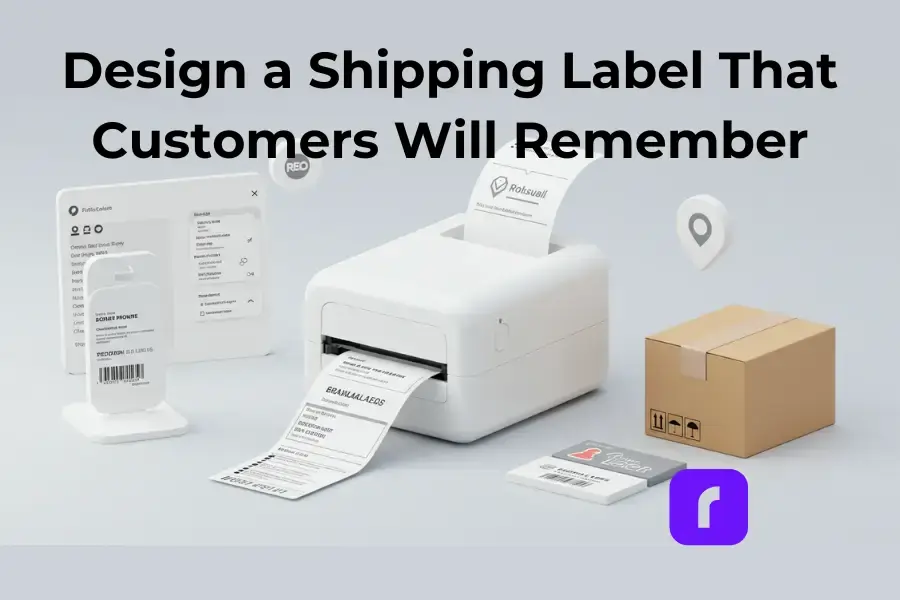
    Design a Shipping Label That Customers Will Remember

    When you think of shipping labels, “memorable” probably isn’t the first word that comes to mind. Yet, that little rectangle of paper or sticker plays a huge role in your business. It’s not just about getting a package from point A to point B—it’s a chance to make a lasting impression on your customers. A clean, well-designed shipping label tells them you’re professional, detail-oriented, and committed to delivering a great experience.

    But let’s face it, creating a standout shipping label isn’t always easy. Maybe you’ve dealt with smudged barcodes that won’t scan or struggled to align labels on your home label maker. Or perhaps you’ve wondered if your labels could do more than just display addresses and tracking numbers.

    Good news—they can. In this guide, we’ll walk you through everything you need to know to design shipping labels that are both functional and memorable. We’ll cover tools, tips, and creative ideas, plus how Rollo can make the whole process simpler. Let’s dive in!

    What Is a Shipping Label and Why It Matters?
    At its core, a shipping label is a roadmap for your package. It tells carriers like USPS, UPS, or FedEx where your package is going, how big it is, and what service it’s using. But beyond logistics, it’s also a touchpoint for your brand.

    Here’s what a shipping label typically includes:

    • 📮 Sender and Recipient Details: Names, addresses, and sometimes phone numbers.
    • 🔍 Tracking Number: So both you and your customer can follow the package’s journey.
    • 🏷️ Barcode: Scanned by carriers to ensure accurate routing.
    • ⚖️ Package Weight and Dimensions: Critical for calculating shipping costs.
    • ✈️ Service Information: Whether it’s ground, overnight, or international shipping.

    Why does this matter? A poorly executed label can lead to delivery delays, lost packages, and frustrated customers. On the flip side, a professional label can enhance trust and build loyalty. It’s a small detail, but one that carries a lot of weight—pun intended.

    How to Create Unique Shipping Labels

    Use Digital Tools for Efficiency

    Gone are the days of handwriting labels or fiddling with Word templates. Today, tools like Rollo’s Label Design App make it easy to create labels that are accurate, stylish, and perfectly formatted. Here’s how:

    • 🖌️ Choose a Pre-Designed Template: Don’t reinvent the wheel. Rollo offers templates you can customize with your brand’s colors and logo.
    • 💌 Add Personal Touches: Include a thank-you note or QR code for a discount on the customer’s next purchase.
    • ⏱️ Save Time with Automation: Rollo’s app integrates with major carriers and e-commerce platforms, letting you generate multiple labels in seconds.

    Focus on Branding

    Your shipping label is prime real estate for branding. Think of it as an opportunity to reinforce your business identity.

    • 🎨 Logo and Colors: Incorporate your logo and stick to your brand’s color palette.
    • 📝 Taglines or Messages: Add a short note like, “Packed with care by [Your Business Name].”
    • 🎄 Seasonal Themes: A holiday-themed label can add a festive touch.

    Simplify Returns with Prepaid Labels

    A prepaid return label can make life easier for both you and your customers. It shows you’re confident in your product and ready to resolve any issues. Use Rollo’s Label Design App to create return labels effortlessly.

    Printing Shipping Labels the Right Way

    Choosing the Best Printing Method

    When it comes to printing shipping labels, not all printers are created equal. For occasional use, a home printer might be your first choice because of its convenience. But it can become costly over time, especially if you’re printing a lot of UPS or FedEx labels and running through ink or toner. If you don’t own a printer, carrier locations like USPS or FedEx can be a reliable option. They allow you to print labels onsite.

    However, if your business processes frequent shipments, a thermal printer is the way to go.

    Devices like Rollo’s Wireless Label Printer stand out because they don’t require ink or toner. Plus, they deliver crisp, professional labels every time. This type of printer is a smart investment. It’s great for small businesses looking to save time and money while maintaining high-quality output.

    Best Practices for Printing

    No matter which printer you choose, following some simple best practices can make a big difference. First, always use high-quality paper or labels to ensure your package details remain intact during transit. Proper placement is equally important—stick your labels on smooth, flat surfaces, avoiding seams or edges that could interfere with scanning.

    Before committing to a large print run, take the time to print a sample and check for alignment and clarity. These steps might seem small, but they’re essential for ensuring your labels are professional, functional, and ready to get your packages where they need to go.

    Optimizing Labels for Cost and Efficiency
    Save Money on Shipping

    Compare rates across carriers to find the best deal. Tools like Rollo Ship let you see options from USPS, UPS, and FedEx all in one place. Bonus: you can often access discounted rates through the platform.

    Batch Printing for High-Volume Orders

    If you’re processing multiple orders, batch printing can save you hours. With Rollo’s tools, you can generate and print labels for all your orders at once, streamlining your workflow.

    Advanced Features for Modern Labels

    Leverage Barcodes and QR Codes

    Barcodes are essential for tracking, but QR codes can take things up a notch. Use them to:

    • 🔄 Provide Return Instructions: Make it easy for customers to return items with clear steps.
    • 🎁 Link to a Special Promotion: Offer discounts or exclusive deals through a QR code.
    • 📱 Share Your Social Media Handles: Connect with customers and boost engagement by including your social links.

    Go Green with Sustainable Labels

    Eco-conscious customers will appreciate your efforts to reduce waste. Look for biodegradable labels and recyclable materials. Rollo supports eco-friendly practices, helping you stay green without compromising quality.

    Special Considerations for International Shipping
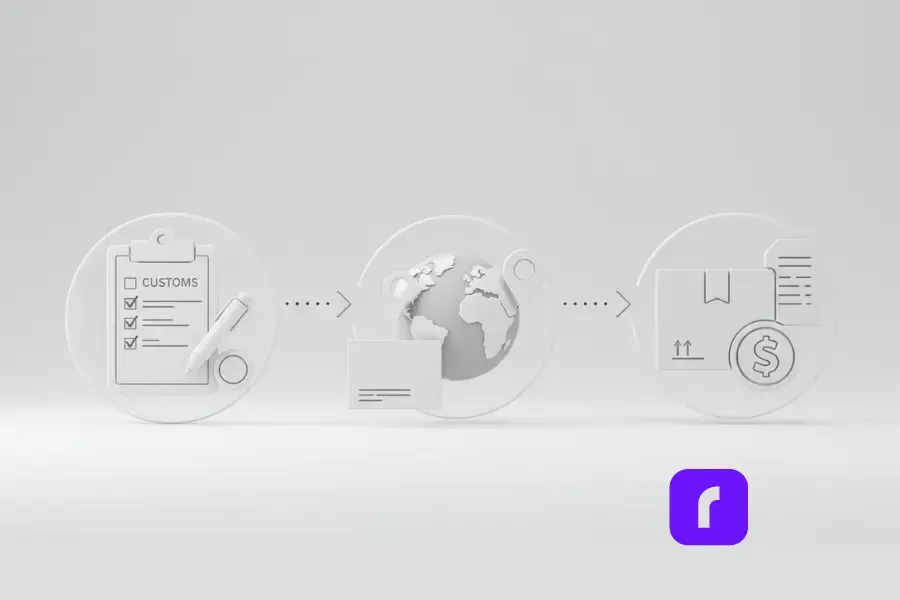
    Shipping internationally? Here are a few extra steps to keep in mind:

    • 📝 Fill Out Customs Forms Accurately: Include details like product descriptions and HS codes.
    • 📍 Format Addresses Correctly: Double-check local address standards to avoid delays.
    • 💰 Be Transparent About Costs: Clearly state any duties or taxes the recipient may need to pay.

    Final Words

    Shipping labels might seem like a small detail in the grand scheme of running a business, but as we’ve explored, they’re so much more than that. A well-designed label is your secret weapon for building trust, enhancing your brand, and ensuring smooth deliveries. By paying attention to design, branding, and functionality, you can turn every package into a memorable experience for your customers.

    From leveraging tools like Rollo’s Label Design App to exploring cost-effective printing with Rollo’s Wireless Label Printer, the process doesn’t have to be complicated. These solutions are here to save you time, reduce stress, and help you stand out in a crowded marketplace. And let’s not forget the little extras—QR codes, seasonal designs, and eco-friendly materials—that can set your business apart.

    So, what’s next? Start applying these tips to your shipping process today. Whether it’s improving your label design, streamlining your workflow, or stepping up your branding game, Rollo has the tools to help you succeed. Your next memorable shipping label is just a few clicks away. Ready to create labels that deliver more than just packages? Let’s make it happen!


    Follow Rollo on:

    Frequently Asked Questions How to Sell on Poshmark

    📌 Q: Can I reuse a shipping label?

    💭 A: No, you cannot reuse shipping labels. Each shipping label contains a unique tracking number and barcode that major carriers (USPS, FedEx, and UPS) use to process your package. Attempting to reuse a label could result in delivery issues and may violate carrier policies. To save money on shipping costs, consider using shipping software that offers discounted shipping rates.


    📌 Q: What happens if a shipping label gets damaged?

    💭 A: If your shipping label becomes damaged, you should immediately print a new one to ensure proper delivery and tracking notifications. Most online tools and shipping platforms allow you to simply select and reprint labels at no additional cost. For security, cover the damaged label with clear tape or remove it entirely before applying the new one.


    📌 Q: How long is a shipping label valid?

    💭 A: Label validity varies by carrier:
    USPS shipping labels typically expire after 7-28 days
    FedEx shipping labels usually remain valid for 2 days
    UPS labels generally expire after 7 days For international shipments, customs forms may have different expiration periods. Check with your shipping platform or carrier for specific details.


    📌 Q: Can I track a package without the original label?

    💭 A: Yes. You can track your shipment using:
    The tracking number from your email confirmation
    Your order details in your shipping software
    The carrier’s online tools using your account information Most shipping platforms automatically generate and store tracking information for easy reference.


    📌 Q: What size should shipping labels be?

    💭 A: Standard shipping label sizes are:
    4″ x 6″ (most common for USPS, FedEx, and other carriers)
    4″ x 4″ (some international shipments)
    8.5″ x 11″ (full-page labels with packing slips) Your shipping software should automatically format labels for proper printing.
  • The Critical Role of the Packing Slip in Order Management

    The Critical Role of the Packing Slip in Order Management

    We’ve all ordered things online, and when we open the box, we always go straight for the actual item we ordered. But right in front of you, there’s a packing slip or detailed receipt listing the items in the box. Most of us take a quick glance and move on to the product itself. Here’s the deal – these unassuming pieces of paper low-key run the show when it comes to shipping. Businesses ship out tons of orders daily, each packed to the brim. How can you keep track of what’s actually inside those boxes? That’s where the packing slip comes into play.

    [ez-toc]

    According to the shipping experts, “A packing slip is crucial for businesses because it provides a record of what was shipped, just in case any parcels are damaged or go missing during transit.” Translation? Packing slips act as cool referees, keeping everything legit and accounted for. And honestly, that’s a pretty big deal in the fast-paced world of shipping and logistics.

    Your Packing Slip 101

    A packing slip, along with package items inside an open box.

    So let’s break it down – what exactly is a packing slip? At its core, a packing slip is an itemized list detailing every item included in a particular package. Nothing crazy, right? But don’t let the simplicity fool you, because that basic info is vital. Packing slips make sure your customers get exactly what they ordered, preventing returns and refunds. These types of shipping documents have been around for ages too. Like, we’re talking all the way back to Ancient Rome where merchants were jotting down cargo deeds aboard their ships. Pretty cool heritage for a humble document.

    How it Stacks Up: Packing Slip vs Other Shipping Docs

    a package with a shipping label comparison to packing slip.

    Before we dive into the nitty-gritty of customization, let’s get one thing straight – a packing slip isn’t the only document that tags along for the shipping joyride. There’s a whole squad of paperwork out there, each doing their own thing. It’s like a shipping version of the Avengers, but less…super.

    Packing Slip vs. Shipping Label

    The shipping label is sort of the celebrity of the group. It’s right out there on display for all to see with the vital shipping details like the destination address emblazoned across its body. The packing slip, on the other hand, is the more humble, backstage kind of documentation. While a shipping label tells the courier where a package is headed, the packing slip tells you (and the recipient) exactly what’s inside. And look, getting the details wrong can be a real headache-inducer. Case in point? “According to the fulfillment gurus at Falcon, nearly 2% of all shipping invoices contain errors.” That may not sound like much, but when you’re a high-volume operation, those tiny percentages add up quick. To avoid such errors and increase efficiency, it’s recommended to use a wireless label printer that uses thermal technology and doesn’t require ink or toner.

    Packing Slip vs. Invoice

    Whereas a packing slip is like your honest bestie telling you the unfiltered truth about your package contents, an invoice is more like that subtly shady pal always trying to get you to cough up some cash. The key distinction? A packing slip simply lists the items included, while an invoice requests payment and outlines the nitty-gritty financial deets like amount owed and payment terms. Sure, these two documents are buds that sometimes travel together, but their end goals are vastly different. A packing slip wants transparency, but Ms. Invoice is all about securing the bag.

    Packing Slip vs. Bill of Lading

    Now, it’s important to note that a packing slip is not the same as a bill of lading. They are two distinct shipping documents that serve different purposes:

    • Packing Slip:
      • 📦 Created by the shipper/seller and included inside the shipment package.
      • 📋 Lists product details like descriptions, SKUs, quantities, etc.
      • ✅ Helps the recipient confirm the shipment contents match what was ordered.
      • 🚫 Does not serve as a legal contract or document of title.
      • 📊 Used more for operational purposes like order fulfillment and inventory management.
    • Bill of Lading:
      • 📝 Issued by the carrier to the shipper once goods are loaded for shipment.
      • 📜 Serves as a receipt of goods, contract of carriage, and may transfer ownership title.
      • 🔍 Contains details like shipper, consignee, carrier, goods description, and terms of shipment.
      • ⚖️ Legally obligates the carrier to transport and deliver goods as stated.
      • 🌐 Required for international shipping and transferring ownership during transit.

    While both contain shipment details, a packing slip is an informal document for verifying contents, whereas a bill of lading is a legally binding transportation contract and document of title.

    Making it Your Own with Rollo’s Custom Label Design App

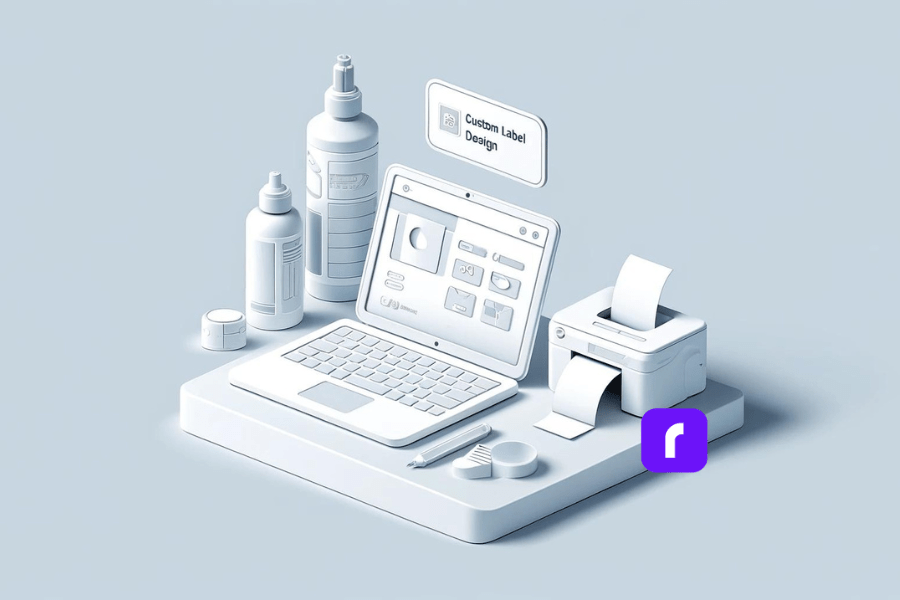
    custom label design app by Rollo

    Now we’ve covered the basics, it’s time to talk customization and personal flair. Because let’s be real, boring packing slips are a missed opportunity to build brand recognition and offer a more unique unboxing experience.

    Enter: Rollo’s Custom Label Design App. This nifty tool lets you elevate your standard packing slips and shipping labels to showcase your business’s signature style and personality. From uploading logos to tweaking colors and fonts, the app gives you full control over transforming those humble delivery documents into on-brand extensions of your company’s vibe.

    Speaking of branding, did you know custom packing slips can seriously amplify your professional credibility? Personalizing them with your company name, message, and style isn’t just about aesthetics – it’s an easy win for leveling up your brand identity and consumer experience. Plus, who doesn’t love a little extra panache and personality injected into the otherwise mundane process of receiving and unpacking shipments? It’s like getting a cheeky wink from the brand with every order.

    You can access Rollo’s free Label Design App through the web at Rollo Label Design App or by downloading the app from the Google Play Store (Android) or Apple App Store (iOS).

    A Step-by-Step Guide to Customization Awesomeness

    Enough preamble – let’s walk through how to actually make customized packing slip magic happen with Rollo’s app:

    1. Access the App: Start by accessing the app through the web or downloading it from the Google Play Store or Apple App Store.
    2. Choose a Label Size:
      • Option 1: Select a pre-existing free label template in standard sizes like 2×1 in, 2×2 in, 4×6 in, etc.
      • Option 2: Start with a blank canvas by entering your desired custom label size dimensions.
    3. Upload Your Assets: Add your logo, color palette, font picks, and any other branding elements you want represented. You can also upload images, QR codes, and barcodes.
    4. Pick a Design Template: Select from thousands of designs that closely resemble a packing slip and then include the necessary information. Think of this as the blank canvas for your masterpiece.
    5. Make it Your Own: From here, it’s a personal branding playground. Adjust colors, rearrange elements, incorporate logos or graphics, and tweak every last detail to capture your brand’s essence. Choose from thousands of icons, shapes, and fonts in the app’s library, or utilize pre-made templates as a starting point and modify them.
    6. Include Vital Order Info: The app lets you include important order information like barcodes and QR codes too. Because melding form and function is always the goal.
    7. Print Directly from the App: A key advantage of Rollo’s Label Design App is the ability to directly print your custom labels from the app to a Rollo thermal printer (wireless or USB models) without any additional steps. This streamlines the label printing workflow.
    8. Save and Review: Once you’re happy with your creation, save it and give it one last look before locking it in.
    9. Hit Print: You’re all set! Just print out those beautifully branded packing slips and let them work their magic.

    And if you get stuck along the way, no worries – the app has easy-to-follow tool tips and an intuitive interface to keep things running smoothly.

    Introducing Rollo Ship, your all-in-one solution for hassle-free shipping and label printing.

    NO MONTHLY SUBSCRIPTIONS.


    When you print a custom packing slip with Rollo, the first 200 are on us.


    Every next label is just 5 cents.


    Schedule pickups, consolidate orders, and print bulk labels.


    Up to 90% off UPS, FedEx, and USPS shipping.


    JOIN FOR FREE NOW

    Packing Slip Insights and Things to Consider

    Practical Considerations:

    Responsibility for Preparing Packing Slips: The task of creating and including packing slips typically falls on the warehouse or fulfillment team. These individuals are responsible for pulling and packing the products for shipment, ensuring that each order is accompanied by the correct documentation. For individual online sellers, it’s important to include a packing slip with each shipment to provide the recipient with a detailed list of the items inside the package.

    Legal Requirements: While there is no overarching legal mandate requiring packing slips specifically, the Fair Packaging and Labeling Act does require that product information, such as contents and manufacturer details, is clearly conveyed for all consumer commodities. Therefore, while you may not need to use a formal packing slip, the same basic product and order information must be provided in some form with each shipment.

    Placement of Packing Slips: It is generally not advisable to place packing slips on the exterior of the package. External placement can lead to the slips getting damaged, lost, or obscured. Additionally, packing slips may contain sensitive information that you wouldn’t want publicly displayed.

    Data and Functionality:

    Core Details Included on Packing Slips: Packing slips typically include essential order details such as:

    • #️⃣ Order number/ID
    • 📝 Detailed item descriptions
    • 🔢 Quantities of each item
    • 👤 Customer name and contact info
    • 🏠 Shipping address
    • 📦 Any tracking numbers
    • 🗒️ Special notes or instructions

    Choosing the right shipping document: Despite the efficiency of combining documents, a packing slip cannot serve as a shipping label. Shipping labels require specific data formatting and barcodes that enable carriers to scan and track packages effectively, which packing slips do not provide.

    Accounting for Received Shipments: When receiving a shipment, you should record the transaction based on the packing slip contents as a purchase. This increases your inventory asset value and accounts payable liability. Once the actual invoice is issued and paid, the accounts payable liability is cleared out.

    The Shipping Sidekick You Didn’t Know You Needed

    We’ve covered a ton of ground here, from defining what a packing slip is, to customizing them into branding powerhouses to tackling all the nitty-gritty questions. At the end of the day, a packing slip is an essential document that keeps the whole shipping process and customer experience running smoothly behind the scenes. While it may not be the most glamorous part of the process, its impact is hard to overstate. Let’s recap a few key takeaways:

    • 📃 Packing slips provide a legit record of what’s shipped, protecting both businesses and customers
    • 🔄 They play a distinct role from other shipping documents like labels and invoices
    • 🎨 With a tool like Rollo’s Custom Label Design App, you can transform packing slips into on-brand unboxing delights
    • 🌐 There’s a world of nuance in the pragmatic considerations around generating, utilizing and processing packing slips

    But perhaps the biggest win of all? The ability for smaller ecommerce businesses and solopreneurs to optimize their shipping operations with smart, professional documentation like customized packing slips.

    Final Words

    These days, branded unboxing experiences and polished order fulfillment practices aren’t just for the big corporate players anymore. With just a touch of technical know-how and an intuitive tool like Rollo’s, any ambitious merchant can level up their shipping game and customer satisfaction in one fell swoop. So look, packing slips may not be the most riveting topic on the surface. But dig deeper and you’ll find an unsung hero worth celebrating – one that keeps orders detailed, boxes accounted for, and consumer confidence intact. Isn’t it time you showed your shipping sidekick a little more love? After all, great things often ship in the humblest of packages.

    Follow Rollo on:

    Frequently Asked Questions About Packing Slips

    📌 Q: What is a packing slip?

    💭 A: A packing slip is a document included with a shipment that lists the items being sent. It is important because it helps both the shipper and the recipient verify that the correct items have been included in the shipment.

    📌 Q: How does a packing slip differ from an invoice?

    💭 A: A packing slip lists the items in a shipment but does not include pricing or payment information, whereas an invoice includes item prices, total amounts due, and payment terms.

    📌 Q: Is a packing slip necessary for all shipments?

    💭 A: While not legally required, packing slips are highly recommended for brand awareness, customer experience, accurate order fulfillment, and to avoid discrepancies between what was ordered and what was shipped.

    📌 Q: Can a packing slip be used as a shipping label?

    💭 A: No, a packing slip cannot serve as a shipping label. Shipping labels contain specific data formatting and barcodes required for carriers to scan and track packages effectively.