Did you know the wrong UPS printer can cost your business time and money? For online sellers and small businesses, shipping efficiently is key. But the wrong printer can make it a hassle. Common problems like compatibility issues, slow speeds, and constant ink replacements can slow you down. These issues can hurt your productivity and profits.
But, you can avoid these mistakes. By knowing what to look for, you can find the perfect UPS printer for your business. This article will guide you through common errors and how to avoid them. We’ll cover everything from choosing the right thermal printer to ensuring it works seamlessly with your software.
This guide will save you time, money, and stress. Ready to make your shipping process smoother and label printing easier? Let’s get started.
Everything You Need to Know
Why Choosing the Right UPS® Printer Matters for Your Business
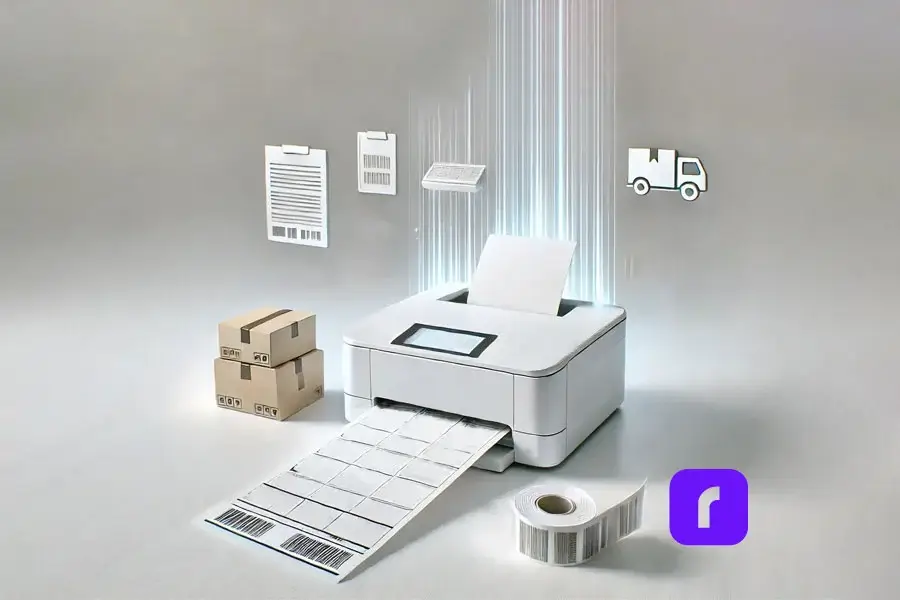
For small to medium-sized businesses, time is money, especially in shipping. The right UPS printer can save you hours by speeding up label printing. It also improves integration with your shipping software and reduces costs.
Whether you’re printing FedEx labels or UPS® labels, the right printer makes it faster and more efficient. Invest in a printer that matches your shipping volume and needs. Rollo’s thermal printers are designed for small business owners. They offer ease of use and cost-saving features.
Common Mistakes to Avoid When Buying a UPS Printer
Mistake #1: Ignoring Printer Compatibility with UPS® Shipping Tools
One big mistake is buying a UPS printer without checking compatibility with UPS® shipping tools. Rollo may not connect directly with UPS® WorldShip or UPS CampusShip®, but it links to UPS® through Rollo Ship. This lets users generate UPS shipping labels, get discounted rates, and manage shipments in Rollo.
To avoid problems, make sure your printer works with your shipping platforms. With Rollo, you can ship with UPS and enjoy discounted rates and a streamlined process. You can also get USPS discounts through Rollo’s platform to cut shipping costs further.
Mistake #2: Choosing the Wrong Type of Printer
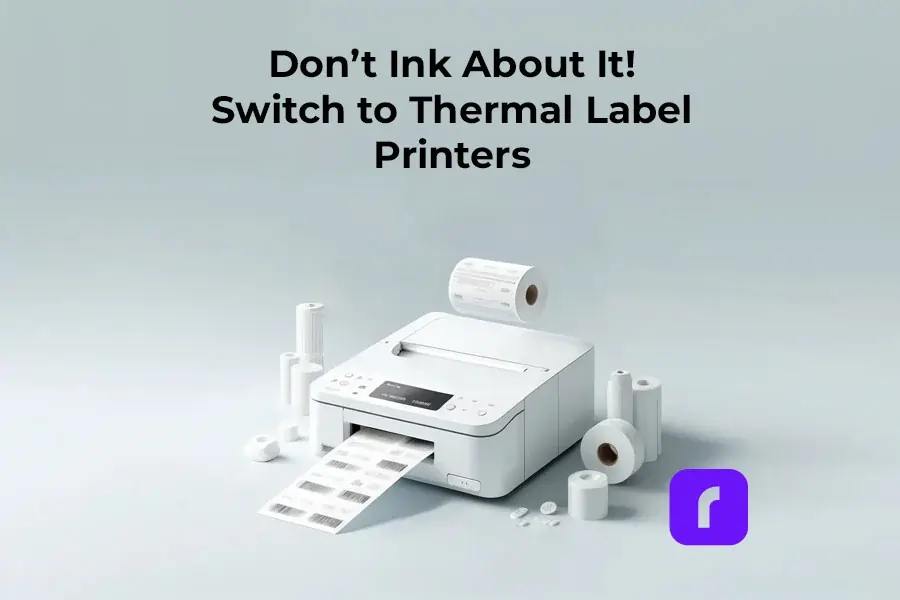
Many think any printer will work, but the type you choose matters a lot. Thermal printers are great for shipping labels because they don’t need ink or toner. This means you save money and don’t have to stop to refill ink as often.
Let’s compare:
- 🔥 Thermal Printers: Cost-efficient, fast, and optimized for shipping labels. Rollo’s thermal printers, for example, eliminate the need for ink and print high-quality labels in seconds.
- 💸 Laser Printers: Typically more expensive and slower for label printing. Requires toner.
- 💧 Inkjet Printers: Slower, more costly over time due to ink, and not as durable for label printing.
For businesses shipping many packages, thermal printers save a lot of money on ink.
Mistake #3: Overlooking Printer Setup and Driver Installation
Setting up a printer can be tricky. Each printer needs specific drivers to work with your computer and shipping software. If you don’t install the right driver, you might face delays and problems.
Rollo’s UPS printers have an easy setup guide. This makes it simple for anyone to start using them without trouble. Always follow the manufacturer’s guide for driver installation to avoid issues.
Mistake #4: Not Considering Long-Term Costs
Many focus on the initial cost of a printer but forget about ongoing expenses. Inkjet and laser printers need ink or toner, which can get expensive, especially for high-volume shipping.
Thermal printers like Rollo’s don’t need ink or toner, making them great for frequent label printing. Choosing a printer that saves you money in the long run can help your business grow.
How to Ensure You Choose the Best UPS Printer for Your Business

Research Printer Models Based on Your Business Needs
Before buying, find out which printer model fits your business best. A small e-commerce business might not need the most expensive model. But a big business shipping lots of packages might benefit from a fast thermal printer.
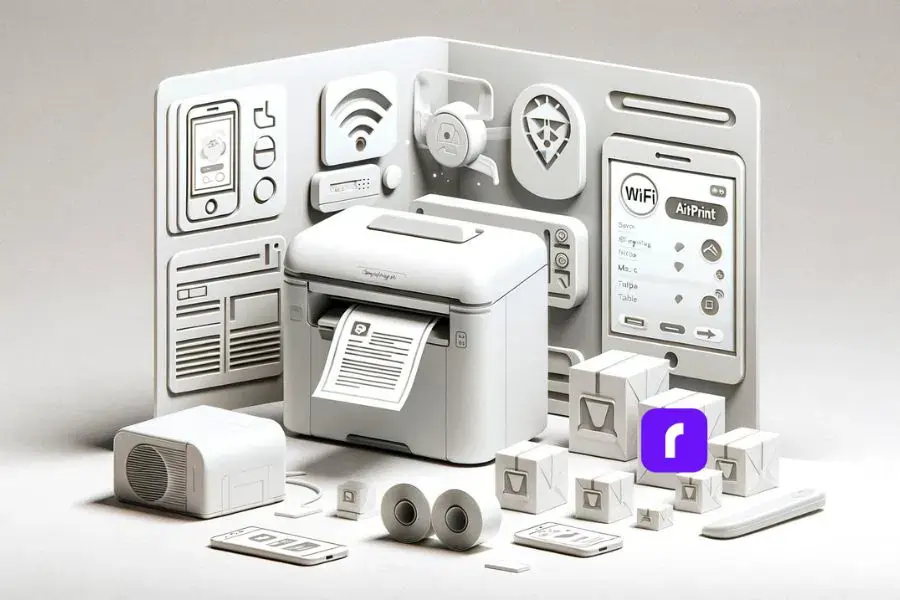
Look for a printer that balances speed, reliability, and works well with your shipping tools. Rollo’s wireless thermal printer connects easily with UPS, prints labels, and offers discounted shipping. They also have custom label printing for special needs.
Look for UPS Printer Reviews and Testimonials
Reading reviews and testimonials can help you make a good choice. Feedback from other businesses can tell you about a printer’s performance and ease of use.
Rollo has great reviews for its easy setup, smooth integration with UPS, and cost savings. Many small businesses say switching to Rollo improved their shipping and saved money.
Troubleshooting Printers for UPS® – Issues and Maintenance Tips
Even the best printers can run into problems. But, knowing how to fix common issues can save you a lot of time and stress. Here are some tips to help you solve typical UPS printer problems:
- 🧻 Paper Jams: Make sure the label paper is loaded right and there’s no blockage in the printer.
- 🔧 Driver Issues: Check if you have the latest drivers installed. Often, updating or reinstalling drivers fixes connection problems.
- 🔄 Label Alignment: If labels aren’t printing right, check your settings in the UPS software. Adjust margins if needed.
For those managing multiple e-commerce sites like Shopify or TikTok Shop, Rollo Ship can make shipping easier.
Final Words: Make the Smart Choice for Your Business
Choosing the right UPS printer is key to a better shipping process for your business. Avoiding common mistakes can save you time and reduce stress. Thermal printers, like those from Rollo, are cost-effective and reliable. They don’t need ink and work well with UPS shipping platforms.
Now you know what to avoid, it’s time to make better choices for your business. Whether you ship a few packages a day or lots, Rollo’s thermal printers can make your work easier. They help you focus on growing your business.
Ready to move forward? Check out Rollo’s range of thermal printers. See how they can make your shipping process smoother. Visit Rollo today and discover the future of shipping efficiency.
*Discounts off UPS daily rates. Rates are limited to shipping from the U.S. only. Rates and any applicable discounts are subject to change at any time without notice.**UPS®, the UPS® brandmark, and the color brown are trademarks of United Parcel Service of America, Inc. Used with permission. © 2020-2025 United Parcel Service of America, Inc. All rights reserved.
Follow Rollo on:
Frequently Asked Questions About Buying UPS Printers
📌 Q: What is the best UPS printer for a small business?
📌 Q: What size labels are compatible with UPS printers?
📌 Q: Can I use my UPS printer for other carriers like FedEx or USPS?
📌 Q: How do I know if my UPS printer is compatible with Rollo Ship?
📌 Q: What are the benefits of using a thermal printer over a laser or inkjet printer for UPS labels?