Rollo

Tag: Label Printing Software

  • This Free Label Printing Software Will Surprise You

    This Free Label Printing Software Will Surprise You

    Ever found yourself wasting way too much time trying to print labels? You’re juggling orders, packing boxes, and scrambling to get your products shipped—then suddenly your printer decides it hates you. Labels print crooked, barcodes blur, and you’re left wondering if it’s easier to just write addresses by hand. (Hint: It’s not.)

    If that scenario sounds painfully familiar, you’re not alone. Most online sellers and small business owners know the struggle of label printing software all too well. What should be simple often turns into a chaotic mess of frustrating tools, subscription upsells, and lost hours.

    But here’s the good news: there’s a totally free solution that’ll actually make you love printing labels again. Seriously. Rollo’s free label printing software is not just user-friendly—it’s shockingly powerful and completely free, without any hidden catches. Stick around, and I’ll show you exactly why this little app is such a game changer.

    Why SMBs Struggle With Label Printing Software
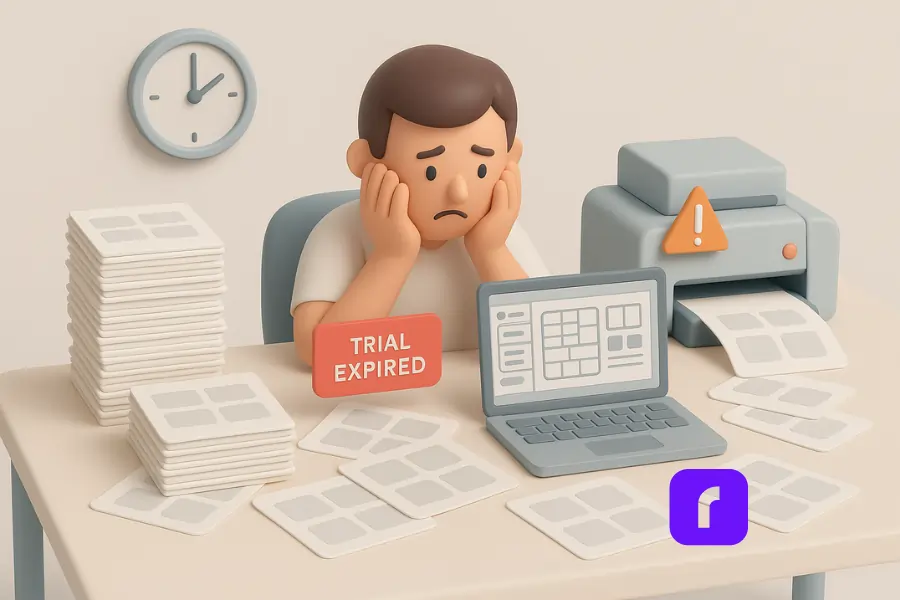
    Frustrated small business owner surrounded by label sheets, facing a “Trial Expired” screen and printer error—highlighting common struggles with label printing software.

    Common Issues With Free or Built-In Software

    Many small businesses rely on free or built-in label printing software to print labels. Sure, Microsoft Word or Excel can technically do the job. But let’s be honest—they weren’t exactly built for efficiency or ease of use. You end up spending more time aligning margins than actually shipping packages.

    Some of the biggest headaches include:

    • 🖨️ Misaligned prints: Labels never quite line up, meaning wasted paper and endless adjustments.
    • 📄 Limited templates: Few free programs come with decent templates, forcing you into hours of manual editing.
    • ⚠️ Compatibility problems: Ever tried printing labels from an Excel spreadsheet or using barcodes? It’s rarely smooth sailing.

    Hidden Costs and Time Drains

    Then there’s the sneaky stuff. Many supposedly “free” label printing tools offer limited features upfront, pushing you toward premium upgrades or paid subscriptions. Before you know it, you’ve signed up for a monthly fee you didn’t anticipate.

    Time wasted is money lost. Small business owners can’t afford to fiddle around with tricky software that eats away precious productivity.

    What Makes a Great Label Printing Software

    Label printing software today should simplify your workflow, not complicate it. Let’s talk about the essentials you need to look for:

    Key Features to Look For

    • 🧲 Drag-and-drop label design: Creating labels professionally should be as easy as dragging logos or images into place—no complicated menus needed.
    • 🆓 Free templates and barcode generators: Whether it’s QR codes, traditional barcodes, serial numbers, or data matrices, generating these should take seconds, not hours.
    • 📊 Import data from Excel: Upload an Excel file to print hundreds of labels instantly—perfect for large orders.
    • 🖨️ Compatibility with your printer: Great software should work seamlessly with thermal printers, laser printers, and even brands like Zebra, giving you flexibility without extra hassle.
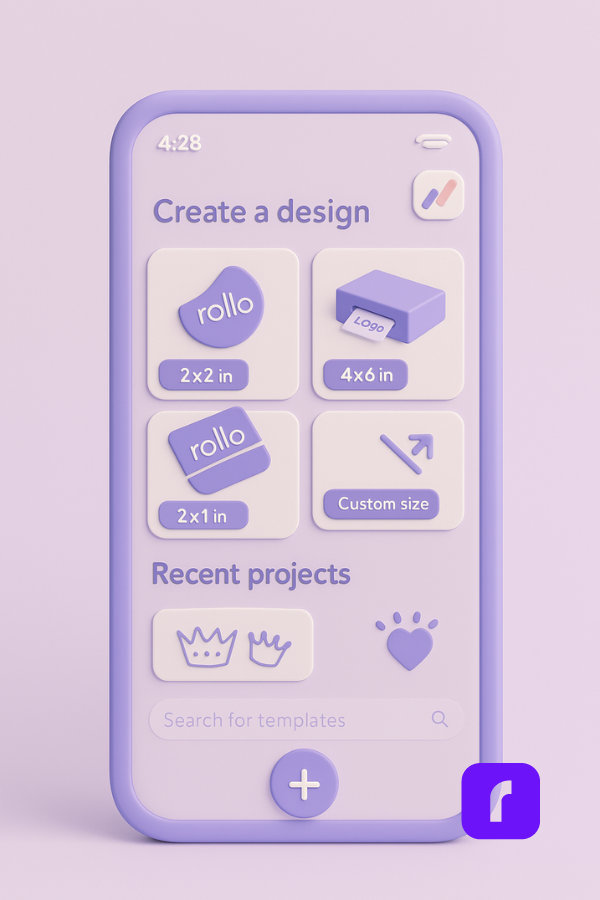
    3D illustration of a smartphone displaying the Rollo Design App interface, showing label size options and templates for creating custom labels with free label printing software.

    Must-Have Integrations

    Your ideal software should play nicely with your existing tools. Connecting seamlessly with shipping platforms, online marketplaces, and your favorite inventory systems will save you massive amounts of time. Integration isn’t just convenient—it’s essential.

    A Closer Look at Rollo’s Free Label Printing Software
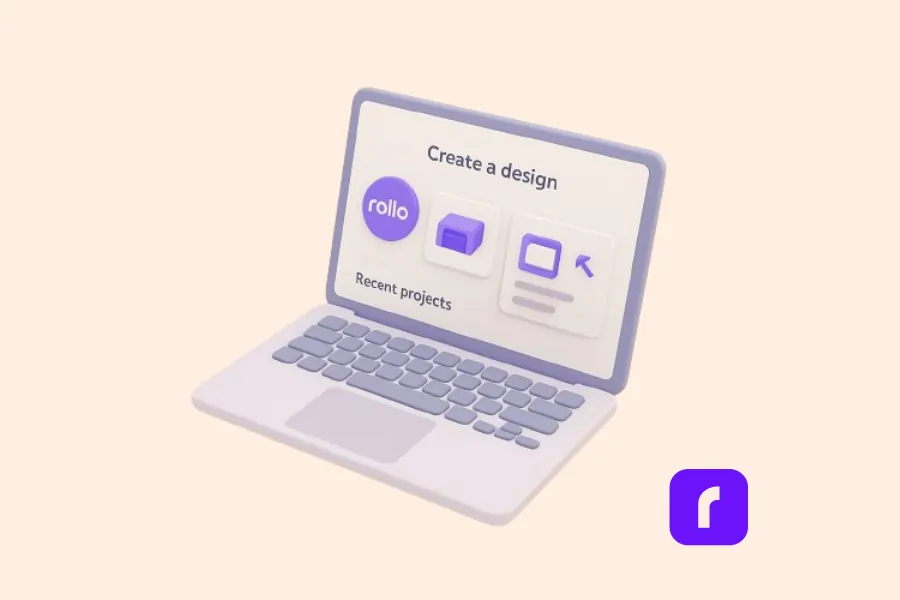
    3D illustration of a laptop screen displaying the Rollo Design interface, highlighting the ease of creating custom labels using free label printing software.

    If your current software is driving you crazy, Rollo’s free label printing software might just save your sanity. It’s built specifically for online sellers and SMBs, making professional-quality labels easy, fast, and genuinely enjoyable to create.

    No Account Required—Just Start Designing

    Forget signing up or logging in every time. Rollo’s software lets you jump right in and start designing instantly. It works directly in your browser, on your computer, smartphone, or tablet—so your labels travel with you wherever you need to work.

    Upload Logos, Images, QR Codes & More

    The drag-and-drop editor is incredibly intuitive. Upload your own logos or images, quickly add barcodes and QR codes, or insert text in seconds. Want to print labels with serial numbers or batch data from your Excel spreadsheet? No problem. It handles large imports effortlessly, keeping your labels consistent and professional every single time.

    Works With Any Label Size or Printer

    Illustration of a smiling woman holding a long roll of printed labels, representing fast and efficient label printing for small businesses using Rollo.

    One thing online sellers love about Rollo: flexibility. You don’t need special paper or labels. Whether you’re printing on sheets, rolls, or labels from another brand (yes, even Zebra-compatible labels), Rollo’s software works smoothly.

    Save, Reuse, and Print Smarter

    Got a label you use often? Save your designs as templates and reuse them instantly. This is huge during busy seasons or sales, helping you get products out faster. And because you can print from Excel files, batch orders are a breeze. No more manually typing names and addresses—just click, import, print, and ship.

    Comparing Rollo’s Label Design App

    Not convinced yet? Check out how Rollo stacks up against popular options like Avery and Zebra:

    FeatureRolloAveryZebra
    Free to Use✅ Yes✅ Limited❌ Paid plans
    Templates & Design Tools✅ 500+ designs✅ Good variety✅ Limited free
    Barcode & QR Code Support✅ Built-in✅ Some support✅ Yes (limited free)
    Excel Import✅ Yes✅ Limited✅ Premium only
    Printer Compatibility✅ Any printer❌ Avery only❌ Zebra only
    Cross-device Access✅ Yes✅ Web-only❌ Desktop only

    As you can see, Rollo’s software isn’t just versatile—it’s incredibly user-friendly and totally free. It’s exactly what small business owners need.

    Streamline Your Shipping with Rollo Ship

    Designing labels is only half the battle—actually getting those packages out the door efficiently is the other half. That’s where Rollo Ship comes in.

    Rollo Ship is a free shipping platform that connects directly to your existing accounts with carriers like USPS and UPS. You can import orders from marketplaces, compare rates, print shipping labels, and track everything—all from one dashboard.

    Even better? It works seamlessly with your label printing workflow. You can create labels in the Rollo Design App, then generate discounted shipping labels in Rollo Ship with just a few clicks. Whether you’re sending one box or hundreds, Rollo Ship helps you move faster and save money without jumping between apps or tabs.
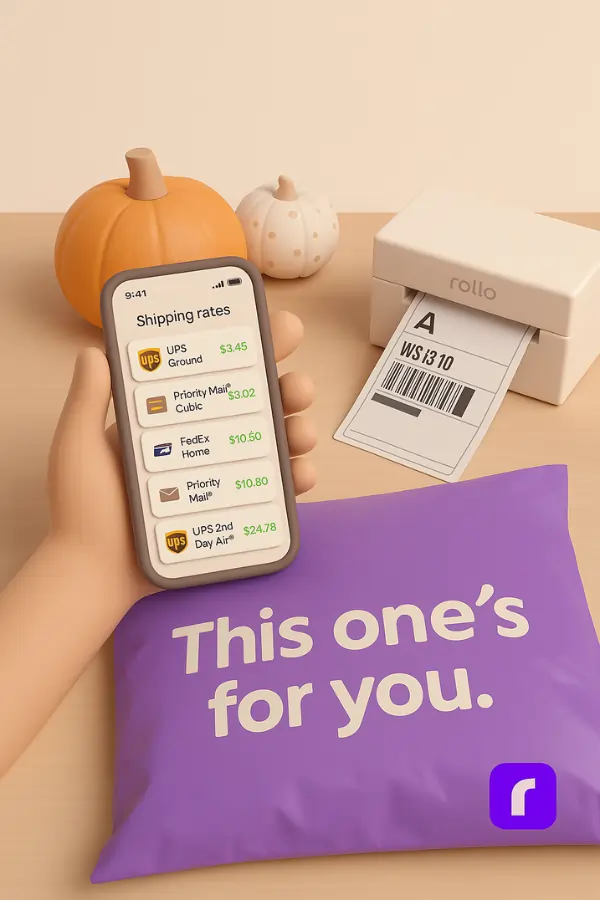
    3D illustration of a hand holding a phone displaying shipping rates in a minimalist pastel setting, with a Rollo printer, labeled package, and pumpkins in the background—representing how Rollo Ship simplifies and saves money on label printing and shipping.

    So while other tools might stop at label design, Rollo gives you an end-to-end solution—from design to delivery.

    Creating Custom Labels with Rollo
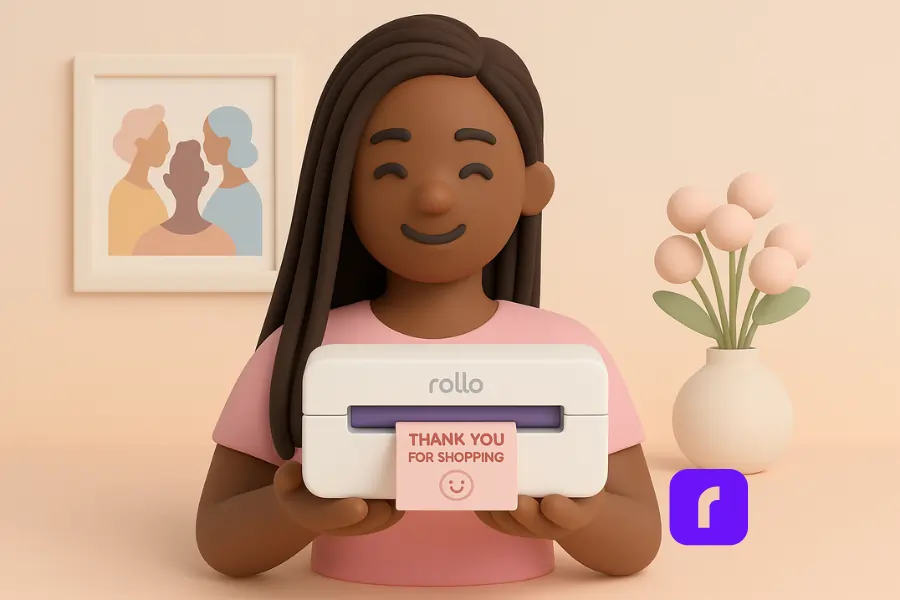
    3D illustration of a smiling woman holding a Rollo printer printing a pink “Thank You for Shopping” label, representing easy custom label creation with Rollo Design.

    Shay, a YouTuber and small business owner behind She’s Basically, runs a stationery business and is no stranger to juggling creativity and shipping logistics. When Rollo released the Rollo Design App, it was exactly what she didn’t know she needed.

    “Rollo has released Rollo Design for me to make my stickers right in their app,” Shay shares in a TikTok video. “They have everything I need figured out.”

    With her wireless Rollo printer and a stack of pink labels ordered from rollo.com, Shay jumped right into designing custom stickers using the app. She browsed templates like “Thank you for shopping small,” edited the design with just a few taps, and sent her labels straight to print—all from her phone.

    “Now that was easy. From the app to the palm of my hands. This is so cute.”

    The ability to design, customize, and print high-quality stickers on colored labels—without needing any extra label printing software or design tools—made the process not only simple, but actually fun. As Shay puts it, Rollo now makes it super easy for her to create “all the custom stickers my little heart desires.”

    For creators and entrepreneurs like Shay, tools like Rollo’s design app turn label printing from a chore into something joyful and completely stress-free.

    Final Words

    If label printing has ever made you want to pull your hair out, you’re not alone. Between clunky software, random printer errors, and “free trials” that stop being free the moment you need to get real work done, it’s easy to feel stuck.

    That’s why Rollo’s label printing software is such a breath of fresh air. It’s not just free—it’s actually good. Like, create-stickers-on-your-phone-and-print-in-seconds good. Whether you’re batch-printing shipping labels from an Excel sheet or designing custom stickers with pink hearts and thank-you notes, the whole thing just works. No stress, no weird formatting, no trial-expired popups mid-print.

    At the end of the day, your time is better spent growing your business—not wrestling with templates or fighting a printer. Rollo gives you back that time. And maybe even makes designing labels something you actually look forward to.

    So if you’ve been thinking about upgrading your workflow without spending a dime, this might be your sign.


    Follow Rollo on:


    Frequently Asked Questions About Label Printing Software

    📌 Q: What features should I look for in label design software?

    💭 A: Look for these essential features when choosing a label design software:
    Pre-built label templates for standard and custom sizes
    Drag-and-drop design tools to add logos, images, and text
    Barcode generator that supports QR codes, serial numbers, and data matrix formats
    – Excel spreadsheet import to create and print labels in bulk
    Printer compatibility with laser printers, thermal printers, and brands like Zebra
    – Cross-platform access (Windows, Mac, mobile)
    – Ability to save, reuse, and edit projects without needing to start over


    📌 Q: Can I import data from Microsoft Excel to print labels?

    💭 A: Yes, many label printing tools support Excel file imports. This allows you to create one label or thousands based on data pulled from Excel spreadsheets or other programs. For example, with Rollo’s software, you can import columns like product names, SKUs, barcodes, or addresses, then batch print customized labels with a few clicks.


    📌 Q: How do I know if label printing software is compatible with my printer?

    💭 A: Most software will specify compatible printer types on their site. Look for tools that support both laser printers and thermal label printers, including popular brands like Zebra. Rollo’s design app, for instance, works with any direct thermal printer and doesn’t require proprietary labels—so you have more flexibility when choosing your supplies.


    📌 Q: Is label printing software only for shipping labels, or can I design product labels too?

    💭 A: Label printing software isn’t just for mailing labels. With the right templates and customization tools, you can design labels professionally for products, jars, boxes, envelopes, QR stickers, and more. Tools like Rollo and Canva offer both shipping and product label design options, allowing businesses to add custom branding elements like logos and images easily.


    📌 Q: How does Rollo’s label printing software compare to other tools?
    💭 A: Unlike some tools that limit access or require you to purchase a pro version, Rollo’s software is completely free—no watermark, no feature limits. You can start designing immediately with access to hundreds of templates, barcode tools, and batch printing via Excel file import. It’s especially helpful for small businesses needing fast, simple solutions without extra costs.
  • Unlock Perfect Prints: Label Thermal Printer Secrets!

    Unlock Perfect Prints: Label Thermal Printer Secrets!

    Ever wondered how those perfectly printed shipping labels magically appear on your packages? Well, let me introduce you to the wizard behind the curtain: the label thermal printer. These nifty devices are revolutionizing the way online sellers and small businesses handle their shipping needs. And trust me, once you’ve got one of these bad boys on your team, you’ll wonder how you ever managed without it.

    Now, I know what you’re thinking. “Great, another piece of tech to clutter up my workspace.” But hold that thought. These printers are compact, efficient, and could be the game-changer your business has been waiting for. And when it comes to label thermal printers, Rollo is a name that keeps popping up. They’ve got some pretty sweet features that we’ll dive into later, so stick around.


    What’s the Deal with Label Thermal Printers?


    Let’s break it down. Label thermal printers are like the cool kids of the printing world. They don’t need ink or toner – how’s that for a party trick? Instead, they use heat to create images on specially coated paper. It’s like magic, but with science.

    These printers can churn out all sorts of labels. Shipping labels? Check. Barcode labels? You got it. Product labels? No problem. They’re versatile little machines, ready to tackle whatever labeling challenge you throw at them.

    But here’s where it gets really interesting. The labels produced by thermal printers are incredibly durable. They resist fading, smudging, and water damage better than your average inkjet-printed label. So your packages arrive looking as crisp and professional as the day you sent them out. Pretty neat, right?


    Picking the Perfect Printer for Your Business

    Now, let’s talk shopping. When you’re in the market for a label thermal printer, you’ve got options. There are many brands like Rollo all vying for your attention. But how do you choose?

    First off, think about what you need. Are you shipping out a few packages a week, or are you running a full-scale e-commerce operation? Your volume will dictate the kind of printer you need.

    Next, consider the features. Some printers, like a mini portable printer, can connect to your phone or tablet, letting you print labels on the go. Others integrate their shipping software seamlessly with e-commerce platforms, making your life a whole lot easier. And then there’s print quality – because nobody wants a label that looks like it went through the wash before it even left your office.


    Cost is another factor to weigh up. While label thermal printers might seem pricier upfront compared to your standard inkjet printer, they can save you a bundle in the long run. No more shelling out for expensive ink cartridges – just the labels themselves. It’s like the printer that keeps on giving.

    Speaking of giving, let’s talk about what Rollo brings to the table. Their label thermal printer is known for their speed and reliability – two things you definitely want when you’re trying to get those orders out the door. Plus, they’re compatible with all major shipping platforms. It’s like they’re playing nice with everyone in the sandbox.


    Getting Connected: It’s Easier Than You Think


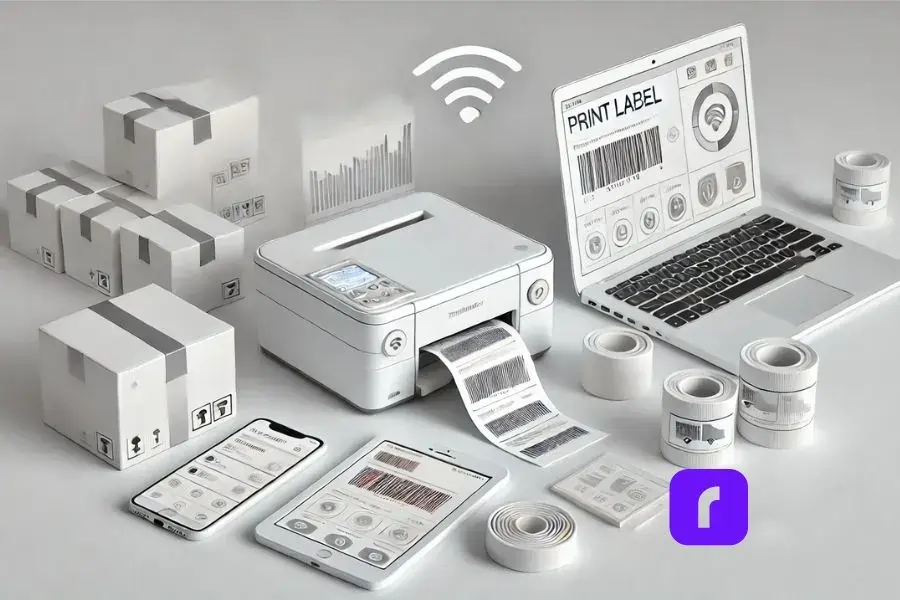
    Minimalist depiction of a modern workspace featuring a label thermal printer wirelessly connected to multiple devices. The setup includes a smartphone, tablet, and laptop with blank screens, highlighting device versatility without text distractions. A nearby shipping box with a freshly printed label emphasizes multitasking capabilities. The design uses a predominantly white and light color scheme with subtle 3D effects, conveying simplicity, seamless integration, and a clean aesthetic.


    Remember the days when setting up a new piece of tech meant hours of frustration and maybe a few choice words? Well, those days are (mostly) behind us. Setting up a label thermal printer is usually a breeze.

    Many modern label printers, including Rollo’s lineup, can connect to your devices wirelessly. That means you can print labels from your computer, tablet, or even your smartphone. Imagine being able to print a shipping label while you’re packing an order – no more running back and forth to your desk. It’s multitasking at its finest.

    But what about integrating with your e-commerce platform? Good news – most label thermal printers play well with the big names in e-commerce. Whether you’re team Shopify, Amazon, eBay, or any other platform, chances are there’s a label printer out there ready to make your life easier.

    And setup? It’s usually as simple as plugging in the printer, installing any necessary software, and you’re off to the races. No computer science degree required.


    Making Your Labels Look Their Best

    Alright, let’s talk quality. After all, your labels are often the first impression your customers get of your business. You want them looking sharp, right?

    The good news is, label thermal printers are capable of producing some seriously high-quality prints. But like any tool, they need a bit of TLC to perform at their best.

    First up, consider your label material. Not all thermal labels are created equal. Cheaper labels might save you a few bucks upfront, but they could lead to faded or smudged prints down the line. It’s worth investing in good quality labels – your future self will thank you.


    Next, let’s talk printer settings. Most label thermal printers come with software that lets you adjust things like print darkness and speed. Don’t be afraid to play around with these settings to find what works best for your labels and your printer.

    Here’s a pro tip: keep your print head clean. A dirty print head can lead to streaky or faded prints. Most printers come with cleaning instructions – follow them, and your prints will thank you.

    And remember, practice makes perfect. Don’t be discouraged if your first few labels don’t look like works of art. Take some time to experiment with different settings and label types. Before you know it, you’ll be churning out professional-looking labels like a pro.


    Keeping Your Label Thermal Printer Ready


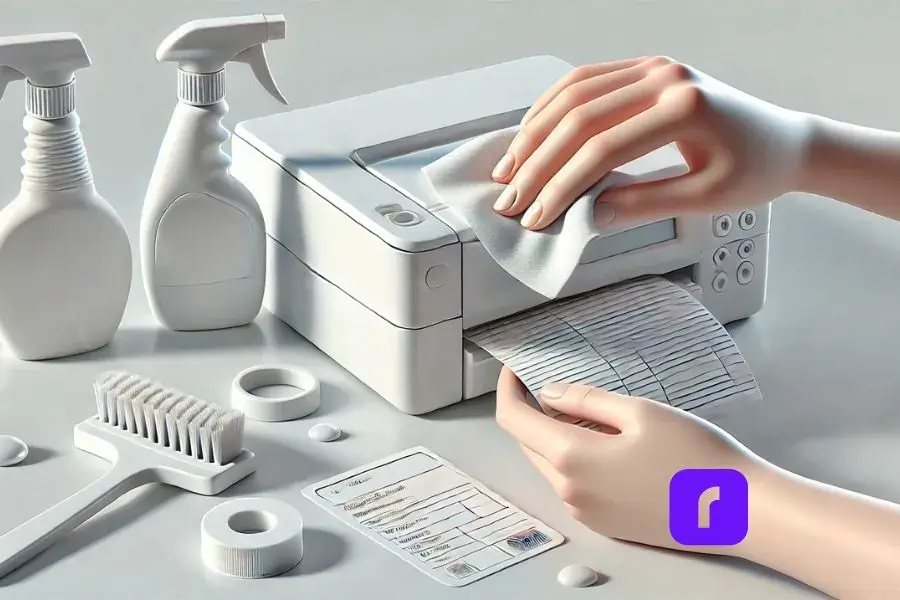
    pair of hands holding cleaning cloth to clean label thermal printer.


    Now, I know what you’re thinking. “Great, another piece of equipment to maintain.” But hear me out – taking care of your label thermal printer is actually pretty simple, and it can save you a lot of headaches down the road. Here are a few key points to keep in mind:

    Keep it clean:


      • 🧽 Dust and debris can build up over time, affecting print quality.
      • 🧴 Periodically wiping it down with a soft, lint-free cloth can work wonders.


    Take care of the print head:


      • ❤️ The print head is the heart of your printer and needs regular cleaning.
      • 📅 Most brands recommend cleaning the print head every few thousand prints.
      • 🧼 Cleaning is usually as simple as running a cleaning card through the printer.


    Troubleshoot common issues:


      • 📰 Paper jam: Check for obstructions and ensure you’re using the right size labels.
      • 🔧 Faded prints: Adjust your print settings or clean the print head.


    And if you ever need to replace the print head or calibrate the printer, don’t sweat it. These tasks might sound daunting, but they’re usually straightforward. Most printers come with detailed instructions, and there are plenty of helpful videos online if you need a visual guide.

    Remember, a little TLC goes a long way. Treat your printer right, and it’ll be your trusty sidekick for years to come.


    Beyond Shipping: The Many Faces of Label Thermal Printers


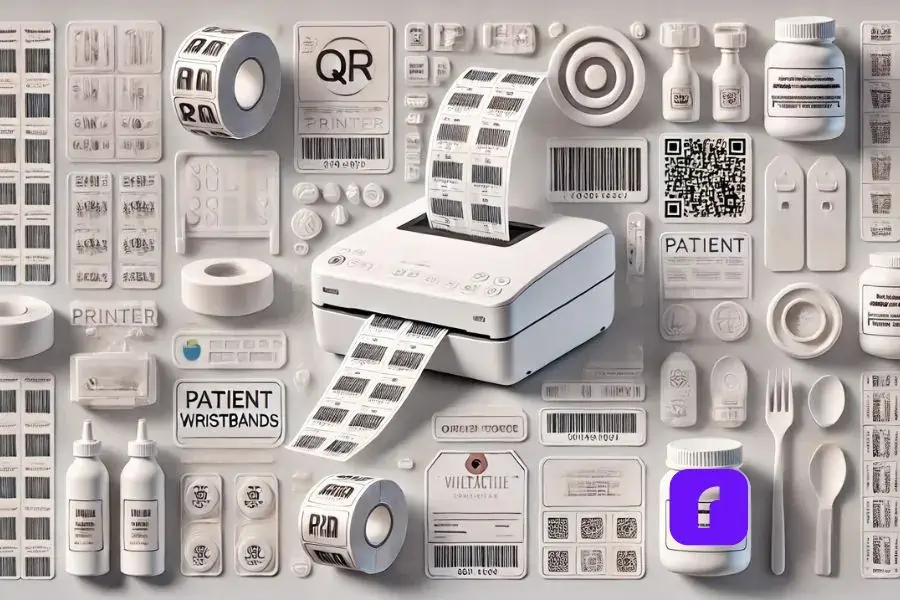
    Minimalist collage showcasing a label thermal printer in action, printing various label types such as barcodes, QR codes, and product labels. Surrounding the printer are stylized, simplified illustrations of applications: a retail shelf with price tags, a healthcare setting with patient wristbands, and a gourmet food jar with an ingredient label. The design features predominantly white and light colors with subtle 3D effects for depth, creating a clean and serene visual aesthetic.


    Sure, shipping labels might be the bread and butter of label thermal printers, but these versatile machines have a few more tricks up their sleeves.

    Need to print barcodes or QR codes? Label thermal printers have got you covered. They’re perfect for inventory management, product labeling, or even creating interactive marketing materials. And the best part? The prints are crisp and scannable – no more squinting at blurry barcodes.

    But what about specialized industries? Can these printers adapt to unique needs? Absolutely! Label thermal printers have found their way into diverse sectors:


      • 🏥 Healthcare: Used for patient wristbands and specimen labels.
      • 🛍️ Retail: Employed for price tags and inventory labels.
      • 🍎 Food Industry: Essential for ingredient lists and expiration dates.


    These printers are chameleons, adapting to the specific requirements of each field they enter. Whether you’re running a pharmacy, a boutique, or a gourmet food shop, there’s likely a thermal printing solution tailored to your needs.


    And let’s not forget about the power of design at your fingertips. Many label thermal printers, like the Rollo Wireless, come with their own label design apps. These apps are like having a graphic designer in your pocket. Need a sleek logo for your artisanal jam jars? Want to create eye-catching QR codes for your pop-up shop? The app’s got you covered.

    With a library of templates, icons, and customizable designs, you can whip up professional-looking labels in minutes. No design degree required! Plus, these apps often sync across devices, so you can start a design on your phone during your commute and finish it on your desktop at work. From simple shipping labels to intricate product packaging, the possibilities are endless. It’s like having a mini design studio that works seamlessly with your printer – talk about a dynamic duo!

    This replacement maintains the conversational tone while highlighting the capabilities of label design apps, which are becoming increasingly important in the thermal printing ecosystem. It emphasizes the versatility and user-friendliness of these apps, which can greatly expand the utility of label thermal printers for various users.


    Printing Green: Rollo’s Eco-Friendly Label Thermal Printer


    Eco Friendly Label Thermal Printer.


    Let’s talk green – and no, we’re not just talking about the color of your labels. Rollo’s label thermal printers are surprisingly eco-friendly. Who knew printing could be kind to Mother Nature?

    For starters, these printers are ink-free zones. No more tossing out empty cartridges or feeling guilty about plastic waste. Plus, Rollo offers FSC-certified labels from responsibly managed forests. It’s like hugging a tree with every shipment!

    But what about energy use? Good news! Thermal printers are energy-efficient little machines, sipping power like it’s a fine wine. And with Rollo’s printers designed to last through hundreds of thousands of labels, you’re looking at less electronic waste in the long run.

    Worried about keeping up with high-volume demands? Rollo’s got you covered there too. These printers can churn out labels faster than you can say “eco-friendly,” handling hundreds per day without breaking a sweat.

    So whether you’re a small-batch artisan or an e-commerce mogul, Rollo’s label thermal printers offer a solution that’s good for your business and kinder to the planet. Who says you can’t print green?


    The Shipping Software That Powers Your Business

    Now, let’s dive into the real game-changer: Rollo Ship. This isn’t just any shipping software – it’s your new business best friend.

    Rollo Ship is like having a personal shipping assistant. It seamlessly integrates with major e-commerce platforms, from Amazon to Shopify, consolidating all your orders in one place. No more juggling multiple tabs or losing track of shipments!

    But here’s where it gets really smart: Rollo Ship uses AI to group similar orders, streamlining your fulfillment process. It’s like having a tiny robot organizer in your computer.

    Worried about shipping costs? Rollo Ship has your back with discounts up to 90% off retail rates from major carriers. And with its pay-per-label model (just 5 cents per label after your first 200 free ones), it’s budget-friendly for businesses of all sizes.

    The best part? You don’t need to be an e-commerce whiz to use it. Whether you’re a bustling online store or a local business that ships occasionally, Rollo Ship adapts to your needs. It’s not just software – it’s a shipping revolution at your fingertips.


    Final Words

    So there you have it – the ins and outs of label thermal printers. From their magical ink-free printing to their versatility and eco-friendly options, these little powerhouses are changing the game for online sellers and small businesses.

    Remember when we talked about Rollo at the beginning? Well, they’re worth a second look. Their printers are known for being fast, reliable, and compatible with just about everything. Plus, they’re designed with small businesses in mind – they get what you need and they deliver.

    At the end of the day, a label thermal printer could be the unsung hero your business needs. It might not be the most glamorous piece of equipment in your arsenal, but it could be the one that makes your life a whole lot easier. And in the world of small business, isn’t that what we’re all after?

    So go ahead, give label thermal printers a chance. Your shipping process (and your sanity) will thank you.


    Follow Rollo on:


  •  


    Frequently Asked Questions About The Label Thermal Printer


    📌 Q: What is a label thermal printer?

    💭 A: A label thermal printer is a type of printer that uses heat to create images on specially coated paper. Unlike traditional printers, it doesn’t require ink or toner, making it an efficient and cost-effective option for printing labels.

    📌 Q: How does a thermal printer work?

    💭 A: Thermal printers work by applying heat to a special thermal paper, which changes color when heated. The printer’s thermal head generates heat in precise locations, forming images, text, or barcodes on the label.

    📌 Q: What types of labels can I print with a thermal printer?

    💭 A: Thermal printers can print a variety of labels, including shipping labels, barcode labels, product labels, and more. They are highly versatile and suitable for numerous applications.

    📌 Q: Do thermal printers require special labels?

    Yes, thermal printers require thermal labels, which are coated with a special heat-sensitive material. Using non-thermal labels can result in poor print quality and damage to the printer.

    📌 Q: Can I use a thermal printer with my e-commerce platform?

    💭 A: Yes, many thermal printers are compatible with major e-commerce platforms like Shopify, Amazon, and eBay. They often come with software or integration capabilities to streamline the printing process.