Rollo

Tag: label printer software

  • This Free Label Printing Software Will Surprise You

    This Free Label Printing Software Will Surprise You

    Ever found yourself wasting way too much time trying to print labels? You’re juggling orders, packing boxes, and scrambling to get your products shipped—then suddenly your printer decides it hates you. Labels print crooked, barcodes blur, and you’re left wondering if it’s easier to just write addresses by hand. (Hint: It’s not.)

    If that scenario sounds painfully familiar, you’re not alone. Most online sellers and small business owners know the struggle of label printing software all too well. What should be simple often turns into a chaotic mess of frustrating tools, subscription upsells, and lost hours.

    But here’s the good news: there’s a totally free solution that’ll actually make you love printing labels again. Seriously. Rollo’s free label printing software is not just user-friendly—it’s shockingly powerful and completely free, without any hidden catches. Stick around, and I’ll show you exactly why this little app is such a game changer.

    Why SMBs Struggle With Label Printing Software
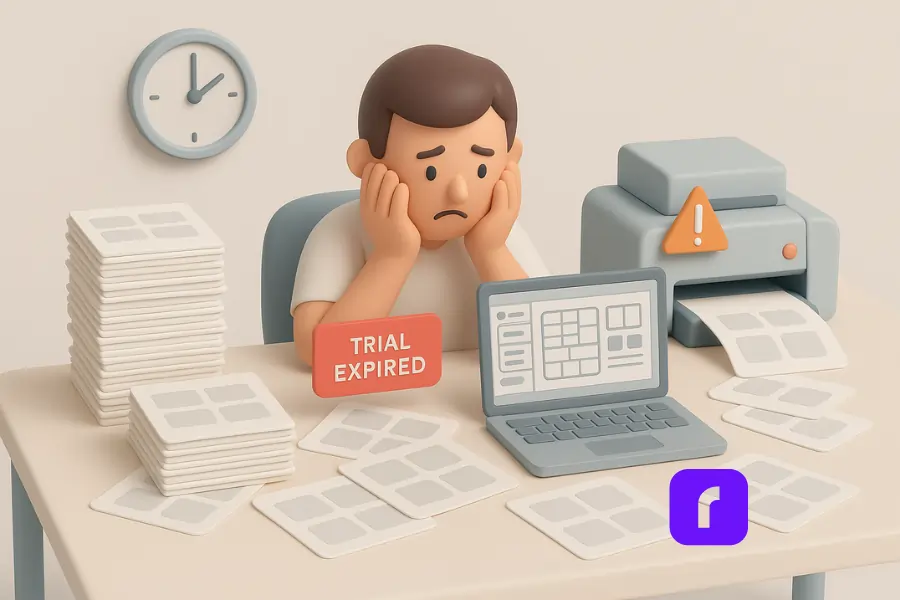
    Frustrated small business owner surrounded by label sheets, facing a “Trial Expired” screen and printer error—highlighting common struggles with label printing software.

    Common Issues With Free or Built-In Software

    Many small businesses rely on free or built-in label printing software to print labels. Sure, Microsoft Word or Excel can technically do the job. But let’s be honest—they weren’t exactly built for efficiency or ease of use. You end up spending more time aligning margins than actually shipping packages.

    Some of the biggest headaches include:

    • 🖨️ Misaligned prints: Labels never quite line up, meaning wasted paper and endless adjustments.
    • 📄 Limited templates: Few free programs come with decent templates, forcing you into hours of manual editing.
    • ⚠️ Compatibility problems: Ever tried printing labels from an Excel spreadsheet or using barcodes? It’s rarely smooth sailing.

    Hidden Costs and Time Drains

    Then there’s the sneaky stuff. Many supposedly “free” label printing tools offer limited features upfront, pushing you toward premium upgrades or paid subscriptions. Before you know it, you’ve signed up for a monthly fee you didn’t anticipate.

    Time wasted is money lost. Small business owners can’t afford to fiddle around with tricky software that eats away precious productivity.

    What Makes a Great Label Printing Software

    Label printing software today should simplify your workflow, not complicate it. Let’s talk about the essentials you need to look for:

    Key Features to Look For

    • 🧲 Drag-and-drop label design: Creating labels professionally should be as easy as dragging logos or images into place—no complicated menus needed.
    • 🆓 Free templates and barcode generators: Whether it’s QR codes, traditional barcodes, serial numbers, or data matrices, generating these should take seconds, not hours.
    • 📊 Import data from Excel: Upload an Excel file to print hundreds of labels instantly—perfect for large orders.
    • 🖨️ Compatibility with your printer: Great software should work seamlessly with thermal printers, laser printers, and even brands like Zebra, giving you flexibility without extra hassle.
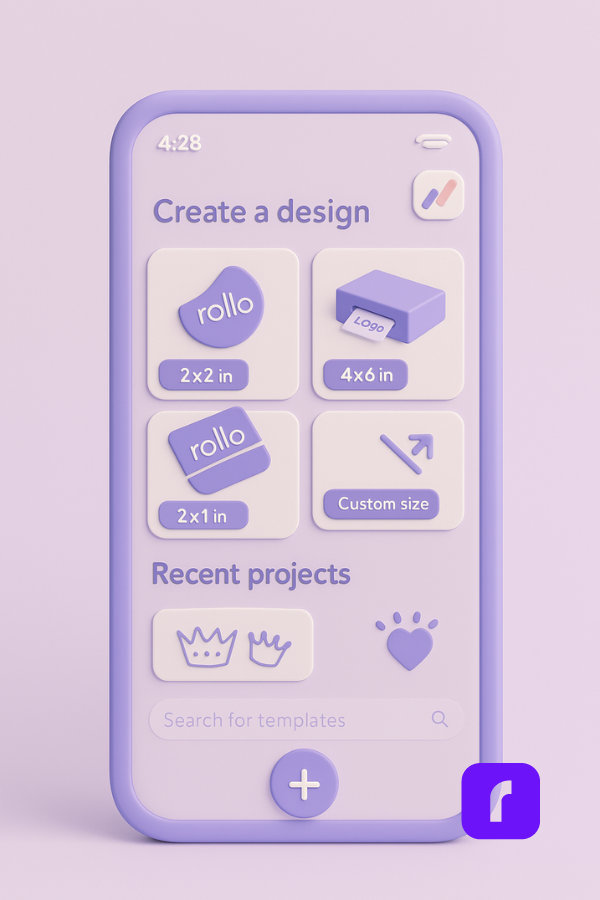
    3D illustration of a smartphone displaying the Rollo Design App interface, showing label size options and templates for creating custom labels with free label printing software.

    Must-Have Integrations

    Your ideal software should play nicely with your existing tools. Connecting seamlessly with shipping platforms, online marketplaces, and your favorite inventory systems will save you massive amounts of time. Integration isn’t just convenient—it’s essential.

    A Closer Look at Rollo’s Free Label Printing Software
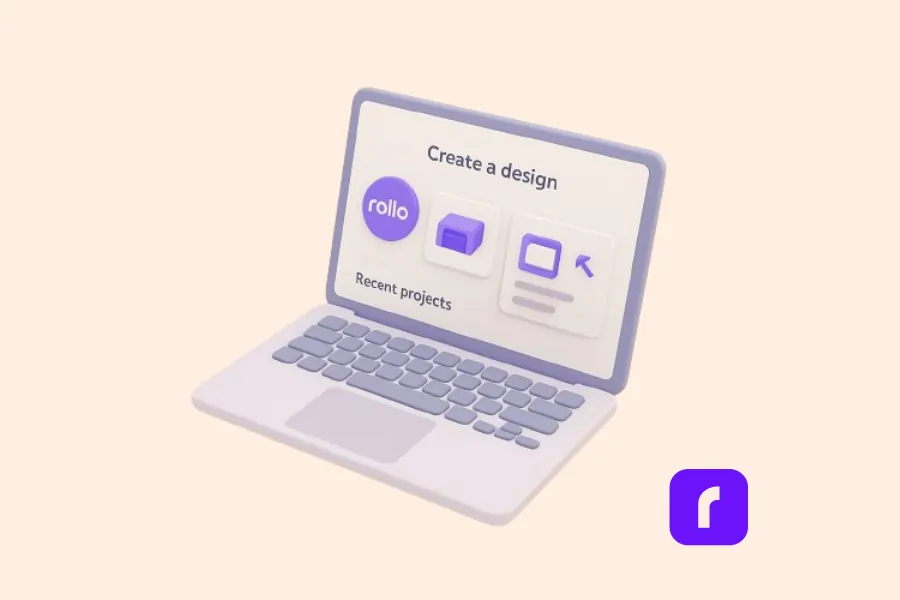
    3D illustration of a laptop screen displaying the Rollo Design interface, highlighting the ease of creating custom labels using free label printing software.

    If your current software is driving you crazy, Rollo’s free label printing software might just save your sanity. It’s built specifically for online sellers and SMBs, making professional-quality labels easy, fast, and genuinely enjoyable to create.

    No Account Required—Just Start Designing

    Forget signing up or logging in every time. Rollo’s software lets you jump right in and start designing instantly. It works directly in your browser, on your computer, smartphone, or tablet—so your labels travel with you wherever you need to work.

    Upload Logos, Images, QR Codes & More

    The drag-and-drop editor is incredibly intuitive. Upload your own logos or images, quickly add barcodes and QR codes, or insert text in seconds. Want to print labels with serial numbers or batch data from your Excel spreadsheet? No problem. It handles large imports effortlessly, keeping your labels consistent and professional every single time.

    Works With Any Label Size or Printer

    Illustration of a smiling woman holding a long roll of printed labels, representing fast and efficient label printing for small businesses using Rollo.

    One thing online sellers love about Rollo: flexibility. You don’t need special paper or labels. Whether you’re printing on sheets, rolls, or labels from another brand (yes, even Zebra-compatible labels), Rollo’s software works smoothly.

    Save, Reuse, and Print Smarter

    Got a label you use often? Save your designs as templates and reuse them instantly. This is huge during busy seasons or sales, helping you get products out faster. And because you can print from Excel files, batch orders are a breeze. No more manually typing names and addresses—just click, import, print, and ship.

    Comparing Rollo’s Label Design App

    Not convinced yet? Check out how Rollo stacks up against popular options like Avery and Zebra:

    FeatureRolloAveryZebra
    Free to Use✅ Yes✅ Limited❌ Paid plans
    Templates & Design Tools✅ 500+ designs✅ Good variety✅ Limited free
    Barcode & QR Code Support✅ Built-in✅ Some support✅ Yes (limited free)
    Excel Import✅ Yes✅ Limited✅ Premium only
    Printer Compatibility✅ Any printer❌ Avery only❌ Zebra only
    Cross-device Access✅ Yes✅ Web-only❌ Desktop only

    As you can see, Rollo’s software isn’t just versatile—it’s incredibly user-friendly and totally free. It’s exactly what small business owners need.

    Streamline Your Shipping with Rollo Ship

    Designing labels is only half the battle—actually getting those packages out the door efficiently is the other half. That’s where Rollo Ship comes in.

    Rollo Ship is a free shipping platform that connects directly to your existing accounts with carriers like USPS and UPS. You can import orders from marketplaces, compare rates, print shipping labels, and track everything—all from one dashboard.

    Even better? It works seamlessly with your label printing workflow. You can create labels in the Rollo Design App, then generate discounted shipping labels in Rollo Ship with just a few clicks. Whether you’re sending one box or hundreds, Rollo Ship helps you move faster and save money without jumping between apps or tabs.
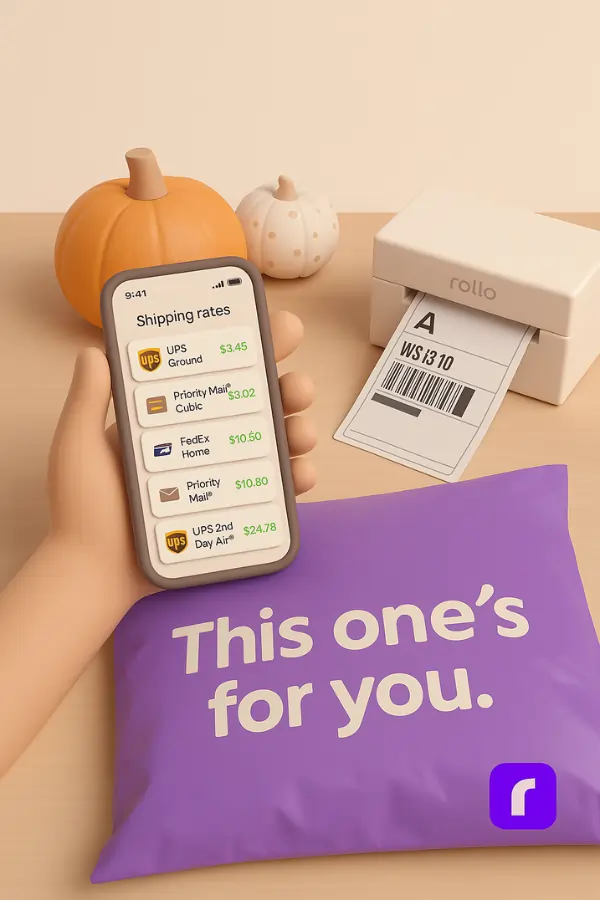
    3D illustration of a hand holding a phone displaying shipping rates in a minimalist pastel setting, with a Rollo printer, labeled package, and pumpkins in the background—representing how Rollo Ship simplifies and saves money on label printing and shipping.

    So while other tools might stop at label design, Rollo gives you an end-to-end solution—from design to delivery.

    Creating Custom Labels with Rollo
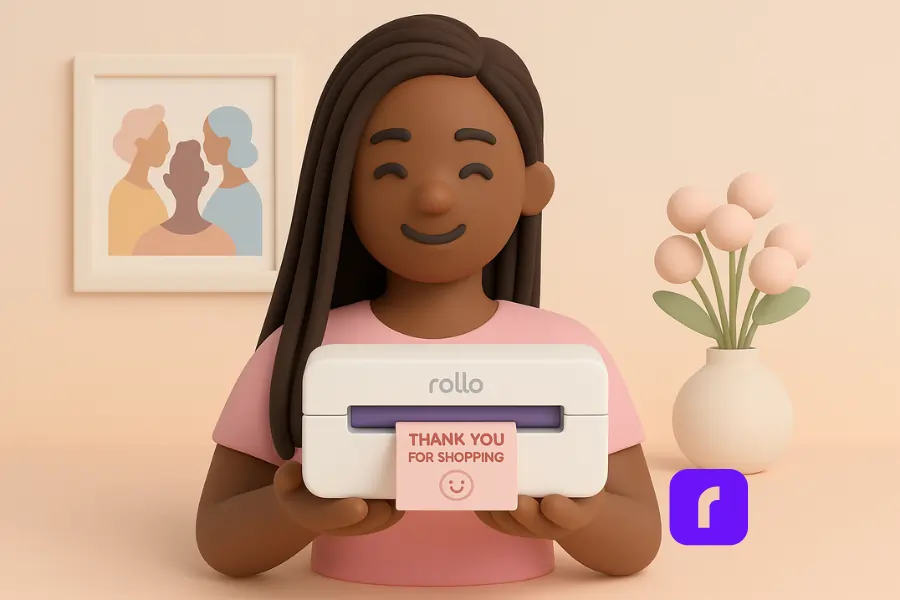
    3D illustration of a smiling woman holding a Rollo printer printing a pink “Thank You for Shopping” label, representing easy custom label creation with Rollo Design.

    Shay, a YouTuber and small business owner behind She’s Basically, runs a stationery business and is no stranger to juggling creativity and shipping logistics. When Rollo released the Rollo Design App, it was exactly what she didn’t know she needed.

    “Rollo has released Rollo Design for me to make my stickers right in their app,” Shay shares in a TikTok video. “They have everything I need figured out.”

    With her wireless Rollo printer and a stack of pink labels ordered from rollo.com, Shay jumped right into designing custom stickers using the app. She browsed templates like “Thank you for shopping small,” edited the design with just a few taps, and sent her labels straight to print—all from her phone.

    “Now that was easy. From the app to the palm of my hands. This is so cute.”

    The ability to design, customize, and print high-quality stickers on colored labels—without needing any extra label printing software or design tools—made the process not only simple, but actually fun. As Shay puts it, Rollo now makes it super easy for her to create “all the custom stickers my little heart desires.”

    For creators and entrepreneurs like Shay, tools like Rollo’s design app turn label printing from a chore into something joyful and completely stress-free.

    Final Words

    If label printing has ever made you want to pull your hair out, you’re not alone. Between clunky software, random printer errors, and “free trials” that stop being free the moment you need to get real work done, it’s easy to feel stuck.

    That’s why Rollo’s label printing software is such a breath of fresh air. It’s not just free—it’s actually good. Like, create-stickers-on-your-phone-and-print-in-seconds good. Whether you’re batch-printing shipping labels from an Excel sheet or designing custom stickers with pink hearts and thank-you notes, the whole thing just works. No stress, no weird formatting, no trial-expired popups mid-print.

    At the end of the day, your time is better spent growing your business—not wrestling with templates or fighting a printer. Rollo gives you back that time. And maybe even makes designing labels something you actually look forward to.

    So if you’ve been thinking about upgrading your workflow without spending a dime, this might be your sign.


    Follow Rollo on:


    Frequently Asked Questions About Label Printing Software

    📌 Q: What features should I look for in label design software?

    💭 A: Look for these essential features when choosing a label design software:
    Pre-built label templates for standard and custom sizes
    Drag-and-drop design tools to add logos, images, and text
    Barcode generator that supports QR codes, serial numbers, and data matrix formats
    – Excel spreadsheet import to create and print labels in bulk
    Printer compatibility with laser printers, thermal printers, and brands like Zebra
    – Cross-platform access (Windows, Mac, mobile)
    – Ability to save, reuse, and edit projects without needing to start over


    📌 Q: Can I import data from Microsoft Excel to print labels?

    💭 A: Yes, many label printing tools support Excel file imports. This allows you to create one label or thousands based on data pulled from Excel spreadsheets or other programs. For example, with Rollo’s software, you can import columns like product names, SKUs, barcodes, or addresses, then batch print customized labels with a few clicks.


    📌 Q: How do I know if label printing software is compatible with my printer?

    💭 A: Most software will specify compatible printer types on their site. Look for tools that support both laser printers and thermal label printers, including popular brands like Zebra. Rollo’s design app, for instance, works with any direct thermal printer and doesn’t require proprietary labels—so you have more flexibility when choosing your supplies.


    📌 Q: Is label printing software only for shipping labels, or can I design product labels too?

    💭 A: Label printing software isn’t just for mailing labels. With the right templates and customization tools, you can design labels professionally for products, jars, boxes, envelopes, QR stickers, and more. Tools like Rollo and Canva offer both shipping and product label design options, allowing businesses to add custom branding elements like logos and images easily.


    📌 Q: How does Rollo’s label printing software compare to other tools?
    💭 A: Unlike some tools that limit access or require you to purchase a pro version, Rollo’s software is completely free—no watermark, no feature limits. You can start designing immediately with access to hundreds of templates, barcode tools, and batch printing via Excel file import. It’s especially helpful for small businesses needing fast, simple solutions without extra costs.
  • Eco-Friendly Sticker Label Printer For Creative Label Ideas

    Eco-Friendly Sticker Label Printer For Creative Label Ideas

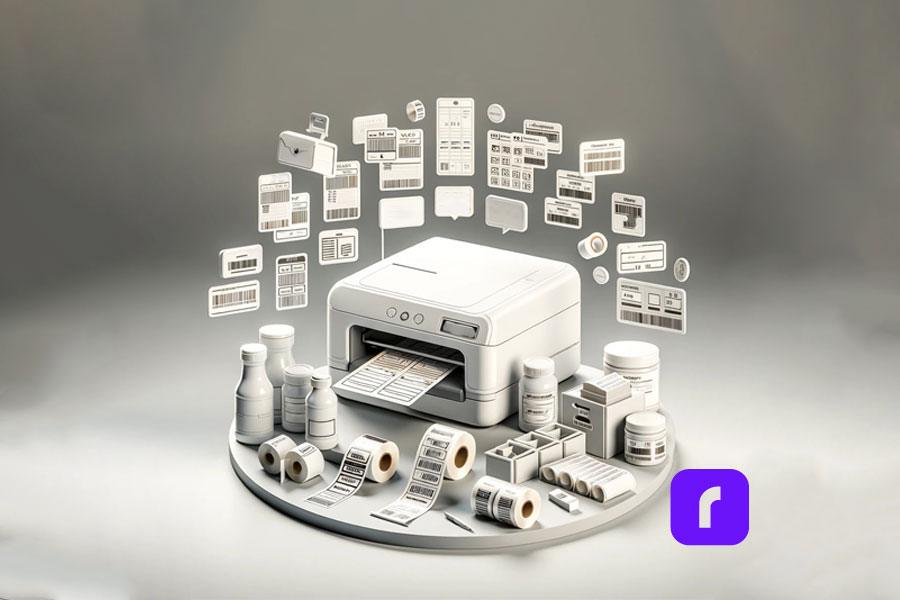
    Sticker Label printers have come a long way from simply churning out basic shipping and product labels. Modern label printers have many functions for creative projects and branding. They can print without ink, have easy-to-use software, and use eco-friendly materials. A good quality sticker label printer is essential for both creative projects and business branding needs.

    Understanding the range of possibilities unlocked by these innovations is key to maximizing value. Whether you’re a crafter exploring printable sticker ideas or a business strengthening branding through custom labels, the right sticker label printer unlocks new potential.

    Did you know? 🤔 The move towards eco-friendly printing solutions is not just a
    trend but a response to growing environmental concerns. Today's sticker label
    printers are at the forefront of this shift, offering sustainable options that
    don't compromise on quality or creativity.

    [ez-toc]

    Exploring the Multifaceted Uses of a Sticker Label Printer

    Once regarded as purely utilitarian tools, sticker label printers now power creative applications from scrapbooking to gift personalization and beyond. The versatility of a modern sticker label printer allows it to be used for countless applications. Their versatility stems from technologies that printable on an expansive range of materials with precision and consistency.

    Direct thermal printing allows many label printers to apply images and text directly onto specially coated paper simply using heat, eliminating the need for toner or ink. The results are waterproof, smudge-proof, and fade-resistant labels customizable to any project.

    Keep in mind ⚠️ While direct thermal printing offers a quick and efficient way to
    produce labels, exploring direct thermal printing, the technology used by
    Rollo's Sticker Label Printer, can unlock even more creative possibilities with
    a wider range of materials and finishes.

    Meanwhile, thermal transfer printing provides even more substrate flexibility using heat to transfer images from a ribbon onto the material. This accommodates everything from glossy photo paper to acetate film for weatherproof decals.

    These techniques turn virtually any printable surface into potential sticker sheet stock or part of a creative endeavor. Common examples include:

    • 🏷️ Custom return address labels
    • 📸 Photo collage sticker sheets
    • 📅 Planner stickers
    • 🎫 Event signage and name badges
    • 📦 Personalized packaging
    • 🖼️ Decorative window and wall decals
    • 🚗 Bumper stickers and car decals
    • 📔 Unique stickers for scrapbooks or journals
    Pro Tip: 💡 When unleashing your creativity with a sticker label printer, don't
    overlook the power of experimenting with different materials and finishes.
    Many printers support a variety of substrates beyond traditional paper labels,
    including transparent, metallic, and textured options. This versatility
    can elevate your projects from simple labels to standout pieces that
    capture attention.

    The versatility empowers endless custom crafts and labeling functionality at home, school, events, small businesses, and beyond.

    Unleashing Creativity with a Sticker Label Printer

    Unleashing Creativity with Your Sticker Label Printer

    Most label printer manufacturers provide complementary software to unleash creative potential.

    Intuitive design apps allow you to customize templates or create new label and sticker ideas from scratch. Built-in drawing tools, text effects, and image libraries streamline building professional-looking designs.

    Bring personalized gifts and creative projects to life with capabilities like:

    • 📸 Uploading photos to create custom photo collage labels
    • 🎨 Designing planner stickers tuned to your lifestyle
    • 🎄 Printing decorative window decals with holiday designs
    • 🎁 Making personalized favor and gift tags
    • 🏷️ Producing branding and inventory asset tags
    • 📛 Creating event signage with attendee name badges

    With the right sticker label printer and design software, your creativity knows no bounds.

    Unique designs make regular labels stand out, whether you’re organizing at home, adding a personal touch to gifts, or sending an order to your customers

    Transfer paper support additionally broadens the possibilities for one-of-a-kind iron-on decals and stickers. For instance, create unique bumper stickers, water bottles, storage boxes, and scrapbook pages from the same custom designs.

    Pro Tip: 💡 When exploring the creative potential of your label printer, don't
    hesitate to mix and match software features with your unique ideas. Combining
    built-in drawing tools with your own photos or designs can lead to truly unique
    creations that stand out. Remember, the only limit is your imagination!
    Embracing Sustainability in Label Printing

    Embracing Sustainability with The Sticker Label Printer

    Environmental responsibility gains increasing priority in consumer preferences and buying decisions across industries. Eco-conscious printing aligns with those values. Many eco-friendly sticker label printers use recycled materials and energy-efficient processes.

    Direct thermal printing’s ink-free process provides one avenue for more sustainable label production through:

    • 🗑️ Reduced material waste from cartridges and toners
    • ♻️ Ability to print on recycled label materials
    • ⚡ Energy efficiency in the printing process
    • 🚫 Avoiding VOCs from conventional ink

    Many modern label printers take sustainability further by using Forest Stewardship Council (FSC) certified label rolls. This designation verifies sourcing paper pulp from responsibly managed forests.

    Did you know? 🤔 Did you know that choosing eco-friendly label materials for
    your sticker label printer not only benefits the environment but can also
    appeal to a growing segment of consumers looking for sustainable products?
    By using labels made from recycled materials or certified by the
    Forest Stewardship Council (FSC), you're not just making an eco-friendly
    choice; you're also making a smart branding decision.

    Prioritizing recycled materials demonstrates shared values increasingly expected from environmentally conscious businesses. It also enables customer education about making sustainable choices accessible at every purchasing level.

    Innovation of Sticker Label Printer

    The Innovation Driving Today’s Label Printers

    Intelligent design permeates modern label printing’s core technology and functionality, powering everything seen already plus:

    • 🤖 Automatic label format detection
    • 📦 Pre-formatted label packs for common uses
    • 🔧 Automated feed alignment
    • 🔄 Easy cartridge-free material changes

    Innovations in sticker label printer technology have greatly expanded their capabilities. For example, the Rollo sticker label printer scans each new label roll to detect size, shape, and orientation. Print preferences instantly adjust for optimal alignment without manual calibration.

    Material flexibility reaches new heights with direct thermal technology spanning matte, glossy, clear, metallic, and even pre-cut label sheets. Meanwhile, thermal transfer options encompass weatherproof vinyl and heat transfer materials for countless applications.

    Demand-driven engineering even cuts routine printer maintenance like cleaning print heads. Smart sensors gauge usage patterns to handle upkeep autonomously between jobs.

    Innovations build upon the core foundations of earlier thermal printing but with expanded creative prospects in focus alongside commercial applications.

    Keep in mind: ⚠️ that while the latest innovations in label printing technology
    offer incredible flexibility and efficiency, the key to truly leveraging these
    advancements lies in regular maintenance and staying updated on new software
    releases. This ensures your sticker label printer remains at the cutting edge,
    ready to bring your creative visions to life.

    Strengthening Your Brand with High-Quality Labels

    A high-quality sticker label printer is a must for producing professional product labels and branding materials. Label production intersects branding and marketing through:

    • 📦 Product Packaging – Custom label designs help products stand out on shelves and convey brand identity with logos, stylized text, and graphics. These communicate brand values to build connections distinct from competitors.
    • 🏷️ Barcode Labels – Essential for inventory, tracking, pricing, and point-of-sale scanning. Reliable barcode printing maintains critical organization.
    • 🚚 Shipping Labels – Reinforce branding with custom return addresses and shipping labels featuring logos, graphics, and stylized text. Both functional and an advertising touchpoint.

    Detail and print quality go hand in hand with professionalism across labeling applications, backed by crisp text, logos, and scannable barcodes.

    Pro Tip: 💡 High-quality labels are a direct reflection of your brand's
    commitment to excellence. Investing in a label printer that offers
    precision and durability, like those with direct thermal or thermal
    transfer capabilities, ensures that every label you produce enhances
    your brand's image.

    Direct thermal printing’s precision empowers flawless results, essential for marketability. Thermal transfer takes durability further with smudge, tear, water, fade, and scratch resistance for long-lasting brand exposure.

    Maximizing Efficiency and Creativity in Label Printing

    Maximizing Efficiency and Creativity in Label Printing

    Modern innovations place versatile, professional-quality printing within anyone’s reach. Properly maintaining your sticker label printer is key for efficient operation. Consider the following tips to hit the ground running:

    Streamline Label Design

    • 💻 Use label printer software to access ready-made templates for common applications like shipping labels, file folder labels, and name badges formatted to the correct size.
    • 🎨 Start designs from scratch when templates don’t suffice. Drawing tools, text effects, image uploads, and drag-and-drop simplicity speed layouts.
    • 🔄 Create batches when printing multiple units of a label design to conserve supplies.

    Organize Media Efficiently

    • 🗄️ Store label rolls neatly to prevent dust and debris build-up.
    • ⏱️ Use print-time estimates before jobs to anticipate required material.
    • 🔍 Monitor usage to reorder specialized media before stock outs.
    Did you know? 🤔 that organizing your media efficiently and using print-time
    estimates can significantly reduce waste and save on costs? By planning your
    label printing jobs carefully, you can ensure that every label is printed
    efficiently, maximizing the potential of your label printer.

    Enhance Print Quality

    • 🧪 Print a small test batch when using new label materials to confirm ideal settings.
    • 🧼 Clean the print head when changing between glossy and matte materials to prevent residue transfer.
    • 📐 Check label alignment with automated positioning systems before full print jobs.

    The same strategies that maximize efficiency day-to-day lay the foundations for fully harnessing creative possibilities over time.

    Modern label printers mark a new frontier empowering remarkably versatility. Whether pursuing practical organization or embracing creative passions, the right printing capabilities unlock potential in ways unimaginable just a generation ago.

    Innovations like direct thermal and thermal transfer printing continue removing barriers with design flexibility, precision results, intuitive software, and sustainable materials. Supporting those engineering feats, intelligent technology streamlines everything from nourish detection to routine maintenance.

    These capabilities provide invaluable tools adaptable across personal and professional domains for ordinary and extraordinary labeling needs alike. If you need a versatile sticker label printer for creative projects or business uses, Rollo’s modern options offer amazing possibilities.

    Keep in mind: ⚠️ as you explore the vast possibilities of modern label
    printing, the journey doesn't end with purchasing the right equipment.
    Continuous learning, experimenting with new materials, and embracing
    the latest software updates are essential steps in unlocking the full
    potential of your eco-friendly sticker label printer.

    Follow Rollo on:

    Frequently Asked Questions about The Sticker Label Printer for Creative Label Ideas:

    📌 Q: Can eco-friendly label printers handle high-volume printing tasks?

    💭 A: Yes, many modern eco-friendly label printers are designed to handle high-volume printing tasks efficiently. They are equipped with advanced technologies that ensure fast printing speeds without compromising on quality or environmental standards.

    📌 Q: Are there biodegradable options for label materials?

    💭 A: Yes, alongside recycled materials, some label printers support biodegradable label options. These materials break down more quickly in the environment, further reducing the ecological footprint of your printing activities.

    📌 Q: How do I dispose of or recycle used label rolls?

    💭 A: Many manufacturers, including Rollo, encourage recycling used label rolls. It’s best to check with the manufacturer of your label printer for specific recycling guidelines. Additionally, local recycling centers may accept these items.

    📌 Q: Are there any limitations to the types of designs I can print with Rollo’s eco-friendly thermal label printer?

    💭 A: With Rollo’s label design app, users can create custom labels for a wide array of use cases, from simple text to complex graphics. While the thermal printing process means labels are produced in black and white, the app’s versatility, combined with the printer’s high resolution, allows for significant creativity in label design. The use of various label materials further enhances design flexibility, making Rollo’s printer a powerful tool for both personal and professional labeling needs.