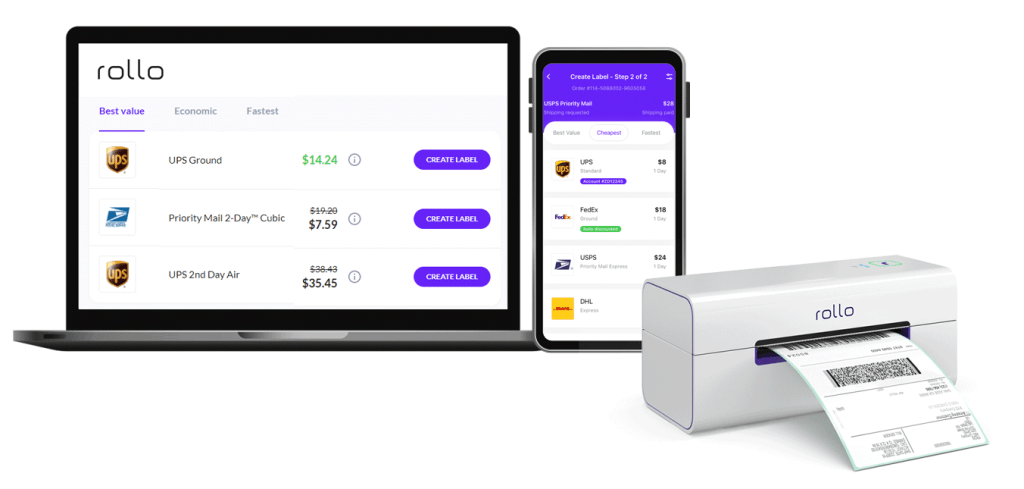
Rollo

Tag: barcode label printer

  • Barcode Printer Innovations for Brand Labeling

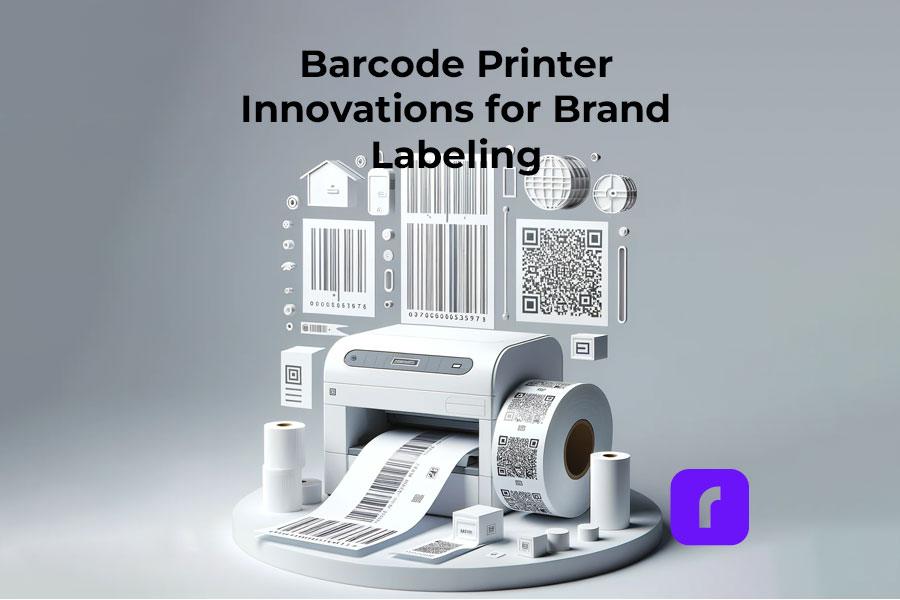
    Barcode Printer Innovations for Brand Labeling

    In the bustling world of business, particularly for small enterprises, the significance of efficient and effective branding cannot be overstated. Among the myriad tools at a business’s disposal, barcode printers stand out as a crucial component for inventory management and brand labeling. Rollo, as a frontrunner in this arena, offers innovative solutions tailored to meet these needs. This article delves into how Rollo’s barcode printers revolutionize the process of brand labeling, offering insights and practical advice to leverage these tools for your business’s success.

    Selecting the Ideal Barcode Printer for Your Business Needs
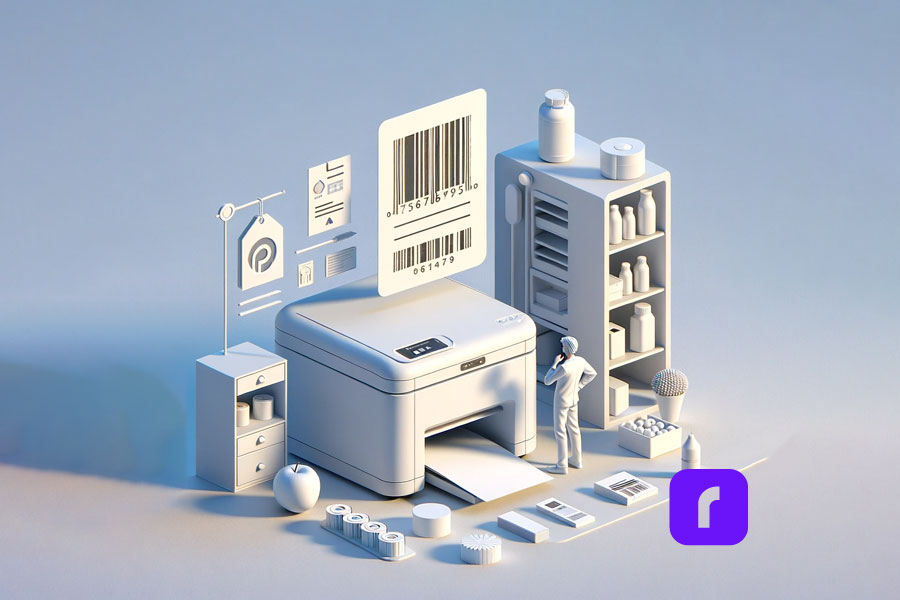
    Choosing a Barcode Printer

    For small businesses, the choice of a barcode printer can significantly impact operational efficiency. Rollo’s range of barcode printers, designed with small businesses in mind, caters to various requirements. Whether you’re an online retailer, a brick-and-mortar store, or a hybrid, Rollo printers offer compatibility and versatility.

    The Rollo Wireless Label Printer stands out for its convenience and ease of use. It’s perfect for businesses operating in dynamic environments where mobility and flexibility are key. On the other hand, the Rollo USB Label Printer, with its robust connectivity options, is ideal for stationary setups, offering reliability and high-volume barcode label printing capabilities.

    Rolloโ€™s Advanced Label Printers: A Game-Changer in Label Printing

    Rollo label printers are not just about printing labels; they are about transforming the way businesses handle branding and logistics. The Wireless and USB Label Printers both use direct thermal printing technology, eliminating the need for ink or toner, which is a cost-effective solution for small businesses. With up to 650,000 shipping label capacity and a 203 dpi resolution, these printers ensure the clarity and longevity of your labels.

    One of Rollo’s unique features is its intelligent label detection. This technology simplifies the barcode printing process by automatically identifying and aligning different label sizes, a boon for businesses that use a variety of label types.

    Start Barcode Label Printing.

    Efficiently, Fast, Eco-friendly.

    The Efficiency of Thermal Barcode Printing

    Thermal barcode label printing, a technology Rollo barcode label printers utilize, is a boon for businesses looking for efficiency and quality. This method uses heat to produce images on labels, eliminating the need for ink, toner, or ribbons. This not only reduces ongoing costs but also ensures fewer mechanical issues, leading to less downtime and maintenance.

    The direct thermal barcode printing technology is particularly suited for businesses that require quick, on-demand printing, such as e-commerce platforms, where time and accuracy are of the essence.

    How to Print Barcodes from Excel Using a Rollo Barcode Printer

    How to Print Barcodes from Excel

    1. Preparing Your Data in Excel

    • Firstly, it’s important to have your product information neatly organized in an Excel spreadsheet.
    • Each product should have a unique identifier, like a product code or SKU (Stock Keeping Unit). For instance, if youโ€™re managing a clothing store, your Excel sheet might have columns for Item ID, Description (like ‘Blue T-shirt’), Size, and Price.

    2. Generating Barcodes in Excel

    To convert these identifiers into barcodes, you have two main options:

    • Excel’s Barcode Font: Excel supports barcode fonts that can transform your text data into barcode format. You simply install the barcode font and apply it to the data column in your Excel sheet.
    • Online Barcode Generators: These tools allow you to input your data and generate a barcode image file. You can then import these images back into your Excel spreadsheet. For instance, you could use an online generator to create barcodes for each product code in your inventory.

    3. Setting Up Your Rollo Barcode Printer

    Connect your Rollo barcode printer to your computer:

    Ensure you have the correct label size loaded in the printer.

    Rollo barcode printers support a range of sizes, making them versatile for various barcode printing needs.

    4. Printing Your Barcodes from Excel

    With your Rollo barcode label printer set up and your barcodes ready in Excel, it’s time to print:

    • Highlight the cells containing your barcode data.
    • Go to ‘File’ > ‘Print’ in Excel.
    • Select your Rollo barcode printer from the list of printers.
    • Adjust the print settings to match the size and layout of your labels.
    • Click ‘Print’ to start printing your barcode labels.

    Mastering Barcode Label Printing with Rollo

    Rollo barcode printers are designed for simplicity and adaptability in printing barcode labels. Whether you’re labeling products for sale, shipping goods, or managing inventory, the process is streamlined:

    • Load Labels: Insert the label roll or fanfold labels into your Rollo barcode label printer.
    • Design Barcodes: Use any standard design software or opt for Rollo’s tools to create your barcode labels. You might design a label for a new line of products with both the product’s barcode and its name clearly printed.
    • Print: Once your design is ready, send it to the Rollo barcode printer. The printer accommodates various label sizes, perfect for different applications, from small price tags to larger shipping labels.

    Designing Custom Barcode Labels with Rolloโ€™s Free Label Designer

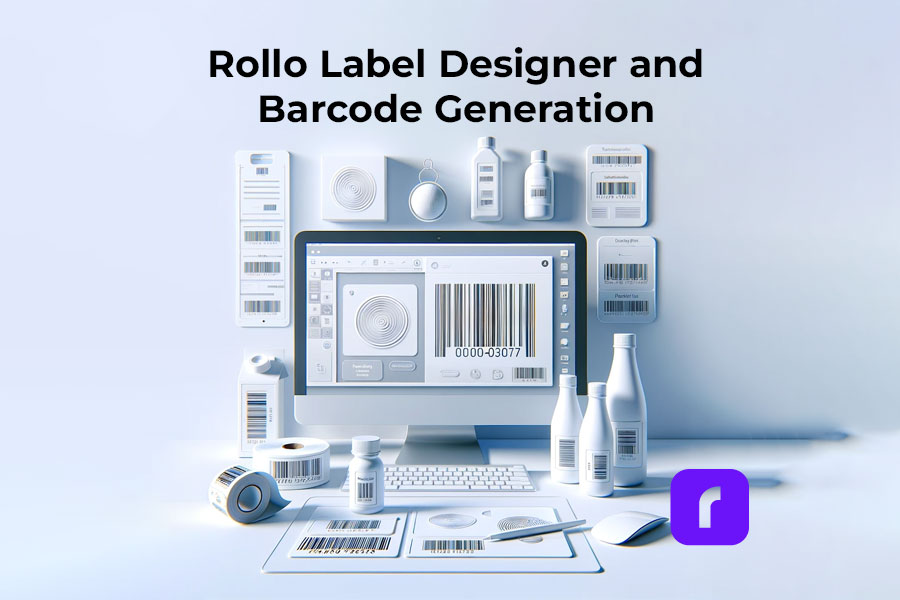
    Rollo Label Designer and Barcode Generation

    Rollo’s Label Designer tool elevates barcode labels from mere functional items to integral parts of your branding strategy. With this tool, you can:

    • Import Your Logo: Customize your barcode labels with your brand’s logo for enhanced brand recognition.
    • Include QR Codes: Add QR codes linking to promotional content, your website, or digital thank-you notes. For example, a QR code on a product label could lead customers to a video demonstrating the product’s use.
    • Generate Barcodes: Directly create barcodes within the tool, integrating them seamlessly into your custom label design.
    • Incorporate Brand Elements: Use the tool to add colors, fonts, and images that align with your brand identity. This could mean using specific color schemes that reflect your brand or adding unique graphics that resonate with your brand story.

    This structured approach to using Rollo’s barcode printer and design tools can significantly enhance the efficiency and effectiveness of your product labeling and branding efforts. By integrating these steps into your workflow, you can ensure that your products are not only easily identifiable and trackable but also carry a strong brand presence in the market.

    Generate, Import, and Design Labels with QR Codes and Barcodes.

    Create and Print Directly to Your Barcode Printer.

    Useful Tips for Barcode Generation

    Generating barcodes that are both efficient and reliable is key to smooth business operations, especially when it comes to inventory management and sales tracking. Here’s how you can ensure your barcodes meet these crucial standards:

    1. Ensure Clarity: High Contrast Is Key

    • Color Contrast: Make sure there’s a stark contrast between the barcode itself (usually black) and the background (typically white). This contrast is vital for scanners to easily read the barcode. Avoid using colors like red or green for the barcode or background, as these can cause issues with optical scanners.
    • Clear Printing: Ensure that your Rollo barcode printer is producing crisp, clear prints. Blurry or smudged barcodes can lead to scanning errors. Regularly clean your barcode label printer to maintain print quality.

    2. Maintain Standard Sizes: Adherence to Universal Readability

    • Standard Dimensions: Use industry-standard dimensions for your barcodes. For instance, a typical retail barcode (EAN-13 or UPC-A) should be about 1.469 inches wide and 1.02 inches high, including the quiet zones (blank margins) on either side of the bars.
    • Scaling Barcodes: If you need to scale your barcode, do it proportionally. Disproportionate scaling can distort the barcode, making it unreadable. Rollo’s design tools can help maintain these proportions automatically.
    • Quiet Zones: Ensure there’s adequate space around the barcode. The quiet zone is typically 10 times the width of the narrowest bar in the barcode. This space is crucial for scanners to distinguish the barcode from other texts or designs on the label.

    3. Test Scannability: Regular Testing With Various Scanners

    • Use Different Scanners: Test your barcodes with various types of scanners to ensure universal readability. This includes handheld scanners, mobile scanning apps, and industrial scanners.
    • Real-World Testing: Test barcodes in the environment theyโ€™ll be used. Factors like lighting, distance, and angle can affect scanning. For example, a barcode that scans well in a brightly lit office might not scan as easily in a dim warehouse.
    • Regular Audits: Conduct regular scanning tests as part of your quality control process. This ensures any issues with barcode clarity or printing can be identified and rectified promptly.

    By following these tips, you can enhance the efficiency and reliability of your barcode system. This leads to smoother transactions and inventory processes, ultimately contributing to a more streamlined and successful business operation. Remember, the effectiveness of your barcode system greatly depends on the initial design and ongoing maintenance of your barcodes. Using a Rollo barcode printer ensures high-quality prints, but itโ€™s equally important to design and test your barcodes with these best practices in mind.

    Choosing the Right Labels for Your Barcode Printing Needs
    thermal barcode labels

    Selecting the right labels is vital for the longevity and effectiveness of your barcodes. Rollo offers a variety of eco-friendly, FSC-certified, and BPA-free thermal labels. These labels are not only environmentally responsible but also ensure high-quality prints. When choosing labels, consider factors like adhesive quality, durability, and resistance to elements like water and heat.

    Use Thermal Barcode Labels

    Ensure Barcode Perfection

    The Business Benefits of Using a Thermal Label Printer for Inventory

    For small businesses, the choice of technology used for inventory management can significantly impact overall efficiency and cost-effectiveness. Rollo’s thermal label printers offer a range of benefits that make them an ideal choice for such businesses. Let’s delve deeper into these advantages:

    1. Cost-Effective: Minimizing Operational Expenses

    • No Ink or Toner Needed: Unlike traditional inkjet or laser printers, thermal printers don’t require ink cartridges or toner, leading to substantial savings over time. For a small business, where every dollar counts, this reduction in consumable costs can make a significant difference.
    • Reduced Maintenance Costs: Thermal printers have fewer moving parts compared to other types of printers, which means there’s less that can go wrong. This lower maintenance requirement translates into reduced costs for repairs and servicing.
    • Longevity of Equipment: Generally, thermal printers have a longer lifespan due to their simplicity and durability. This means a longer interval before replacement is needed, offering a better return on investment.

    2. Time-Saving: Enhancing Productivity

    • Rapid Printing Speeds: Rollo’s thermal label printers are capable of printing labels rapidly โ€“ often one label per second. This speed enables businesses to complete labeling tasks more quickly, freeing up time for other essential activities.
    • Ease of Use: The simplicity in the design of thermal printers means less time spent on training staff. The straightforward process of loading labels and printing them directly from applications like Excel or Rolloโ€™s own software minimizes the learning curve.
    • Immediate Label Output: Thermal printing creates labels that are dry and ready to use immediately, eliminating any wait time for ink drying, which can be a bottleneck in operations that require quick turnaround.

    3. Space-Saving: Optimizing Workspace

    • Compact Design: Rollo printers are known for their compact footprint, making them suitable for small offices or retail spaces where every inch of space is valuable. This compactness allows for more efficient use of the workspace.
    • Flexibility in Placement: Due to their size, thermal printers can be conveniently placed in multiple locations, such as a shipping station, a warehouse corner, or beside a checkout counter, optimizing workflow.

    4. Eco-Friendly: Promoting Sustainable Practices

    • Less Waste: Thermal printers produce less waste compared to inkjet or laser printers. Since there are no cartridges or toners, there’s a significant reduction in plastic waste.
    • Energy Efficient: Thermal printers generally consume less power than traditional printers, which not only reduces electricity costs but also minimizes the carbon footprint of the business.
    • Eco-friendly Label Options: Many thermal labels, including those offered by Rollo, are made with eco-friendly materials, further supporting sustainable business practices.

    Additional Specific Benefits for Small Businesses

    • Accurate Inventory Tracking: With clear, durable labels, inventory tracking becomes more precise, reducing errors in stock management.
    • Customizable Labeling Solutions: The ability to create customized labels on-demand, including barcodes, QR codes, and detailed product information, enhances brand visibility and customer engagement.
    • Improved Compliance: For businesses in sectors that require strict labeling standards (like food, pharmaceuticals, or logistics), thermal printers offer the precision and consistency needed for compliance.

    Rolloโ€™s thermal barcode printers not only provide direct financial benefits through cost savings but also contribute to greater operational efficiency, space optimization, and environmental sustainability. These advantages are particularly crucial for small businesses looking to grow and maintain competitive in an increasingly challenging market.

    Looking Ahead: The Future of Barcode Printing in Branding and Inventory Management

    The barcode printing industry is continually evolving, with advancements in technology and changing market needs. This section will explore upcoming trends and potential innovations in barcode printing, particularly as they pertain to branding and inventory management.

    Final Words

    In conclusion, Rollo’s barcode printers offer a blend of efficiency, versatility, and innovation, making them an invaluable asset for small businesses. Whether it’s through their cutting-edge label printers, eco-friendly label options, or user-friendly design tools, Rollo is committed to empowering businesses in their branding and inventory management endeavors.

  • Top Label Printer Hacks to Simplify Your Festive Labeling

    Top Label Printer Hacks to Simplify Your Festive Labeling

    As the holiday season approaches, the demand for efficient and creative label printing solutions rises. Label printers, with their diverse capabilities, have become indispensable tools for both personal and business use. In this article, we’ll explore the various types of label printers, how to choose one that suits your needs, and creative ways to utilize them for festive labeling. Our guide will help you navigate the world of label printers, ensuring that your holiday preparations are both fun and efficient.

    Understanding Label Printers

    The Versatility of Label Printers in Festive Times

    Label printers, more than just tools, are versatile solutions for various labeling needs. Their flexibility and adaptability make them indispensable, especially during festive times when unique and high-quality labels are in demand.

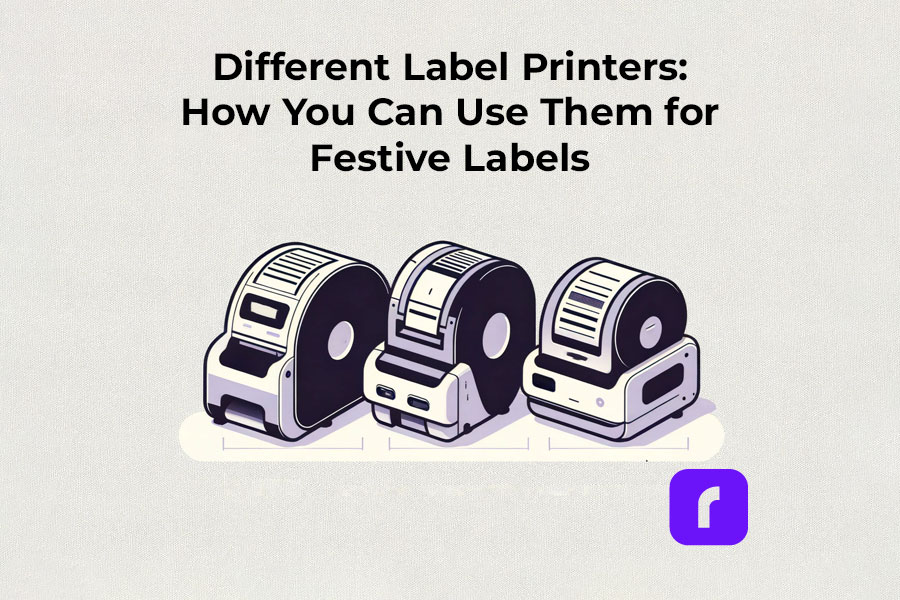
    Different Label Printers: How You Can Use Them for Festive Labels

    Thermal label printers

    Thermal label printers stand out for their efficiency. Using direct thermal printing technology, they eliminate the need for ink or toner, which is a significant advantage over traditional printing methods. This inkless approach not only saves time but also reduces operational costs. Thermal label printers are perfect for creating shipping labels, product labels, and even festive decorations, delivering consistent print quality.

    Did You Know? 
    Rollo's thermal label printers aren't just for basic label printing. These versatile machines, using direct thermal printing technology, make ink and toner a thing of the past. This not only streamlines your printing process but also slashes ongoing costs.
    Rollo printers excel in versatility, handling tasks like shipping labels (FedEx, UPS, USPS), marketplace labels (Amazon), barcodes, name tags, decorative labels, and more!

    Wireless label printers

    The advent of wireless label printers has revolutionized the way we handle label printing tasks. These printers offer the convenience of printing from anywhere within their connectivity range. Whether youโ€™re using a smartphone, tablet, or laptop, the ability to print labels wirelessly adds a layer of flexibility that is particularly useful during busy holiday seasons. You can effortlessly print address labels, gift tags, and more, without being tethered to a physical location.

    Experience the freedom to print from anywhere โ€“ whether it's from your phone, tablet, or laptop. Perfect for the holiday rush, these printers make crafting address labels, unique gift tags, and more, incredibly easy and efficient. No cords, no limits. Dive into the world of hassle-free, wireless printing with Rollo.

    Barcode and Sticker Label Printers

    For businesses and individuals alike, barcode label printers are essential for product identification and inventory management. Sticker label printers, on the other hand, add a creative touch to personal and professional projects. They are ideal for custom labels on gifts, making each present unique and personal. The ability to design and print high-quality, custom stickers enhances the aesthetic of any holiday package.

    Did You Know? 
    Explore unlimited creativity with the Rollo Label Design Tool, a free platform for designing custom labels. Stand out with unique features like custom sizes, your own logos, intricate designs, barcodes, and QR codes. With a vast free image library and various shapes, sizes, and fonts, the possibilities are endless. Print your tailored labels in any size directly to your Rollo printer or any other printer without the need to cut them.

    Take a look at some of the creative ways Rollo users have utilized our sticker label printers:

    Empower Your Creativity with Rollo

    Join the Rollo Label Designer today,

    and bring your unique label designs to life.

    Whether for business branding

    or personal projects,

    your perfect label is

    just a few clicks away.

    Small and Portable Label Printers

    The compactness of small label printers makes them an excellent choice for limited spaces, while portable label printers offer the utmost convenience for on-the-go printing. They are particularly beneficial for event planners, craft enthusiasts, and small business owners who need to print labels at different locations.

    Did You Know? 
    Rollo's label printers are ultra-compact and portable, weighing just 3 lbs and sized like a hardcover novel (8 ร— 4 ร— 4 inches). Ideal for event planners, crafters, and small business owners, they offer the convenience of printing anywhere. Rollo transforms label printing with devices that fit in small spaces and travel bags, bringing high-quality printing to your fingertips.

    Commercial Label Printers:

    For higher-volume printing needs, commercial label printers are the go-to choice. With faster print speeds and the ability to handle a variety of label sizes, these printers are designed for efficiency and durability, essential for businesses during peak seasons like holidays.

    Did You Know? 
    When it comes to handling large volumes of label printing, Rollo label printers are highly capable and efficient. They can print one label per second, equating to 60 labels in a minute and 3,600 labels in an hour. This impressive speed makes Rollo printers particularly suitable for environments where efficiency is critical, such as e-commerce, logistics, or retail.

    Label Printers with Apps:

    Modern label printers often come with companion apps, making label design and printing more accessible and user-friendly. These apps allow users to create custom labels with ease, offering a range of templates and design options.

    Rollo is transforming the label printing landscape with its advanced apps, including the Rollo Label Designer and Rollo Ship App.

    The essence of a good label printer lies in its ability to produce a variety of labels, from simple address labels to intricate custom designs. The print resolution of these printers ensures that every detail, no matter how small, is crisp and clear. This is crucial when printing intricate designs or small text on product labels.

    Whether youโ€™re a small business owner streamlining your shipping process or an individual adding a personal touch to your holiday gifts, thereโ€™s a label printer out there to meet your needs.

    Choosing the Right Label Printer

    Selecting the right label printer involves considering several factors like print resolution, print speed, and the variety of labels it can produce. If youโ€™re looking for a printer that offers mobility, a portable label printer might be your best bet. For businesses, a commercial label printer that can handle a higher volume of labels at greater speeds is essential. Itโ€™s also important to look for printers that are compatible with different devices and software for seamless operation.

    Label Printer Buying Guide

    Step 1: Assess Your Label Printing Needs

    Before diving into the specifics of label printers, itโ€™s crucial to understand your individual or business requirements. Ask yourself:

    • What type of labels will you primarily print? (e.g., shipping labels, product labels, barcode labels)
    • What volume of labels do you anticipate printing regularly?
    • Do you need a printer that’s easily portable or one that will remain in a fixed location?

    Step 2: Consider Key Features

    • Print Resolution: Measured in DPI (dots per inch), print resolution affects the clarity and detail of your labels. Higher DPI is essential for labels requiring fine detail, such as barcodes or product labels.
    • Print Speed: Speed is measured in labels per minute. Crucial for high-volume printing environments like warehouses or shipping centers.
    • Label Variety: Consider printers that support different label sizes and types for versatility.
    • Portability: If mobility is vital, look for lightweight, compact printers with battery options.

    Step 3: Check Compatibility and Connectivity

    • Device Compatibility: Ensure the printer is compatible with the operating systems of your computers or mobile devices. Check for compatibility with software or apps you plan to use for label designing.
    • Connectivity Options: Options include USB, Wi-Fi, Bluetooth, or Ethernet. Wireless connectivity is useful for printing from multiple devices or locations.

    Step 4: Balance Cost and Efficiency

    • Initial Cost vs Long-Term Savings: While some printers may be cheaper upfront, consider long-term costs like ink, toner, or special label paper. Thermal printers, which donโ€™t require ink or toner, can offer significant savings over time.
    • Efficiency and Productivity: Printers offering high print speeds and easy label loading can boost productivity, especially in commercial settings.

    Step 5: Additional Considerations

    • Durability: For heavy-duty use, look for printers built to withstand high-volume printing and frequent handling.
    • After-Sales Support: Consider the warranty and customer support offered by the manufacturer.
    • Environmental Impact: Some printers are more eco-friendly, using less power or producing less waste.
    • Brand Reputation: Research brands for reliability and customer satisfaction.

    Step 6: Making the Final Decision

    Once youโ€™ve evaluated these factors, compare a few models that meet your criteria. Read reviews and user feedback to understand real-world performance and reliability. Donโ€™t hesitate to contact manufacturers or sellers for any specific queries or demonstrations.

    How to Print Labels at Home

    How to Print Labels at Home

    Printing labels at home is straightforward with the right label printer. The process typically involves selecting the right type of label, designing your label using a software or app, and then printing it directly from your device. Many label printers come with user-friendly interfaces and applications that make this process a breeze, even for beginners. Itโ€™s an efficient way to manage home organization, holiday preparations, or even small business needs.

    Printing labels at home can be an efficient way to manage various tasks, from organizing your space to preparing for the holidays or supporting your small business. Here’s how to navigate the process with ease:

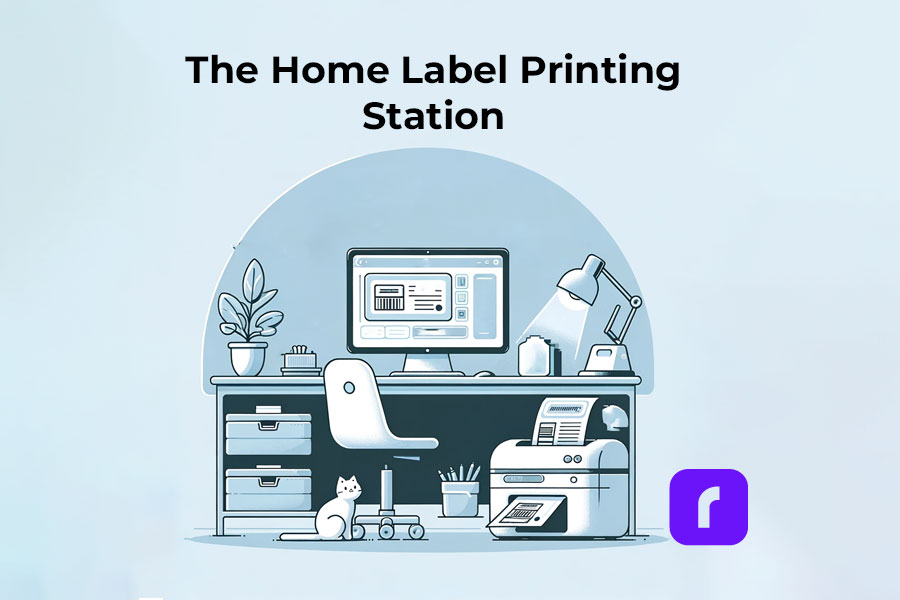
    The Home Label Printing Station

    ๐ŸŽฌ Step 1: Choose the Right Label Printer

    Have in mind what we already mentioned about:

    ๐ŸŸฃ Assessing Your Label Printing Needs: shipping, barcode, decorative, etc.
    If you are unaware of all the printers you would like to print, we advise you to choose an ultimate solution like Rollo – capable of printing various types of thermal labels.

    ๐ŸŸฃ Printer Types: Consider a portable label printer for mobility or a commercial one for high volumes.
    The best choice would be a printer with the efficiency of commercial ones and the size of a portable printer. Like the Rollo wireless printer.

    ๐ŸŸฃ Compatibility: Ensure the printer works with your devices and software.
    If you are switching devices regularly, look for a widely compatible option. Such as the Rollo wireless – compatible with iOS, Android, Windows, Mac, Linux, and Chromebook.


    โžก๏ธ Step 2: Select Suitable Labels

    ๐ŸŸฃ Label Types: Choose from a variety of labels (e.g., shipping, barcode, sticker). Know your label sizes: barcode labels are size 2×1 inches, shipping labels are 4×6 inches, etc.

    ๐ŸŸฃ Size and Material: Match the label size and material to your printer’s capabilities – e.g. if you are using a regular inkjet printer, use regular paper, if you have a thermal label printer – print on thermal labels only.


    โžก๏ธ Step 3: Design Your Labels

    ๐ŸŸฃ Software/App Usage: Utilize the printerโ€™s companion app or software for designing labels.

    ๐ŸŸฃ Customization: Add text, images, logos, or barcodes as needed. Utilize the features of apps like the Rollo Label Designer App for advanced customizations.


    โžก๏ธ Step 4: Set Up Your Printer

    ๐ŸŸฃ Install Printer Drivers: Ensure your printerโ€™s drivers are installed on your device.
    Did you know that the Rollo wireless label printer does not require any driver installation and it takes only 5 minutes to set up?

    ๐ŸŸฃ Load Labels: Properly load the labels into the printer according to the manufacturer’s instructions.


    ๐Ÿ”š Step 5: Print the Labels

    ๐ŸŸฃ Connectivity: Connect your printer to your device via USB, Wi-Fi, or Bluetooth, depending on its type of technology.

    ๐ŸŸฃ Print Settings: Select the correct printer and label size in the print settings.

    ๐ŸŸฃ Print Quality: Choose the desired print quality (DPI settings) based on your labelโ€™s purpose.
    Did you know that the Rollo label printers have an industry-standard printing quality of 203 dpi?

    ๐Ÿ“ข Post-Printing Steps

    • Label Application: Peel and stick your thermal labels.
    • Storage: Store any unused thermal labels in a cool, dry place to maintain their quality.

    โš ๏ธ Tips for Effective Label Printing

    • Test Prints: Do a few test prints to ensure alignment and quality.
    • Regular Maintenance: Clean your printer regularly to ensure consistent print quality.
    • Software Updates: Keep the printer’s software or app updated for new features and improved performance.

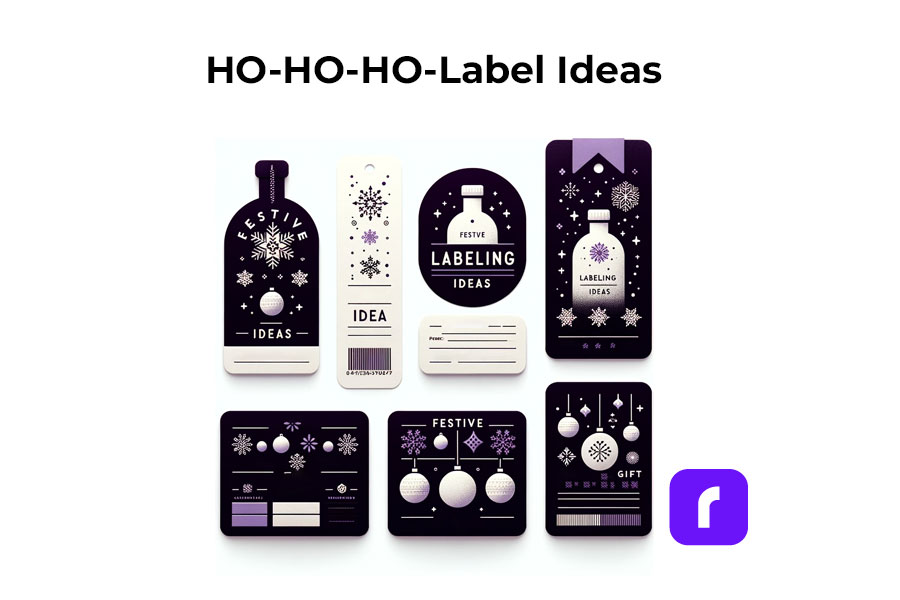
    Festive Labeling Ideas

    Label printers shine the brightest during the holiday season. They offer endless possibilities for creative labeling. You can design custom labels for gift bottles or create unique stickers for candles. The use of label printers extends to crafting personalized address labels, adding a touch of warmth to your holiday mail. With these printers, you can bring a personal touch to every aspect of your festive preparations.

    Festive Label Ideas
    ;

    Personalized Gift Wrapping:

    • ๐ŸŽ Custom Gift Tags: Design and print custom tags for each gift, adding a personal message or the recipient’s name.
    • โ„๏ธ Theme-Based Labels: Create labels that match your holiday theme, such as snowflakes for a winter wonderland or stars for a night-themed party.

    Home Decoration:

    • ๐ŸชŸ Window Stickers: Print festive designs like snowflakes or reindeer to adorn your windows.
    • ๐Ÿช‘ Table Setting Labels: Create name tags for place settings or labels for homemade food items on your holiday table.

    Holiday Cards and Mail:

    • โœ‰๏ธ Address Labels: Design address labels with festive graphics for sending out holiday cards.
    • ๐Ÿ“ฆ Seal Stickers: Make custom stickers to seal envelopes, adding a festive touch.

    Party Favors and Decor:

    • ๐Ÿพ Bottle Labels: Customize labels for wine or beverage bottles served at parties.
    • ๐ŸŽ‰ Party Favor Tags: Create unique tags for party favors, reflecting the holiday spirit.

    Organizing Holiday Supplies:

    • ๐Ÿ›… Storage Bin Labels: Print labels for organizing holiday decorations, making next year’s setup easier.
    • ๐ŸŽ€ Gift Wrap Station Tags: Label compartments or containers at your gift-wrapping station for easy access to ribbons, tags, and paper.

    Children’s Activities:

    • ๐ŸŽจ DIY Sticker Sheets: Print a sheet of holiday-themed stickers for children to decorate and play with.
    • ๐Ÿ“… Advent Calendar Labels: Create numbered labels for a homemade advent calendar filled with treats or activities.

    DIY Crafts and Gifts:

    • ๐Ÿซ™ Jar Labels for Homemade Goodies: Make labels for jars of homemade jams, cookies, or candies, perfect for gifting.
    • ๐Ÿ“• Book Labels: For book gifts, print personalized book labels with a holiday message.

    As you gear up for the festive season, remember that saving on shipping costs is just as important as efficiency. Our Money Saving eBay Shipping Label Guide provides eBay sellers with essential tips to keep shipping expenses low during the busiest time of the year.

    Final Words

    Label printers are more than just a tool; they are a gateway to creativity and efficiency, especially during the festive season. By understanding the different types available, how to choose the right one, and the multitude of ways they can be used, you can transform your labeling tasks into an enjoyable part of your holiday preparations. Remember to consider factors like cost, efficiency, and compatibility to make the most out of your label printer.

    Follow Rollo on:

  • The Ultimate Guide to E-commerce Barcode Printing

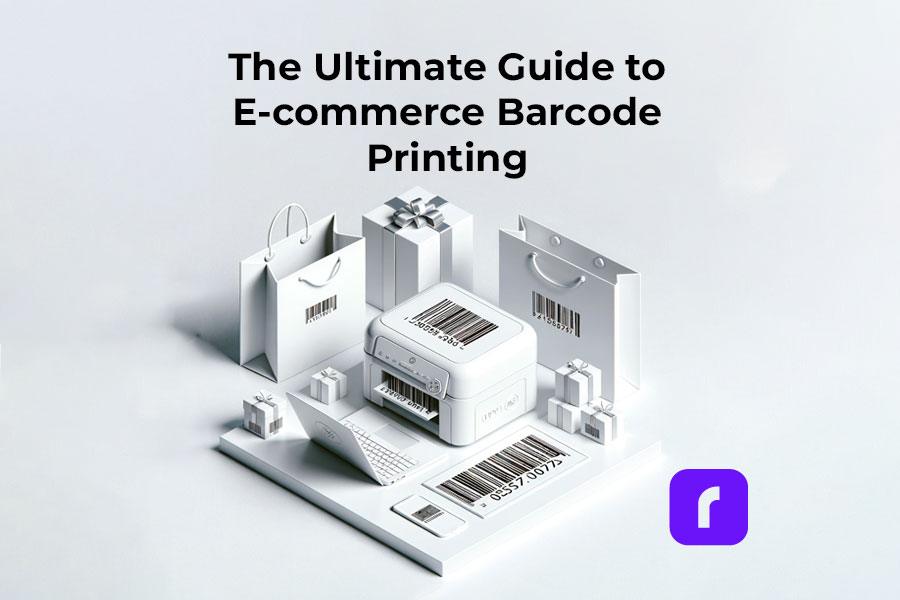
    The Ultimate Guide to E-commerce Barcode Printing

    Barcode printing is an unsung hero in e-commerce, streamlining the shipping process and enhancing efficiency. By reading this comprehensive guide, you can ensure your packages stay on track by following barcode printing standards.

    Overall, your understanding of how to print barcodes for your shipping labels is important for your e-commerce business. So, letโ€™s dive into everything you need to know about barcode printing, all tailored for your e-commerce success.

    Understanding the Basics of Barcodes

    If you have bought a product since the 1970s, you have probably wondered what a barcode means.

    First, a barcode is a scannable image on a product or package composed of inked lines and spaces. Each barcode encodes data in a visual pattern that machines can interpret. This data usually represents something specific about the product, like its type, size, or manufacturer. 

    In the realm of e-commerce and shipping, barcodes play a vital role. They streamline the tracking of inventory, help process orders, and ensure that every item reaches the right destination. 

    By scanning a barcode, businesses can access a wealth of information about the product. This can make processes like checkout, stock management, and shipping faster and more accurate. Barcodes, therefore, are essential tools in modern commerce. They bridge the gap between physical products and digital data for seamless operations.

    Essentially, barcodes are more than just lines on a label; they are a language of efficiency in e-commerce. Understanding the various types can be the first step in your journey to understanding your own shipping labels.

    Here are the types of barcodes you may encounter:

    • UPC Barcodes: Universal and ideal for retail products. This barcode can encode 12 numerical digits and is fairly simple in structure.

    Example of a simple UPC barcode. Credit to: jing.fm. Source: Pinterest

    • QR Codes: A modern and versatile upgrade to the standard barcode which stores more information.

    Example of a simple QR barcode. Credit to: blog.hubspot.com. Source: Pinterest

    • Code 128: Widely used in shipping and packaging, these barcodes can encode letters and numbers.

    Examples of Barcode Type Standards. Credit to: creativemarket.com. Source: Pinterest

    Need more information? Check out our deep dive blog post about what makes up a barcode.

    Each type has its place in e-commerce, and knowing which to use is key to streamline shipping.

    Setting Up Your Barcode Printing Station

    Creating a barcode printing station is simple. A compact, efficient Rollo printer is your cornerstone. Setting up involves plugging in your printer, loading labels, and a few clicks on your computer. A space-saving and powerful tool, Rollo printers make this setup effortless.

    Utilities for Printing Barcodes

    • Rollo Ship: User-friendly and tailored for Rollo printers and the majority of e-commerce platforms.
    • Third-Party Software: Options like Barcode Generator for more basic needs.
    • E-commerce Platforms: Many have built-in barcode printing features.
    • A barcode label printer, ideally a wireless high-resolution one.

    Each utility offers unique features, and your choice will depend on your specific needs.

    HQ barcode and label printing

    Choosing the Right Barcode Labels

    Selecting the right adhesive label is crucial. Materials and sizes vary, each suited for different products. Rollo Printers can print rolls of 2″ x 1″ barcode thermal labels with no need for ink or toner refills ever.

    Don’t worry about printing barcodes again with Rollo Ship
    and our easy-to-use wireless thermal printers!

    Printing Barcodes with Precision and Efficiency

    Rollo printers are synonymous with precision. They produce clear, scannable barcodes, ensuring your packages move smoothly through the shipping process.

    Barcodes for Different Shipping Platforms

    • USPS: Often uses Intelligent Mail barcodes for efficient sorting and tracking.
    • UPS: Prefers MaxiCode barcodes, designed for quick scanning.
    • FedEx: Utilizes PDF417 barcodes, ideal for their tracking system.

    Understanding these differences helps you tailor your barcode printing for each platform, enhancing efficiency.

    Integrating Barcode Printing in Your Shipping Workflow

    Barcodes streamline your workflow, from sorting to track. Adding Rollo printers to your process means embracing efficiency. These printers integrate smoothly, enhancing your workflow without disrupting existing systems.

    Just look at our thermal printer effortlessly printing rolls of barcodes. Wouldn’t that be easy?

    Effortless and seamless shipping label printing. No monthly subscriptions!

    Print & Ship with

    Create custom labels for free!

    Integrate barcodes with your brand labels

    Troubleshooting Common Barcode Printing Issues

    Encountering issues with barcode printing is normal. However, you can easily fix common challenges like print quality and label alignment with simple adjustments. For more complex issues, Rolloโ€™s customer support is ready to assist.

    Here are some frequent problems you may encounter while printing shipping barcodes and how to remedy them:

    If you are experiencing barcode clarity issues while printing with your Rollo printer, kindly refer to this troubleshooting guide:

    Step 1- Check File Quality: Ensure the original file is high quality. Use the provided sample label for testing.
    Step 2 – Printer Settings: If no improvement, adjust your printer’s settings.
    Step 3 – Print Sample Label: Print a 4 x 6 sample label from Rollo Ship to check printer health. This should be printed clearly.

    Potential Issues:
    Label Quality: Use high-quality labels for better prints. Rollo labels are recommended.
    Margins and Size: Ensure the design uses the full label without extra borders to avoid shrinking and fading.

    Darkness and Speed Settings:

    1. For Rollo X1040 Wireless
      Access the Rollo Printer Portal. Connect to the same Wi-Fi as your printer, open the Rollo App, and navigate to Menu > Settings > Default Rollo Printer > Settings. In “Printing Defaults,” adjust darkness and speed settings for better quality.
    2. Rollo X1038 USB Printers – Control Panel on your PC > Devices and Printers > Right-click on Rollo > Printer Preferences > Settings Tab > Adjust Speed and Density. On Mac > Access these settings directly from the print menu > Choose “Printer Default” for Darkness, Print Speed, Feature Sets

    Each of these issues can disrupt the efficiency of barcode use in e-commerce and shipping. Regularly maintaining your printing equipment and using the right materials helps avoid common barcode printing errors.

    A lot of these problems we discussed won’t happen when you let Rollo handle your e-commerce logistics. Save time, money, and trips to the post office with Rollo Ship.

    What About Printing QR Codes?

    QR codes and barcodes are both tools for storing information in a format that machines can read. However, they differ significantly in design and capacity. 

    Traditional barcodes are one-dimensional, consisting of vertical lines that represent data by varying their widths and spacings. They typically store limited information, such as a product number or price. Unlike QR codes, scanners read them in a single direction.

    QR codes, on the other hand, can hold much more data. They can hold URLs, text, or even geographic coordinates. QR codes are a square made up of black and white pixels and smartphones can scan them from any direction.

    This larger storage capacity makes QR codes ideal for a wider range of applications. from marketing and product labeling to digital ticketing and contactless payments.

    As barcodes evolve, so do Rollo printers. From traditional barcodes to advanced QR codes, Rollo equips our printers to handle it all. We keep your business ahead of the curve in the fast-paced e-commerce world.

    Summary

    Barcode printing is a cornerstone of efficient e-commerce shipping. With Rollo’s innovative solutions, it becomes a strategic advantage, streamlining your operations and propelling your business forward. Embrace the future of e-commerce with Rollo โ€“ where efficiency and innovation meet.

    Follow Rollo on:

    ๐Ÿ“Œ Q: Can I print shipping barcodes using a standard office printer?

    ๐Ÿ’ญ A: Yes, but we don’t recommend it. Office printers take a lot of ink and toner, and if you are shipping at any scale, that can get expensive. Plus the ink can smudge and make your package harder to deliver. Try a thermal printer instead, like the ones that Rollo sells.


    ๐Ÿ“Œ Q: Do I need special software to generate barcodes for my products?

    ๐Ÿ’ญ A: Yes, barcode generation requires software or online tools to create scannable barcodes.


    ๐Ÿ“Œ Q: Are there different types of barcodes?

    ๐Ÿ’ญ A: Yes, there are various barcode formats, like UPC or QR codes, each suited for different products and uses.
  • A Seller’s Handbook: Amazon Labels Explained

    A Seller’s Handbook: Amazon Labels Explained

    Navigating the vast landscape of selling on Amazon, one quickly realizes the paramount importance of Amazon labels. They are the vital connectors between your products and your customers, ensuring that each item reaches its rightful owner without a hitch. Whether it’s the standard Amazon shipping label attached to every package or the intricate Amazon barcode labels that help identify and track your products, understanding their significance is essential for every seller.

    Moreover, in the era of digital technology, manual methods of printing and managing labels are increasingly being deemed obsolete. Enter Rollo: a game-changer in the realm of label printing. With the Rollo shipping label printer and the Rollo Ship platform, sellers can streamline their Amazon label printing process, ensuring accuracy and efficiency every step of the way.

    So, if the labyrinth of Amazon labels leaves you bewildered or if you’re eager to harness the power of Rollo to simplify your selling on Amazon, you’ve landed on the right guide. Dive in as we unravel the intricacies of Amazon labels and showcase how Rollo can be your trusted ally in mastering them.

    What Are Amazon Labels?

    Amazon labels serve as the unique identifier for your product; think of it as an ID card that provides essential information for inventory management, shipping, and even customer returns. Neglecting this “ID card” or getting its details wrong could lead to logistical nightmares and unsatisfied customers, which no seller can afford.

    Each of these labels plays a unique yet interconnected role in the broader Amazon ecosystem. ASIN labels ensure your product can be uniquely identified; FBA labels assist in inventory management within Amazon’s vast warehouses, and Shipping Labels ensure that the product reaches the customer promptly and accurately.

    Label TypeDescriptionImportance
    ASIN LabelContains the Amazon Standard Identification NumberProduct identification
    FBA LabelUsed for Fulfilled by Amazon servicesSorting and shipping
    Shipping LabelContains shipping detailsPackage tracking

    Understanding these labels isn’t just Amazon policy; it’s good business practice that can streamline your operations and improve customer satisfaction.

    What Is An Amazon Shipping Label?

    At first glance, an Amazon shipping label might seem like a simple piece of paper slapped onto your package, but it’s much more than that. In essence, this label is the passport for your product’s journey from your warehouseโ€”or Amazon’sโ€”to the customer’s doorstep. Think of it as the “mission control” for each of your shipments. So what does it include, and why is it so essential?

    Key Components of Amazon Shipping Labels:

    ๐Ÿ“จ Sender’s Address: Your business or return address, ensuring the package can be sent back if there are delivery issues.

    ๐Ÿ“ฉ Recipient’s Address: Detailed information on where your product is headed.

    โš–๏ธ Package Weight: Helps carriers determine shipping costs and the best transport method.

    ๏ธ๏ธ๏ธ๏ธ๏ธ๏ธ๐Ÿ“ Tracking Number: A unique code that allows both the seller and the customer to monitor the package’s journey.

    Getting this label right is non-negotiable for efficient operations and happy customers. A mistake in the Amazon shipping label can result in delays, lost packages, and ultimately, unhappy customers. That's why it's vital to have a reliable method for generating and printing these Amazon labels, especially for brands sold in Amazon's store.

    Enter Rollo Thermal Label Printers: A Game Changer for Amazon Labels

    If you’re looking for an effortless, accurate, and efficient way to manage your Amazon labels, then look no further than Rollo thermal label printers. Specifically designed for high-volume sellers who need a dependable solution for their Amazon label printing, Rollo is a game-changer in several ways:

    Rollo Ship App

    This companion app makes the entire process seamless. With the ability to consolidate orders from various marketplaces including Amazon, it’s an all-in-one solution for your shipping needs. And the best part? The cost per Amazon shipping label is just 5 cents, waived for your first 200 labels!

    By making the task of creating Amazon labels, particularly Amazon shipping labels, a breeze, Rollo label printers empower sellers to focus more on growing their business and less on logistical challenges. So if you’re serious about selling on Amazon, investing in a Rollo thermal printer for your Amazon labels might just be the smartest move you make this year.

    What Size Are Amazon FBA Labels?

    When it comes to selling on Amazon through their Fulfilled by Amazon (FBA) program, even the seemingly minor details like the size of your Amazon FBA labels can make a significant difference. So, what size should your FBA labels be, and why does it matter so much?

    Standard Size for Amazon FBA Labels:

    The universally accepted standard size for Amazon FBA labels is 1 inch by 2 5/8 inches. This dimension is neither too large to crowd your package nor too small to risk being unscannable.

    Why The Size Matters:

    ๐Ÿ”Ž Scannability:

    The labels must be easily scannable. Amazon’s fulfillment centers use these labels to track and manage inventory. A label that is too small may not scan properly, leading to delays or errors in the handling of your product.

    ๐Ÿ•ต๏ธ Product Identification:

    Amazon FBA labels are essential for differentiating your products from similar items in the Amazon fulfillment center. An incorrect label size could mean your product gets lost in the shuffle.

    ๐Ÿ‘๏ธ Visibility:

    The label size must be big enough to be easily seen but not so big that it obstructs other vital information on the packaging.

    ๐Ÿ“– Adherence to Amazon Guidelines:

    Failing to comply with Amazon’s label size guidelines can result in complications such as fines, or your inventory might be marked as unfulfillable.

    Standard FBA Label SizeAlternative Sizes
    1″ x 2 5/8″Custom sizes that are scannable

    Alternative Sizes:

    Though the standard size is most commonly used, Amazon allows for flexibility in the label size as long as they fit well on the product package and are easily scannable. Alternative dimensions should still comply with Amazon’s guidelines for label quality to ensure your products move smoothly through Amazon’s fulfillment network.

    How to Print Amazon Labels

    Printing Amazon labels is easy. If youโ€™re using Amazon Seller Central, you simply go to your inventory, select the items you need labels for, and choose ‘Print Labels’. You can use regular printers for this, but a dedicated label printer like Rollo can make the process much more efficient.

    StepAction
    1Go to Amazon Seller Central and navigate to Inventory
    2Select items requiring labels
    3Use a dedicated label printer like Rollo for the best results
    4Use a dedicated label printer like Rollo for best results

    How to Connect Amazon to the Rollo Ship App

    If you’re looking to streamline your management of Amazon labels, Rollo can help. You can easily connect Amazon to Rollo Ship to print your labels directly and even get notified when new orders are in. Here’s how:

    On Rollo Ship Mobile App:

    ๐Ÿพ Step 1: Launch the Rollo App and log in

    ๐Ÿพ Step 2: Tap the Menu icon at the top left

    ๐Ÿพ Step 3: Choose “Connections” > “Selling Channels”

    ๐Ÿพ Step 4: Press “ADD NEW” and select Amazon

    ๐Ÿพ Step 5: Define Amazon order sources

    ๐Ÿพ Step 6: Select how Rollo should identify your products (e.g., SKU)

    ๐Ÿพ Step 7: Click on Connect and enter your Amazon credentials

    How to connect Amazon to Rollo Ship and print Amazon labels

    On Rollo Ship Web:

    ๐Ÿพ Step 1: Log in to Rollo Ship

    ๐Ÿพ Step 2: Click “Connection” > “Selling Channels”

    ๐Ÿพ Step 3: Find and click the Amazon logo

    ๐Ÿพ Step 4: Define Amazon order sources

    ๐Ÿพ Step 5: Select product identification method

    ๐Ÿพ Step 6: Click on Connect and input your Amazon details

    Using Rollo Ship alongside Amazon streamlines your shipping process, saving time and reducing errors. By ensuring that your labelsโ€”be they ASIN, FBA, or shippingโ€”are accurately printed and applied, you’ll enhance efficiency, improve customer satisfaction, and potentially boost your sales on the platform.

    The best part? As soon as you print a label, Amazon gets notified with the tracking number.

    NO MONTHLY SUBSCRIPTIONS.

    The first 200 shipping labels (Amazon labels) are on us.

    Every next label is just 5 cents.

    Schedule pickups, consolidate orders, and print bulk labels.

    Up to 90% off UPS, FedEx, and USPS shipping.

    What Are Amazon ASIN Labels?

    An Amazon Standard Identification Number (ASIN) is a 10-character unique identifier assigned by Amazon. ASIN labels specifically contain this number and are vital for tracking and inventory management on the platform.

    Importance of ASIN LabelsWhy Use Them
    Inventory ManagementMakes sorting easier and more accurate
    TrackingSimplifies locating items in Amazon’s vast warehouses

    How To Print Amazon ASIN Labels

    If you’re wondering how to get those ASIN labels onto your products, the process is relatively straightforward. Here are the steps to print ASIN labels from Amazon Seller Central:

    StepAction
    1Log into Amazon Seller Central
    2Go to the Inventory menu
    3Select the items that need ASIN labels
    4Choose ‘Print Item Labels’
    5Use a label printer like Rollo for quick and efficient printing

    How Do I Create an Amazon ASIN?

    Creating an ASIN is a part of the process when you list a new product on Amazon. You’ll go through a product listing procedure in your Seller Central account, where an ASIN will be automatically generated for your new item. Here’s how:

    StepAction
    1Log into Amazon Seller Central
    2Click ‘Add a Product’
    3Complete the product listing form
    4An ASIN is generated once the listing is complete

    What Labels Do You Need for Amazon?

    There is a variety of labels that you might need, depending on what you’re selling and how you’re fulfilling orders. These labels are essential for products sold in Amazon’s store, especially for small businesses partnering with Amazon. In general, you will require:

    • ASIN Labels for product identification
    • FBA Labels if you’re using Fulfilled By Amazon
    • Shipping Labels for sending out your products
    Label Type NeededWhen It’s Required
    ASIN LabelsAlways for product identification
    FBA LabelsWhen using Fulfilled By Amazon services
    Shipping LabelsFor all outgoing shipments

    What Size Are Amazon Shipping Labels?

    When you are in the business of selling on Amazon, understanding the ins and outs of Amazon labels can be a game-changer. One of the vital components that often raises questions is the size of Amazon shipping labels. Here’s what you need to know.

    Small businesses partnering with Amazon must ensure their shipping labels are the correct size to guarantee accurate delivery of their products.

    Standard Size of Amazon Shipping Labels:

    Amazon shipping labels typically adhere to a standard size of 4×6 inches. This dimension is universally accepted and compatible with most shipping carriers, ensuring a smooth delivery process.

    Why the Standard Size Matters

    ๐Ÿ“ฆ Compatibility with Shipping Carriers:

    The 4×6-inch Amazon shipping label is recognized and preferred by major shipping carriers. This means less hassle for you and faster processing of your shipments.

    ๐Ÿ‘“ Legibility:
    At 4×6 inches, the label is large enough to clearly display all essential information, like the recipient’s and sender’s address, package weight, and tracking number, ensuring there are no delays in the shipping process.

    ๐Ÿ–จ๏ธ Easy to Print:

    The 4×6-inch format fits most label printers, including thermal printers and inkjet printers, making it convenient for sellers to print labels.

    ๐Ÿ“ Fits Various Packages:
    This size is versatile enough to fit on different types of packaging, from small boxes to large parcels, without overwhelming the look or crowding necessary information.

    label printer for Amazon labels

    Rollo Label Printer Makes it Easy:

    If you are looking for a reliable way to print your Amazon shipping labels, consider using a Rollo label printer. Its compact design is perfect for any workspace, and its intelligent label detection feature ensures that your Amazon labels come out perfectly every time. With Rollo, you can effortlessly print out your 4×6-inch Amazon shipping labels, streamlining your shipping process.

    Understanding the nuances of Amazon shipping label sizes can save you from a lot of potential headaches down the road. Stick to the standard, especially when you’re just starting, to ensure that your shipping process is as smooth as possible.

    PRINT AMAZON LABELS WIRELESSLY.

    From any device, any app, or any file.

    What Kind of Labels Do I Need for Amazon FBA?

    For FBA, you need both ASIN and FBA labels. The ASIN labels are for individual products, and FBA labels are used to identify boxes in Amazon’s fulfillment centers.

    FBA labels are essential for small business brands sold in Amazon’s store to ensure their products are managed efficiently.

    FBA Label RequirementDescription
    ASIN LabelsFor individual items
    FBA LabelsFor shipping and sorting in Amazon’s warehouses

    Do I Need a Printer to Sell on Amazon?

    While you don’t necessarily need a printer to sell on Amazon, having one becomes crucial when you consider the importance of labels for efficient selling and shipping. If you are selling products that require labeling or if you are shipping the products yourself, a printer will be invaluable. Additionally, having a printer allows small businesses partnering with Amazon to reach their customers more efficiently by ensuring accurate label printing.

    Why a Printer is HelpfulDescription
    Efficient LabelingQuickly print ASIN, FBA, and shipping labels
    Professional AppearanceClean and clear labels look more professional
    Streamlined ShippingSpeed up the shipping process with ready labels

    What is the Best Printer for Amazon Labels?

    For consistent and efficient label printing, Rollo is an excellent choice. Compatible with a range of devices, Rollo label printers are adept at printing various Amazon labels, ensuring they come out clear and precise every time.

    Using a reliable printer like Rollo ensures that small business brands sold in Amazon’s stores can hear from their customers about timely deliveries and accurate labeling.

    Printer FeaturesWhy It’s Useful
    Direct Thermal PrintingNo need for ink which saves on long-term costs
    Intelligent Label DetectionEfficiently identifies and prints without manual input
    Wireless ConnectivityPrint from multiple devices, anywhere in your workspace
    SpeedProduces one label per second, making it suitable for bulk orders

    How Do I Create a Shipping Label on Amazon?

    Creating a shipping label on Amazon is straightforward.
    Here’s a brief guide:

    ๐Ÿพ Step 1: Log into your Amazon Seller Central account

    Shop products from small businesses

    in Amazon’s store by ensuring accurate shipping labels, which build customer confidence.

    ๐Ÿพ Step 2: Navigate to the ‘Orders’ section

    ๐Ÿพ Step 3: Choose the order for which you want to create a label

    ๐Ÿพ Step 4: Click on ‘Buy Shipping’

    ๐Ÿพ Step 5: Select your preferred carrier and shipping method

    ๐Ÿพ Step 6: Confirm details and print the label

    Final Thoughts

    Understanding and efficiently managing Amazon labels is crucial for sellers. From identifying products with ASIN labels to ensuring shipments are accurately labeled, this knowledge will streamline your operations. Combining Amazon’s robust selling platform with Rollo’s efficient label printing capabilities can set you up for immense success.

    We hope this guide helps you in your Amazon selling journey. Remember, the right tools and knowledge are your stepping stones to success!

    Follow Rollo on:

    Frequently Asked Questions about Amazon Labels:

    ๐Ÿ“Œ Q: Does Amazon Offer Shipping Labels?


    ๐Ÿ’ญ A: Yes, Amazon offers shipping labels that you can print directly from your Seller Central account. These labels contain crucial information for shipping, including the carrier’s details and tracking number.


    ๐Ÿ“Œ Q: Does Amazon Provide Shipping Labels for Returns?

    ๐Ÿ’ญ A: Yes, Amazon provides return shipping labels for items that qualify for returns. When a customer initiates a return, they can print this label directly from their Amazon account to send the product back.
  • The Barcode Label: Decoded

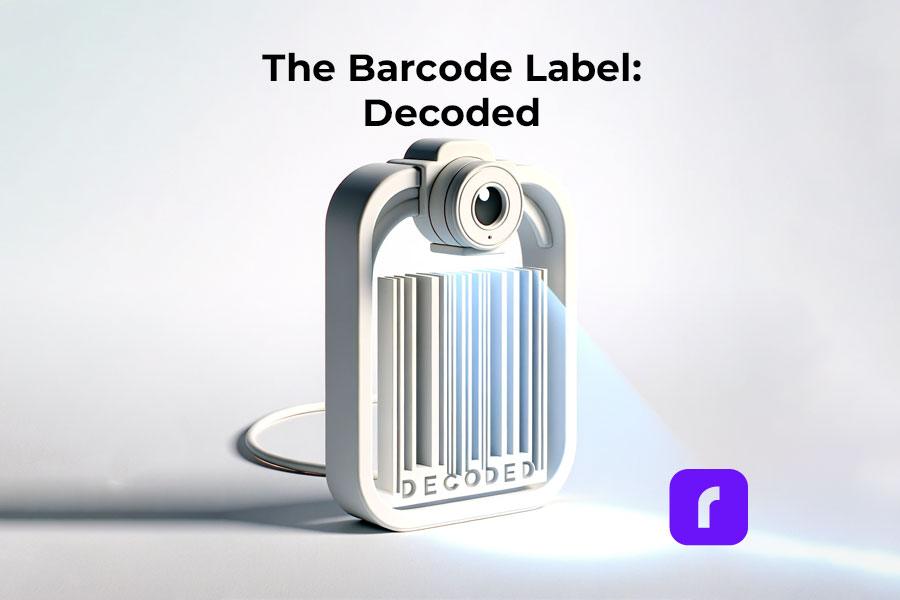
    The Barcode Label: Decoded

    In the era of rapid technology development, businesses are constantly seeking tools to optimize and streamline their operations. Barcode labels, an often overlooked aspect of inventory management and product distribution, are critical for efficient business operations. This article will dive into the significance of barcode labels, their various types, uses, and how to create them.

    What Is a Barcode Label?

    A barcode label is a tool for representing data in a way that machines can easily read. It consists of parallel lines of varying widths and spacings, with each line or space, including its bar width, representing a specific number. A barcode label can be attached to items, and with the use of a barcode scanner, the data can be read and recorded efficiently.

    Barcode Label Database

    Why Barcodes Are Important?

    Barcodes are an essential part of modern business operations, making tasks faster, and more efficient, and reducing the chance of human error. They simplify tracking, managing inventory, pricing, and a host of other operations that would otherwise be labor-intensive and prone to mistakes.

    While there are various types of barcode formats, the most common is the Universal Product Code (UPC), a standard used worldwide for tracking consumer goods. The UPC is a numeric-only barcode and includes a manufacturer’s unique company number and a product number.

    The Types of a Barcode Label

    There are several types of barcode labels, but the most common are linear barcodes and 2D barcodes. Businesses can choose between printed or blank barcode labels depending on their needs. Linear barcodes are one-dimensional and can be read in a single direction. They are typically used in retail and warehouse environments. On the other hand, 2D barcodes, such as QR codes, store information horizontally and vertically, allowing for greater data storage.

    Barcode Label Standards

    There are specific standards for barcode labels to ensure they’re uniform and readable worldwide. These standards include size, color, location of the product, and print quality. Organizations such as the GS1 and the ISO have set these standards to ensure global compatibility.

    Uses of Barcode Labels

    Creating and Printing A Barcode Label

    Navigating The Creation and Printing of Barcode Labels

    ๐Ÿ“Œ Can I Print My Own Barcode Label?

    Yes, you can print your own barcode label. All you need is a barcode printer, label software to create the barcode, and the correct label material. This makes the process cost-effective and efficient, especially for small businesses that require flexibility in their operations.

    ๐Ÿ“Œ How to Put a Barcode on a Label?

    Creating a barcode label involves generating the barcode using specialized software, inputting the data you want to be encoded, and printing it on the label using a barcode printer. You can also include other essential information on the label, like the product’s name and price.

    ๐Ÿ“Œ How to Make a Barcode Label for Free?

    There are online tools available that allow you to create barcode labels for free. All you have to do is input the data you want to encode, select the type of barcode you want to use, and the tool will generate the barcode for you. You can then download and print the barcode label.

    Barcode Labels for Business and Product Distribution

    ๐Ÿ“Œ Do I Need a Barcode to Sell My Product?

    Having a barcode on your product is not legally required but is practically essential. It simplifies inventory management, and pricing, and is usually a requirement by most retailers and online platforms like Walmart.

    Barcode Labels for Business and Distribution

    ๐Ÿ“Œ How Do I Set Up a Barcode for My Small Business?

    Setting up a barcode for your business involves getting a unique company prefix from an organization like GS1, deciding what type of barcode you want to use, and purchasing a barcode printer or using a barcode printing service.

    ๐Ÿ“Œ Do I Need a Barcode to Sell on Walmart?

    Yes, Walmart requires all products sold on their platform to have a barcode. This is to streamline their inventory management and ensure accurate pricing.

    How Rollo Barcode Labels Help You Budget

    ๐Ÿ“Œ How Much Does a Barcode Label Cost?

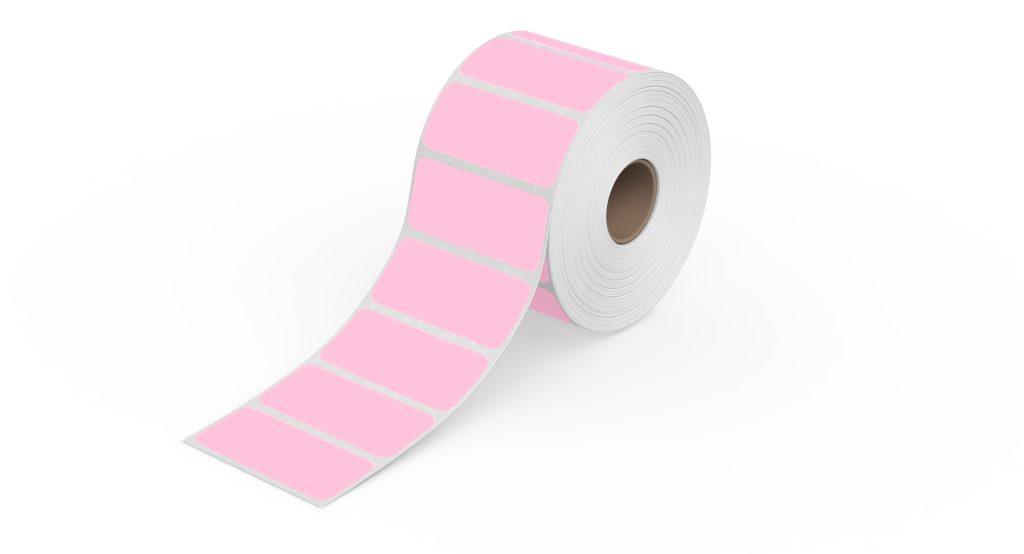
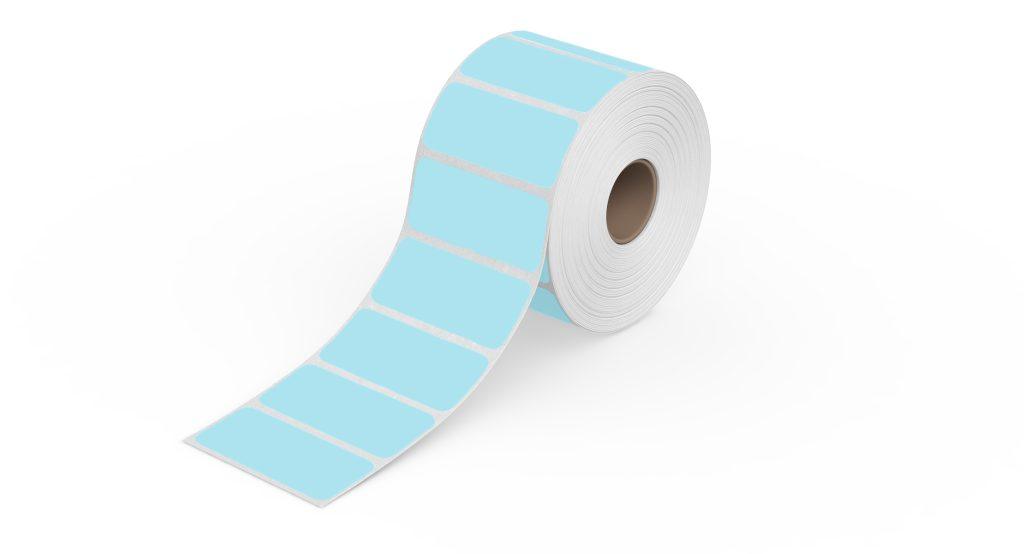
    The cost of a barcode label varies depending on the size, type, and quantity. However, a good deal is available with Rollo barcode labels. For just $9.99, you can get a 1,000-piece thermal barcode label roll. These labels are 2×1 inches, perfect for barcodes and inventory tags. They’re compatible with FBA FNSKU / ASIN Barcodes and come in an array of colors: green, blue, yellow, white, pink, and purple.

    *FBA FNSKU Barcode is a barcode used by Amazon and stands for Fulfillment by Amazon (FBA) Fulfillment Network Stock Keeping Unit (FNSKU)
    *ASIN Barcode is another Amazon-used code and stands for: Amazon Standard Identification Numbers

    Rollo Barcode Label in Pink

    Get Organized. Stay Creative.

    Thermal. Colorful. Eco.

    Barcode Labels

    ๐Ÿ“Œ Is It Cheaper to Print Your Own Labels or Buy Them?

    With Rollo, you can generate custom QR codes or barcodes on a thermal label for FREE with the Rollo Label Design app. There is more, you can print these barcodes directly on thermal labels like the ones provided by Rollo in size 2×1 inches and specialized for barcodes. The high number of labels per roll makes it cost-effective no matter the size of your printing job.

    โš ๏ธ Rollo barcode labels are perfect for inventory if you seek quality and are on a budget. Available in various colors, this barcode label roll is enough for 1,000 barcode labels!

    Rollo 2x1 Thermal Barcode Label in Blue

    Barcode Advantages

    Barcode technology has revolutionized inventory management and tracking, pricing, and a host of other applications across various industries. Here are the key advantages of using barcodes:

    Remember, the effectiveness of barcode labels depends on the quality of the labels themselves. It’s crucial to use high-quality labels, like Rollo barcode labels, to ensure the most accurate and efficient scanning.

    AdvantagesDisadvantages
    โœ… Speed and Efficiencyโ›” Readability Issues
    โœ… Accuracyโ›”Dependence on Specialized Devices
    โœ… Cost-Efficiencyโ›” Limited Data Storage
    โœ… Versatilityโ›” Technical Issues and Errors
    โœ… Improved Inventory Controlโ›” Standardization and Compatibility Issues
    โœ… Easy Implementation
    โœ… Scalability

    While the disadvantages represent potential challenges, the substantial benefits of barcode systems generally make them a worthwhile investment for businesses. Plus, many of these challenges can be addressed through proper implementation and use of barcodes.

    Barcode Label Disadvantages

    While barcodes undeniably bring a host of benefits and efficiencies to businesses, they do come with their own set of drawbacks. It’s essential to understand these potential challenges to effectively implement barcode systems and make the most out of their use. Let’s delve deeper into some of the potential disadvantages of barcodes.

    Despite these disadvantages, it’s crucial to note that the benefits of using barcode labels in most businesses significantly outweigh these challenges. And with technological advances, many of these issues are continually being addressed and mitigated. For instance, the advent of smartphones as barcode scanners provides a cost-effective alternative to traditional scanners, and improvements in print quality have reduced the incidence of unreadable barcodes. Thus, understanding these drawbacks simply aids in better implementation and optimal use of barcode systems.

    Barcode and Inventory Management

    Today, we live in a digital world where our smartphones have become an extension of ourselves, streamlining many of our day-to-day activities. This convenience also extends into the realm of inventory management. Did you ever imagine that your iPhone could double as a barcode scanner for managing inventory? Well, it can, and it’s as impressive as it sounds!

    Thanks to a myriad of handy apps, your iPhone can easily morph into a compact, easy-to-use scanner, eliminating the need for chunky, expensive, standalone barcode scanners. This means that an essential tool for your business could be sitting right there in your pocket.

    So, how does this magic happen?

    Well, these smart apps utilize your iPhone's camera to snap the barcode labels and interpret the barcode's distinct, parallel lines into a language that the software understands. This captured data then integrates seamlessly with your inventory management system, helping to mitigate the risk of errors that manual data input can bring.
    Embracing your iPhone as a barcode scanner can work wonders for your business. Not only does it significantly cut down the time spent on inventory management tasks and save on hardware investments, but it also brings a level of flexibility to accessing and updating your inventory data. Plus, the ubiquitous familiarity with smartphones makes the transition to using such apps relatively smooth for most people.

    The Barcode Label Printer You Need

    The perfect solution to your barcode printing needs is closer than you think. If you’re seeking efficiency, accuracy, and ease of use, then you should seriously consider the Rollo barcode printers. Rollo has two top-of-the-line models designed to cater to various needs โ€“ the Rollo Wireless and the Rollo USB. Both of these barcode label printer models are designed with businesses in mind, streamlining the process of printing barcode labels and optimizing your inventory management system.

    Barcode labels can be printed on various materials, including paper.

    The Rollo Wireless is a high-speed wireless thermal label printer that offers the convenience of printing from any device wirelessly. This AirPrintยฎ enabled printer allows you to print high-quality barcode labels through your Wi-Fi using your computer, laptop, phone, or tablet. It boasts compatibility with a vast array of platforms including Amazon, Etsy, eBay, Shopify, PayPal, and more, making it a versatile tool in any retail or warehouse setting. This printer also supports a variety of operating systems – Mac, Windows 10+, iPhone, iPad and Android devices, Linux, and Chromebook – ensuring seamless integration with your existing systems. With a 203 dpi resolution, your barcodes will be crisp, clear, and easy to scan.

    Go Wireless, Be Effortless

    Print Barcodes

    with Rollo Wireless!

    On the other hand, if you prefer a wired connection, the Rollo USB is your go-to option. This advanced direct thermal printer delivers high-speed printing at 150mm/s, equating to one shipping label per second. It eliminates the need for toner or ink with its direct thermal technology, saving you the hassle of regular replacements and reducing your operating costs. This barcode label printer is compatible with all marketplaces and works efficiently with both Windows (XP and newer) and Mac (10.9 and newer) operating systems.

    Stay Wired

    Print Barcodes with

    Rollo USB Barcode Printer!

    Whether you opt for the Rollo Wireless or the Rollo USB, both models can efficiently print barcodes and QR codes using a 2×1 barcode label roll. However, please note that for roll labels, you’ll need a label holder, while a label holder is not necessary for fanfold labels. Whichever model you choose, Rollo ensures top-notch performance, reliability, and ease of use, making your barcode label printing tasks a breeze.

    The Rollo barcode printer models are designed to make your life easier and your business operations more efficient. They provide an excellent return on investment through their durability, low operating costs, and superior printing capabilities. Choose Rollo, and take your barcode label printing to the next level.

    How to Print Barcode Labels on Rollo

    Printing barcode labels with Rollo printers, whether you are using the Rollo Wireless or the Rollo USB, is straightforward.

    HOW TO PRINT BARCODE LABELS ON ROLLO WIRELESS?

    ๐Ÿ“ฆ ๐Ÿ”Œ Step 1: Unbox the printer and set up the Rollo wireless printer according to the manufacturer’s instructions.

    For a detailed video on how to set up your wireless barcode printer, visit: https://staging.rollo.com/wireless/


    ๐Ÿ’ป ๐Ÿ“ฑ Step 2: Connect your device (PC, Mac, tablet, or smartphone) to the same Wi-Fi network as your Rollo printer.


    ๐ŸŒ Step 3: Add the Rollo printer to your device’s list of printers.

    On a Mac, go to Settings > Printers > Click on โ€œ+โ€ to add Printer > Choose Rollo X1040.
    On a PC, visit Start Menu > Printers & Scanners > Click on โ€œAdd a printer or scannerโ€ > Choose Rollo X1040.


    ๐Ÿ–จ๏ธ Step 4: Set up the labels in your Rollo printer.

    Press the side release button to open the cover and remove any labels inside.
    Adjust the purple guides to match the width of your new label, then close the cover.
    Feed the new labels from the back of Rollo. Make sure the label you peel off is facing up (toward the ceiling).
    Rollo will now learn your labels.


    ๐ŸŽ€ Step 5: Rollo supports 4″ x 6″, 2″ x 1″, and 2″ round labels by default. If you need to use a custom label size, you can add it via the Rollo Printer Portal.


    Thus, your barcode labels will be easily detected. If you experience any issues with printing, check the troubleshooting tips and support library.


    ๐ŸŽ‰ Step 6: With your label set up and your Rollo printer connected to your device, you can now print your barcode labels.

    Sign up for free for the Rollo Label Design app to create QR codes and custom barcodes in ready-to-print barcode label settings.


    HOW TO PRINT BARCODE LABELS ON ROLLO USB?

    ๐Ÿ“ฆ ๐Ÿ”Œ Step 1: Unbox your Rollo USB printer and connect it to a power source.


    ๐Ÿ’ป Step 2: Install your labels into the printer for it to recognize them. Follow the same label setup steps as above.


    ๐Ÿ“ฅ Step 3: Download and install the necessary drivers for the Rollo USB printer.

    For direct access to Rollo drivers, please, visit: https://staging.rollo.com/setup-usb/ > “Install Driver”


    โœ๏ธ Step 4: Create your custom QR code or barcode using the Rollo Label Design Tool. This tool is free to use.

    Sign up for free and take advantage of the free label templates and custom label designs.


    ๐ŸŽ‰ Step 5: Print your barcode labels directly from the Rollo Label Design Tool.

    By following these steps, you’ll be able to seamlessly print your barcode labels using either the Rollo Wireless or Rollo USB printers.

    Create Barcodes and Print Them Directly with Rollo

    Generate QR Codes &

    Barcode Labels

    FOR FREE

    Conclusion

    In conclusion, barcode labels are an integral part of modern business operations. Understanding their importance, how to create and use them, and their implications on cost and registration can give you a competitive edge in managing your business. Notably, quality barcode labels like Rolloโ€™s provide a perfect blend of price and quality, ensuring smooth operations for your business.

    Follow Rollo on:

    ๐Ÿ“Œ How Do I Register a Barcode for My Product?

    You can register a barcode for your product through organizations like GS1. They provide unique company prefixes, ensuring your barcodes are globally unique.


    ๐Ÿ“Œ Do Barcodes Need to Be Registered?


    Registration of barcodes isn’t legally required but is strongly advised. It ensures your barcodes are unique and prevents conflicts with other companies.


    ๐Ÿ“Œ Can I Sell a Product Without a Barcode?

    While it’s possible to sell a product without a barcode, it is generally not advisable, especially for retail products. Most retailers require barcodes for inventory and pricing purposes.


    ๐Ÿ“Œ How Do I Create a SKU Barcode?


    Creating a SKU barcode involves encoding your SKU (Stock Keeping Unit) number into the barcode. This number is unique to each item in your inventory, making it easier to track individual products.